
Samsung smartphones provide a range of navigation styles to accommodate diverse user preferences. While some users prefer the modern swipe gestures, others value the familiarity of traditional two or three-button navigation. However, a subset of users who favor these traditional styles seeks the ability to hide the navigation bar when it’s not in use. This article aims to guide you on automatically concealing the navigation bar on your Samsung device, offering a smooth and convenient user experience. By addressing this need, users can enjoy an uncluttered interface, combining their preferred navigation style with the flexibility of hiding the navigation bar when desired.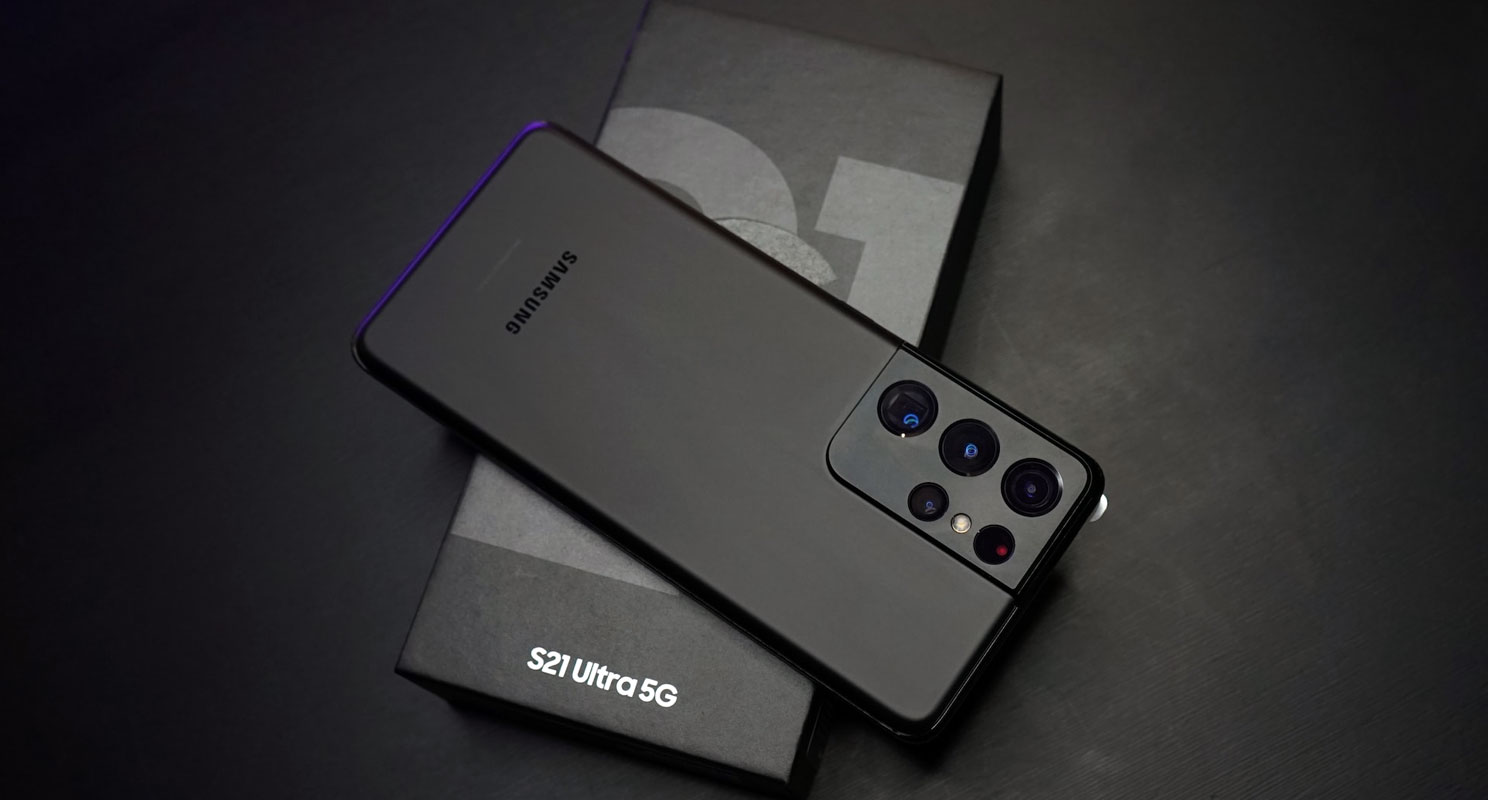
Automatically Concealing the Navigation Bar on Samsung
- Download and install Good Lock from the Galaxy App Store.
- Begin by launching the Galaxy App Store on your Samsung device.
- Search for “Good Lock” and proceed to install it.
- Install Nav Star using Good Lock.
- Once Good Lock is installed, open the application and install Nav Star from within the Good Lock interface.
- Access Advanced Options and Enable Show and Hide Button.
- After installing Nav Star, launch the application.
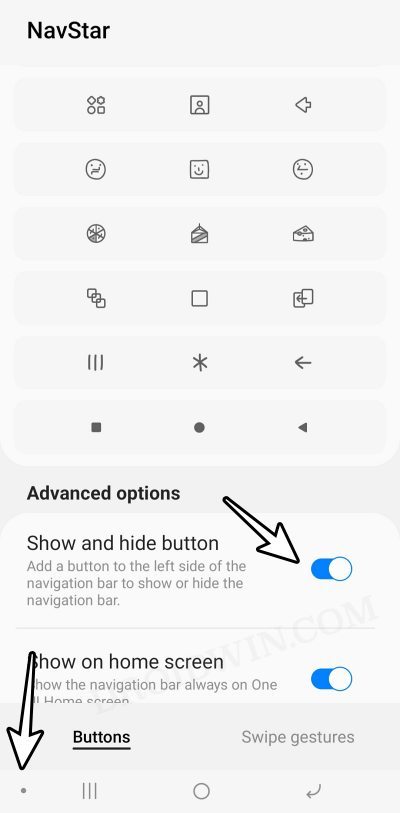
- Navigate to the Advanced Options within Nav Star and enable the “Show and Hide Button” feature.
- Utilize the Show and Hide Button
- A small dot will now appear at the bottom left of the navigation bar.
- Use this dot as a button to hide or show the navigation bar according to your preference.
Following these uncomplicated steps, you can effortlessly conceal the navigation bar on your Samsung device, delivering a neat and engaging user interface.

FAQs
Can I revert to the default navigation bar display?
Indeed, you can effortlessly switch back to the standard navigation bar view by accessing the Show and Hide buttons and choosing the suitable setting.
Will hiding the navigation bar affect any functionality?
No, hiding the navigation bar does not affect the functionality of your Samsung device. You can always access the navigation bar using the Show and Hide buttons.
Is Good Lock available for all Samsung devices?
Good Lock is compatible with select Samsung devices. Ensure your device is supported before attempting to install the application.
Can I customize the appearance of the Show and Hide Button?
Currently, customization options for the Show and Hide buttons are limited to their visibility and position on the navigation bar.
Is Good Lock a free application?
Good Lock is a free application from the Galaxy App Store.
Wrap Up
Simplifying and enhancing the user experience, Good Lock and Nav Star presents an easy and convenient way to hide the navigation bar on your Samsung device. This customization feature allows users to keep the navigation bar hidden when unnecessary, contributing to a cleaner and more immersive interface. Seamlessly integrating this functionality will enable users to enjoy an uncluttered screen, allowing the content to take center stage. Beyond the practical advantage of decluttering, this customization positively impacts the overall usability and aesthetics of the device. It aligns with modern design preferences and user expectations, granting users greater control over their display and ultimately leading to a more satisfying and enjoyable interaction with their Samsung smartphone.

Selva Ganesh is a Computer Science Engineer, Android Developer, and Tech Enthusiast. As the Chief Editor of this blog, he brings over 10 years of experience in Android development and professional blogging. He has completed multiple courses under the Google News Initiative, enhancing his expertise in digital journalism and content accuracy. Selva also manages Android Infotech, a globally recognized platform known for its practical, solution-focused articles that help users resolve Android-related issues.