
If you are a rare Uber Cab user, You don’t need to Install the app. It is not apparent that you must have the Uber mobile app installed on your smartphone before you can use any service offered by Uber. Before now, even when on PC, it is impossible to book a taxi with Uber using a web-browser just like Ola; this is because Uber does not have any web-client app. However, things are now more accessible, and you can now place your Uber bookings without going to your phone to launch the mobile app. This app-less Uber booking does not seem to be available in all countries/regions. However, it has been confirmed in India that this method works efficiently for booking without a mobile app.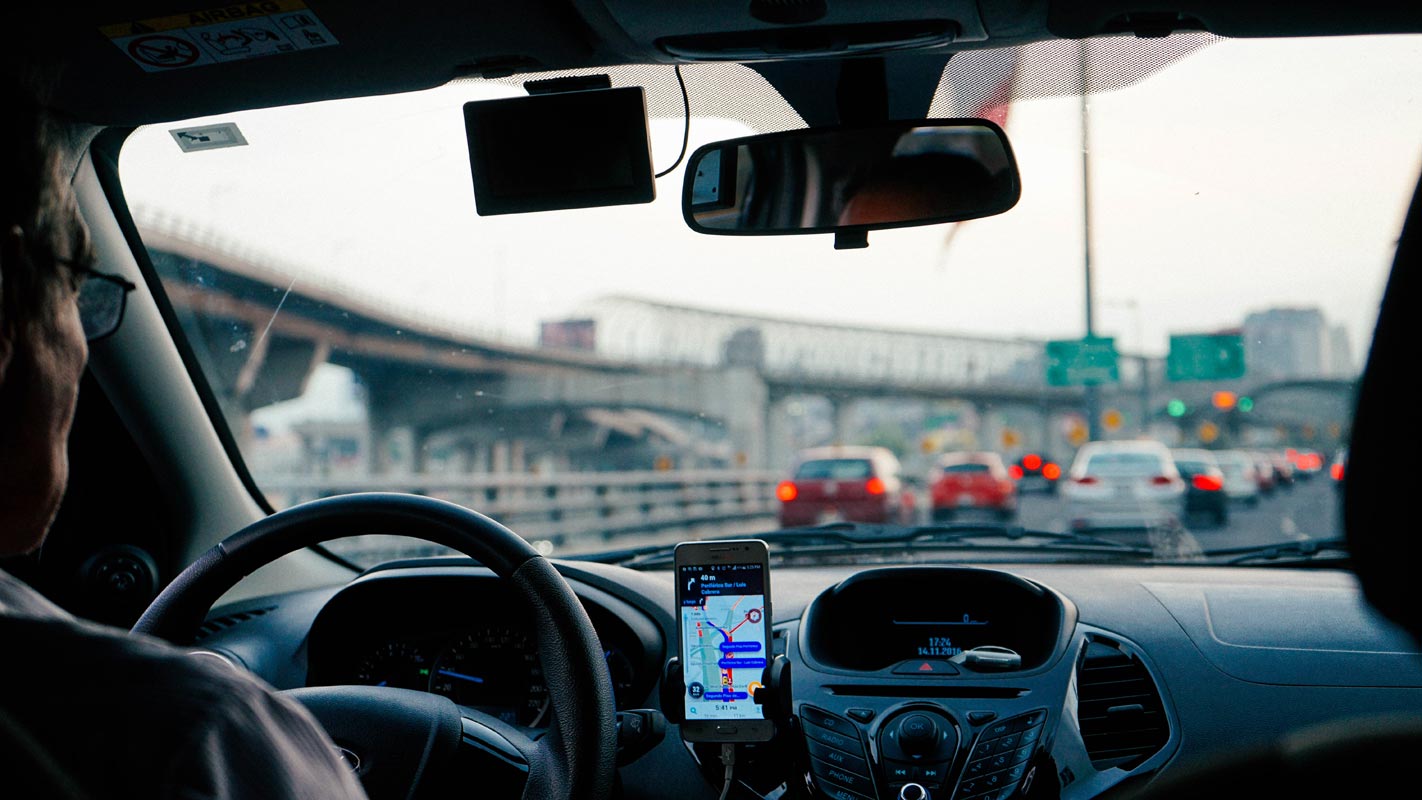
Why Uber Cab App Alternatives?
This move will be much appreciated by people who don’t often book for rides; thus, they don’t need the mobile app, so it does not occupy space on their device while it doesn’t get used most often. Also, it has made ride booking much more comfortable and flexible for Uber users. Other ride service providers allow their users to book trips from different platforms, so, this is an excellent improvement for Uber and its users. Now, that you don’t need the Uber app to book rides, how is done? Below are the steps to how you can order a ride from Uber.
Also, this method will work for new users and existing user. You’ll be directed to create an account if you are an existing user; as for existing users, you will only need to enter your phone number and get on with the processes up-front. However, there are not enough options to customize the kind of ride you want when you book with this method. Plus, this platform only presents you with nearby cabs/drivers. There are just not many options available to you if you choose this method. Using the official mobile client app is still the best way to get the most of Uber ride.

How to book Uber Cab/Taxi using your Mobile Browser
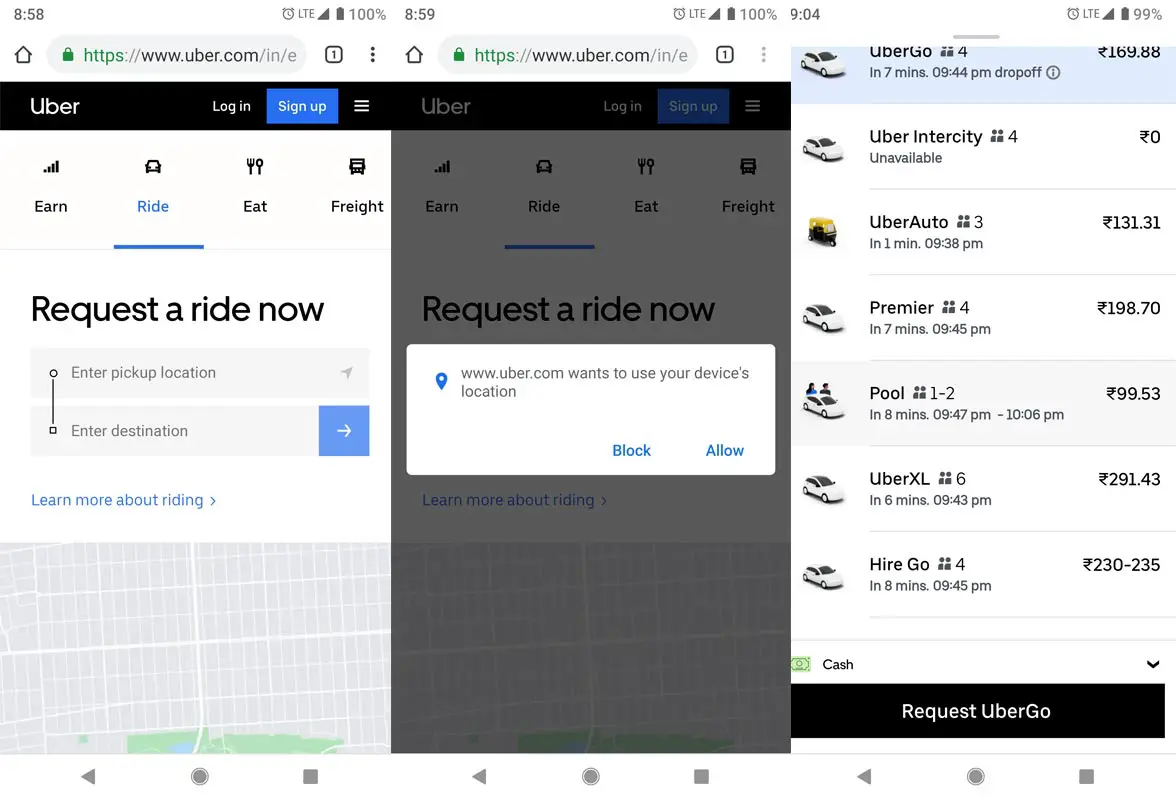
First of all, you need to activate location settings on your mobile device. Uber will leverage your location to avail the best ride for you. Interestingly, this process is super-intuitive; you’ll be guided from the start to the final point of the booking process.
To start,
-
Visit dial.uber.com on your mobile browser; you’ll be presented with a page that prompts you to “Start Riding.”
-
Click on the “start riding” button, that’s where the booking process kicks off
-
On the next prompt screen, enter the phone number you used to open your Uber account. New users can enter their Mobile number, and they’d be guided to create a new account, then return to finish their booking.
-
You’ll be prompted to allow Uber some permissions. Click on “allow” when you see the prompt
-
You can now go ahead and book your cab
-
This method only supports cash payment in some regions; thus, you’ll have to pay the cost in physical cash to the driver. Unlike when you book with the official mobile app where you’re allowed to pay for your ride with credit/debit cards.
Can’t use dial.uber.com to book rides?
Note: dial.uber.com only works when you access it with a smartphone. On computers, you’ll be redirected to Uber’s homepage for your country.
For the question, yes, some people won’t be able to use this alternative to using the Uber mobile app. While the app is available for everyone in all countries of the world, this alternative option only works in some countries at the moment. If you’re not living in those regions, you may not be able to flex this uber ride option. Also, the company had launched m.uber.com to allow people in some countries request for a ride from right their PC; this is handy when you’re not close to your phone at the moment.
m.uber.com and dial.uber.com are practically the same, the interfaces are equally similar, and they both work for the same reason. The difference is that m.uber.com is often used when you want to book an Uber cab using your PC browser.
How to book an Uber cab in your PC/Mac Browser
-
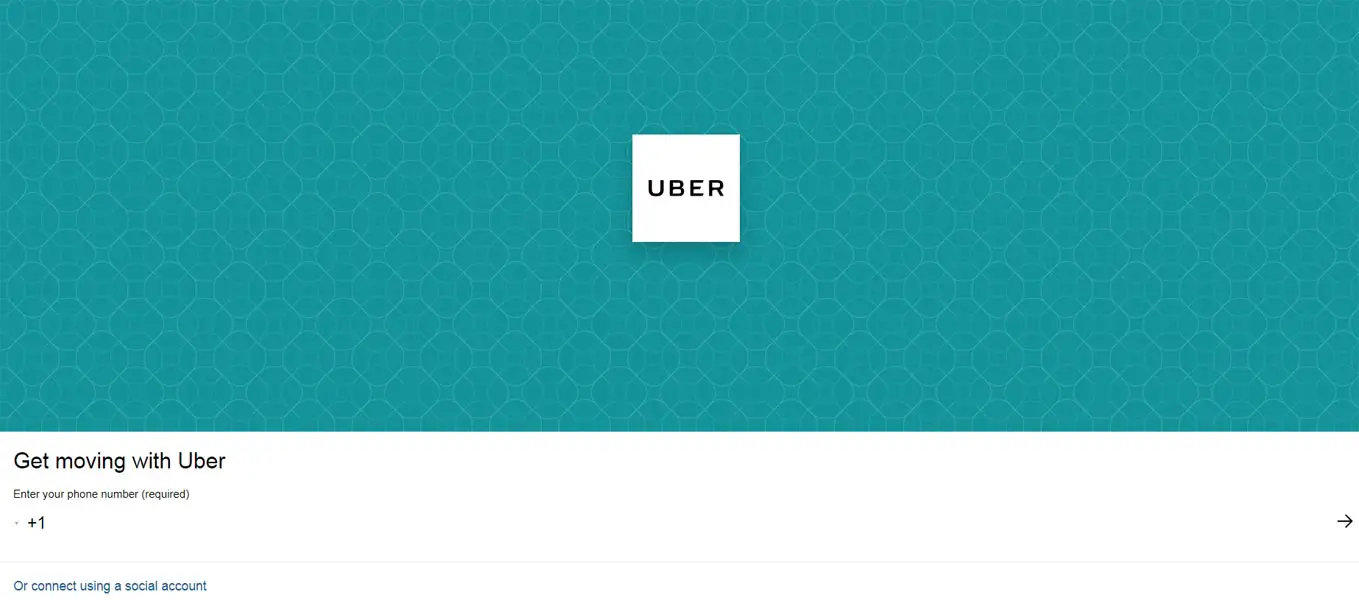
Open any web browser on your computer and type m.uber.com on the address bar, then, hit enter (as you would do to visit every other website on the internet).
-
You’ll be prompted to enter your phone number to continue. For existing riders, enter the phone number associated with your account. However, new riders can enter their current phone number and follow subsequent steps to sign up using their email address, and validate the account using an OTP that will be sent to the identified number and email.
-
After you have logged in, m.uber.com will ask to use your location to search accurately for a nearby driver
-
Choose a pickup location, and also define a drop off location
-
m.uber.com will show you the routes from your chosen pickup station to the drop off location in a map view.
-
You will see the available cabs you can book alongside the estimated cost and pick up time.
-
That’s it; you can go ahead and request for any of the available cabs of your choice to come and get you from the pickup station
This method works well on all computers, while mobile users who do not want to use to Uber app can try dial.uber.com. Again, these alternative options are not available in many countries at this time.
Book Cab Using an official Uber app for Windows 10 PC users
You can get the official Uber app for Windows 10 computers and request for rides without having to use the mobile phone app. The app is available for free at Microsoft Store, and it comes with a variety of options to wit as you can see on the mobile app.
Unfortunately, Mac users can’t request for Uber cabs using an official client app from the company. However, if you’re a Mac user, you can try out m.uber.com, or better still download the mobile app on your phone and make use of it.
Wrap Up
If you have a lot of unused apps that are filled your phone memory, you can use this method. Also, If you are not a regular Can user, you don’t need to Install the app. You can also add the Web App in your Home Screen. Instead of using the Storage consuming app, It will Open the Web App with your Browser. If you have wanted to use your Second Uber account, use Incognito mode in your browser to access the second account. Regular Browser page may open your Uber app if you installed in your mobile. The Drawback of this method is, you may not get some offers, which is only available in your app. It will only use if you are a frequent Cab user. Never Download Third-Party apps in any sites. Install and Update your Uber app using your Google Play Store/ Apple App Store only. If you have any issues when booking, comment below, We will try our best to help you.

Selva Ganesh is a Computer Science Engineer, Android Developer, and Tech Enthusiast. As the Chief Editor of this blog, he brings over 10 years of experience in Android development and professional blogging. He has completed multiple courses under the Google News Initiative, enhancing his expertise in digital journalism and content accuracy. Selva also manages Android Infotech, a globally recognized platform known for its practical, solution-focused articles that help users resolve Android-related issues.