
Most Samsung Galaxy devices running on One UI are claimed to face a lot of battery issues. Many people have complained that their old models and other newer models tend to drain the battery faster. Well, there is a solution to this issue. Here, we will share how you can fix the battery drain issue on Samsung Galaxy devices without much effort.
However, before we continue, you may want to know a few things about Samsung and its recent OS updates available for Galaxy S9 & S9+, Note 9, Galaxy S8 & S8+, as well as the Galaxy Note 8. An OTA update has been rolled out by Samsung for these models to fix the various bugs reported by users. However, while this update is supposed to fix the previous bugs experienced by the users of these Samsung device models, it also tends to come with a bug that makes the devices consume much battery. Not all Galaxy S9/S9 Plus, Note 9, S8/S8 plus reported about this battery drain issue, anyway. But, if you’re unlucky to be among the ones that got affected, we have a solution here.
This battery drain issue, however, seems to be associated with Galaxy devices running on One UI. Nevertheless, we have a couple of solutions to this regard, and none of them is hard to practice.

How to fix battery drain issues on Galaxy devices running on One UI
First Solution: Install the latest software
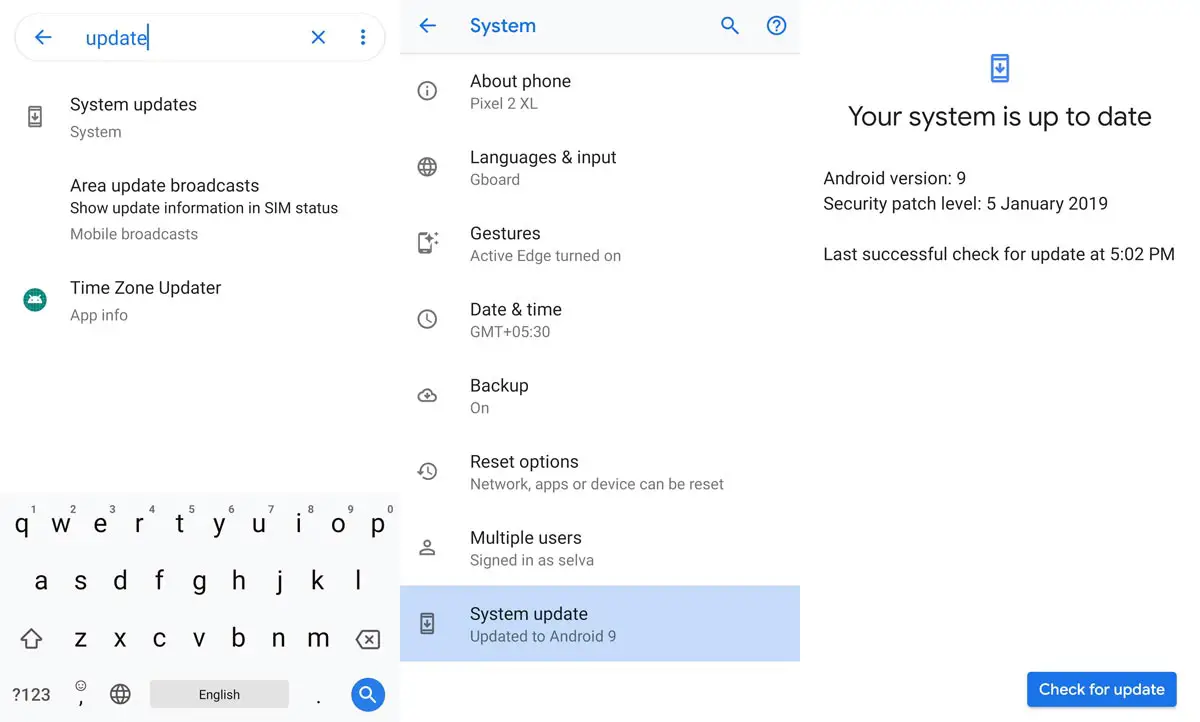
You may need to check out if there is a newer software update available for your device. To check out for this follow the steps below. It is likely that the bug causing your Galaxy device to consume much battery has been fixed in a newer software version; thus, upgrading to the most recent version of your device.
-
Go to your mobile device settings
-
Scroll down to the About Section and click on the “Software update” option
-
Tap the “Download and install” option
-
Wait for the searching to complete to see if there are any new updates available
-
If there’s an updated version, click on the download option to update your device software
However, if there is no more original version, kindly try other solutions below.
Second Solution: Natural Battery Calibration
Generally, most mobile phone battery issues are merely by recalibrating the battery. This action is simple but takes a lot of hours. It is the best solution to fix battery drain issues on Galaxy devices running on One UI. Follow the steps below to recalibrate your Samsung Galaxy device battery.
-
Used up the battery until it drains completely; i.e., make sure you use the device until the battery gets to 0% and the device powers off by itself. Do not attempt to charge the battery in-between this period, ignore the low battery warning and drain the battery completely.
-
Once the device powers off by itself, charge it back to 100% and do not attempt to boot the device or remove the charger until it reaches 100%.
Repeat the two steps; drain the battery and charge it back to 100%
This process requires a steady power supply as the device is not supposed to be unplugged during the charge period until it reaches 100%.
After doing this for two consecutive times, your battery will be recalibrated, and this might fight the issues you’ve been facing aforetime.
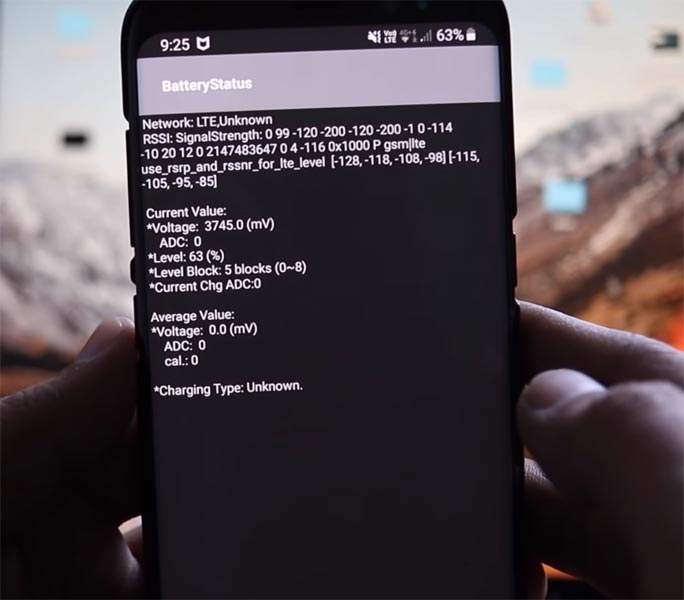
Recalibrate your battery using USSD codes
-
Launch your device dialer and dial this code – *#0228#
-
Follow on-screen Instructions
-
Restart the device
Third Solution: Clear partition cache
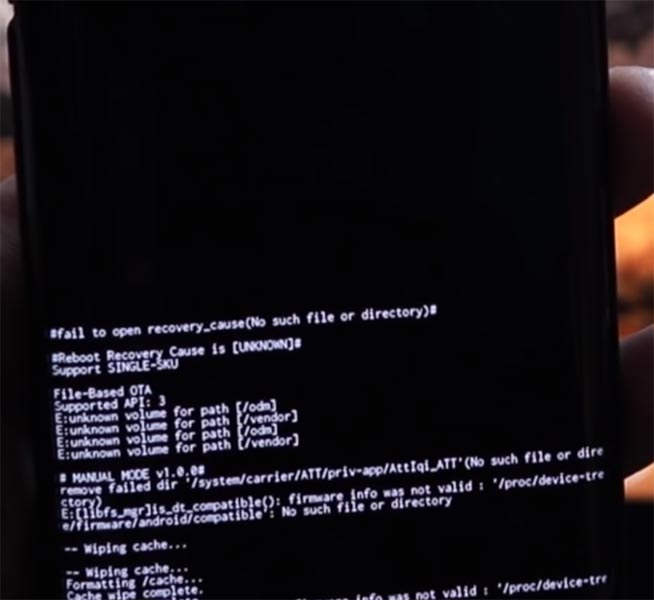
Another solution is the clearing of cache. When caches build up on our device, they can result in quite a lot of malfunctioning. Thus, clearing all the caches on your device may help to fix the battery issue you’re facing.
-
Before going to this option. Take complete backup. Start by powering off the device
-
Boot into recovery mode pressing down the volume down key, the Bixby, and power key at the same time. If you Didn’t have Bixby button (J8 devices like that) Volume Down + Power Button.
-
Use the volume keys to navigate and the power key to launch an option; select “clean cache partition.”
-
Ignore the warning message that will appear on your screen and continue
-
Restart the device after these processes.
Fourth solution: Auto Optimization
In some cases, optimizing the battery performance will help to make everything start function well as supposed. Auto Optimizing your device battery performance is a feature built into Samsung new devices that help to delete cache files and stop irrelevant processes that automatically on the background and drain your device battery. It is one of the best ways to solve this battery drain issue.
-
Go to your galaxy device settings
-
Scroll down until you see the device care option, click on the option
-
Click on the three dotted vertical lines at the top right corner and select “auto optimization.”
-
Set the time when the auto-optimization should always run
You may need to set a time that you don’t often use your device, maybe during the night time.
Fifth solution: sleep most power consuming apps
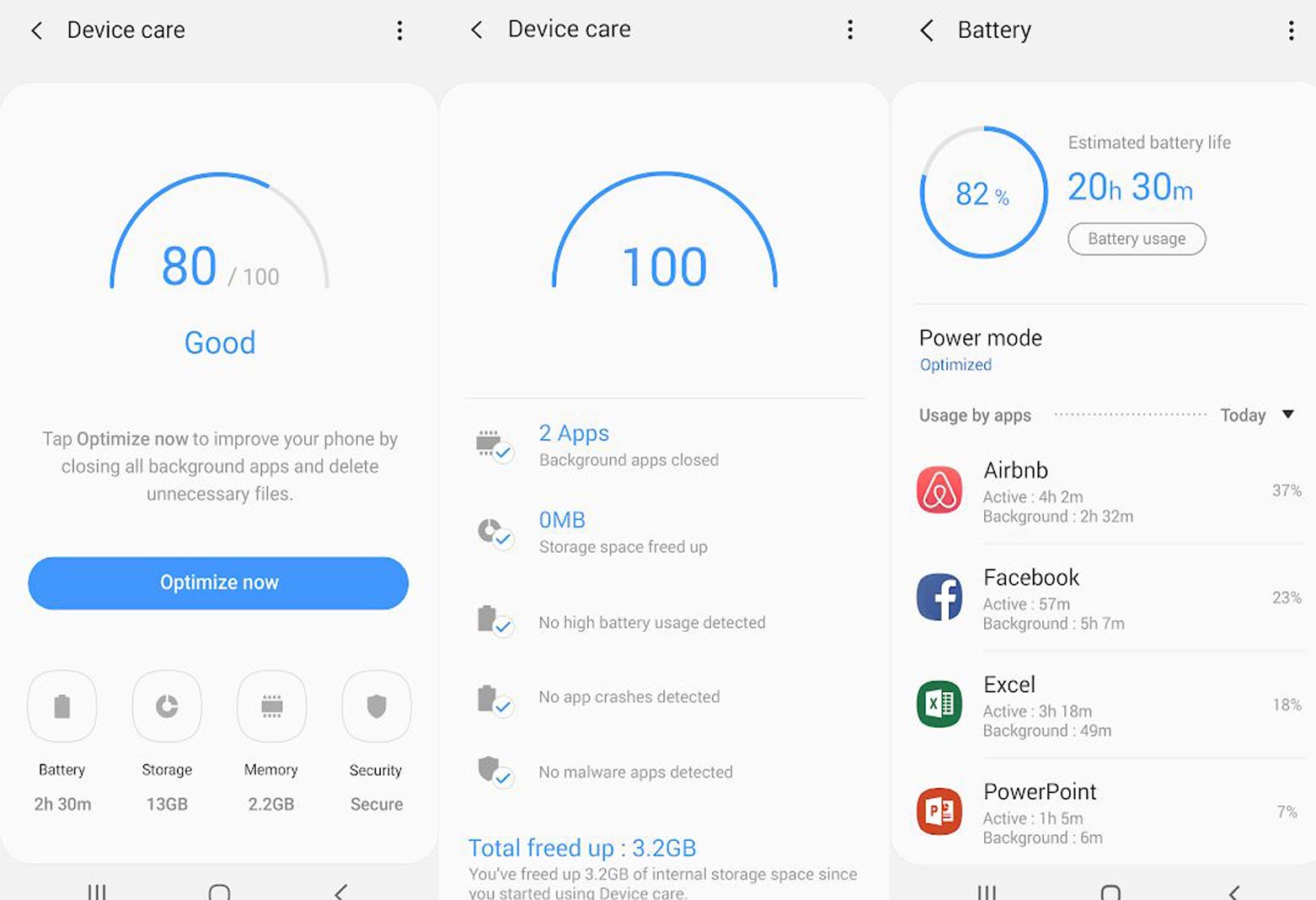
This is simply disabling most auto-run apps and irrelevant apps that run on background and drain your battery quicker. The option to sleep the apps that makes more use of your battery is available in the device care option too. Follow the steps below to sleep most apps on your Galaxy device running on One UI. This may bring an end to this issue.
-
Go to your settings and Select “Device Care” option
-
Look at the bottom; there are quite many icons available there, click on the “Battery” icon
-
You’ll see all the apps that are draining your battery
-
Click on them one after the other and toggle the switch beside “Put app to sleep” to be active
-
This will prevent the app from running on background, and your battery life can be improved
You can even choose to uninstall the app if it is not important. Finally, you may want to change the Power Mode to “High Power Saving Mode” if you wish. Click on the “More” icon at the top-right to access more battery optimization options.
What more?
These are the possible solutions to solve the battery issues you’re facing on your Galaxy device running on One UI. The major problem is Old Oreo updates stay in the partition and running unnecessarily in the background. So, If you clear cache you can expect a lot of Improvement.

Selva Ganesh is a Computer Science Engineer, Android Developer, and Tech Enthusiast. As the Chief Editor of this blog, he brings over 10 years of experience in Android development and professional blogging. He has completed multiple courses under the Google News Initiative, enhancing his expertise in digital journalism and content accuracy. Selva also manages Android Infotech, a globally recognized platform known for its practical, solution-focused articles that help users resolve Android-related issues.