
Using the methods below, you can Fix Steam is Constantly Taking Screenshots while Playing Hogwarts Legacy. If you’re playing Hogwarts Legacy on Steam, you might have noticed that the game is constantly taking screenshots of your gameplay. While taking screenshots can be a valuable feature for some players, it can also be annoying and distracting if it happens too frequently. Fortunately, several ways exist to fix this issue and prevent Steam from taking screenshots while playing Hogwarts Legacy. You can enjoy the game without worrying about unwanted screenshots by adjusting your Steam settings, disabling Steam’s overlay, or using a third-party tool.
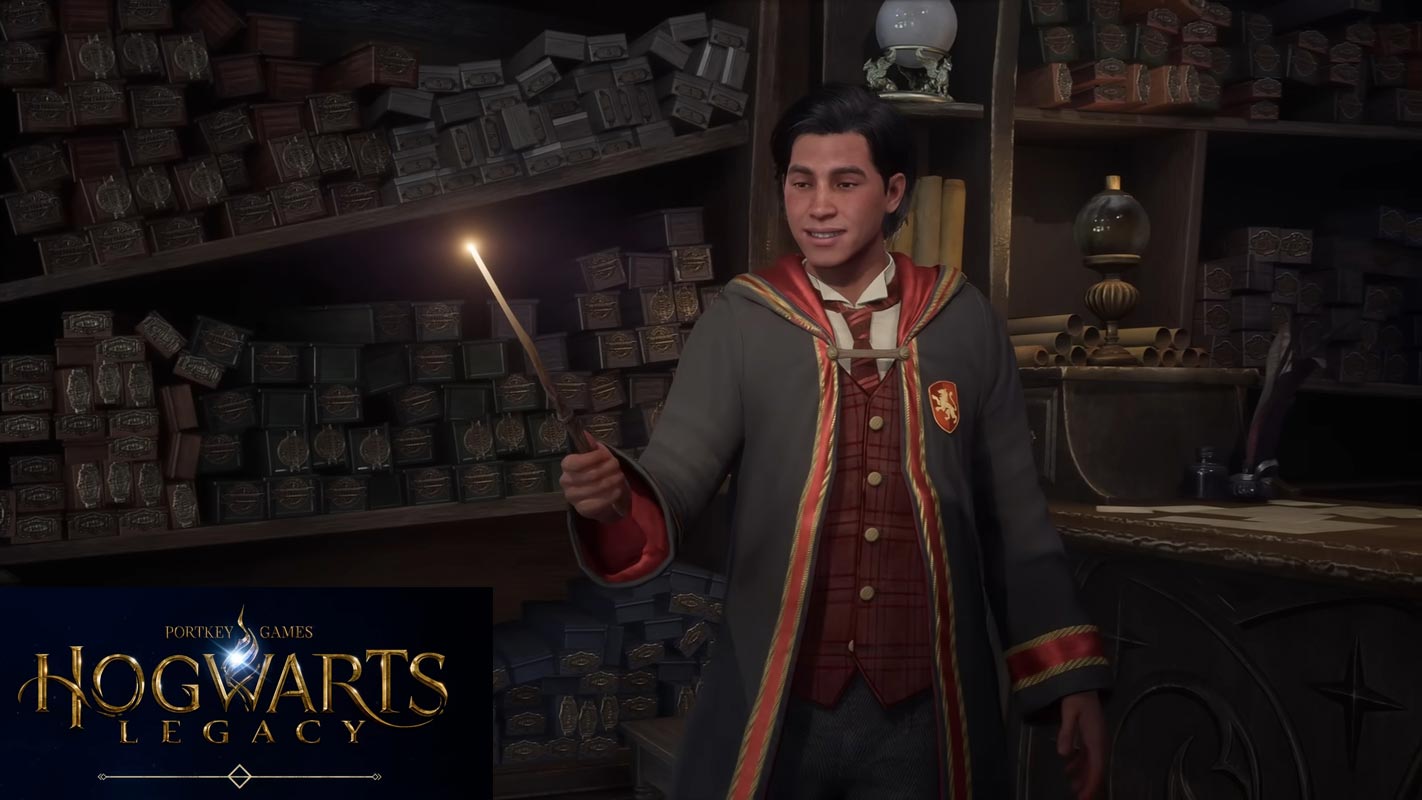
Steam is Constantly Taking Screenshots while Playing Hogwarts Legacy
If you’re a fan of Hogwarts Legacy and enjoy playing it on Steam, you may have noticed a strange issue where Steam keeps taking screenshots while playing. This can be frustrating, as it can interrupt your gameplay and potentially slow down your computer. In this article, we’ll explore the possible reasons for this issue and provide a fix for it.
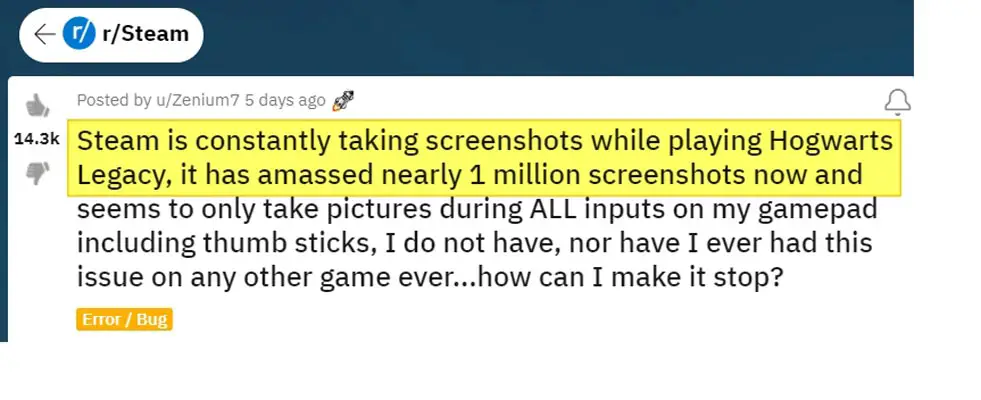

Possible Reasons for Steam Constantly Taking Screenshots
There are several reasons why Steam may be taking screenshots while you’re playing Hogwarts Legacy. Here are a few possible explanations:
- Controller Issues: If you’re using a controller to play the game, there may be an issue with your controller settings. Sometimes, a controller can be configured to take screenshots when certain buttons are pressed accidentally.
- Steam Overlay: The Steam overlay is a feature that allows you to access Steam’s features while you’re playing a game. The overlay may be causing the screenshot issue.
- Game Settings: The game’s settings may also be responsible for the constant screenshots. A set may have been enabled that causes the game to take screenshots automatically.
Fix Steam is Constantly Taking Screenshots in Hogwarts Legacy
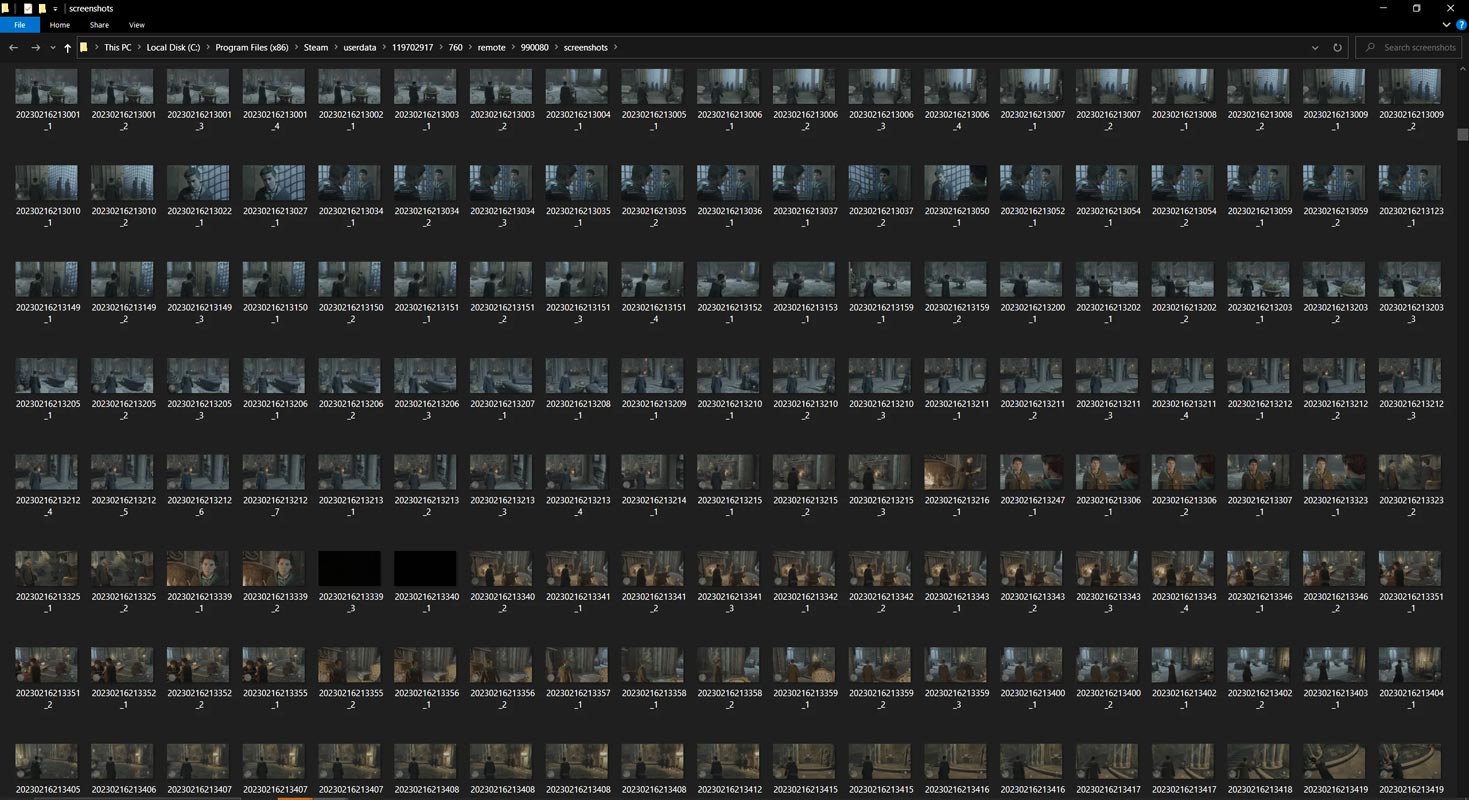
If you’re experiencing this issue, here’s how you can fix it:
Check Your Controller Settings
To begin with, ensure that your controller settings are checked. If you’re using a controller, navigate to Steam’s controller settings and verify that no button has been set up to capture screenshots. You can accomplish this by taking the following steps:
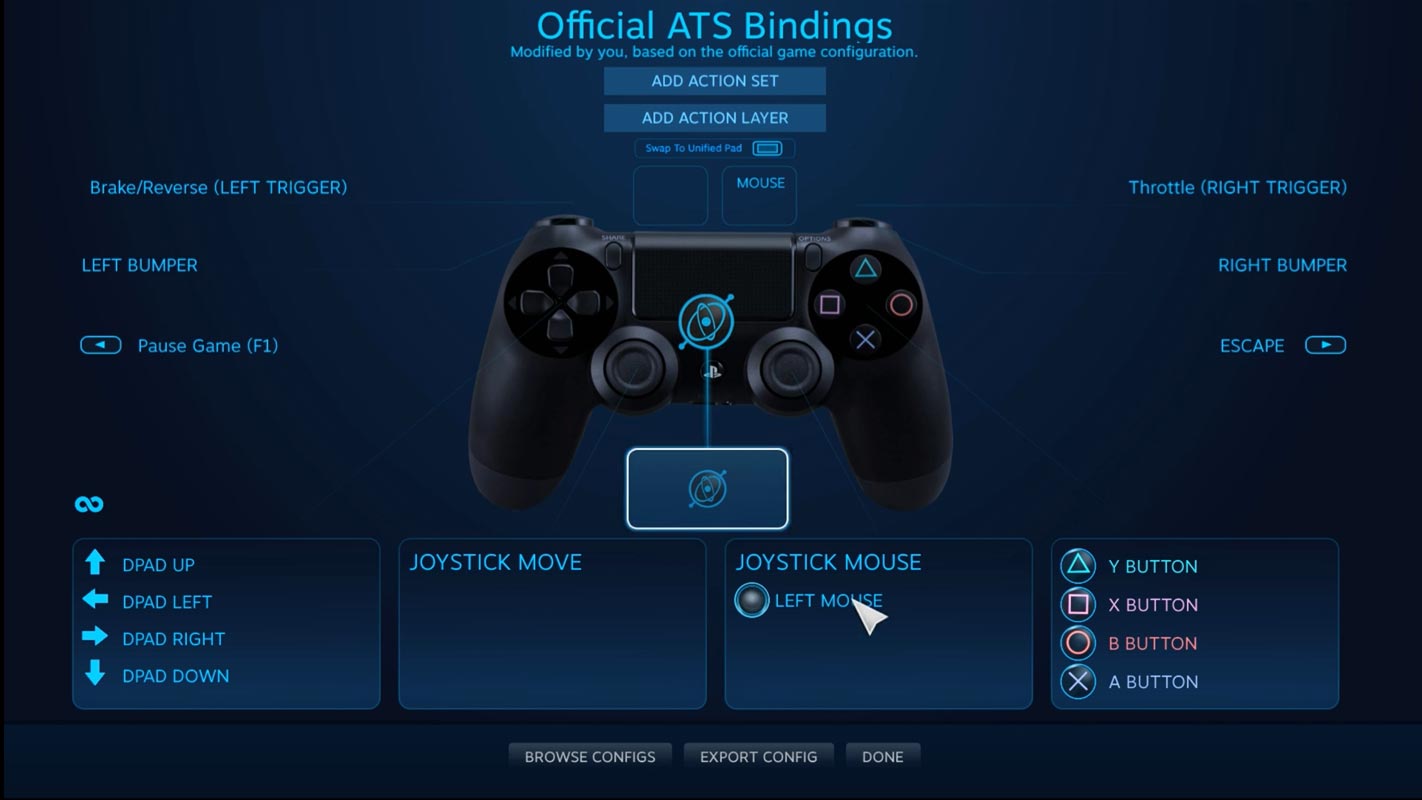
- Open Steam and go to the “Settings” menu.
- Click on the “Controller” tab.
- Click on “General Controller Settings.”
- Make sure that no button is configured to take screenshots.
Disable the Steam Overlay
If the controller settings are not the issue, the next step is to disable the Steam overlay. Here’s how to do it:
- Open Steam and go to the “Settings” menu.
- Click on the “In-Game” tab.
- Uncheck the “Enable the Steam Overlay while in-game” option.
Check the Game Settings
If neither of the above solutions works, the problem may be with the game’s settings. Here’s how to check:
- Open Hogwarts Legacy.
- Go to the “Options” menu.
- Click on “Controls.”
- Make sure that no button is configured to take screenshots.
Update Your Controller Firmware
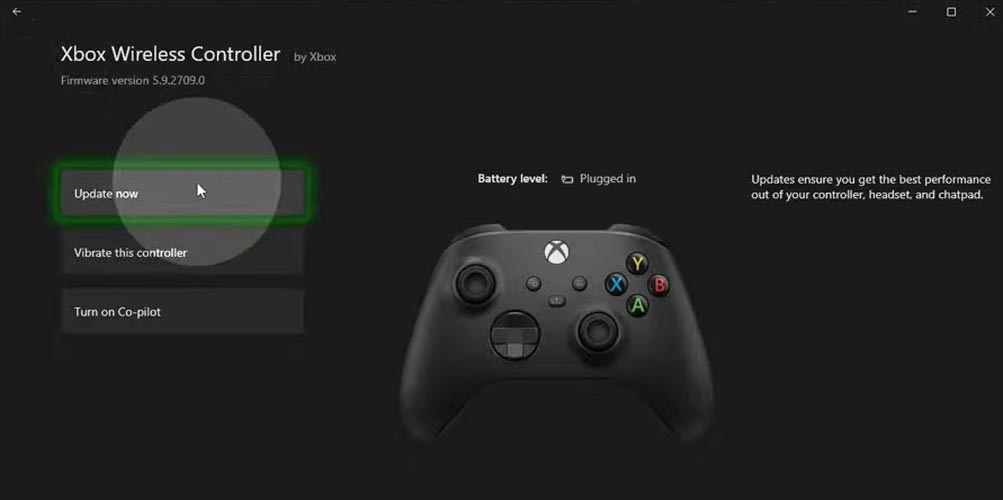
If the above steps don’t work, you may need to update your controller’s firmware. To achieve this, you must download the Xbox Accessories app and comply with the instructions to upgrade your controller’s firmware. This should fix any issues with the controller that may be causing the screenshot problem.

FAQs
Why is Steam taking screenshots while I’m playing Hogwarts Legacy?
There could be several reasons, including issues with your controller settings, the Steam overlay, or the game’s settings.
How do I fix the issue?
Try checking your controller settings, disabling the Steam overlay, and the game’s settings. If none of these remedies prove effective, updating your controller’s firmware may be necessary.
What action should I take if none of the above remedies prove effective?
If none of the above solutions work, you can contact Steam Support or the game’s support team for further assistance.
Wrap Up
While this issue may seem minor, it can still be annoying and disruptive for avid gamers. Nevertheless, with the solution presented in this article, players should be able to promptly and effortlessly resolve the problem and resume relishing the immersive gameplay experience that Hogwarts Legacy has to offer.
If you’re experiencing the problem of Steam constantly taking screenshots while playing Hogwarts Legacy, don’t panic. Download the Xbox accessories app and update your controller’s firmware; you should be ready. And if you have any other issues or questions related to gaming, don’t hesitate to seek out online forums, community groups, or other resources to find helpful tips and advice.

Selva Ganesh is a Computer Science Engineer, Android Developer, and Tech Enthusiast. As the Chief Editor of this blog, he brings over 10 years of experience in Android development and professional blogging. He has completed multiple courses under the Google News Initiative, enhancing his expertise in digital journalism and content accuracy. Selva also manages Android Infotech, a globally recognized platform known for its practical, solution-focused articles that help users resolve Android-related issues.