
Flip to Shhh is a unique feature that is available to Pixel smartphone users. The feature allows Google Pixel users to put their phone into a somewhat DND mode smartly. For some years now, only Pixels users enjoy this smart DND feature; however, it is now possible to flex this feature on any Android smartphone. Thanks to Developers for coming up with an efficient mobile app that allows all Android users to bring Google Pixel’s “Flip to Shhh” feature, to all Android mobiles.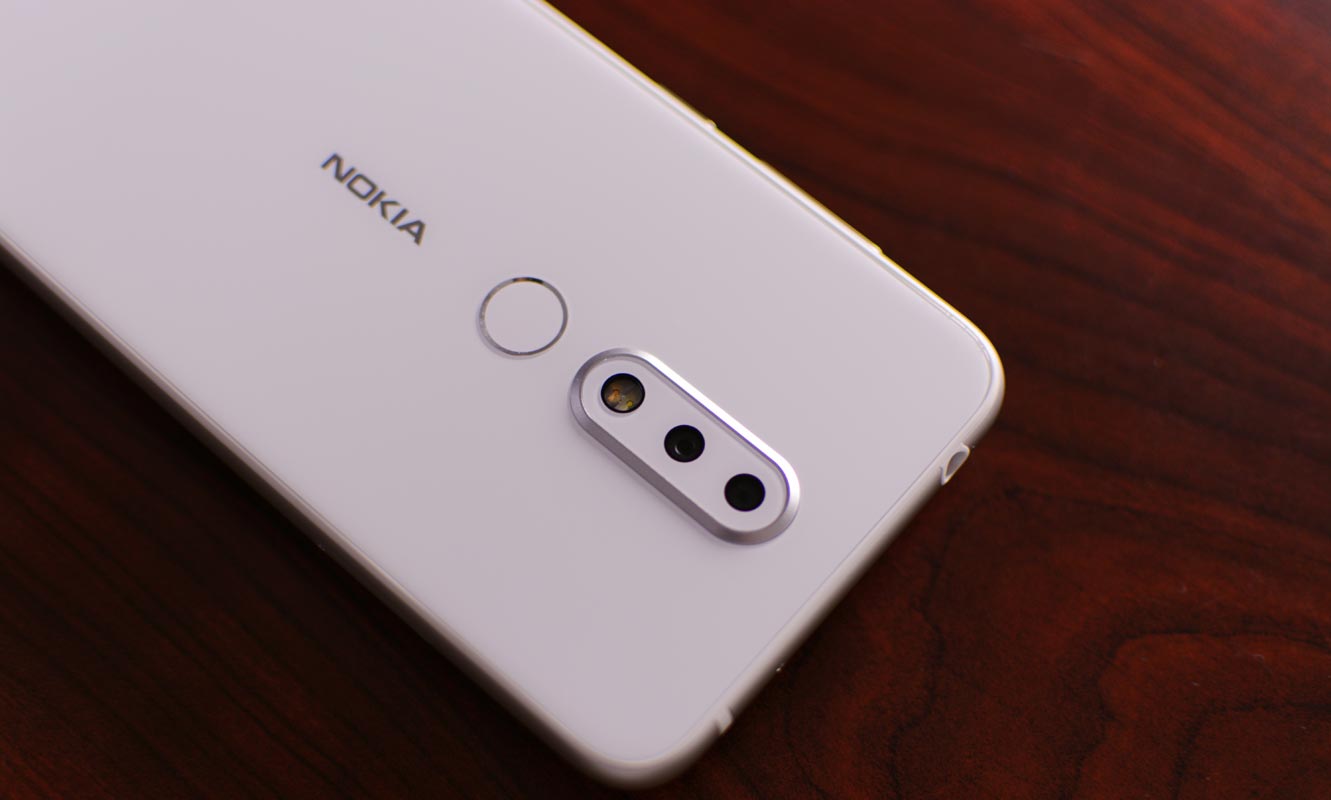
Well, most stunning features packed into Google’s Pixel smartphones are software-based. With that, it is easier to recreate them. Hardware-based features are practically not feasible to recreate. Nevertheless, over time, other brands tend to recreate impressive hardware features. But in most cases, there’s always a difference, and that makes hardware features unique to each brand.
That is not so with software features; unlike hardware features, it is easier to deal with software features. In the case of “Flip to Shhh,” it is not only exclusive to the only Pixel users. All Android users who wish to have such a feature on their device can get that by installing the Flip DND app from Playstore.

Why is this feature important?
Overtime, DND – Do Not Disturb mode has become one of the most used/useful android features. With much flexibility to set schedules and automate rules, DND mode helps to keep your smartphone mute while you’re in a meeting, sleeping, or running an important activity.
But, unlike DND mode, “Flip to Shhh” does not require you go to your settings menu before you can activate it. Also, it does not require you to pull down the notification panel to click on the DND icon before it can be activated. For Pixels users, you can flip your screen down on a desk/table/surface; it automatically goes into DND mode. This is what “Flip to Shhh” does, and now, everyone using an Android phone can get this feature on their device.
How to activate flip to shhh! (Flip to Silent)
Using App- Without Root
-
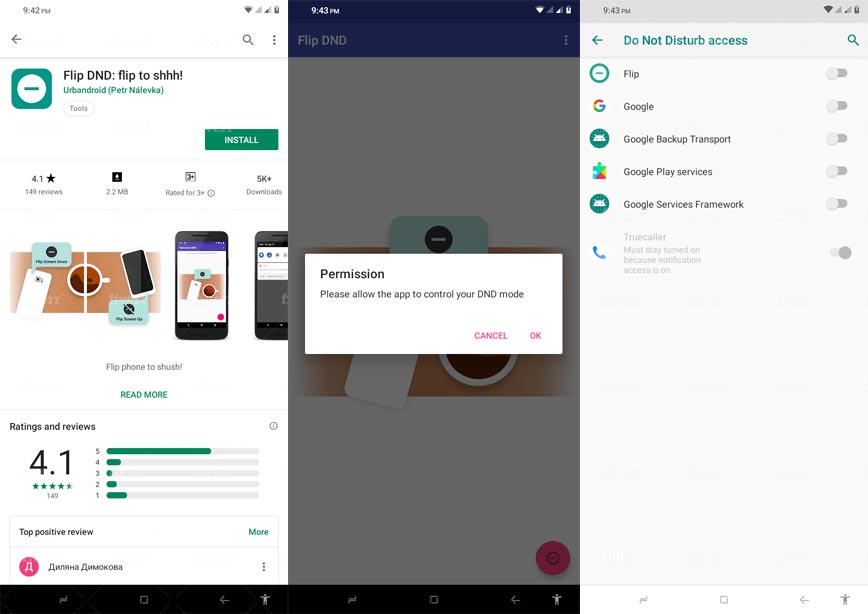
It starts with the previous step of installing the Flip DND: flip to shhh! App from Google Playstore.
-
After installing the app, launch it, and grant the required permissions. Without allowing the permissions needed for this app, it will not work for its purpose; thus, click allow.
-
Further, click on the three horizontal dots at the top-right edge to activate your preferred settings for this app.
This app works in hand with your DND settings; however, you can still configure the app to override your default DND settings. Flip DND app is a lightweight application that is compatible with Android devices running on Android version 4.0 and above (Smartphones and Tablets).
Note
Once this app is installed and granted permissions on your Android device, flip your phone screen down on a surface will automatically activate Do Not Disturb mode. Once you pick up the phone, the DND mode is automatically deactivated. This is more fun than having to go through your phone settings or notification panel to activate DND mode again.
Using Digital Wellbeing Beta App (Require Root access)
This method will work on Pixel and Android One Mobiles. If you use any Custom ROM, which has DItital Wellbeing, it will work on those devices also.
Step 1: Enroll in Beta App
-
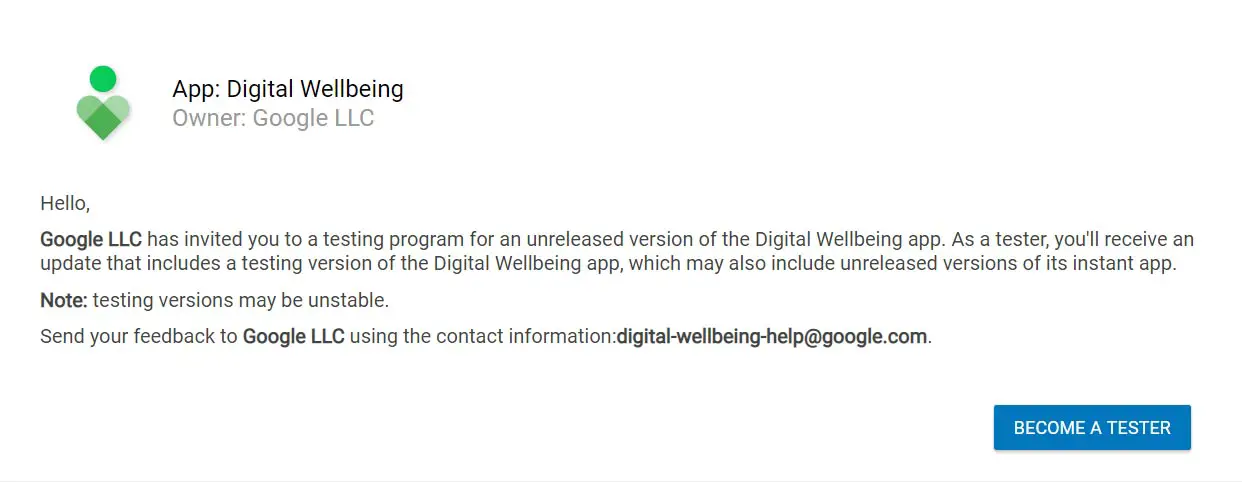
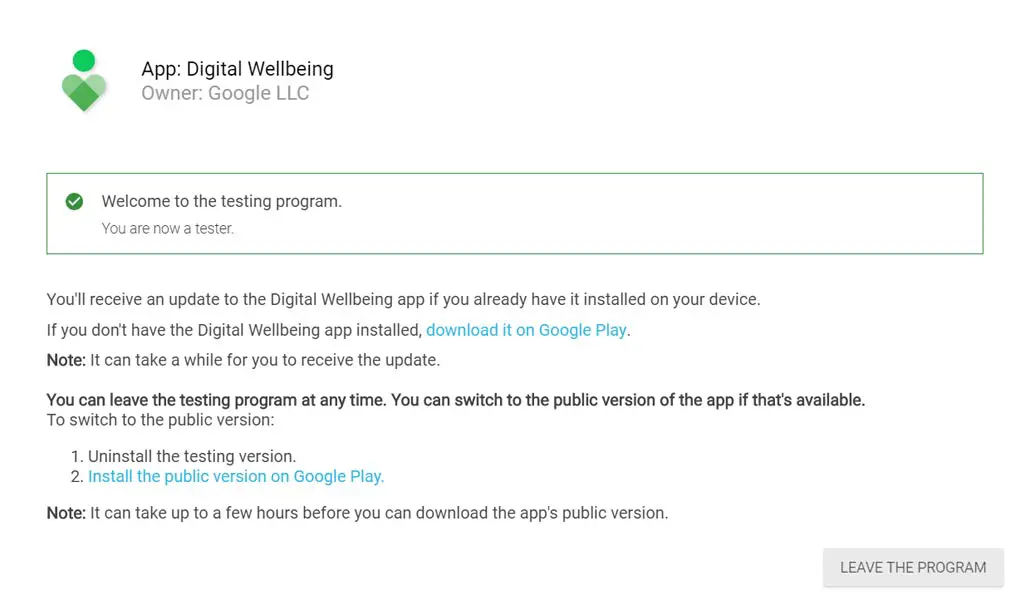
You should Enroll for the Digital Wellbeing beta app; After they enroll, you will receive an update in Play Store.
-
You can also remove access using the above same link.
-
After updating your app, move to the below step.
Step 2: Enable the feature using shell commands
-
Enter the following shell commands.
-
su
pm enable “com.google.android.apps.wellbeing/com.google.android.apps.wellbeing.autodnd.ui.AutoDndGesturesSettingsActivity”
-
You can view the feature in the Gestures. You can’t enable the feature. Move to the below steps to enable.
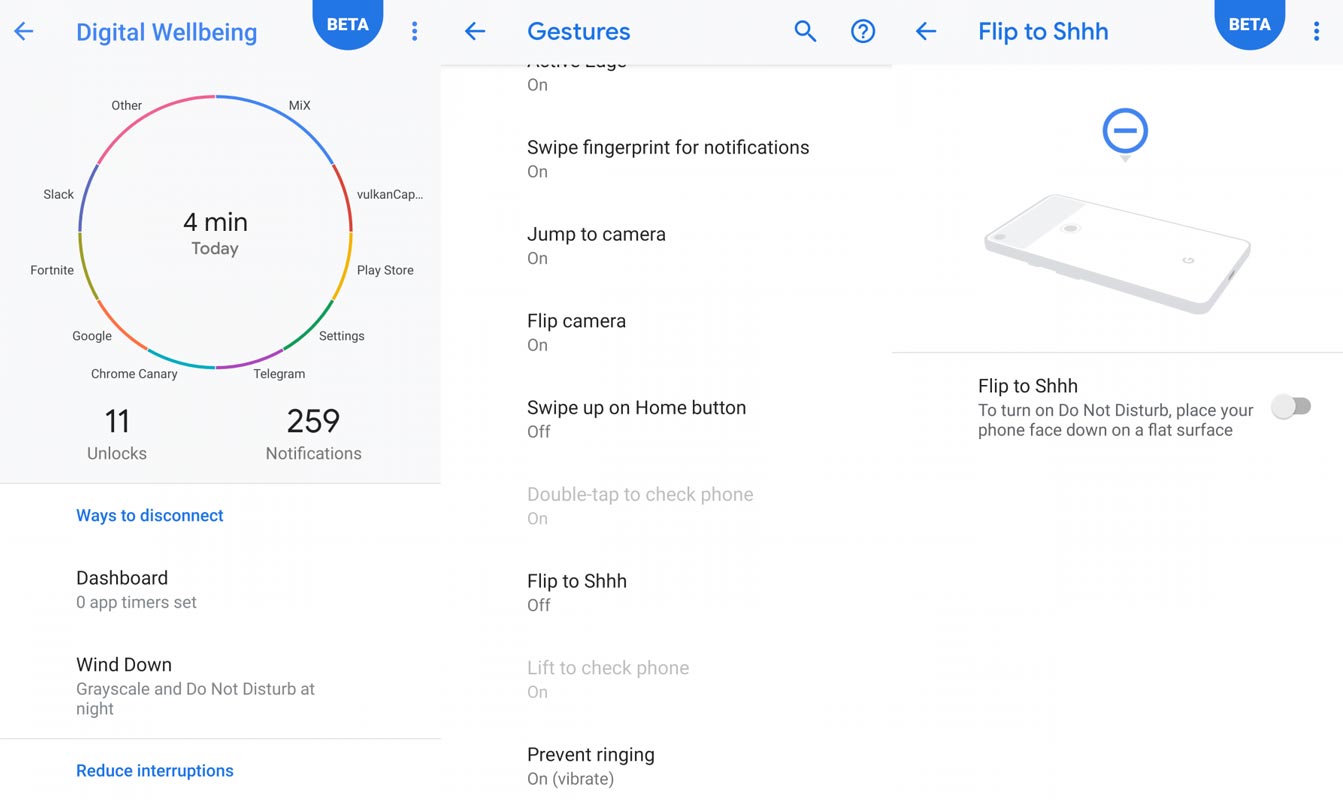
-
After updating your app, move to the below step.
-
Download PhenotypePrefs.xml and move this file to the below location and give +660 permission.
-
/data/data/com.google.android.apps.wellbeing/shared_prefs
- Reboot your mobile. After the reboot, you can enable the Flip to Shhh in Gestures.
Using Tasker App (Require Root access)
-
Download Tasker App from Play Store.
-
Pull this task from your mobile. Select “Import”
Using Magisk Module (Require Root access and Magisk Manager)
-
We thank XDA Developer- Phoenix Wright for this excellent module.
-
Download Shhh file and access this Magisk Module using Magisk Manager.
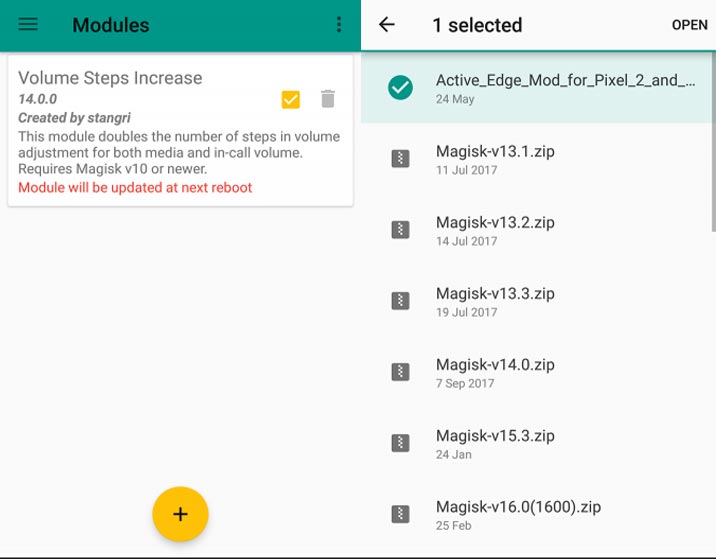
-
Open Magisk Manager Sidebar and go to Modules, Press Add (Plus Symbol), Select the downloaded shhh file. Reboot your phone.
Wrap Up
The feature is already available in the Gingerbread version. But, Google pulled out this feature. I remember using this feature in one of my friend’s Samsung Galaxy S2. This feature will help you in a lot of situations, especially If you are a person who will be in many meetings. Instead of going to settings and turn-on DND every time, It will be handy. Some features are told exclusively to Pixel phones, like Now Playing feature. But, you can also bring this feature to All Android Mobiles- Now playing to All Android Mobiles. If you have any doubts and other methods, comment below.

Selva Ganesh is a Computer Science Engineer, Android Developer, and Tech Enthusiast. As the Chief Editor of this blog, he brings over 10 years of experience in Android development and professional blogging. He has completed multiple courses under the Google News Initiative, enhancing his expertise in digital journalism and content accuracy. Selva also manages Android Infotech, a globally recognized platform known for its practical, solution-focused articles that help users resolve Android-related issues.