
Microsoft has recently introduced a significant upgrade to its Bing chatbot, providing users with many new features that enhance their experience. These features include image and video answers, restaurant bookings, chat history, and improved integration with Microsoft Edge. This update enables Bing Chat to serve its users better. Now it provides them with an array of options to choose from. Additionally, with the introduction of these new features, Bing Chat is now accessible to the general public for testing and feedback purposes. With its expanded capabilities, Bing Chat is poised to become an even more helpful tool for individuals seeking answers to their queries quickly and efficiently.
Actions in Bing Chat and Edge
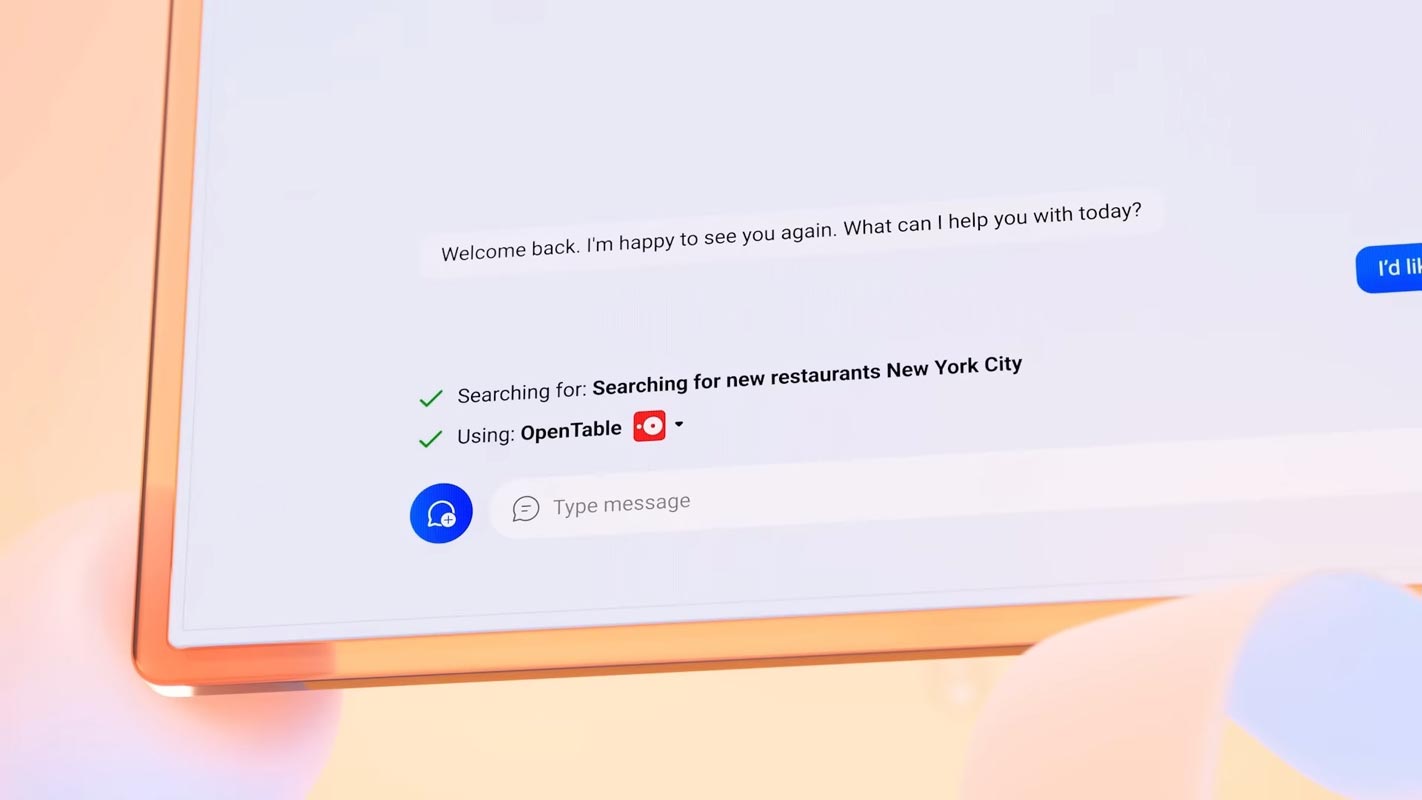
Bing Chat and Microsoft Edge now feature a new Actions feature that allows users to complete tasks without navigating back and forth between sites. If a search result recommends a restaurant, Bing AI can find a reservation time that works for the user and help them book it all in the chat interface. This functionality is also available on Edge, allowing users to use Bing AI to request a movie. It will automatically select the appropriate service and open the website to play the film.
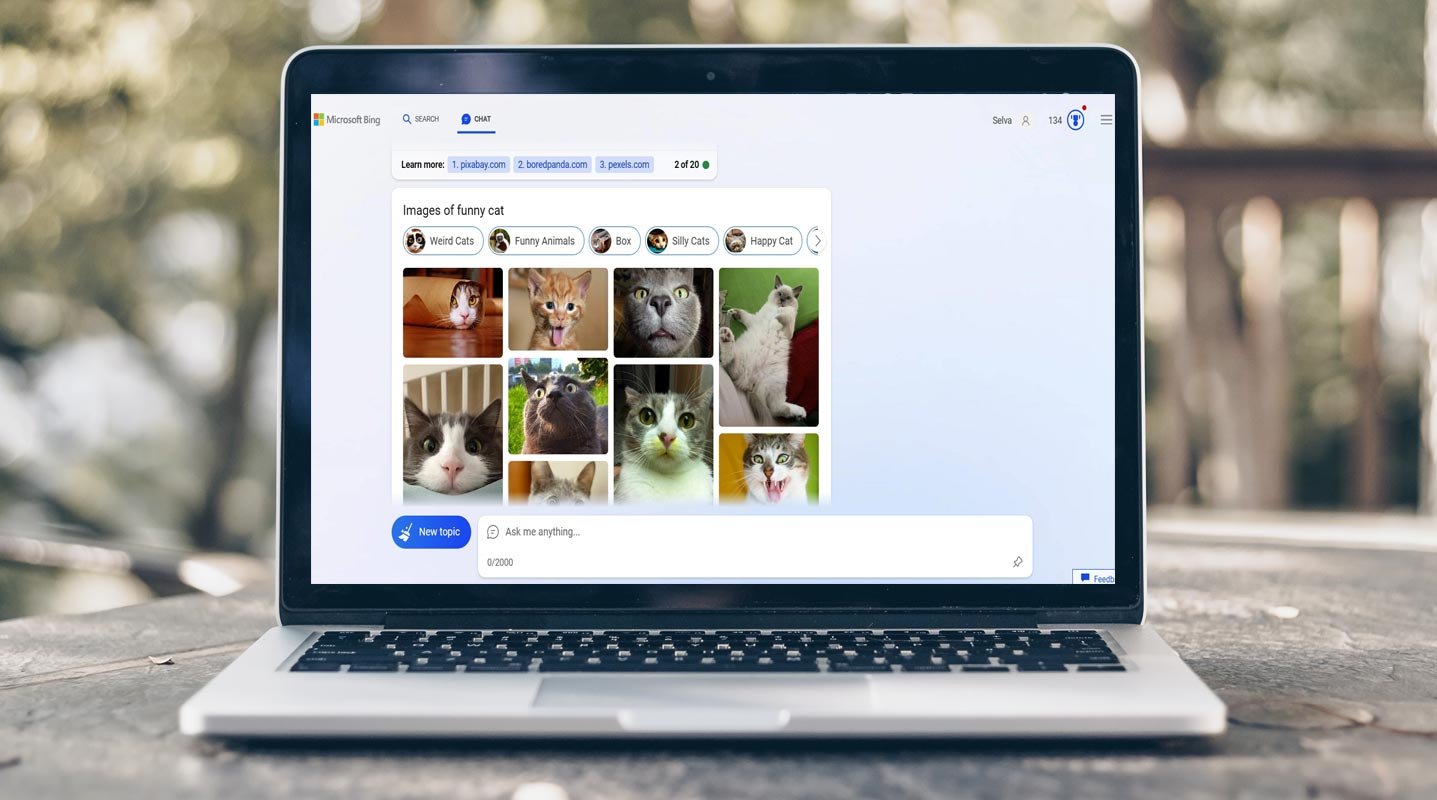
Get Image and Video Search Results in Bing Chat
Microsoft is introducing richer, more visual answers in Bing Chat, including charts, graphs, and updated answer formatting, making it easier for users to find the information they seek. Shortly, Bing Chat users will have the capability to search for objects, animals, places, and other items and request photos or videos related to them. Additionally, Microsoft is broadening the reach of its Bing Image Creator to over 100 languages, making it effortless for users to generate images via Bing Chat.

- Mention the Image or Video word in the prompt to get Image and Video Results.
Chat History
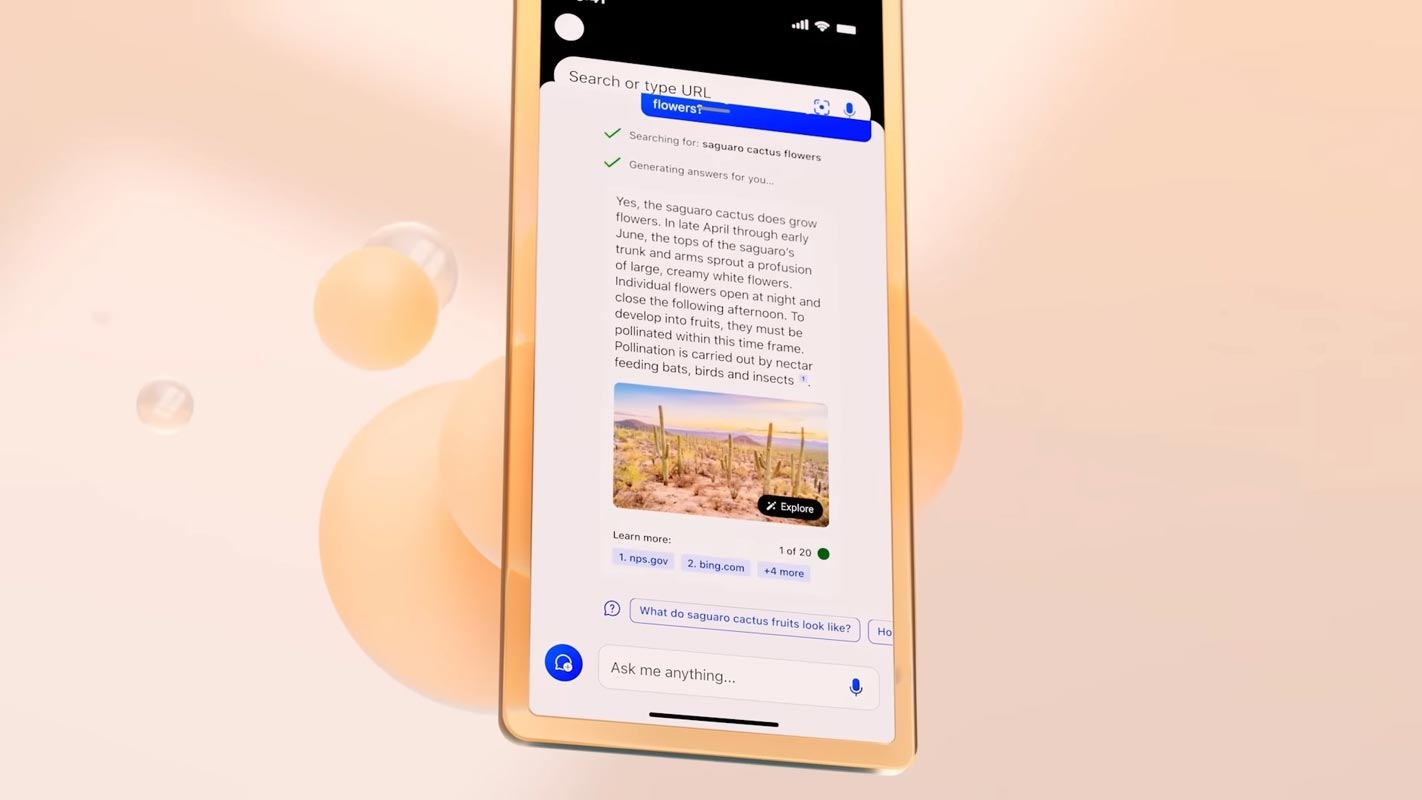
Bing Chat is getting an update that includes chat history, enabling users to continue chatbot conversations on various devices and utilize Bing Chat for research purposes. Furthermore, Microsoft intends to have export and sharing capabilities in Bing Chat, allowing users to share conversation content on Twitter or incorporate it into a Word document.
Personalized Chat Sessions
Bing Chat is conducting tests to customize chat sessions by incorporating context from previous chat history into new conversations. If users open a link from a Bing Chat answer in Edge, the chat will automatically move into a sidebar so users can keep asking questions while browsing the site.
- Restaurant Bookings
Bing Chat can now book restaurant reservations through OpenTable, allowing users to complete the entire process in the chat interface.
Smarter Edge Integration
Microsoft Edge now has improved integration with Bing Chat. If users open a link from a Bing Chat answer in Edge, the chat will automatically move into a sidebar so users can keep asking questions while browsing the site.
FAQs
How do I access Bing Chat?
Bing Chat is now available to the public to try. Visit the Bing website and click the chat icon to start.
Can I use Bing Chat to book restaurant reservations?
Yes, Bing Chat can now book restaurant reservations through OpenTable, allowing users to complete the entire process in the chat interface.
Can I use Bing Chat to create images?
Microsoft is expanding its Bing Image Creator to more than 100 languages. Users can easily create images using Bing Chat.
Can I use Bing Chat as a research tool?
Bing Chat now features chat history. It allows users to pick up chatbot conversations across devices and use Bing Chat as a research tool.
Can I personalize chat sessions in Bing Chat?
Yes, Bing Chat is experimenting with personalizing chat sessions by bringing context from previous chat history into new conversations.
Wrap Up
Microsoft’s Bing chatbot has recently undergone a noteworthy upgrade. They introduce several new features to enhance the search experience for its users. One of the most notable additions is the ability to display image and video search results. It makes it easier for users to find what they want. Additionally, the chatbot allows users to make restaurant reservations. It can streamline finding and booking a table at their desired establishment.
The upgrade also includes integrating chat history, enabling users to resume conversations seamlessly across different devices. Furthermore, Bing Chat is now more closely combined with Microsoft Edge, providing a more seamless browsing experience. With these enhancements, Bing Chat has become more user-friendly and accessible. Now it is available to the public for testing and feedback. Users can expect a more convenient and intuitive search experience that meets their needs and preferences.

Selva Ganesh is a Computer Science Engineer, Android Developer, and Tech Enthusiast. As the Chief Editor of this blog, he brings over 10 years of experience in Android development and professional blogging. He has completed multiple courses under the Google News Initiative, enhancing his expertise in digital journalism and content accuracy. Selva also manages Android Infotech, a globally recognized platform known for its practical, solution-focused articles that help users resolve Android-related issues.