
Most of us prefer Bluetooth headphones controllers to control songs when we do fitness activities like jogging or at the GYM. But, When you feel that controllers are not enough or you want a visual controller, or you use Bluetooth smart speakers where you don’t want to hold your phone every time you want to change songs, then you can use your Fitbit devices to stream your favorite Spotify Songs. Yes, The setup is pretty easy, and it is an accepted method. You don’t need to worry about the unsupported sideload apps. Unfortunately, not all Fitbit devices do not support the Spotify installation. I will mention the supporting devices list below and installing methods. You will get most of the basic features that are needed to control your lists and songs. It may not be comfortable like a Mobile selection experience, But, In some situations, it will help you.
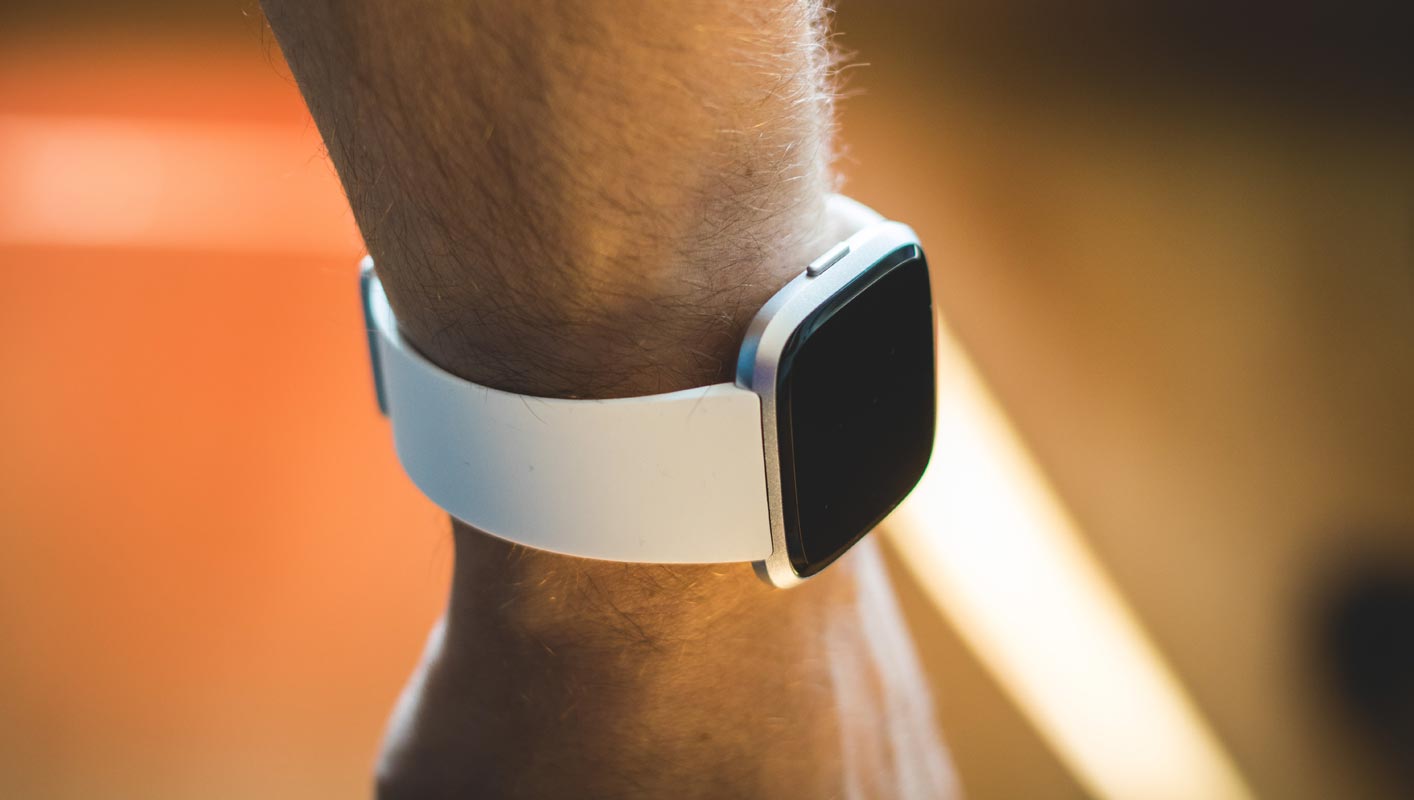
Install and Stream Spotify in Fitbit devices using Android and iOS
As you already know, you need a base controlling app tod deal with installation and settings on your mobile. You can use Any Android Mobiles or iPhones which have Fitbit control app installed.
Spotify Supporting Fitbit devices
The official version supports only the following models. There are some other unofficial ways. But, I don’t trust the third-party apps.

- Fitbit Versa
- Versa Special Edition
- Fitbit Versa 2
- Versa 2 Special Edition
- Fitbit Versa Lite
- Fitbit Ionic
Requirements
You should have the following criteria to stream Spotify in your Fitbit device.
- Premium Spotify Account. This method is exclusive for the Premium subscribers.
- You should have one of the supporting Fitbit Devices from the above list.
- Android or iOS devices to control the Fitbit app.
Steps to install Spotify on Fitbit using the app
As you already know, You need a Fitbit app that can interact with your wearing device.
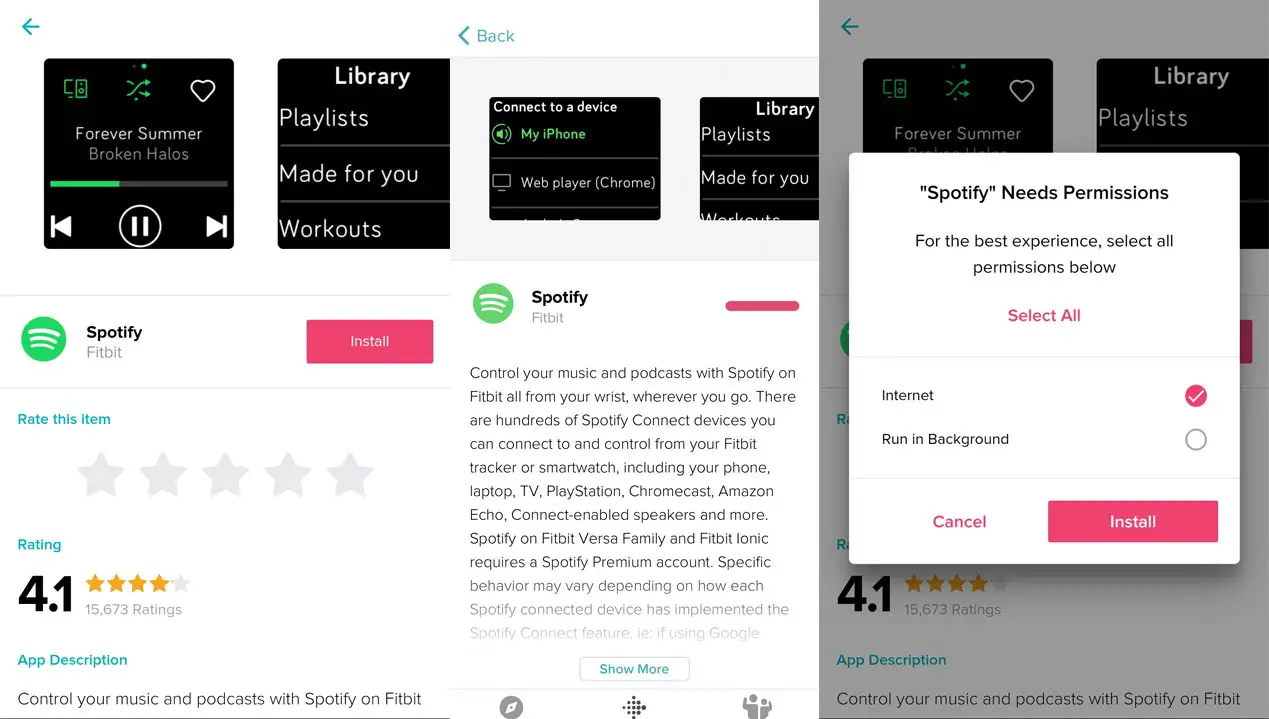
- Install the Fitbit app in your Android Mobile or iPhone.
- Open the Fitbit app and select the device.
- From the options, select apps>All Apps and search for Spotify and install the app. Now we are done with the setup.
Stream Spotify on Fitbit
If you are familiar with the Spotify app, It can detect the device within its connectivity range. When you connect to the Wi-Fi, It can detect the other Spotify installed devices within that Wi-Fi range. The Same goes for Bluetooth devices.
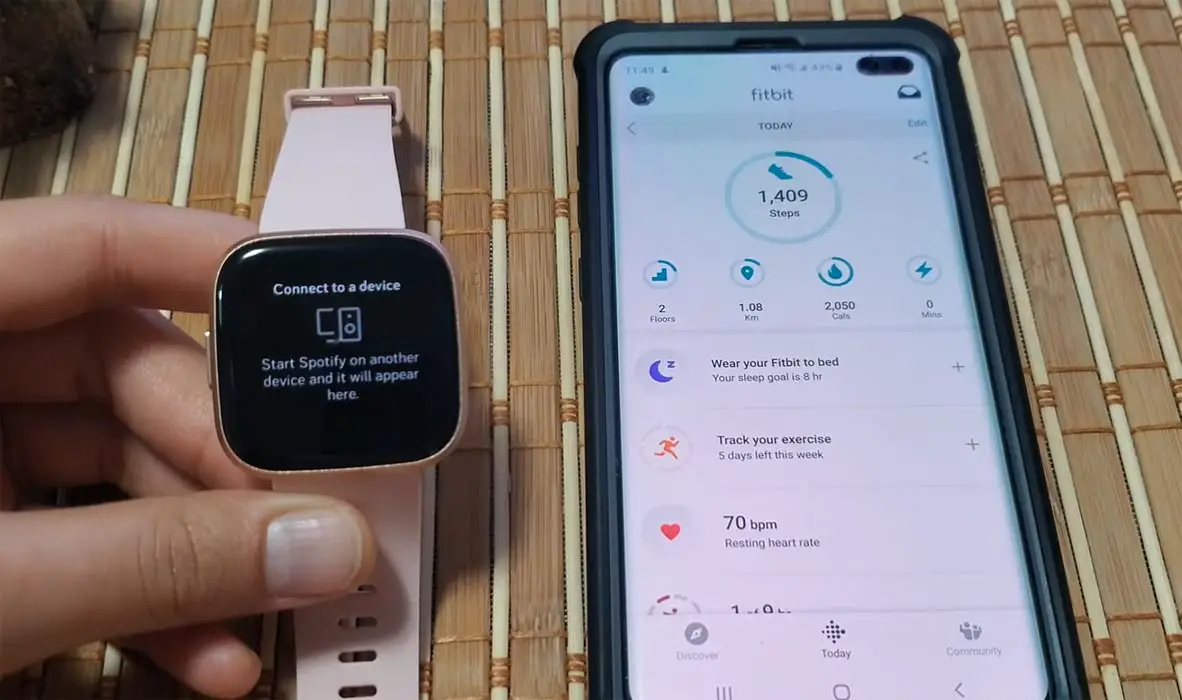
- Open the Spotify app in your Fitbit device. It will make a prompt as “Connect to a device.”
- Now turn on Bluetooth in your mobile and Open Spotify app.
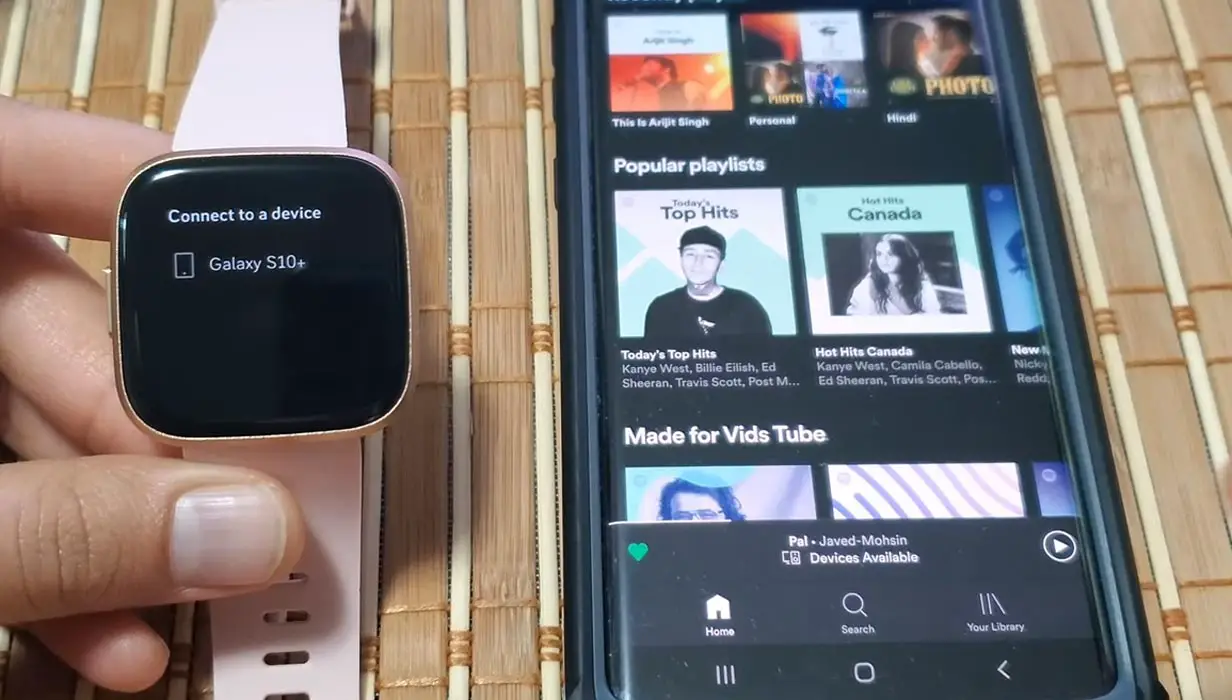
- Your Fitbit device will automatically detect your mobile after the detection chooses your mobile. After the successful connection, you can control your Spotify songs list using Fitbit.
Fix Fitbit Spotify Can’t detect my phone
When your Fitbit can’t detect the device, you can alternatively connect your device from your mobile Spotify App.
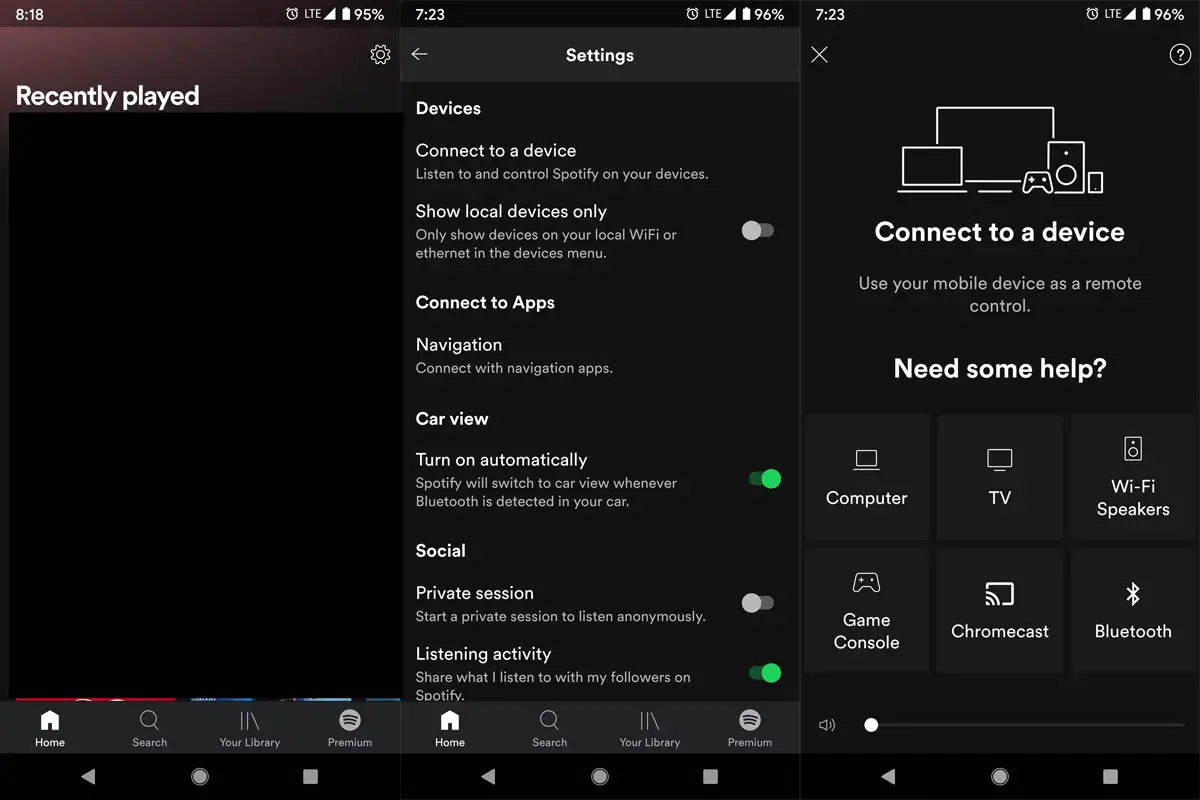
- Your mobile and Fitbit device should be paired successfully in Bluetooth if you have any issues in Bluetooth, Unpair, and pair your device again.
- Open your Spotify app on your mobile.
- Navigate to the Home page and select the gear icon.
- Scroll down to the bottom and choose “Connect to a device” under the Devices section. You will get the list of connected devices. From there, you can select your Fitbit device.
Wrap Up
When you are at the Gym or doing Workouts at Home, Most of us have a habit of listening to songs. When we have to skip or pause the songs during our workout, we may feel interrupted. Mobile control is far better than the Fitbit. But, It can do the job. Without taking the phone and skip or pause the songs, We can control the songs using Fitbit. If you prefer to workout in Home, you can use one of the Home smart assistants like Google Home Mini. When you have a device that has a lot of useful features, you should utilize them as much as possible instead of trying other ways. What is your experience with the Fitbit Spotify Stream? Comment below.

Selva Ganesh is a Computer Science Engineer, Android Developer, and Tech Enthusiast. As the Chief Editor of this blog, he brings over 10 years of experience in Android development and professional blogging. He has completed multiple courses under the Google News Initiative, enhancing his expertise in digital journalism and content accuracy. Selva also manages Android Infotech, a globally recognized platform known for its practical, solution-focused articles that help users resolve Android-related issues.