
Google got a good response from users after they introduced the password folder in File Manager. Even if there are plenty of third-party apps available in the play store, We can’t trust them all. Since we store sensitive contents inside the secret folder, We have to use reputed apps that we trust. After the success of the File Manager Password Folder, Now they introduced Locked Folder for Google Photos. Like File Manager, You can protect your Photos folder using Password, PIN, and Fingerprint lock. Since Google Photos is a Cloud service, the protected folder is not shared with other platform access. You have to enter the correct PIN or Password to access the folder and move the file to another Cloud folder to access the file.
Google Photos
Google developed a service called Google Photos for Photo sharing and also for storage. It is a separate platform from Google Drive. This app is used to share, view, edit photos and videos exclusively, including an AI-powered assistant to manage your files. It has an automatic backup for your media files and can access with both Android and iOS devices. Google Photos are not like a social network, so your photos and videos are more secured; no other person can view your photos until you send them manually.
Password-Protected Google Photos Folder for Photos and Videos
Google announced that it provides Google’s Locked feature in its I/O 2021 conferences. It means that this update allows you to set a password to your specific images and videos to keep them from showing up in your main photo. This feature is only available in Pixel devices right now; in the same I/O conference, Google said that it would be coming to other Android phones “throughout the year.”

How to Use Google Photos Locked Folder?
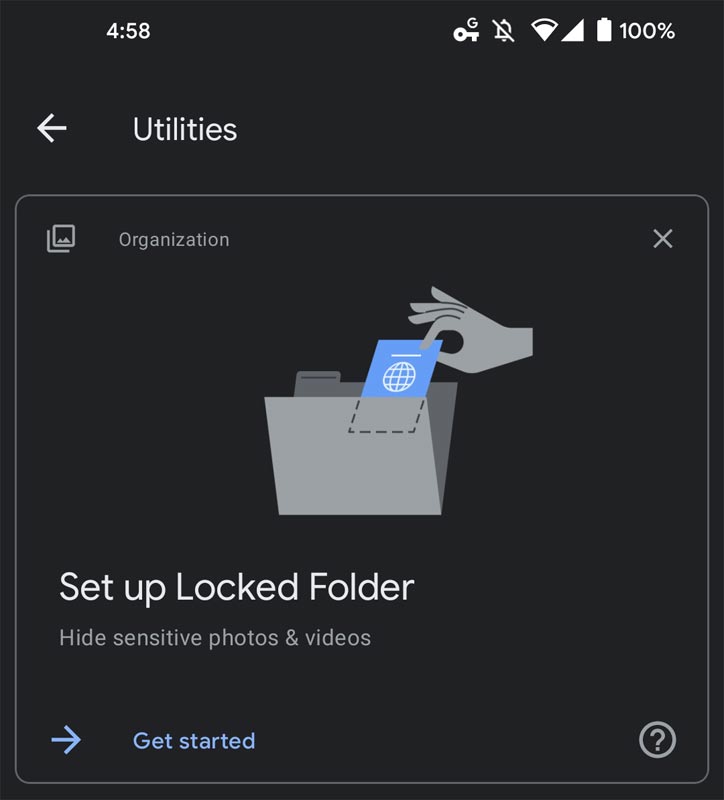
- The “Set up Locked Folders” notification will appear in the Google Photos app when it comes alive on your device.
- If you click on that, you will be having the set-up process with the company providing an overview. It shows the capabilities of what they do, which is Hide items from photos grid, search, and apps that access your mobile. Opening your device using a screen lock. Files cannot be backed up or shared.
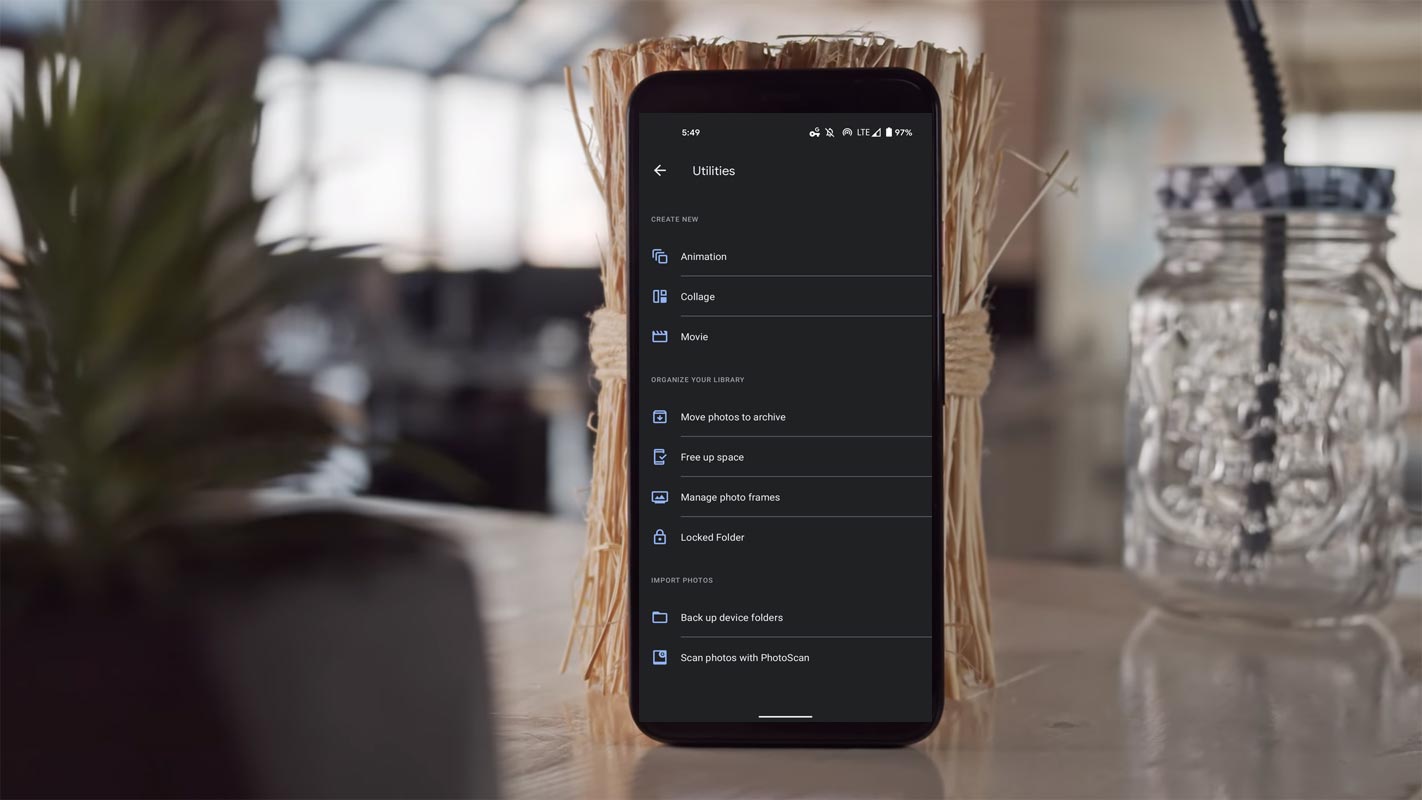
- Alternatively, You can get the Locked Folder Option in Google Photos>Settings>Utilities. You can also directly lock the image you are taking from your Google Camera App.
- You can long-press the images and add them to the secured folder.
Save Images Directly from Google Camera App to Google Photos Secured Folder
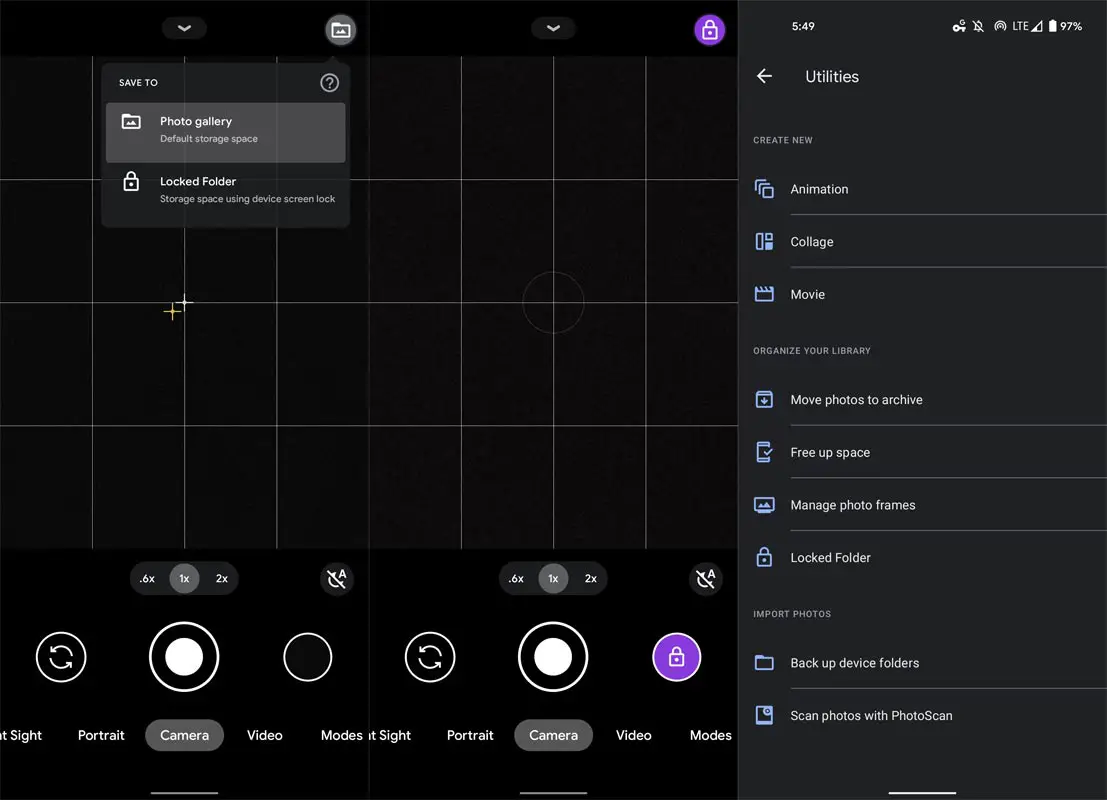
- You can also directly save taken images from the Camera app to a secured folder, Instead of moving from the Photos app. Once your configuration is done for unlocking methods, it may be fingerprint, PIN, or alphabetic password; it is a choice of your taste.
- After that, you can move to the “Library,” tap on “Utilities,” which is at the top, and click on “Locked Folder” near the bottom of the list.
- You can find the library symbol in the camera app. There are two options like “Save to” photo gallery, which means default storage space, or “Locked Folders means Storage space using device screen lock. At first, the Gray and White will be their icon, but now it is a purple color icon and reminds you that you are in the mode. It is like choose the incognito mode in the browser. After choosing Locked Folder, all the images you are taking will directly save to the locked folder.
Restrictions
Google gives more and more excitement to its users by innovating and updating new things with some restrictions. Since this Google Locked Folder also having some restrictions we can see as follows:
- Currently, The Google Locked folder is only available on the latest devices from Pixel 3 or more.
- Google locked photos, not having the option of Backup your photos and videHowever, you can move your existing photos and videos to the Locked Folder, which will remove the file in both clouds and local copy.
- You cannot take a screenshot inside the secure space; you will have two actions to do with the stored content, that is:
- Move them out of Locked Folder
- Permenantly delete.
- From the Google Camera app, you can directly save your new photos and videos to the Locked Folder only if you having the updated version 8.2.400 of the app.
- The Google Camera app needs to install on the latest version of Photos 5.45.
- The Peoples can unlock the Locked Folder you have shared your device screen lock.
Wrap Up
Even with many alternative apps available in the market, Google always comes with a unique idea to grab users and make them comfortable. Whenever we deal with sensitive information, We always doubt third-party apps. When Google gives secure features, we can trust them. Providing a direct secure folder in the camera app is a great idea. But currently, it is limited to Pixel users only. We can expect the rollout to other mobiles soon. Because the secured folder in the Google File Manager also previously available to limited mobiles. Later they made a wide rollout. Did you think the secured folder in Google Photos is useful for you? Or You think they can add more features? Share your thoughts.

Selva Ganesh is a Computer Science Engineer, Android Developer, and Tech Enthusiast. As the Chief Editor of this blog, he brings over 10 years of experience in Android development and professional blogging. He has completed multiple courses under the Google News Initiative, enhancing his expertise in digital journalism and content accuracy. Selva also manages Android Infotech, a globally recognized platform known for its practical, solution-focused articles that help users resolve Android-related issues.