
Google released Snake Game on Google Maps. The beauty of Google Search Engine is it does not only provide you with search results with Google provides multiple Games and Apps that can be fun while using it. We can’t expect 3D-level games on the lightweight search page. But few games can pass our boring time. One of the best recent games from Google is our Classic Snake Game. Google brings this game into their platform with a few added tweaks and makes it promote their Google Maps platform.
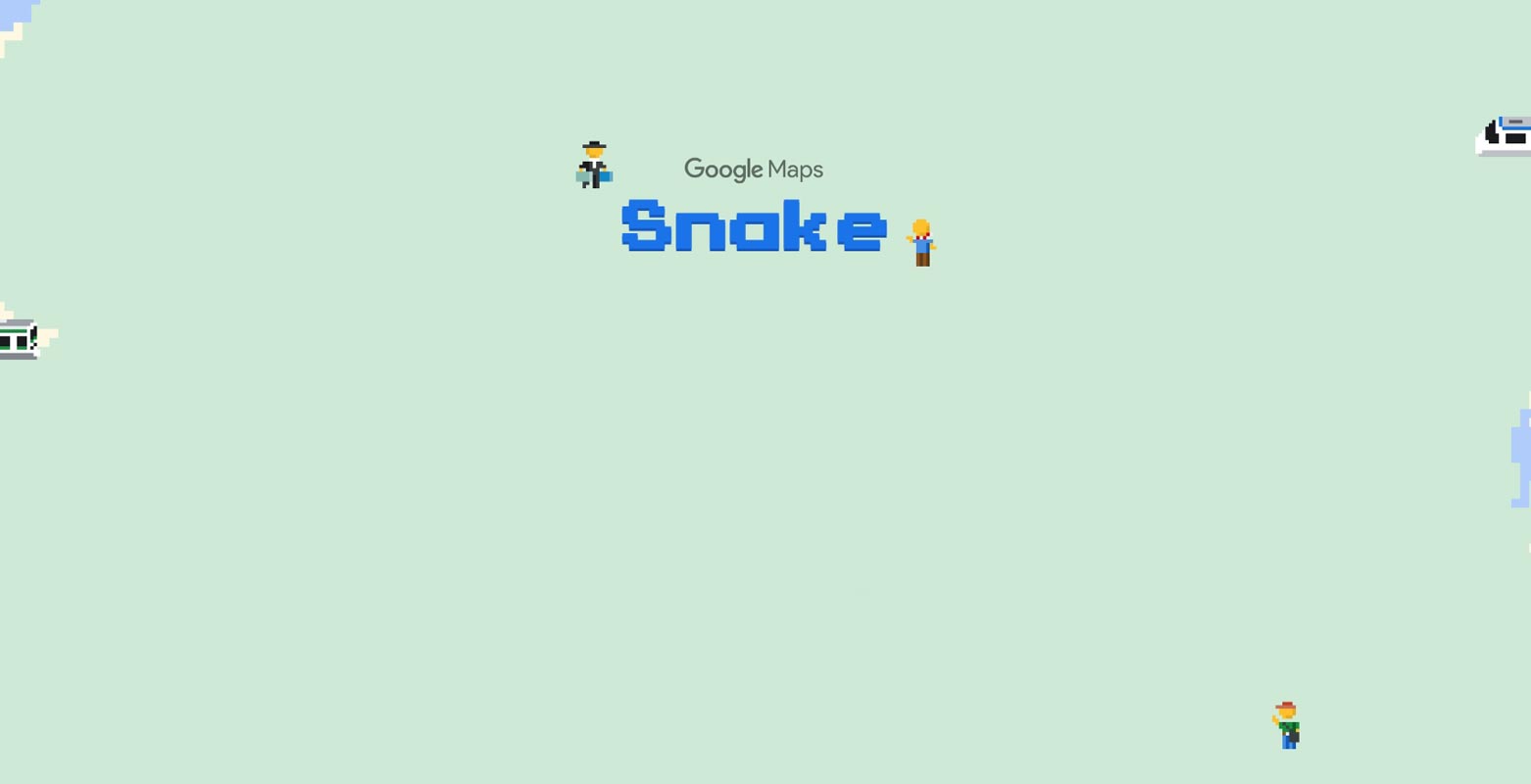
Snake Game on Google Maps
Google is known for its innovative ways of surprising users with fun games and new tricks on its apps and websites. The latest Google Easter Egg is a callback to the classic Snake game, which is a game that most people have probably played at some point in their life. This version of Snake is free to play and offers a wave of nostalgia for older folks who had a Nokia phone in the late 90s and early 2000s.
Original Snake Game
David Shin and Taro Igarashi created the original Snake game in the early 1980s. The game’s goal is to guide a snake through a maze while avoiding obstacles and consuming food pellets or other snakes to increase its size. One of the first video games to feature a scrolling screen, Snake quickly gained popularity in arcades around the globe. Later, it was adapted for mobile phones, requiring players to navigate the screen and control the Snake’s direction without running into the boundaries or its tail.

Original Snake Game vs. Google Maps Snake Game
The company has made a few minor improvements to the classic Snake game in the usual Google fashion. The game begins as soon as the train starts moving, and the objective is to collect as many passengers as you can before the train crashes into itself or the boundaries. If the train crashes, the game ends, and your score is displayed. You can then restart, exit, or share your high score via email or a link with your Google contacts.

The goal of the Snake Game
The game’s goal is to guide a snake through a maze while avoiding obstacles and consuming food pellets. Another objective is to make the Snake grow larger. The game was simplified for mobile phones, with players having to navigate the screen and control the Snake’s direction without running into the boundaries or its tail, which acts as a barrier.
Gameplay Rules and Limitations
This version of Snake follows the same basic gameplay mechanics. The Snake’s direction is controlled using the top, bottom, left, and right arrow keys.
The game starts when the train begins to move. The objective is to collect as many passengers as possible before the train crashes into itself or the boundaries. If the train crashes, the game ends, and your score is displayed. You can then restart, exit, or share your high score via email or a link with your Google contacts.
How to Play Snake Game on Google Maps?
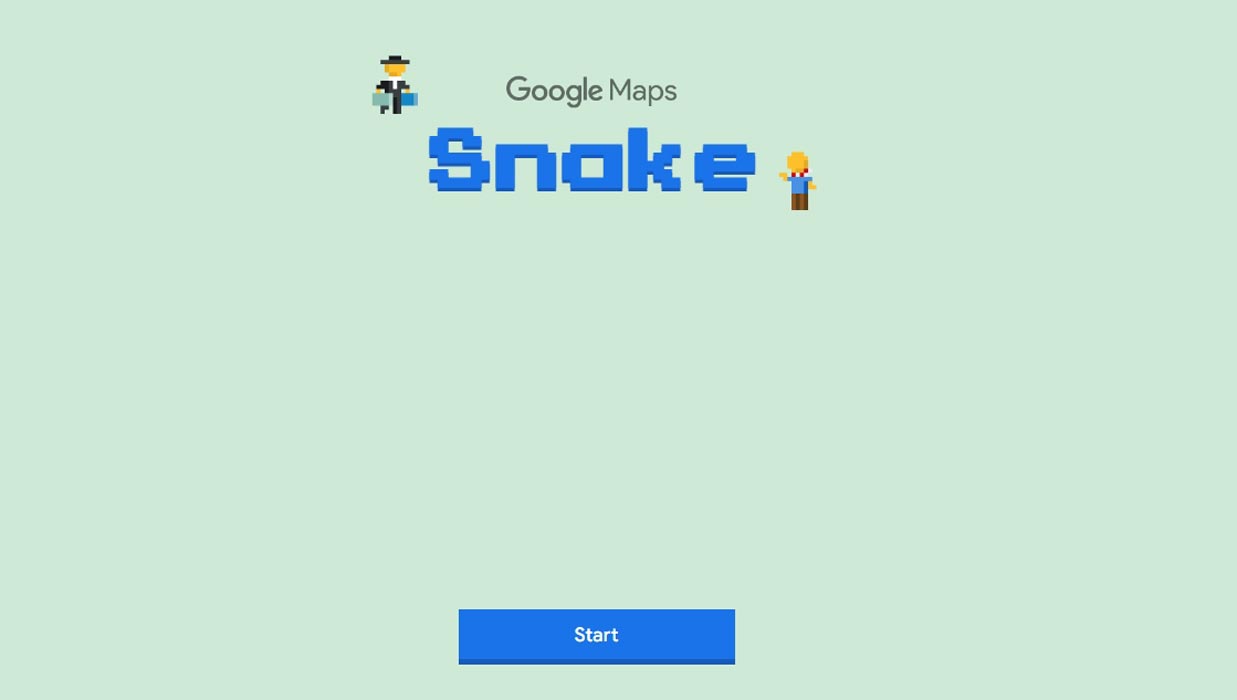
- To start playing the Google Maps Snake game, navigate to the game’s homepage and press the “Start” button.
- In contrast to traditional Snake games, this Google version starts by allowing you to select a subway train.

- You can pick from a list of locations, including Tokyo, London, Cairo, San Francisco, Sao Paulo, and the World.
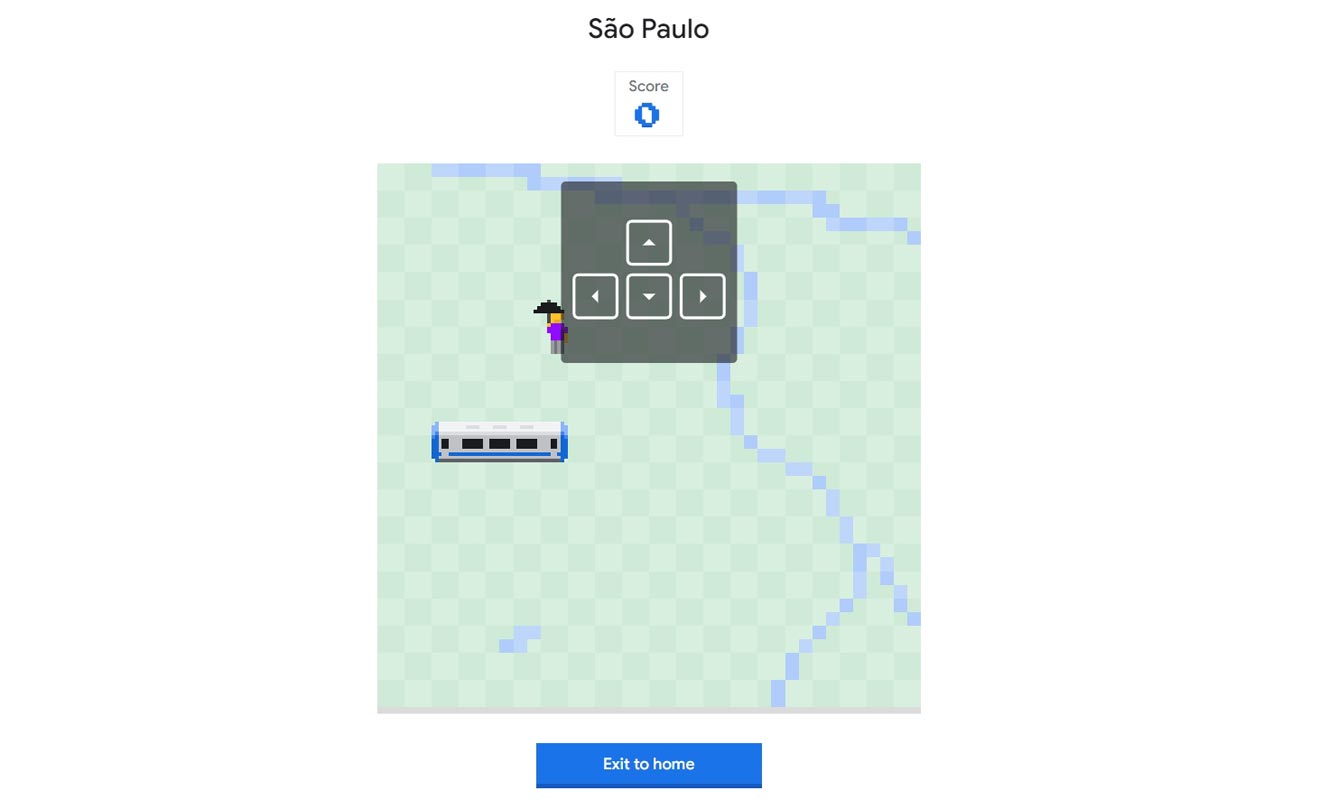
- Each train design is unique and corresponds to the place you have chosen.
Wrap Up
Google continues to provide users with a fun and engaging experience by introducing new games and Easter eggs on its apps and websites. The latest addition is Snake Game. It is a throwback to the classic game that most people have played at some point in their life. The new version is free to play, offers minor improvements, and allows players to choose their location, making the game even more exciting.

Selva Ganesh is a Computer Science Engineer, Android Developer, and Tech Enthusiast. As the Chief Editor of this blog, he brings over 10 years of experience in Android development and professional blogging. He has completed multiple courses under the Google News Initiative, enhancing his expertise in digital journalism and content accuracy. Selva also manages Android Infotech, a globally recognized platform known for its practical, solution-focused articles that help users resolve Android-related issues.