
Samsung is constantly differentiating them from the design, Software, and OS. Even if All Samsung Galaxy mobiles work on Android OS, When you compare it with other mobiles, It looks like Samsung has a different OS. They always use heavily custom skin to stand alone compared with other manufacturers. Also, Samsung knows how to support users after-sales. They are the ones who introduce the perfect official PC suite with all features like flashing firmware. All these features have some drawbacks also. Not all Samsung mobiles are compatible with general ADB drivers. Below, we list all versions of Samsung Galaxy USB drivers, from old to latest. Based on your model and compatibility, you can choose one.
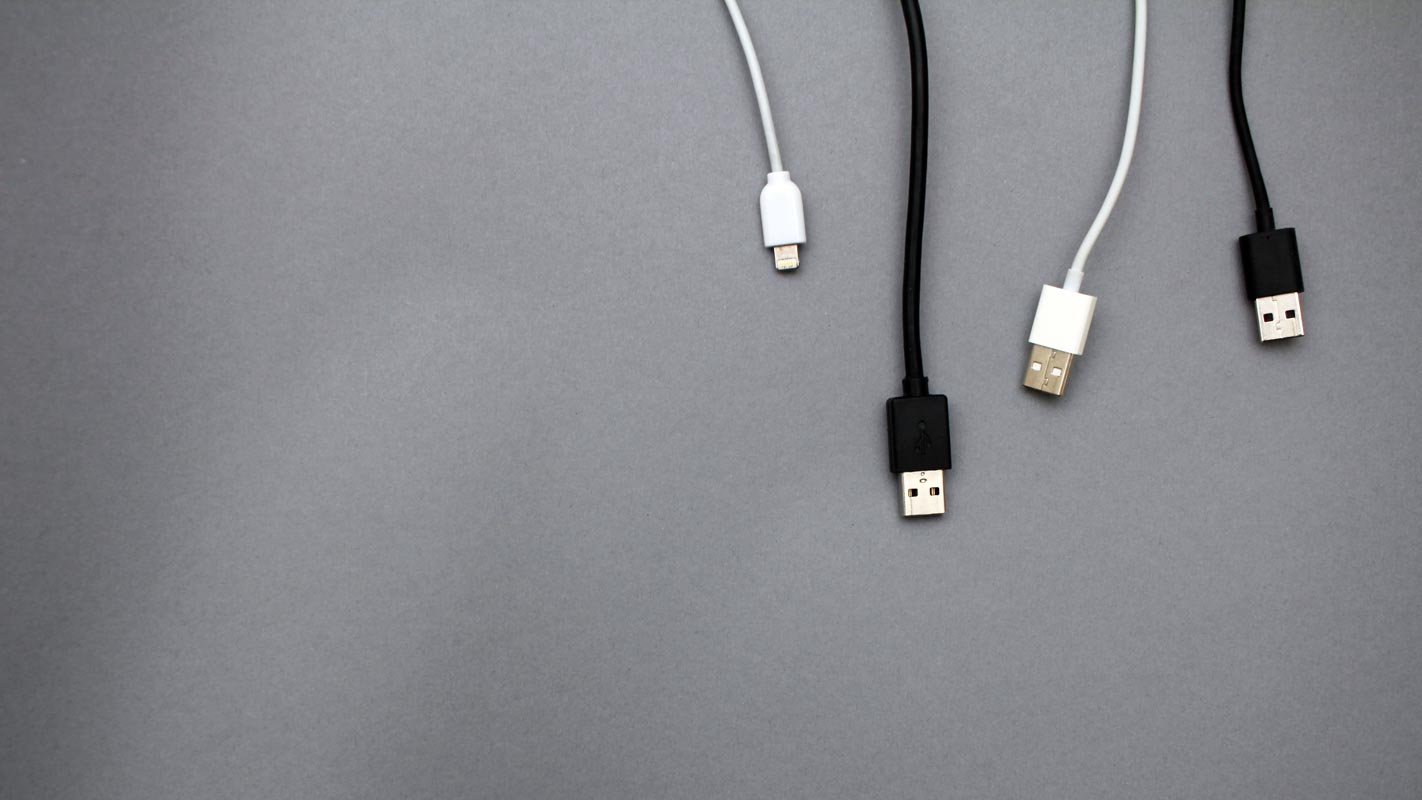
We need specific Samsung USB Drivers to make a connection. A Samsung SmartSwitch is enough to perform basic operations. But we need Samsung USB Drivers to function correctly with ODIN when we want to flash firmware or Root.
Samsung Galaxy USB Driver All versions Download Links.
Below are the links to download the available Samsung USB driver versions. If you can’t download the files below, try our AFH Mirror.

- Generic Version (Mostly compatible with all mobiles)
Installation Instructions for Samsung Galaxy USB Driver
- Download Samsung USB Drivers from the above links.
- Extract the .exe file from the Zip.
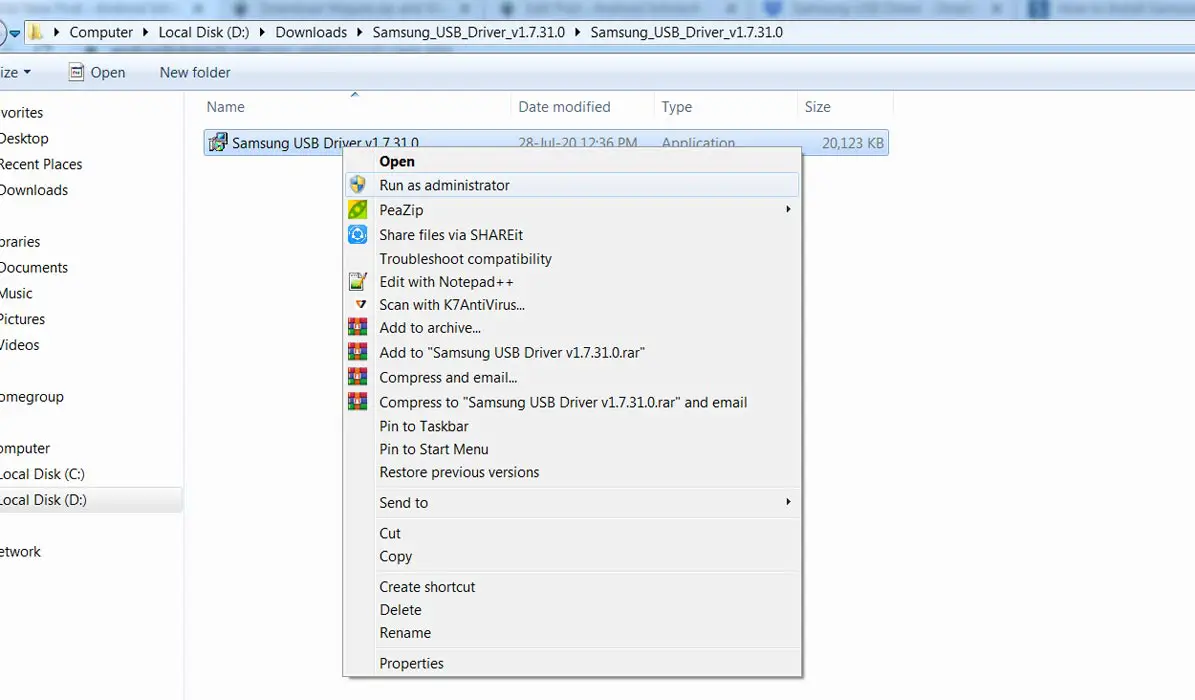
- After the extraction, Right-click on the software on your PC and choose “Run as Administrator.”
- We use Administrator because the USB driver should have General access so that you can access everything without any folder restrictions. If you have installed the ADB drivers, you may know about these issues.
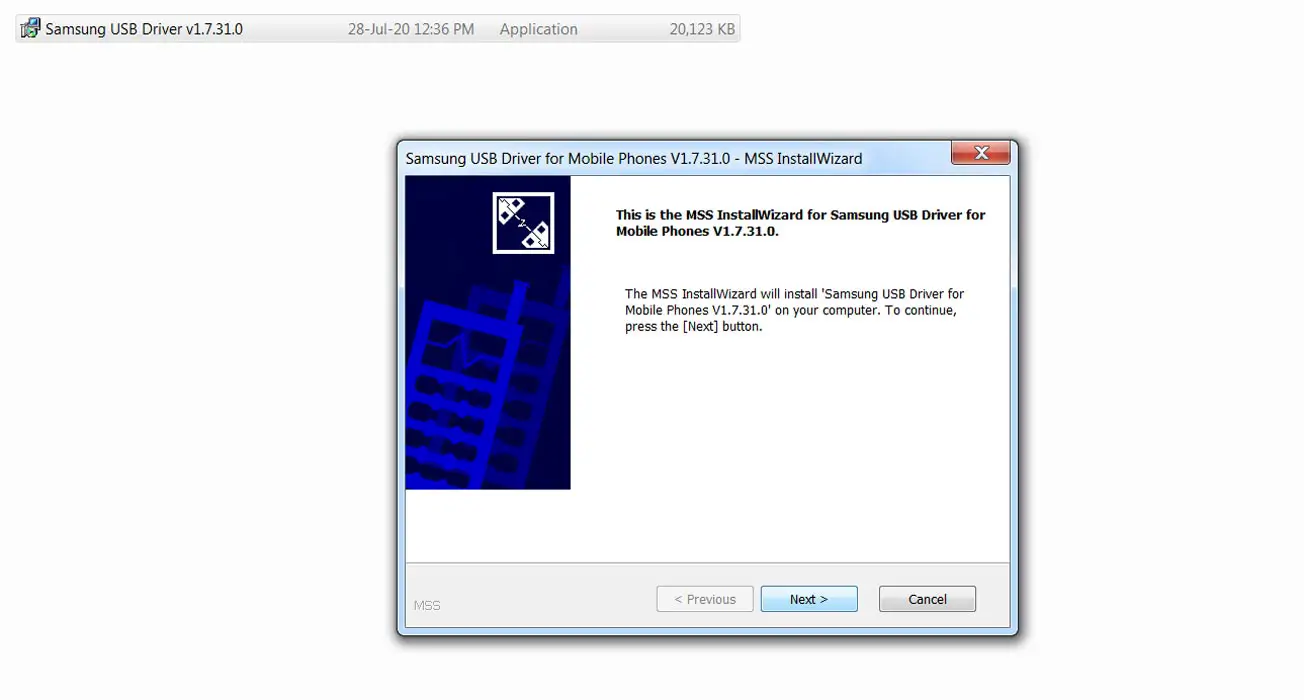
- After you choose to run it, it will ask for installation permission. Choose “Next.”
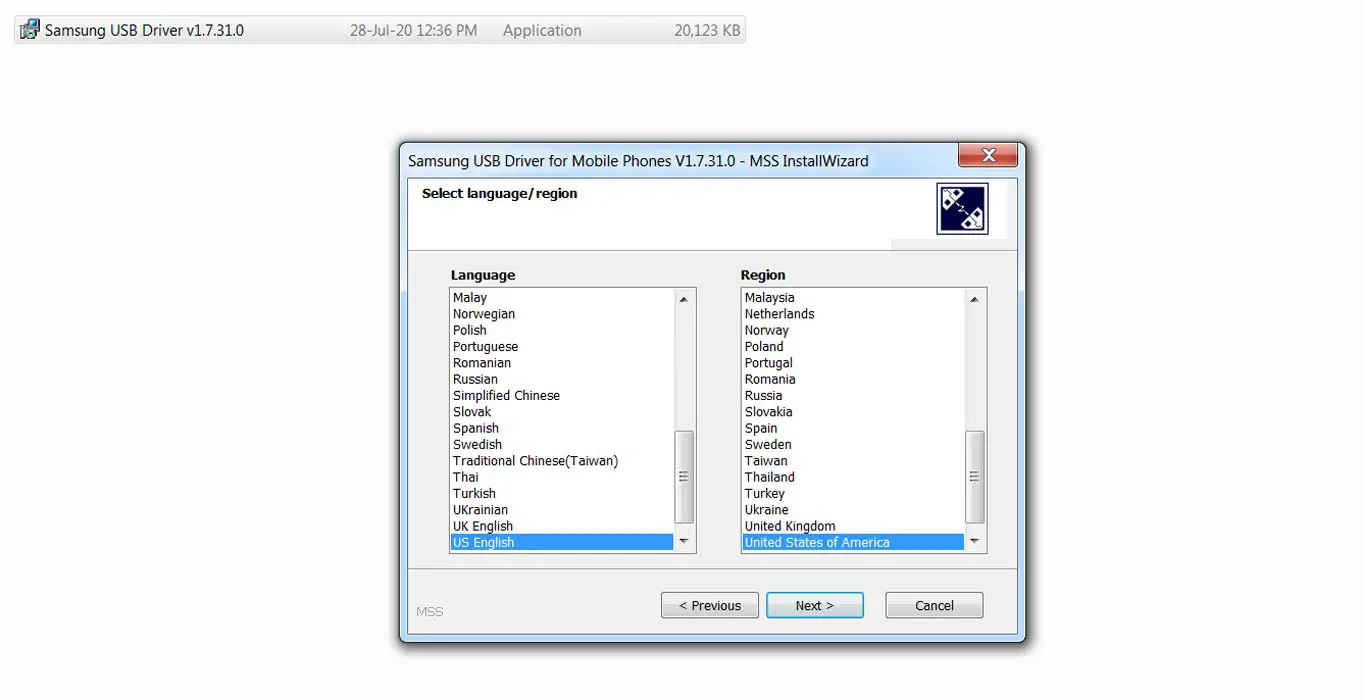
- On the next page, you must select the language. Choose your language based on your priority.
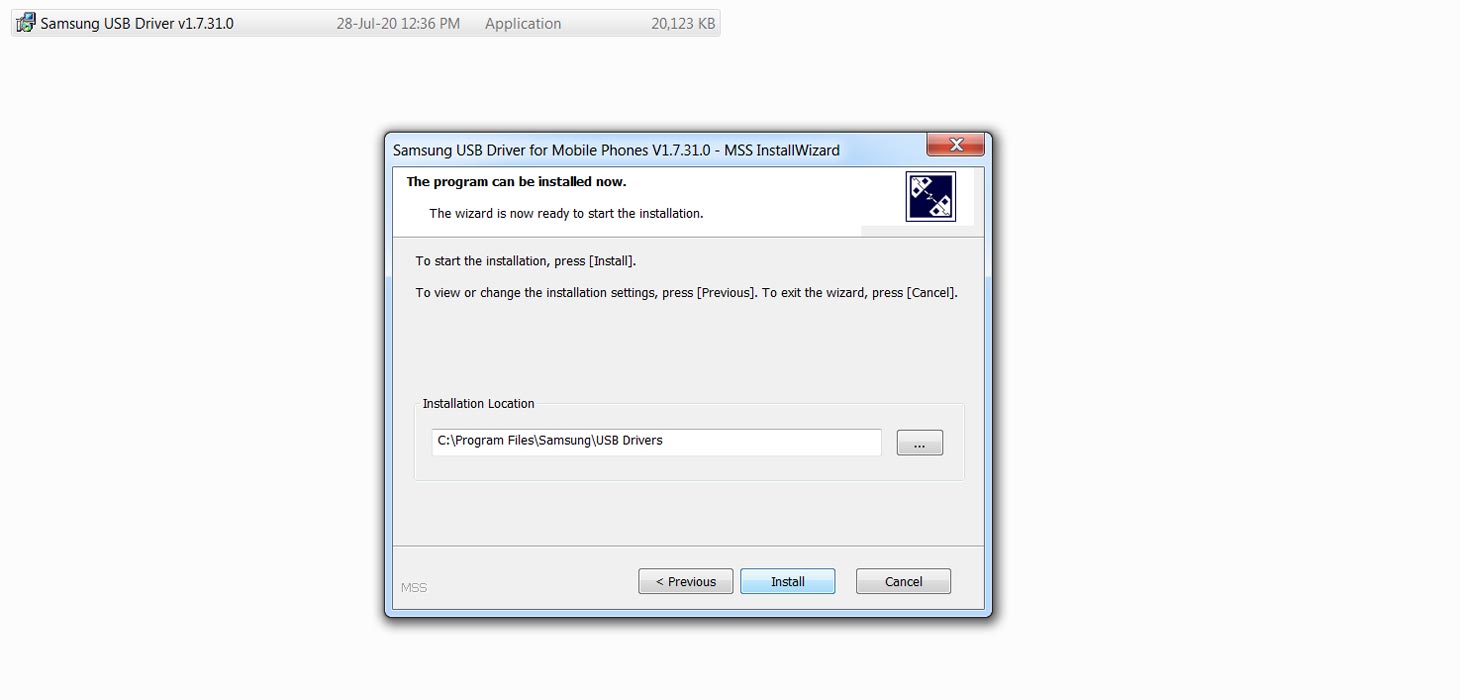
- After selecting the language, you have to choose the path for installation. It will automatically select the Admin path where you install the OS. Keep going in the same direction to avoid deleting Driver files.
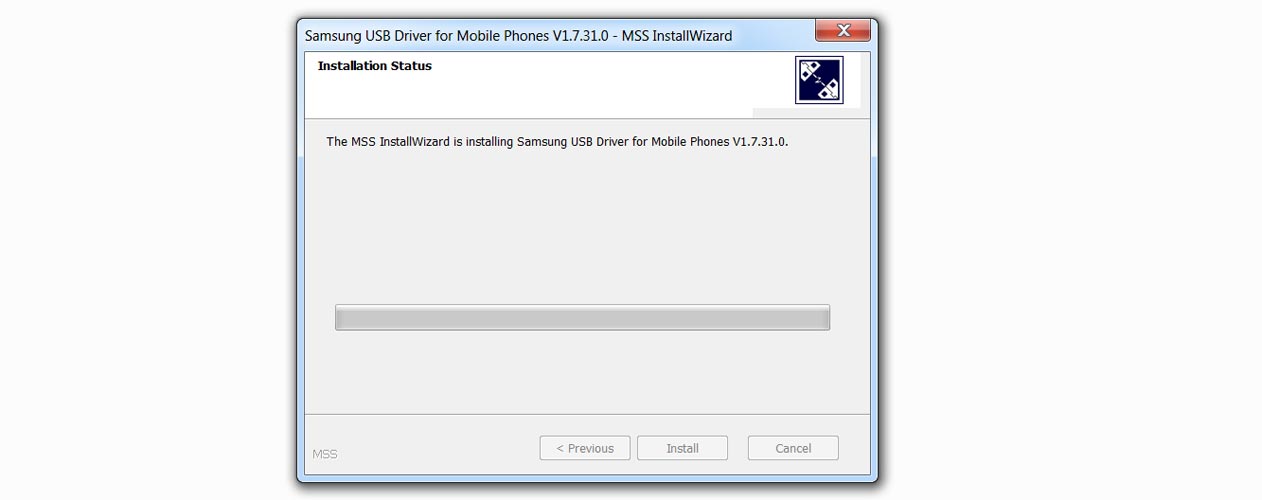
- When you verify the installation path, select “Install.”
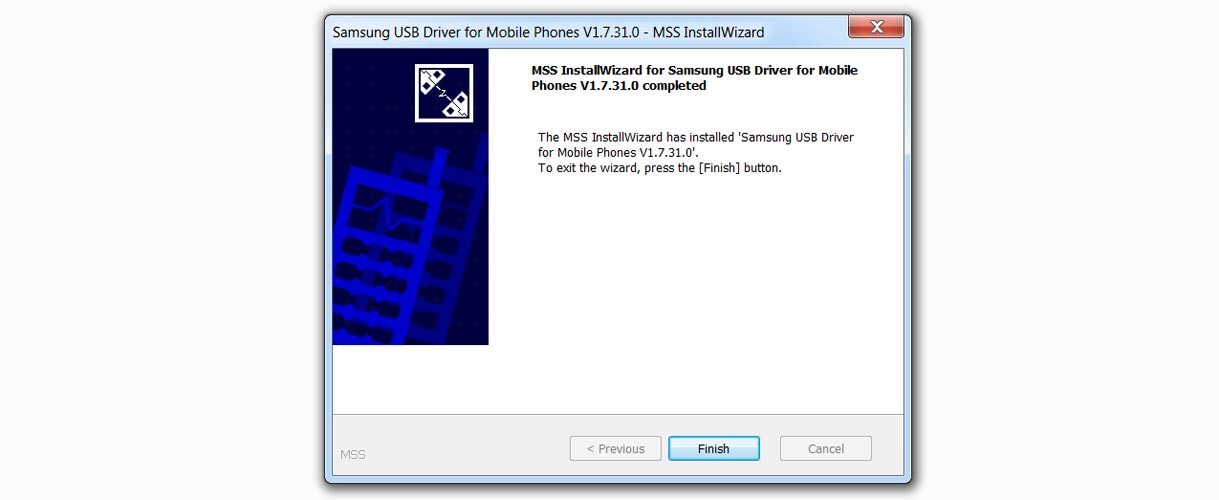
- After the Installation, Select “Finish.”
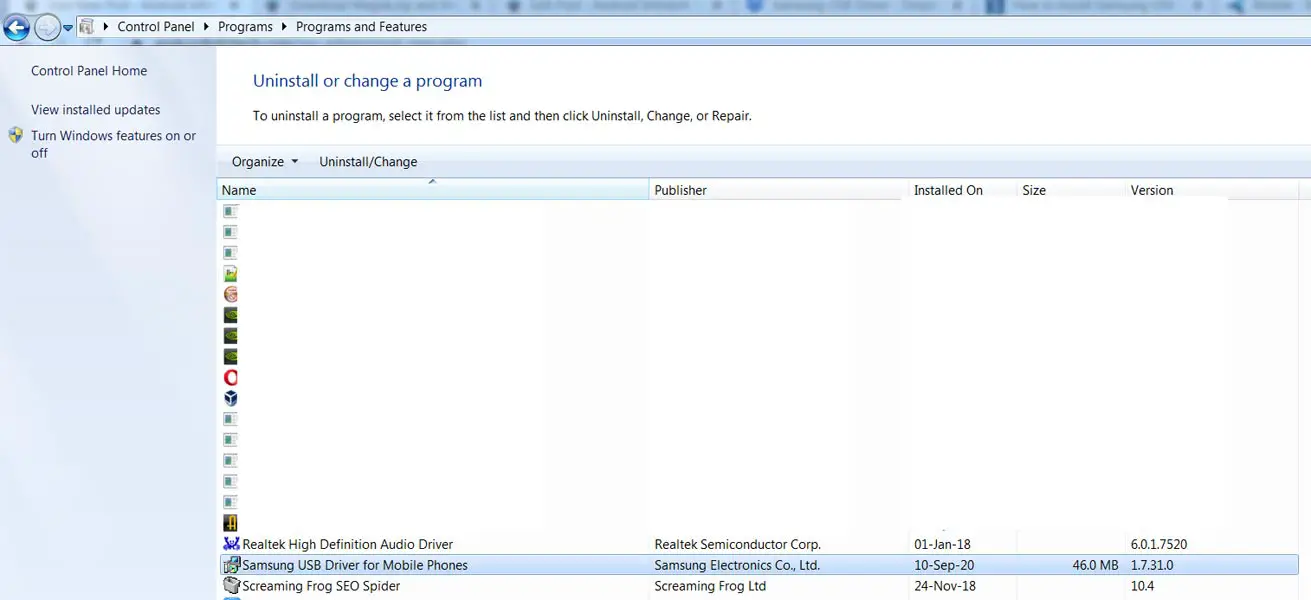
- You can verify the correct installation in Control Panel> Programs> Programs and Features. Based on your version installation, You can find the file name.
Troubleshoot
We try to give a fix for general errors. Most of the errors can be solved using the below methods.
I downloaded it but can’t find the file
- Check with your download location in your browser.
- If you download using Chrome because of the Chrome 85 update, it may warn you about the .exe file. Select the “Keep” option in the download section.
- Your security software may accidentally identify the software as non-compatible. Whitelist the USB driver file in your security software.
Installed, but PC can’t detect the mobile.
Most of the time, your mobile media files can be accessed through a PC. This means we installed the driver correctly. When you can’t see the mobile logo on devices, check in the Control Panel whether you installed the file correctly. If you install the file other than the OS path, Uninstall the USB driver and install it again with the OS driver.
ODIN can’t identify the mobile
Most users use ODIN for flashing firmware and root methods. For this purpose, the USB driver is mandatory. ODIN can’t check your mobile when you don’t install the USB driver. The ODIN issue can happen for several reasons. When ODIN has identified your device, you will get the message “Added.” When you can’t see the message, it means there is an error.
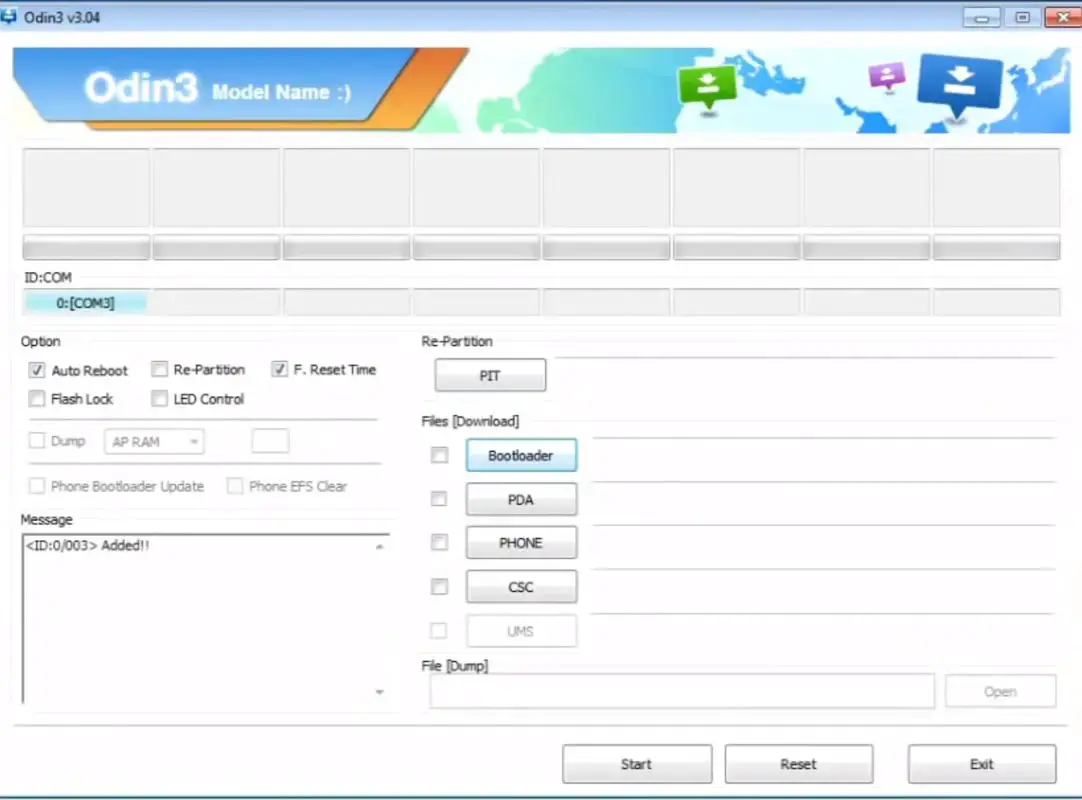
Install the latest ODIN.
Installing the latest version of ODIN can help you in most situations Since the old versions may not be compatible with the latest mobiles.
Enable USB Debugging
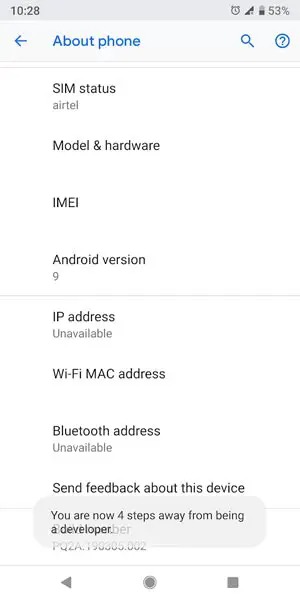
-
Enable USB Debugging Mode and OEM Unlock on your mobile. To do this, go to settings >>> about >>> Tap on the “Build Number” 7-10 times consistently to enable “Developer Options,” then go to the “Developer Option” and enable USB Debugging Mode and OEM Unlock. There is no complicated process in Samsung Galaxy mobiles.
Use Different USB Cable
Not all USB cables are eligible for data transmission. Some lines are only capable of charging. Always try using official Samsung cables or high-quality cables.
Un-Install Samsung Galaxy USB Driver
Installing more than one USB driver may create a conflict in some situations. To avoid this, we have to Uninstall one of the USB drivers. Also, when you use Samsung SmartSwitch, it will install the USB driver by default. Check the availability in the control panel and remove USB drivers if you find more than one.
- You can remove the Control Panel> Programs> Programs and Features installation. Based on your version installation, You can find the file name.
- After Selecting the file name, Choose “Un-Install.”
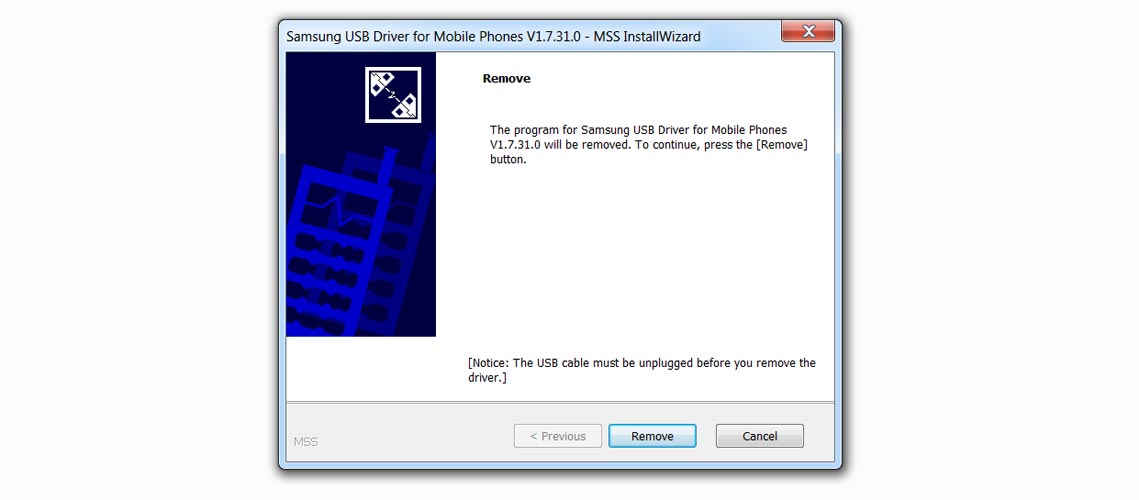
- You will get the dialogue Box with the Remove option.
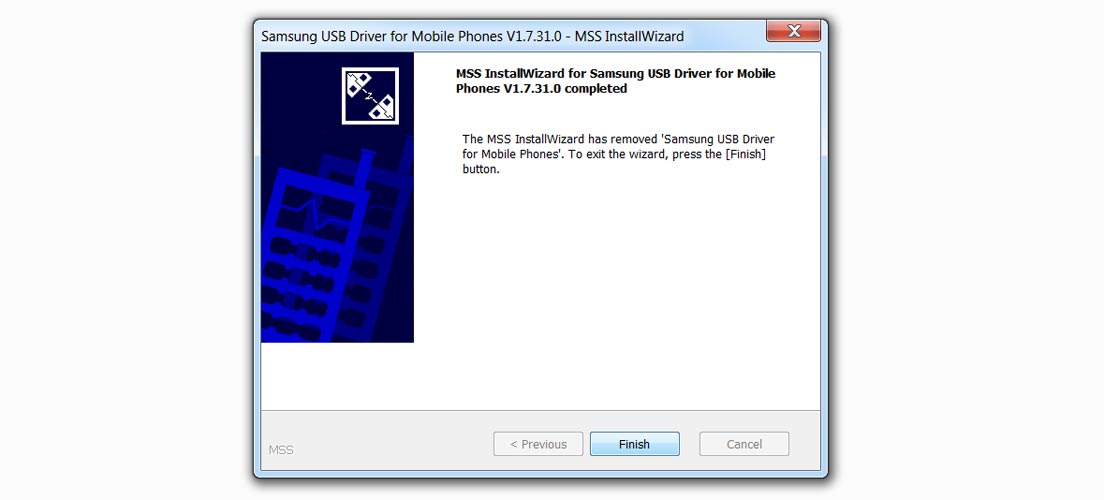
- Choose “Remove.” You will get the message after the removal is successful.
Wrap Up
USB driver is essential software for all mobile actions. It is a bridge between your mobile and PC. This is not only for flashing firmware or rooting your Samsung Galaxy Mobile but tou must also install those USB drivers to access essential media files. The Latest versions may not detect the mobile when you have old mobiles. Alternatively, New mobiles may not be compatible with old versions. So, based on your mobile, choose the version. When none of the USB drivers is compatible with your mobile, Use the Generic version. I hope this software will help you with your mobile actions. Comment below when you face any issues or need versions different from those above. We try our best to resolve the problem and provide additional mirrors.

Selva Ganesh is a Computer Science Engineer, Android Developer, and Tech Enthusiast. As the Chief Editor of this blog, he brings over 10 years of experience in Android development and professional blogging. He has completed multiple courses under the Google News Initiative, enhancing his expertise in digital journalism and content accuracy. Selva also manages Android Infotech, a globally recognized platform known for its practical, solution-focused articles that help users resolve Android-related issues.