
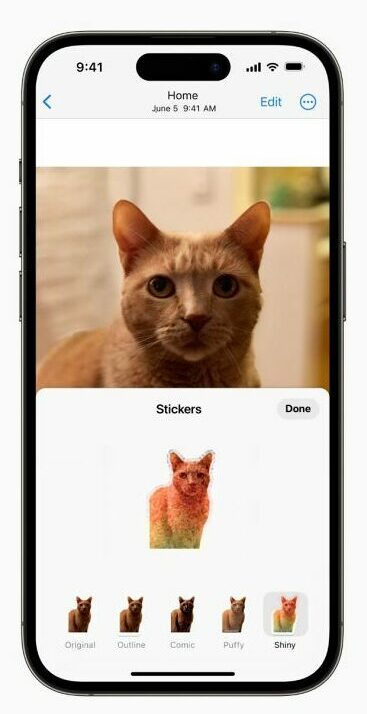
The seventeenth iteration of iOS for iPhones and iPads and the fourteenth iteration for Macs have introduced many exciting features, making the user experience more engaging and dynamic. One particularly anticipated feature is the introduction of Stickers, providing a playful and expressive medium for users. However, this anticipated feature has met an unexpected hurdle. Users have reported a glitch where Stickers are not functioning as intended on iOS 17, iPadOS 17, and macOS 14 Sonoma devices. This unforeseen issue has caused frustration among users eagerly looking forward to using this expressive tool. Apple is actively investigating the problem and working on a resolution to ensure a seamless experience for its users in the upcoming updates.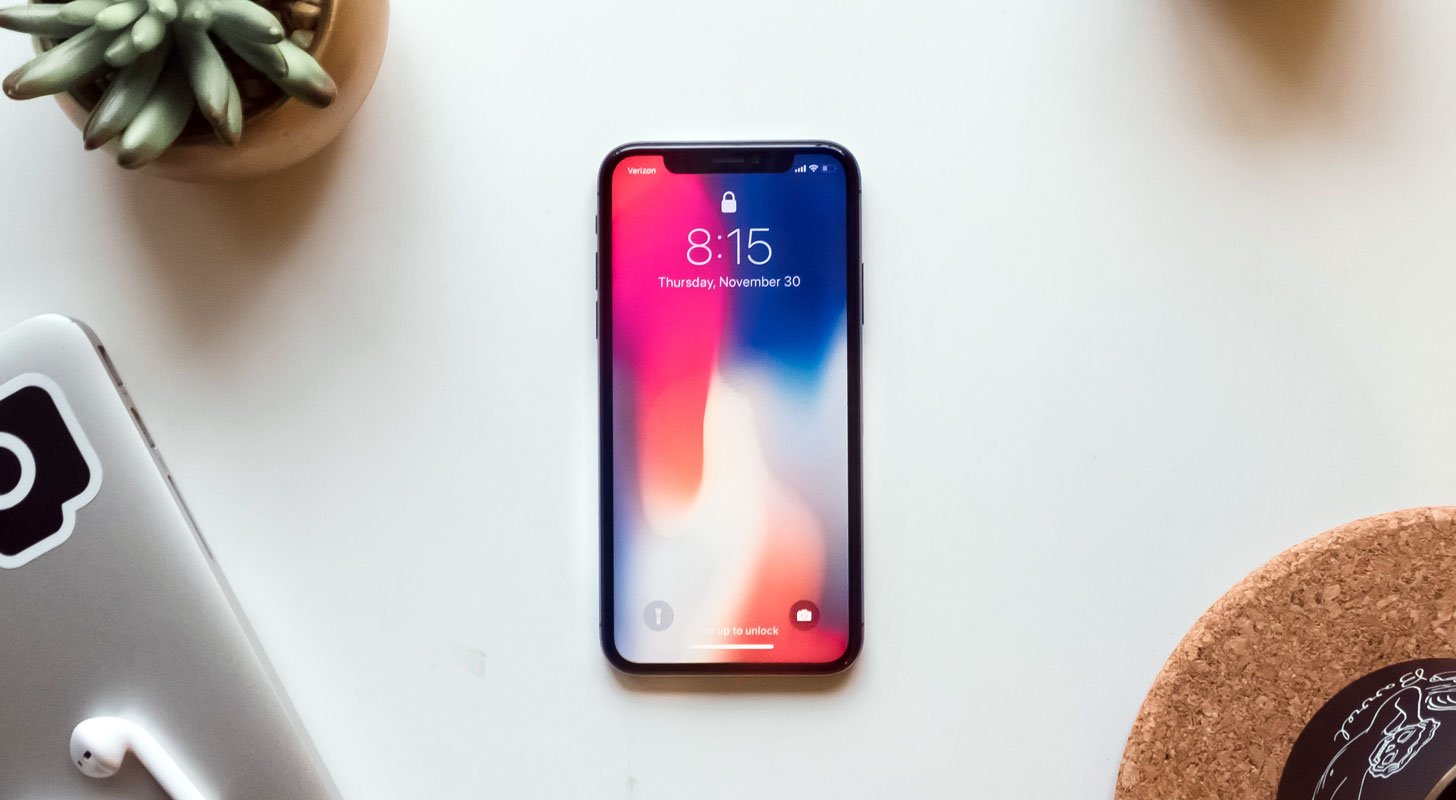
Understanding the Sticker Malfunction Issue
Users mentioned that after the update to iOS 17.0.2, Stickers stopped working on the iPhone 15 series, and the same issue occurred on iPhones running iOS 17.0.1. This issue extended to Macs upon updating to the latest macOS build. This problem has left many users frustrated and seeking a solution.
How to Solve Sticker Malfunction on iOS 17, iPad OS 17, and MacOS Sonoma?

Currently, a temporary solution involves signing out and re-signing into the iCloud account across all affected devices. Here are the steps to follow:
On iPhone or iPad:
- Go to Settings > [Your Name] > Sign out.
- Input your Apple ID password and then select “Turn Off.”
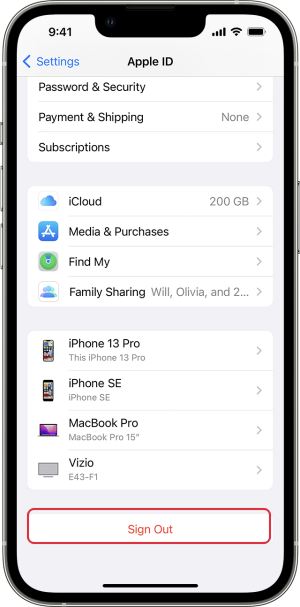
- Tap Sign out > Sign out and then restart the device.
- Go to Settings > Sign in to your [device].
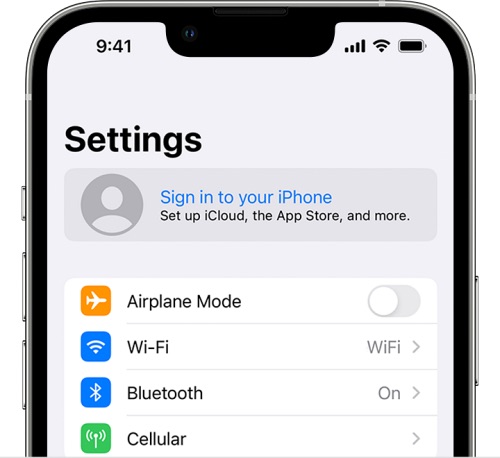
- Input your Apple ID and password.
On Mac:
- Open System Settings and select your username from the top.
- Select the Sign-out button located at the lower left corner.
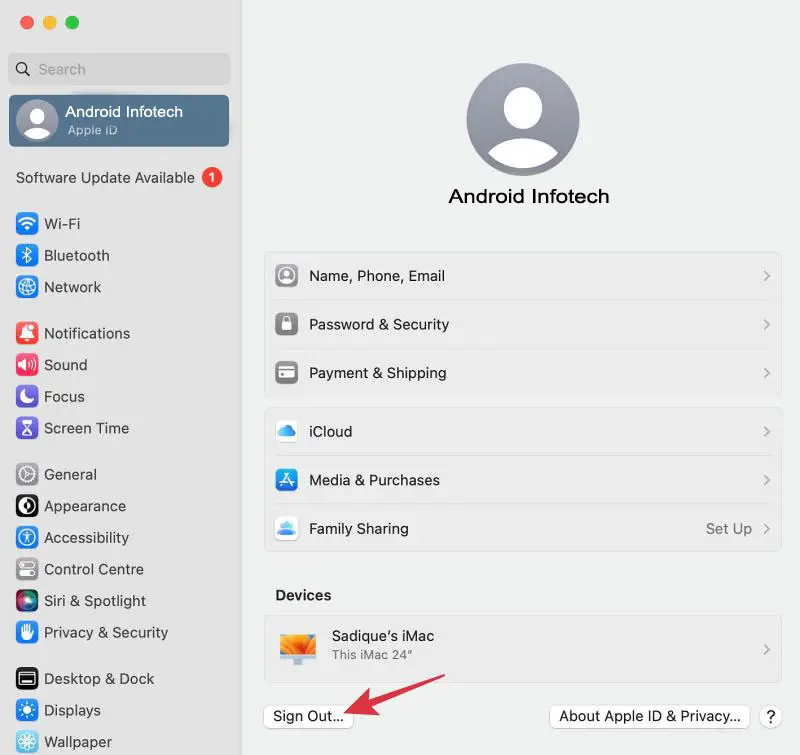
- Follow the on-screen instructions to log out.
- Re-sign into your account from System Settings.
Exploring Alternative Solutions
While the temporary fix works for some users, others might need a more permanent solution. Alternative methods include:
- Ensure all devices are updated to the latest OS versions.
- Resetting device settings may resolve the issue.
- Reach out to Apple Support for personalized assistance.
FAQs
Is the Sticker malfunction a widespread issue?
Many users have reported this issue on iPhones, iPads, and Macs running the specified operating systems.
Does Apple acknowledge the problem?
Apple owns the problem and is actively working on a solution in upcoming updates.
Are there other reported problems with iOS 17, iPadOS 17, or macOS Sonoma?
Aside from the Sticker malfunction, some users have reported minor bugs and performance issues.
Is the Sticker malfunction related to specific Sticker types?
No, the malfunction affects various Sticker types, including emoji, Animoji, Memoji, custom Stickers, and Live Stickers.
How long does the temporary fix last?
The quick fix by signing out and re-signing into iCloud provides relief for a few hours before the issue may reoccur.
Wrap Up
The Sticker malfunction on iOS 17, iPadOS 17, and macOS Sonoma has emerged as an unexpected and frustrating glitch affecting many users. This malfunction disrupts the seamless use of Stickers, a feature designed to add a playful and expressive dimension to communication. Unfortunately, many users have experienced this issue, detracting from the overall user experience. A temporary workaround exists where users can sign out and re-sign into their iCloud accounts, providing a brief respite from the malfunction. However, this solution is quick and doesn’t address the root cause, leaving users anticipating a more permanent resolution.
Users eagerly hope for an official fix from Apple through subsequent updates, seeking a definitive solution that allows them to enjoy the Sticker feature without interruption, restoring the intended interactive and expressive communication experience. Apple’s ongoing efforts to resolve this issue are keenly observed by the affected user base, anticipating a seamless Sticker functionality shortly.

Selva Ganesh is a Computer Science Engineer, Android Developer, and Tech Enthusiast. As the Chief Editor of this blog, he brings over 10 years of experience in Android development and professional blogging. He has completed multiple courses under the Google News Initiative, enhancing his expertise in digital journalism and content accuracy. Selva also manages Android Infotech, a globally recognized platform known for its practical, solution-focused articles that help users resolve Android-related issues.