
Google has begun rolling out Fuchsia OS to the Nest Hub 2nd Gen. The update is being tested with a small group of users, but it should be available soon. Fuchsia OS is a new operating system from Google designed to be more secure and efficient than its predecessor, Cast OS. The update will not change how the Nest Hub 2nd Gen works but could improve performance and stability. You must be enrolled in the Google Preview Program to update your Nest Hub 2nd Gen to Fuchsia OS. Once registered, you will receive an update notification when the update is available.
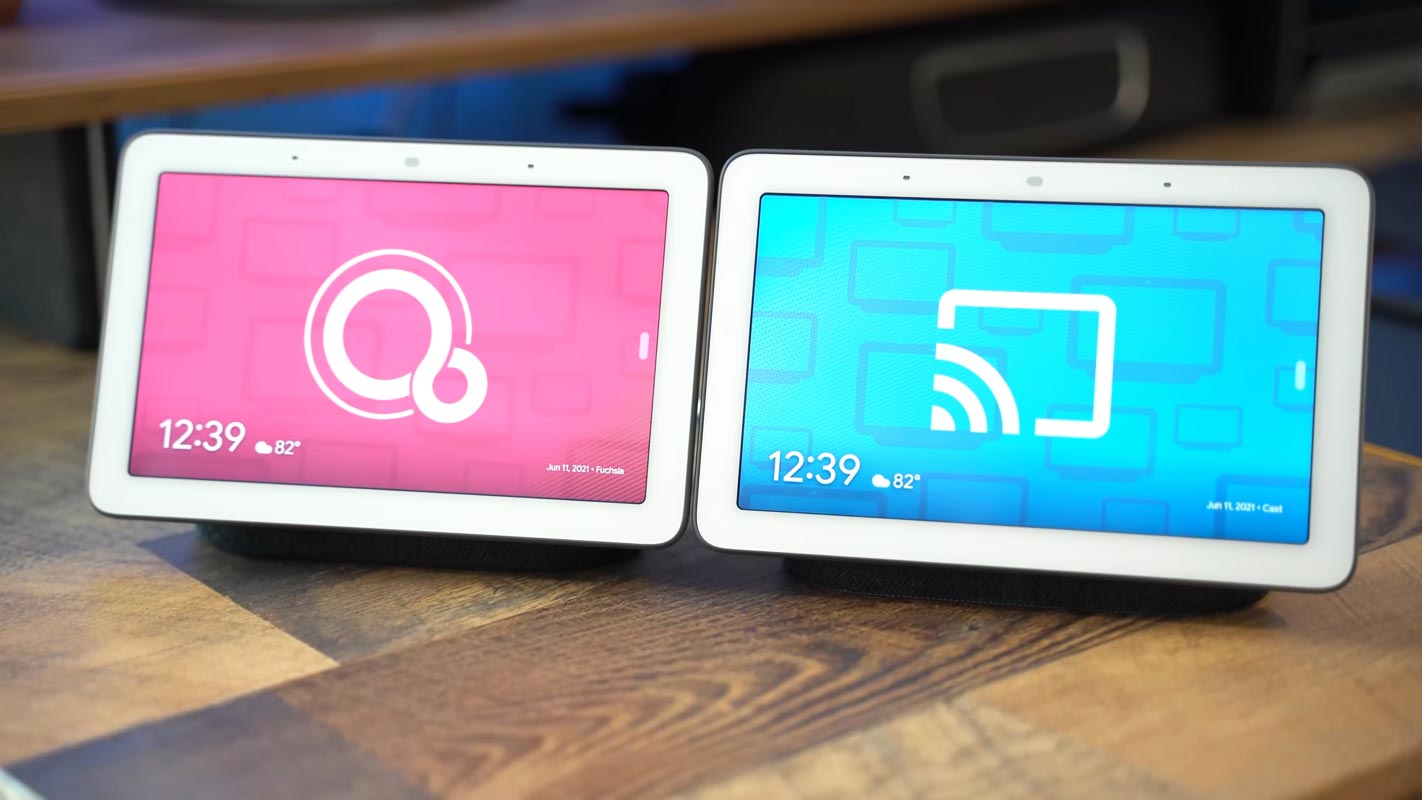
Google and Fuchsia OS
Since the beginning of five years, Google has been quietly working on developing Fuchsia, an operating system designed to take on and replace Linux. While many Google users were hoping Fuchsia’s release was a big one similar to that of Android at the time, its launch was as quiet as the process itself.
A few weeks after Google I/O 2021, the company officially shipped Fuchsia users of the original Nest Hub. Google also released the officially-approved guide for those interested in finding out the status of their intelligent displays and whether they received an update with the Fuchsia update. Still, They executed it so that it could hide (to the majority of people) the fact that something had ever happened.

Google is already rolling out Fuchsia in the Google Nest Hub 2nd Gen
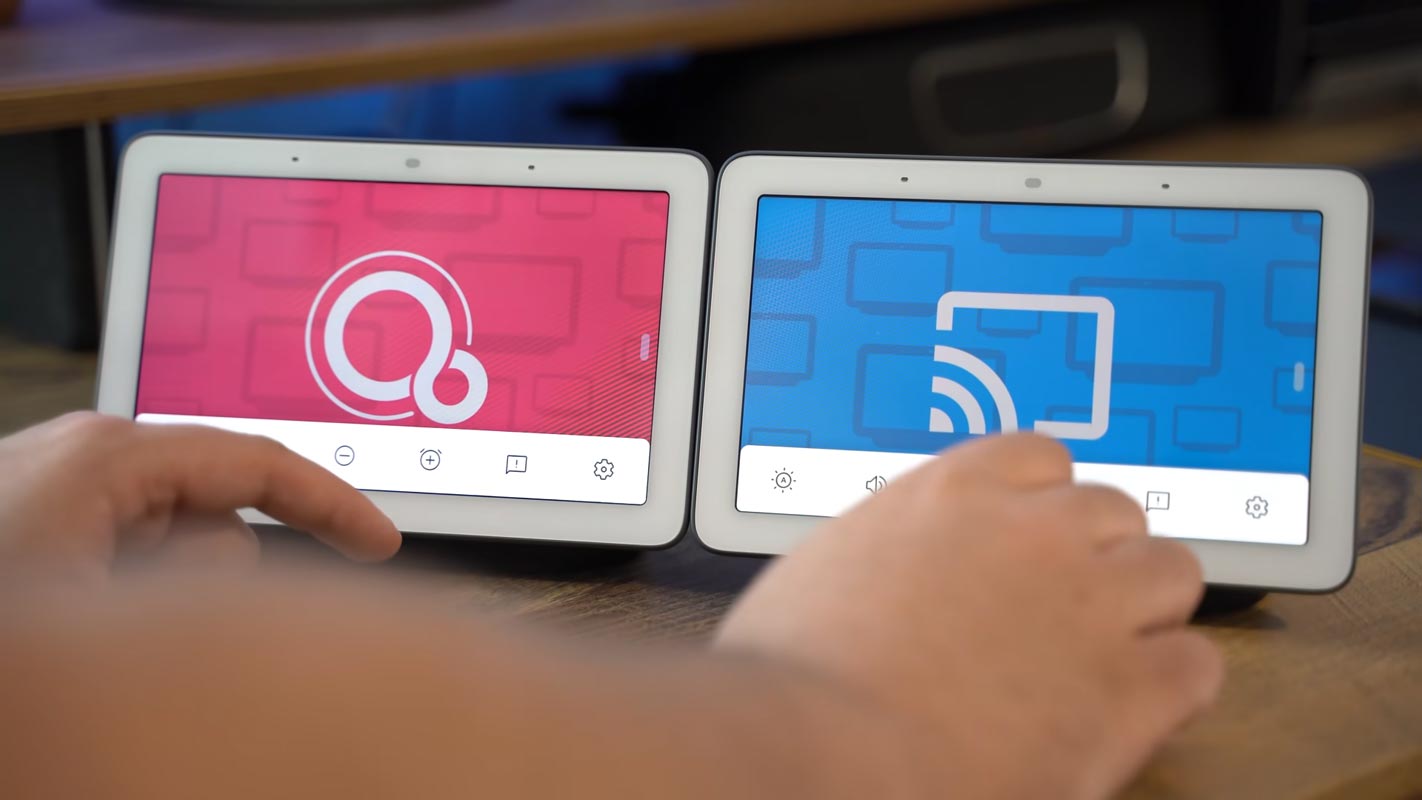
The first-generation Nest Hub received an upgrade to Fuchsia in August of last year, and it was apparent the fact that Google was thinking about the possibility of bringing Fuchsia to the more prominent Nest Hub 2nd Gen from December when a post on the Fuchsia Gerrit stated (through an identifier) that the update was being evaluated internally. About six months after the release, the update is available to customers or, at the very least, users who are in those in the Preview Program.
Fuchsia OS in Google Nest Hub 2nd Gen Max
Google confirms that Fuchsia is now becoming available for the Nest Hub 2nd Gen, beginning with a modest rollout to the Preview Program members. As the last year’s Fuchsia launch was not a significant change for Nest Hub, the first Nest Hub, Google says that this update won’t bring about any effective modifications to this year’s Nest Hub features; however, we’ll need to experience it to confirm this.
There will not be any significant Changes
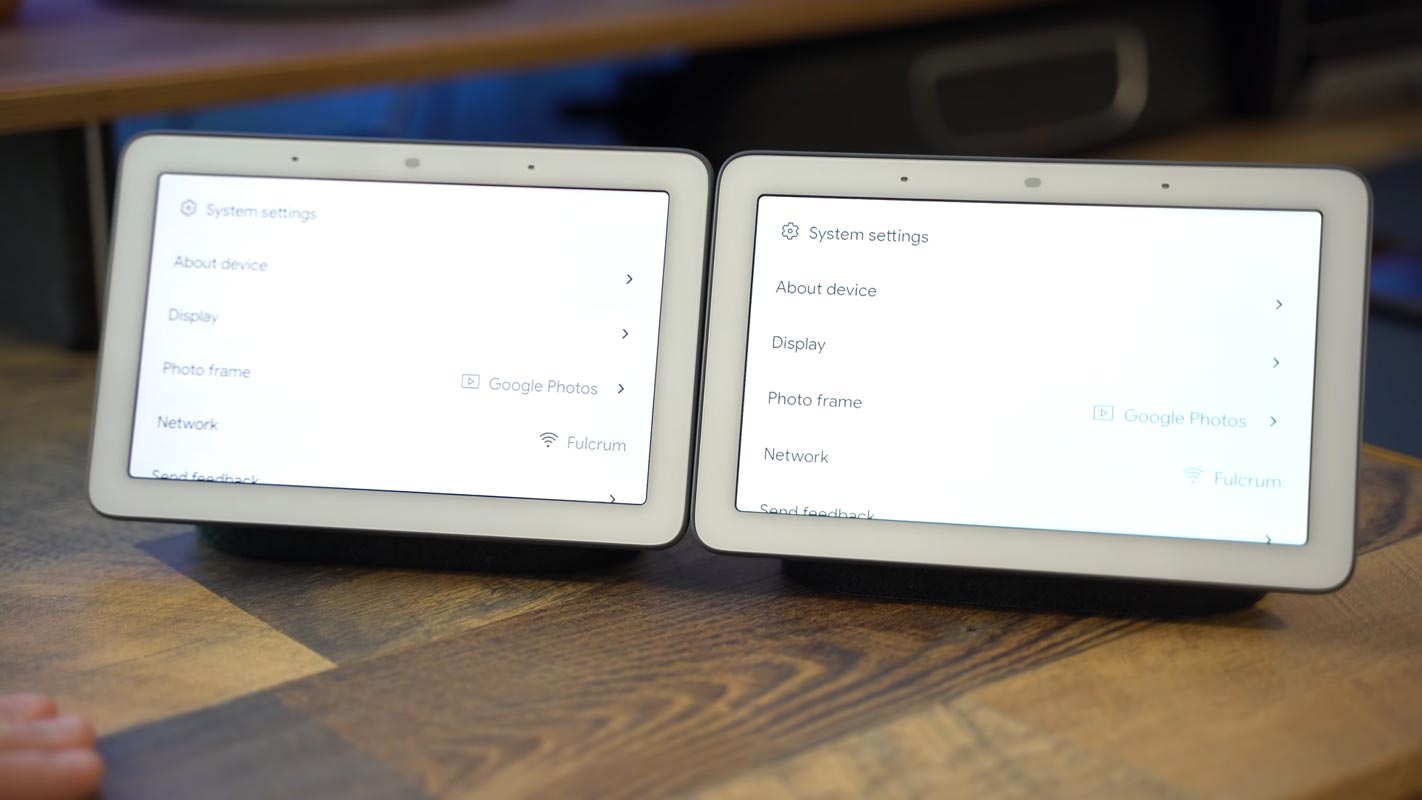
Unlike the significant Android improvements we typically review, released yearly, offering a new appearance or feature. The internal modification in the OS that the Smart displays that run Assistant that you might not be able to notice. It’s because the parts of the software you utilize on the Assistant smart device are multi-platform and integrated into Flutter, which looks and functions similar whether operating on Fuchsia or the previous Cast OS. Switching operating systems out and keeping all visuals identical is a major technological feat; unfortunately, it’s not what most customers observe.
How to get Fuchsia OS on your Google Nest Hub 2nd Gen Max using Preview Program?
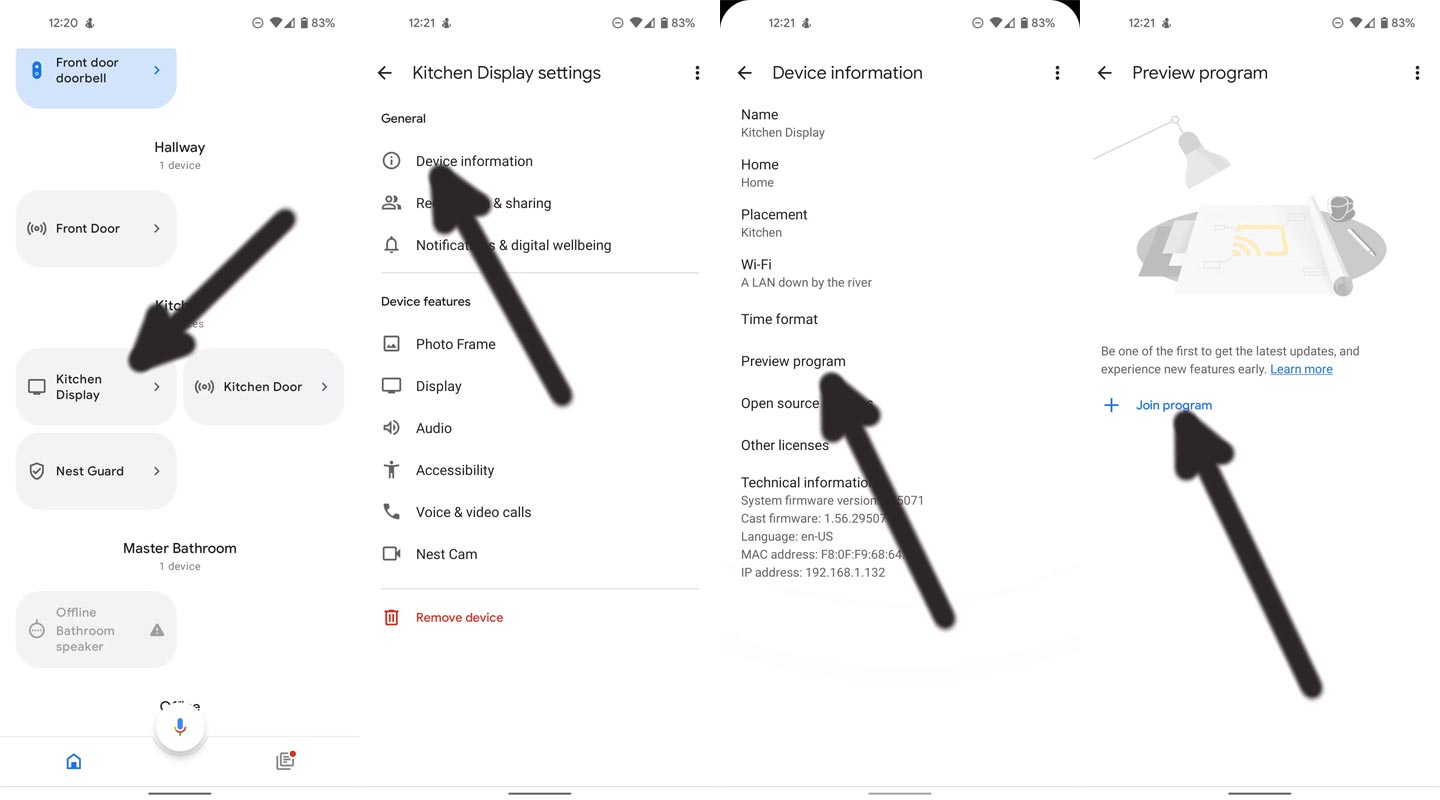
- Start your home page of the Google Home application.
- Select your Nest Hub (or any other speaker from Nest or Home you’d like to join).
- Choose ” Device information.”
- Tap “Preview program.”
- Select ” Join the program.”
How to check if you are using Fuchia OS in your Google Nest Hub 2nd Gen Max?
- Swipe upwards towards the top of the display of your nest Hub Max (or any other Smart Displays from Assistant).
- Tap ” Settings.”
- Tab “About device. “
- Scroll down to the lowest point. When ” Operating System Version” is shown, you’re using Fuchsia.
Wrap up
The Fuchsia OS, an experimental operating system from Google, has not recently received any central user interface or feature updates. Therefore, unless you are a developer or enthusiastic about trying out new features, I would not recommend participating in the preview programs for this OS. It is essential to acknowledge that Google is making a gradual effort to establish a unified system of products that function harmoniously with each other. This is a crucial strategy for Google to succeed in the customer product industry. To make this happen, Google must bring all its hardware products under one roof. Have you personally participated in the Fuchsia OS Nest Hub Preview program? If so, I would like to hear about your experience with it.

Selva Ganesh is a Computer Science Engineer, Android Developer, and Tech Enthusiast. As the Chief Editor of this blog, he brings over 10 years of experience in Android development and professional blogging. He has completed multiple courses under the Google News Initiative, enhancing his expertise in digital journalism and content accuracy. Selva also manages Android Infotech, a globally recognized platform known for its practical, solution-focused articles that help users resolve Android-related issues.