
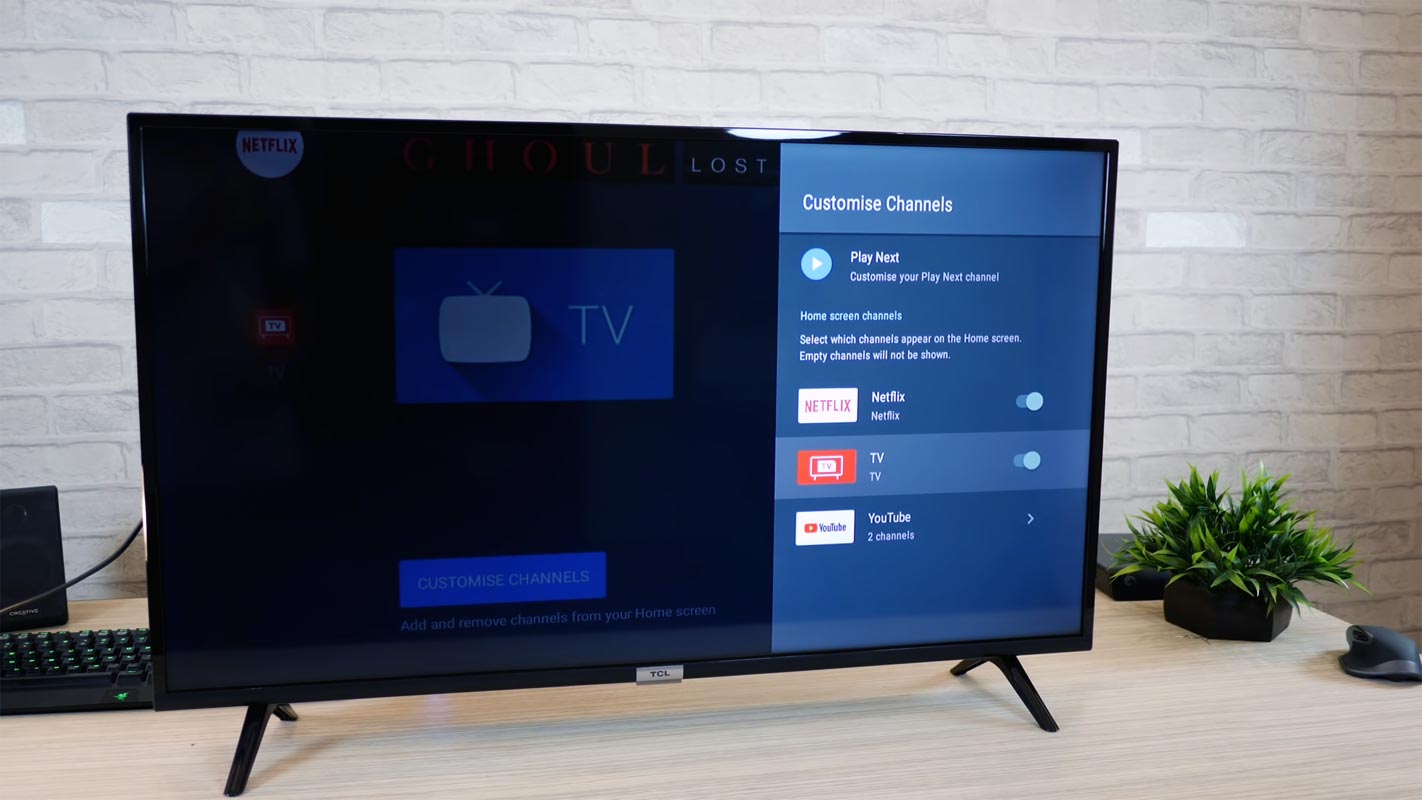
Now you can add your Android TV and Android TV devices to Google Home speaker groups. By using this new feature, you can use Android TV devices in the Speaker list. The same audio can be playable in those devices when you add them to the Google Home Group. You should have the latest OS version in your Android TV and updated Google Home app. It will work on most of the Android TV OS-based devices that have Chromecast or Chromecast built-in. It may not operate on custom skin OS TVs that don’t have chromecast and play store built-in. All you have to do is add your Android TV in the group, and you can stream the audio from your Google Home.
Android TV devices that can be added to Google Home Speakers Group
You can Add most of the Android TV OS devices, including Android TV boxes, Nvidia Shield TV like that. I will give some examples below so that you can better understand the supporting list. Your device should have a Chromecast Built-in feature.
- OnePlus TV
- Sony Bravia
- Nvidia Shield TV
- Mi TV 4 Pro 55-inch (4, 4 Pro)
- Mi 4A series- 32″, 40″, 43″, and 55″ (4A, 4A Pro)/ 4X series- 43″ and 55″ (4X, 4 X Pro )
- Google’s ADT-3 Android TV Box Developer Set
- Mi TV Box and all other Android TV OS and Android TV Box devices.
How to Check the compatibility of the Android Device Speaker group?
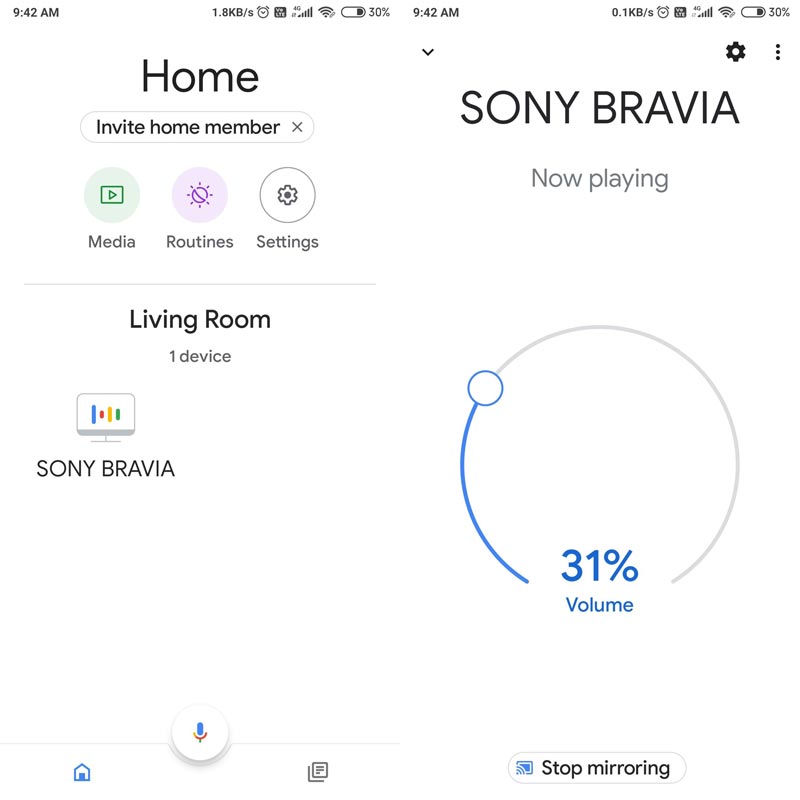
The process is simple. Connect both Android TV and Google Home in the same Wi-Fi network. When Google Home finds the compatible device, It will appear in the available devices list.

If your device doesn’t appear and you pretty sure both devices are in the same Wi-Fi and have the latest version, Check the Chromecast Built-in version. You should have at least 1.47.207274 version. You can check that in your device in Settings> Device Preferences> About> Chromecast Built-in >Version number.
How to create an Android Device Speaker group?
- Download the Google Home app from Play Store. Setup initial settings with your account.
- Connect Both Google Home and Android TV in the same Wi-Fi.
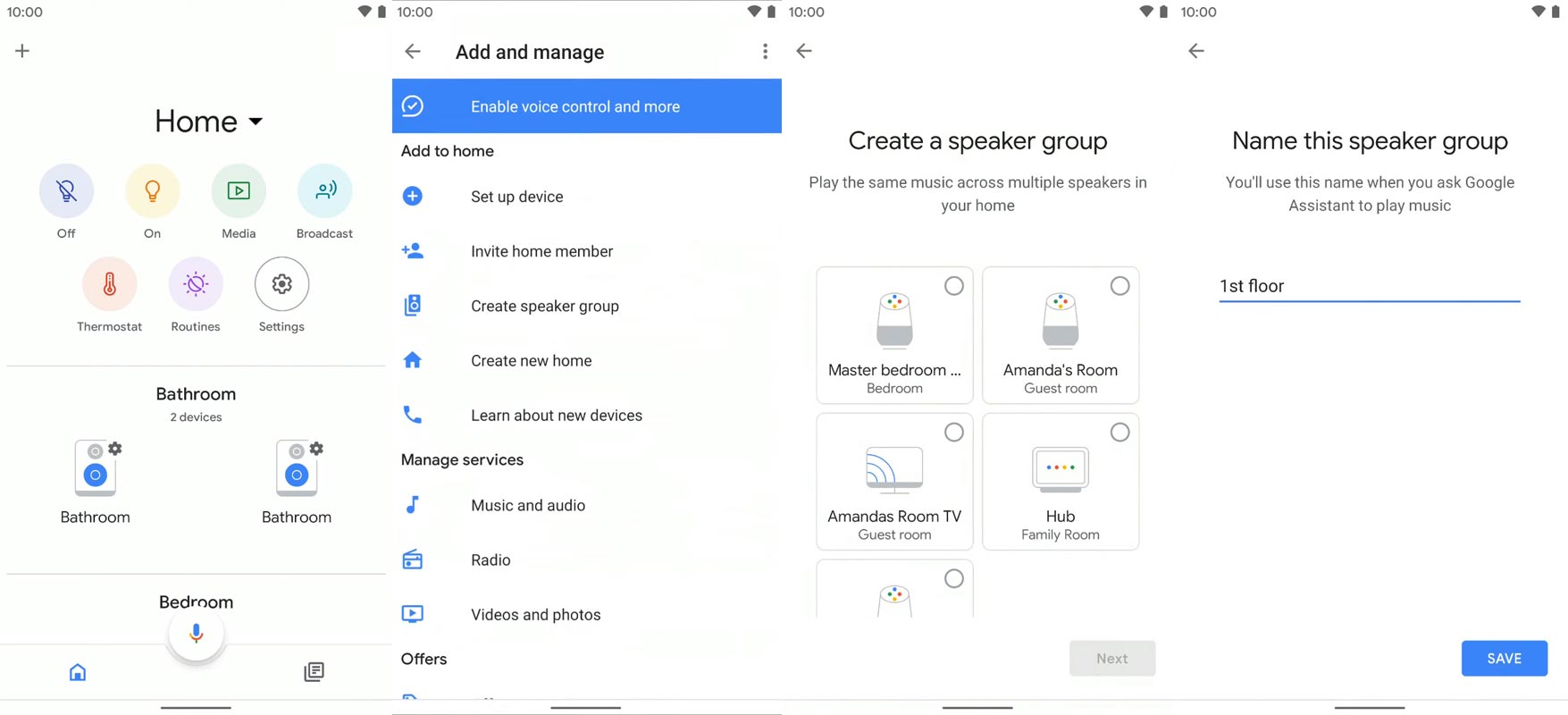
- Open Google Home app and choose the “+” icon and select “Create speaker group.”
- You will get the available devices on this list. Remember, group means, when you play a song, it will play that same song across all possible devices.
- After choosing the devices, select “Next,” and you can give the name for the group.
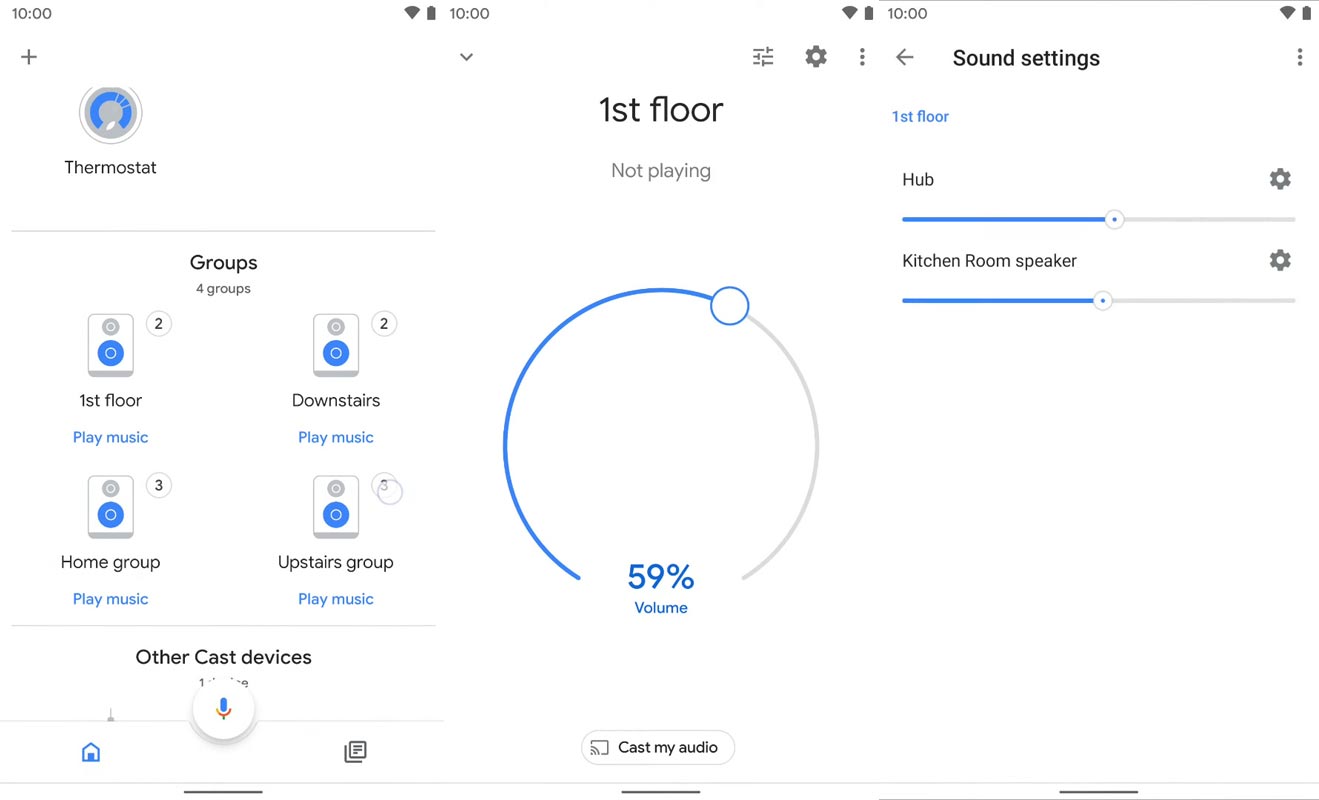
- You can view the group on the home page. When you open the group, you will have general media controls. When you want to adjust the Volume settings individually, you have to select the equalizer like icon within the group.
Wrap Up
Adding Android Tv devices to the Google Home speaker group is a good move. All Android TV speakers are not right. But some of the TVs have special JBL/ Harman Kardon speakers integration. Also, When you control the TV, you can control the speakers attached to the TV using the Bluetooth option. Thus, You can experience better audio in your Rooms. When you have a stick or Android TV Boxes with the supporting Chromecast built-in version, it will work with them seamlessly. The Google Home can be any device from Google Home Mini to Max. What is your experience with this new Google Home Speaker group setup? Comment below.

Selva Ganesh is a Computer Science Engineer, Android Developer, and Tech Enthusiast. As the Chief Editor of this blog, he brings over 10 years of experience in Android development and professional blogging. He has completed multiple courses under the Google News Initiative, enhancing his expertise in digital journalism and content accuracy. Selva also manages Android Infotech, a globally recognized platform known for its practical, solution-focused articles that help users resolve Android-related issues.