
From a temporary solution, Work from Home is becoming a permanent solution for most of the IT sectors. The primary resource need in this type of work is Video conference solutions. Even if there are already available platforms, Zoom becomes a success because of its features and flexible availability. That’s why Zoom becomes popular in a short period. It triggers tech giant like Facebook and Google what they are lacking. So, they began to release a bunch of features and new platforms like Google Meet and Facebook Messenger Rooms. It is not enough to get users. Gain new users is a difficult task. So, They began integrating their Video conference platform into already existing platforms like Gmail. Now Facebook added an option to create Facebook Rooms from WhatsApp. It can drive more users from WhatsApp base.

Why did Facebook add Messenger Rooms option in WhatsApp Web, when they already have a separate platform?
Messenger Rooms are a new feature, and most of the people didn’t aware of that feature is available. Not everyone reads tech news and stay updated with new features. Most people may not know there is an alternative available for Zoom. When a company added a link or integrate a new platform into an already popular platform, People will trust the new platform and begin to use that. That is the reason behind the option of Create Rooms. Messenger Rooms do not directly integrate with the WhatsApp app; We can use only in the Web version. Maybe in the future, they can bring Facebook Messenger Rooms within the app. WhatsApp is already supporting up to 8 People in a group call. For those who need to collaborate, more than eight people can use Messenger Rooms, which can support up to 50 people with no time limit and other restrictions.
How to Create Facebook Messenger Rooms using WhatsApp Web with Desktop Browser?
Using Messenger Rooms with WhatsApp Web is a simple process. It doesn’t need any additional apps on your PC. It is cross-platform support. All you need is Browser on your PC.

- Open WhatsApp Web in your Desktop browser. You can use any browser to open a web version.
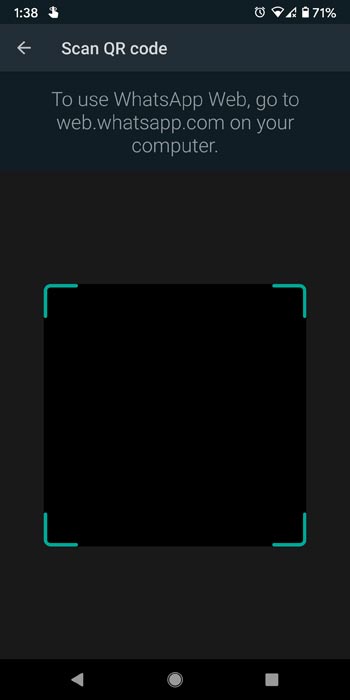
- Open WhatsApp on your mobile. Select the three-dot icon in the top corner. Scan the QR Code with your mobile.
- Your mobile should connect with mobile data or Wi-Fi. Or Else WhatsApp Web version may not work seamlessly.
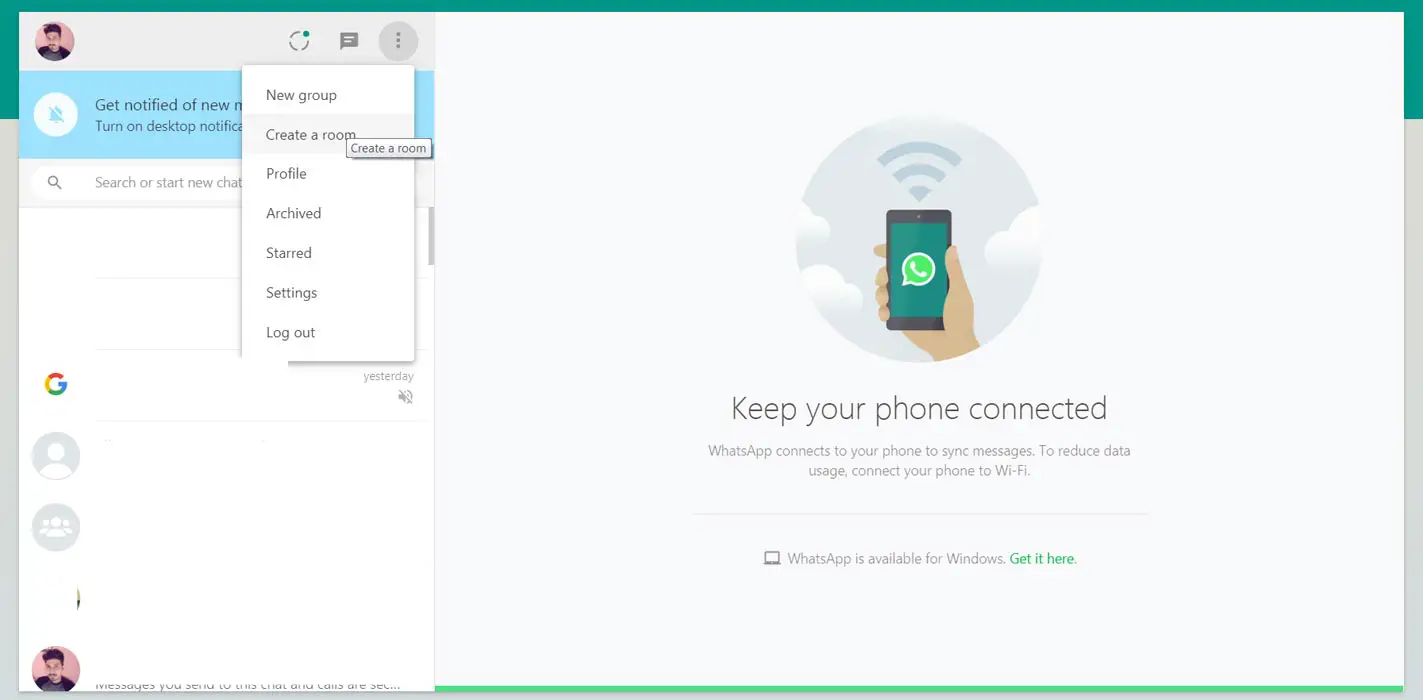
- After the successful QR scan, you will get your chat page in the browser. Now Select the three-dot icon above Chats. You will receive some options with “Create a Room.” Select that option.
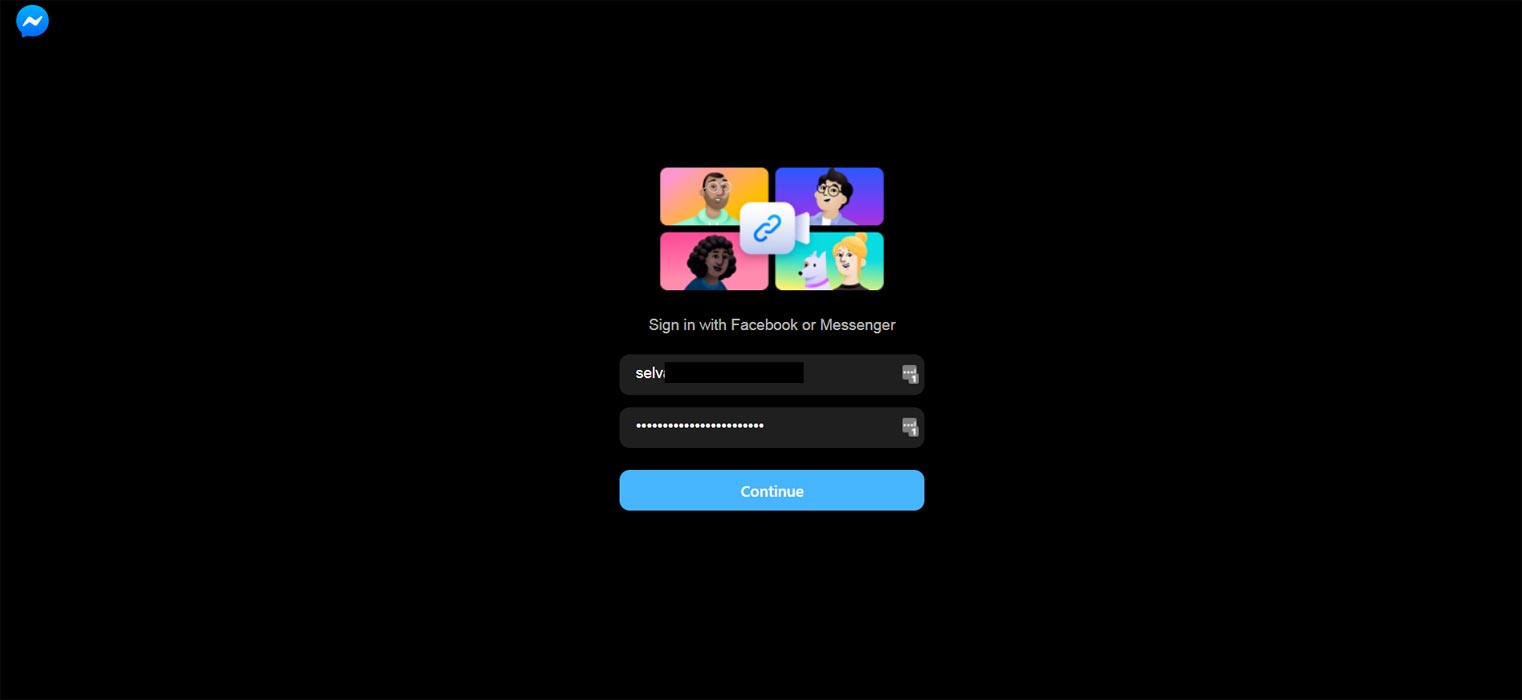
- You will redirect you to the Messenger Rooms page. Login with your Facebook account. Allow Mic and Camera permission from your browser.
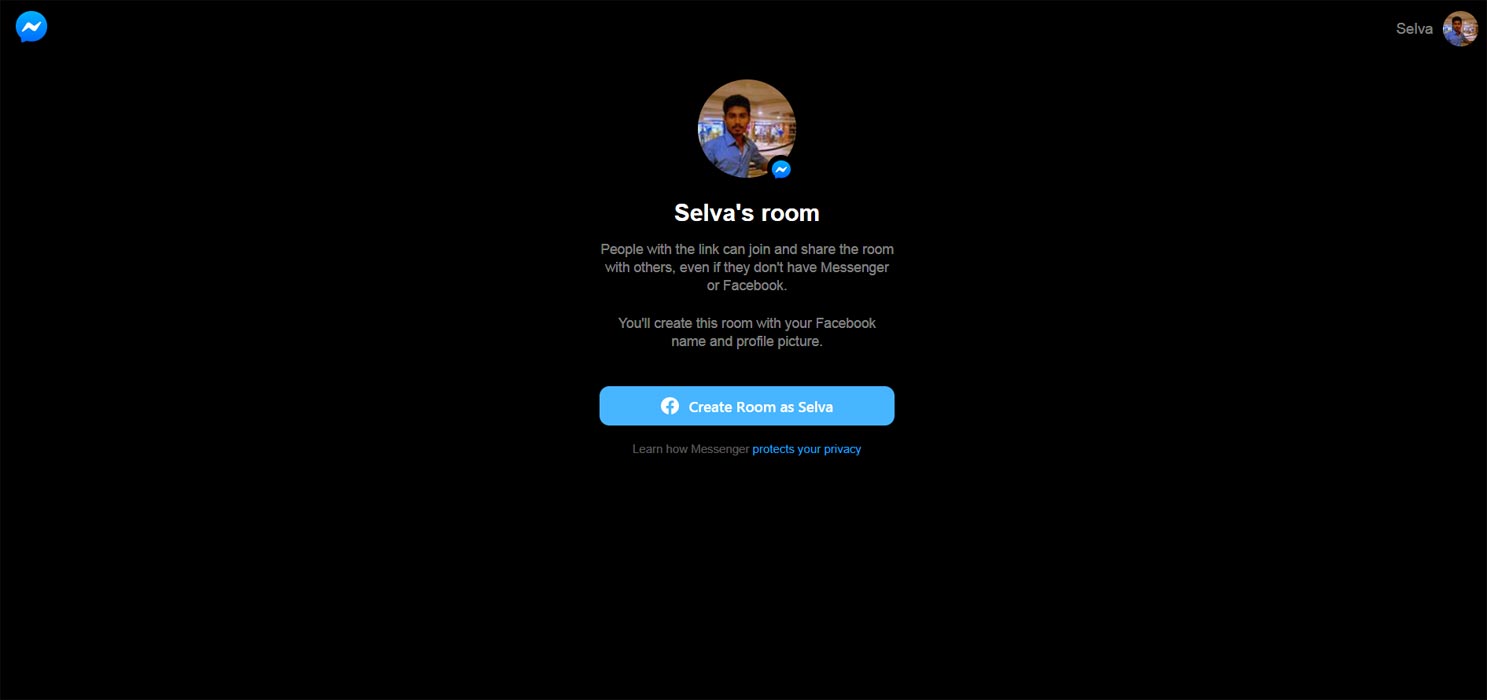
- Now you created Facebook Messenger Rooms. You will get the URL for inviting members to your Rooms. Also, You can Lock your Rom to avoid random people participating. You can share the URL using WhatsApp.
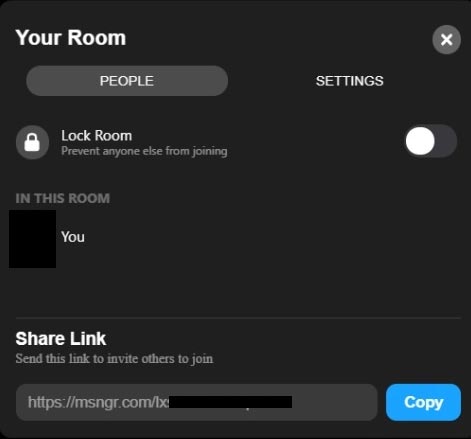
- The person who receives the invitation will redirect to the browser or Messenger App. After they are accepting requests, you can connect with them.
Wrap Up
Skype already allows users to create video calls without account or app with the same process as WhatsApp Web Messenger Rooms. Utilizing already existed popular platforms is a great idea to compete with Zoom. Everbody realizes remote work will become an essential role in the future. Thus, Every tech companies began to release platforms to support remote jobs. Facebook recently launched Workplace Rooms for Enterprises.
Instead of mixing browser with WhatsApp Web option, If they integrate a full option within WhatsApp, they can get more usage time. But Both Facebook and WhatsApp are considering two different platforms. Merging options may get privacy issues. But Google soon integrates Google Meet, Chat, and Docs features within the Gmail App. Google is always introducing these kinds of functions as an add-on for Gmail. So, there are no issues here. What are your thoughts about Create a Room option Web version of WhatsApp? In my opinion, I feel it is similar to a small Ad in WhatsApp for Messenger Rooms. Did you feel the same way? Comment below.

Selva Ganesh is a Computer Science Engineer, Android Developer, and Tech Enthusiast. As the Chief Editor of this blog, he brings over 10 years of experience in Android development and professional blogging. He has completed multiple courses under the Google News Initiative, enhancing his expertise in digital journalism and content accuracy. Selva also manages Android Infotech, a globally recognized platform known for its practical, solution-focused articles that help users resolve Android-related issues.