
This comprehensive troubleshooting guide aims to tackle the vexing problem of Apple Pay’s unexpected malfunctions on your iPhone 15 Pro/Max. Apple Pay, a highly convenient mobile payment service, operates through NFC technology, streamlining transactions and providing a seamless payment experience. However, an increasing number of iPhone 15/Pro users face challenges where Apple Pay does not function as anticipated, pushing them to revert to traditional payment methods. This frustration highlights the importance of finding practical solutions to ensure that Apple Pay works reliably and efficiently on these latest iPhone models, enabling users to embrace the advantages of modern, contactless payment systems without interruptions or setbacks.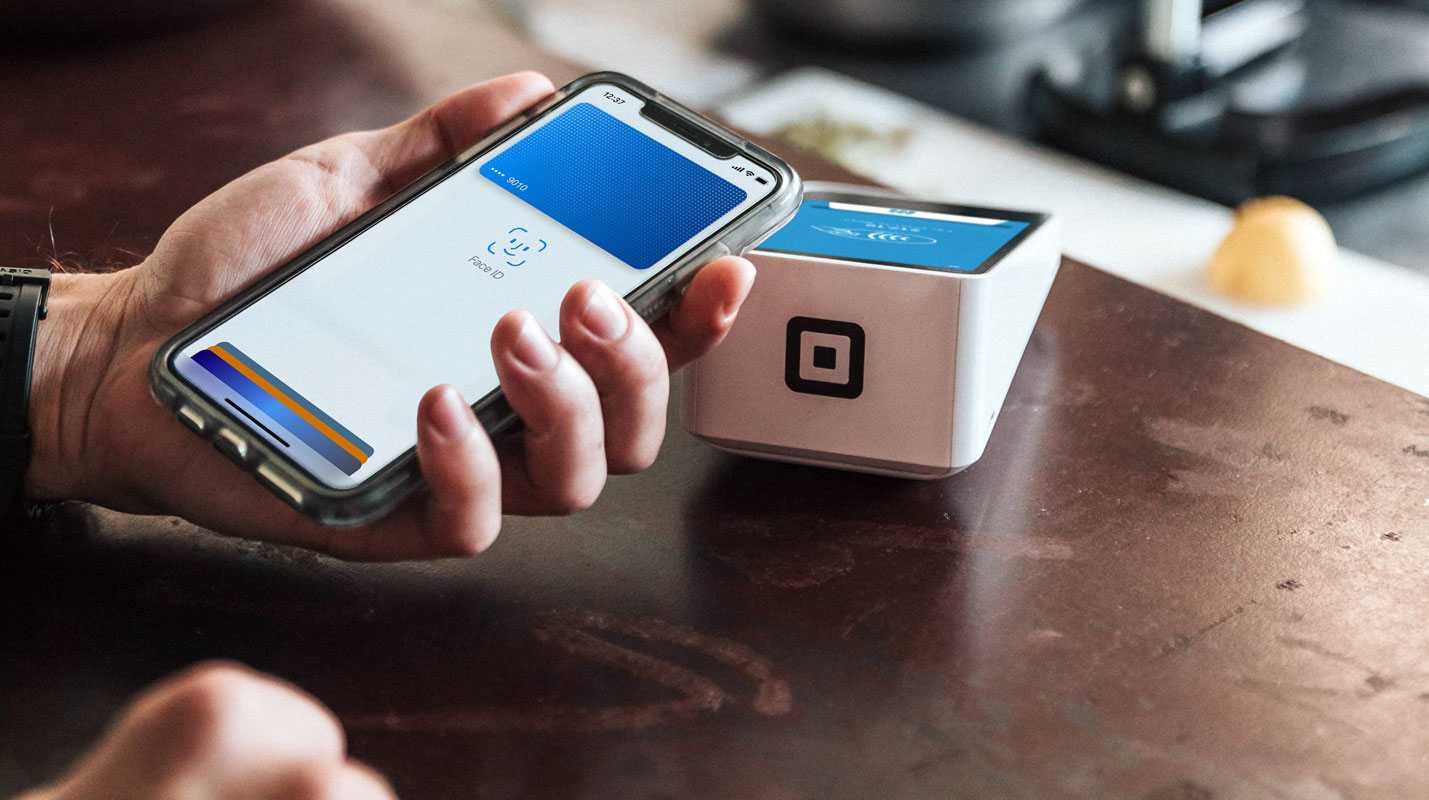
Retry the Payment Process
- If you encounter the message “Hold near the reader” when attempting a transaction, exit the Apple Pay app, pull your device away from the terminal, and retry the payment process through the app.
- This may require a few attempts, but it often results in a successful payment.
Try Another Card
- Consider the possibility that the issue lies with your current card rather than the app.
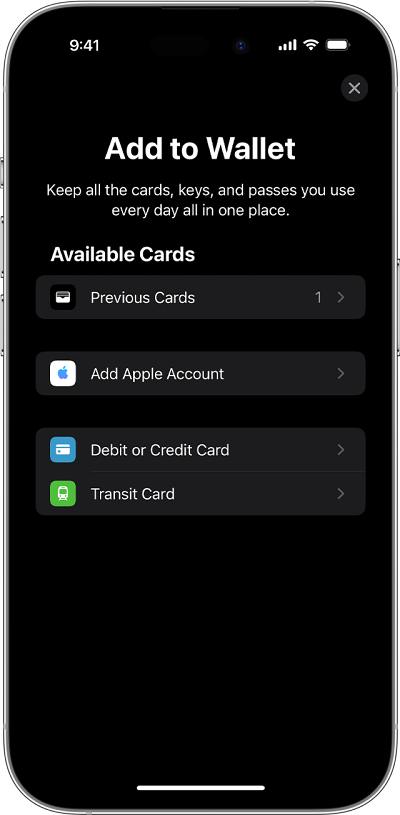
- Test Apple Pay with a different card to determine if the problem persists on your iPhone 15 Pro/Max.
Remove and Re-add the Card
If the previous methods did not resolve the issue, try removing the card and re-adding it to the Wallet app.

- Open the Wallet app.
- Tap the card you want to remove.
- Tap on More > Card Details > Remove This Card.
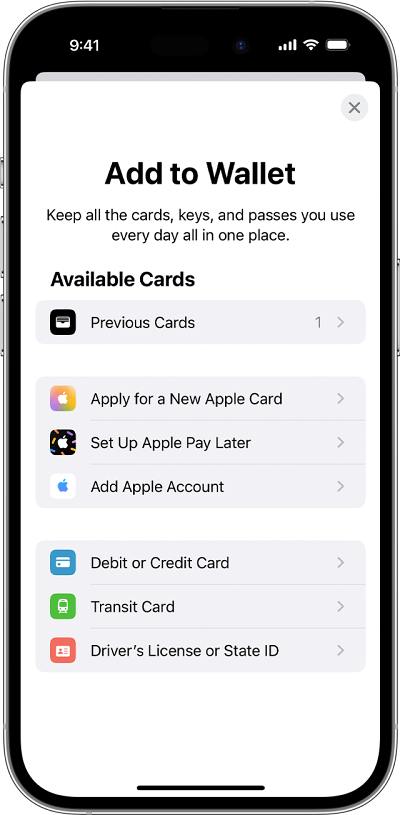
- Hit the Add button > select the Debit/Credit Card > Continue.
- Follow the on-screen instructions to complete the process.
FAQs
Is Apple Pay supported on all iPhone models?
Apple Pay is supported on various iPhone models, including the iPhone 15 Pro/Max. However, specific features may vary depending on the model and region.
Can I use Apple Pay internationally?
Apple Pay can be used internationally, but availability may vary by country and financial institution.
Are there any fees associated with using Apple Pay?
Apple does not charge fees for using Apple Pay. Nevertheless, your bank or credit card company may have its policies concerning transaction fees.
How secure is Apple Pay?
Apple Pay is highly secure as it uses various security measures, including tokenization and Touch ID or Face ID verification.
Can I add multiple cards to Apple Pay?
You can add multiple debit and credit cards to your Apple Pay wallet for convenient transactions.
Wrap Up
Apple Pay is a remarkable mobile payment solution offering unparalleled convenience to users. However, like any sophisticated system, it is not immune to occasional issues that can dampen the user experience, especially for iPhone 15 Pro/Max users. These issues might manifest as glitches during transactions, hindering the smooth functioning of Apple Pay. Such interruptions can be frustrating, mainly when you rely on this service for daily transactions. The outlined troubleshooting steps are designed to address and resolve these challenges effectively. By following these steps, users can regain the seamless use of Apple Pay on their devices.
It’s crucial to emphasize that despite these obstacles, Apple Pay remains a powerful tool for secure and swift transactions. With the proper guidance and troubleshooting, users can navigate any hindrances and continue enjoying the benefits of a modern, cashless payment experience on their iPhones.

Selva Ganesh is a Computer Science Engineer, Android Developer, and Tech Enthusiast. As the Chief Editor of this blog, he brings over 10 years of experience in Android development and professional blogging. He has completed multiple courses under the Google News Initiative, enhancing his expertise in digital journalism and content accuracy. Selva also manages Android Infotech, a globally recognized platform known for its practical, solution-focused articles that help users resolve Android-related issues.