
In the digital age, mobile banking apps serve as indispensable tools, streamlining financial transactions for users constantly on the move. Yet, Android users, particularly those dependent on Chase Bank, often face vexing challenges. This comprehensive guide delves into the prevalent issues encountered, offering insightful solutions to troubleshoot and resolve them. From addressing app crashes to ensuring compatibility, the guide empowers users with practical tips for a seamless mobile banking experience. As technology advances, navigating through these challenges becomes essential, making this guide an invaluable resource for those seeking to optimize their interaction with Chase Bank’s mobile app and enhance their overall financial convenience.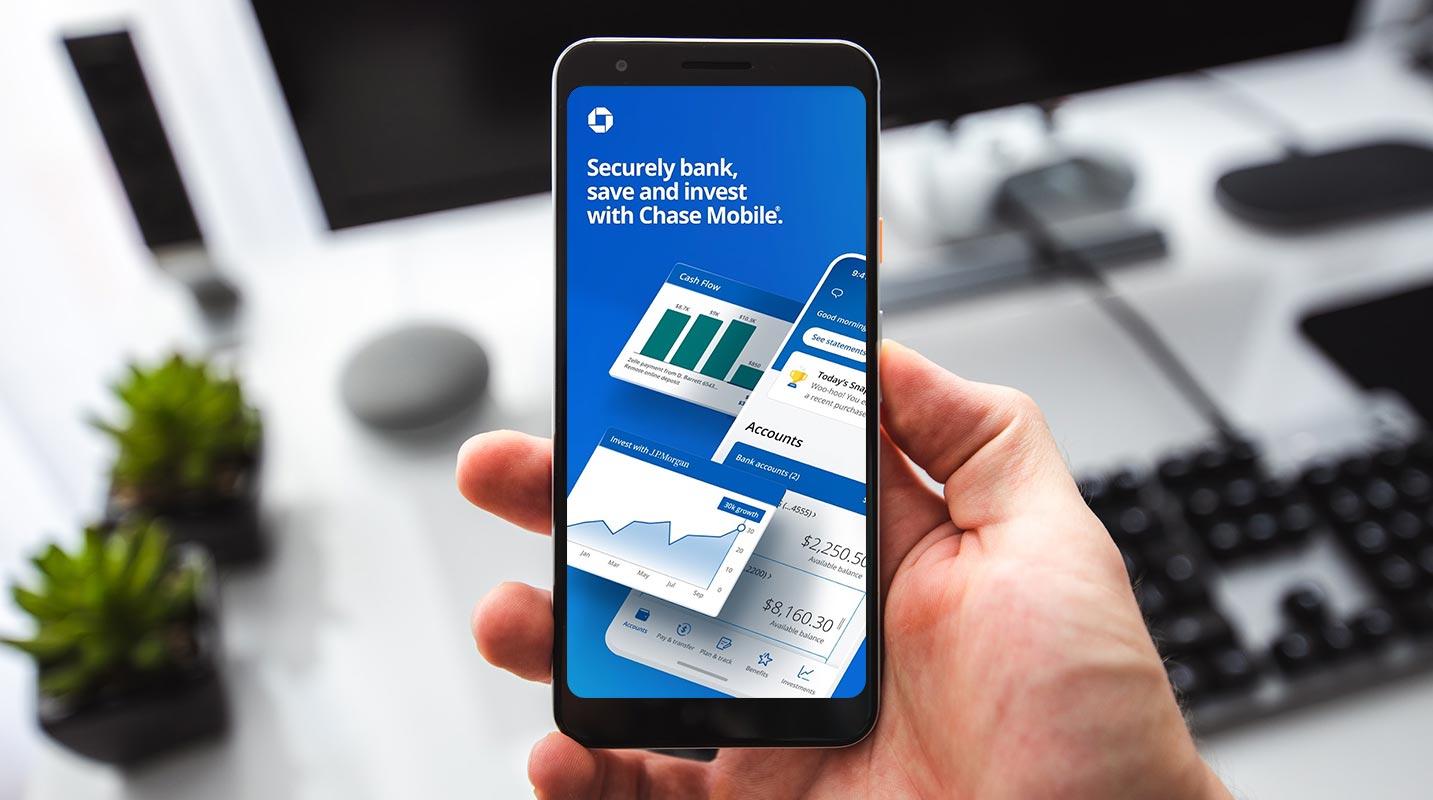
Understanding App Crashes
Mobile apps crashing and displaying error messages may result from device overload or inherent app bugs.
Device Compatibility Check
Check Device Compatibility: Ensure your OS meets the app’s requirements.

- Verify supported OS versions on the Play Store.
- Consider upgrading or seeking support for incompatible versions.
Update the App Version: Staying current is crucial.
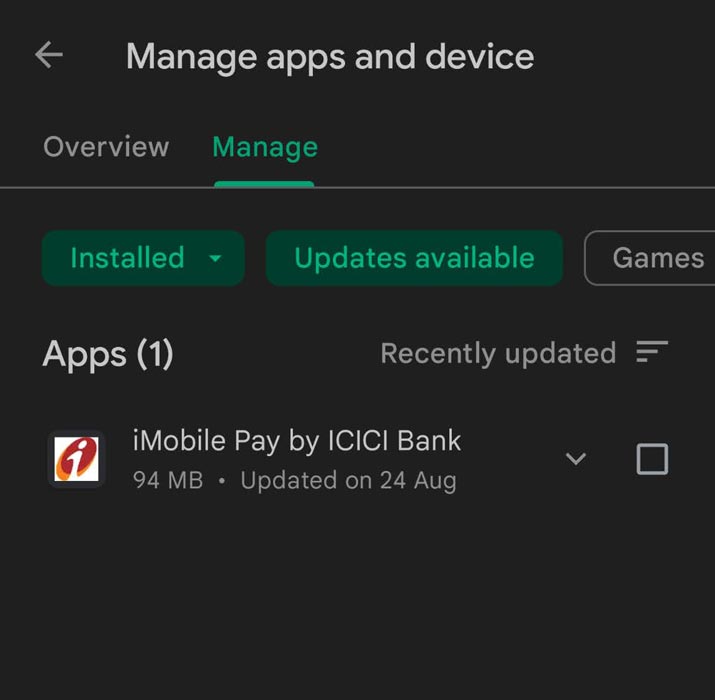
- Check for updates regularly and install the latest version.
- Trust official sources to avoid potential security risks.
Clearing Cache for Smooth Functionality
Clear App Cache: Prevent malfunctions by regularly clearing the cache.
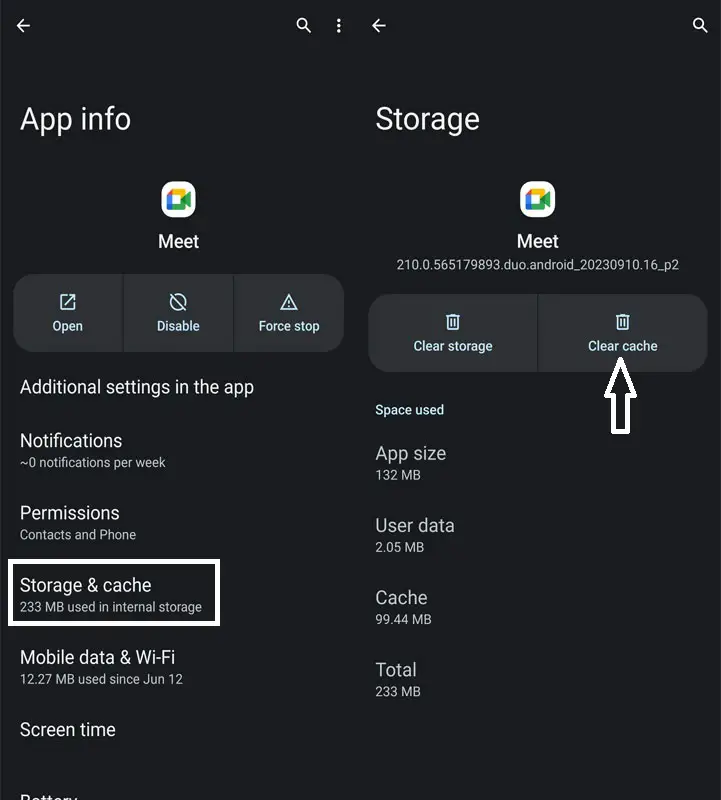
- Use mobile optimization apps or manual settings for cache clearance.
- Follow the bank’s instructions for precise app setup.
Network Troubleshooting
Switch Networks: Connectivity issues can hinder app performance.
- Alternate between WiFi and mobile networks to troubleshoot.
- Ideal when the app opens, but the features don’t load fully.
SIM Card Management
Single SIM Usage: Dual SIM conflicts may disrupt app functionality.
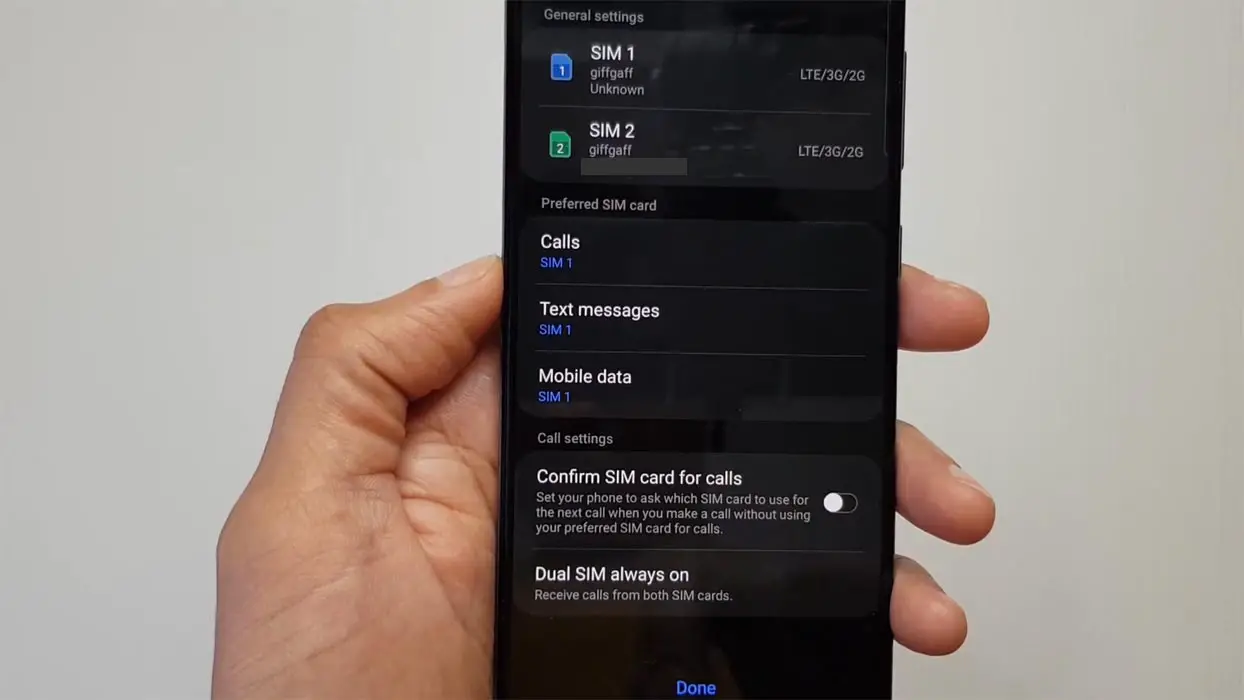
- Deactivate the non-linked SIM, optimizing app performance.
- Disable the second SIM if problems persist on dual SIM devices.
Permissions Management
Enable All Permissions: Inadvertent restrictions may impede app operation.
- Navigate to Settings > Apps > Your Bank App > Permissions to enable all.
- Ensure seamless functionality by granting necessary permissions.
Direct Developer Support
Contact App Developer: When in doubt, consult the experts.
- Reach out to the app’s developer support team for personalized assistance.
- Direct communication provides tailored solutions to unique problems.
FAQs
Are these troubleshooting tips exclusive to Chase Bank?
While tailored for Chase Bank, most tips apply to other banking apps.
What if none of the solutions work?
Consider contacting your bank or the app developers for further assistance.
Can I download banking apps from third-party sites?
It is strongly advised against downloading bank apps from third-party sites; stick to trusted sources like the Play Store or your bank’s official website.
How often should I update my banking app?
Regularly check for updates and install them promptly to ensure optimal app performance.
Will upgrading my device’s OS solve app compatibility issues?
Upgrading your device’s OS may resolve compatibility issues; however, contacting bank support for guidance is recommended.
Additional Tips for App Maintenance
Regularly Review App Settings: Periodically check app settings for any changes.
- Ensure preferences align with your usage patterns.
- Adjust settings to optimize app performance.
Monitor Background Apps: Excessive background apps can affect performance.
- Consistently close unnecessary background apps to liberate device resources, ensuring optimal operation for your apps.
Stay Informed about Updates: Be proactive in app maintenance.
- Frequently verify your apps for updates and promptly install them. These updates typically encompass bug fixes and enhancements in performance, ensuring your applications run smoothly and efficiently.
Wrap Up
These troubleshooting tips are meticulously crafted to aid users, especially those navigating the intricacies of the Chase Bank Android app, in addressing and resolving any app-related challenges they might encounter. Although not claiming absolute infallibility, the effectiveness of these methods is substantiated by the success stories of numerous individuals who have applied them with positive outcomes.
Whether tackling compatibility issues, resolving sudden app crashes, or navigating through permissions intricacies, this guide is a reliable compass for optimizing their experience with the Chase Bank app. The emphasis lies not only on immediate issue resolution but also on imparting users with a deeper understanding of potential challenges, fostering a sense of empowerment and self-sufficiency in navigating the evolving landscape of mobile banking applications.

Selva Ganesh is a Computer Science Engineer, Android Developer, and Tech Enthusiast. As the Chief Editor of this blog, he brings over 10 years of experience in Android development and professional blogging. He has completed multiple courses under the Google News Initiative, enhancing his expertise in digital journalism and content accuracy. Selva also manages Android Infotech, a globally recognized platform known for its practical, solution-focused articles that help users resolve Android-related issues.