
If you possess a Samsung Galaxy Watch 4, you’re likely relishing its many features. However, there’s a flip side to all those goodies – the possibility of your watch getting stuck in a boot loop. Several users have reported this frustrating issue, where their Galaxy Watch 4 keeps loading the Samsung screen repeatedly. Even attempts to power off the watch and charge it often result in it entering the boot loop again. Booting into Recovery Mode doesn’t seem to help either. If you face this problem, don’t worry; this guide will provide a workaround to resolve it.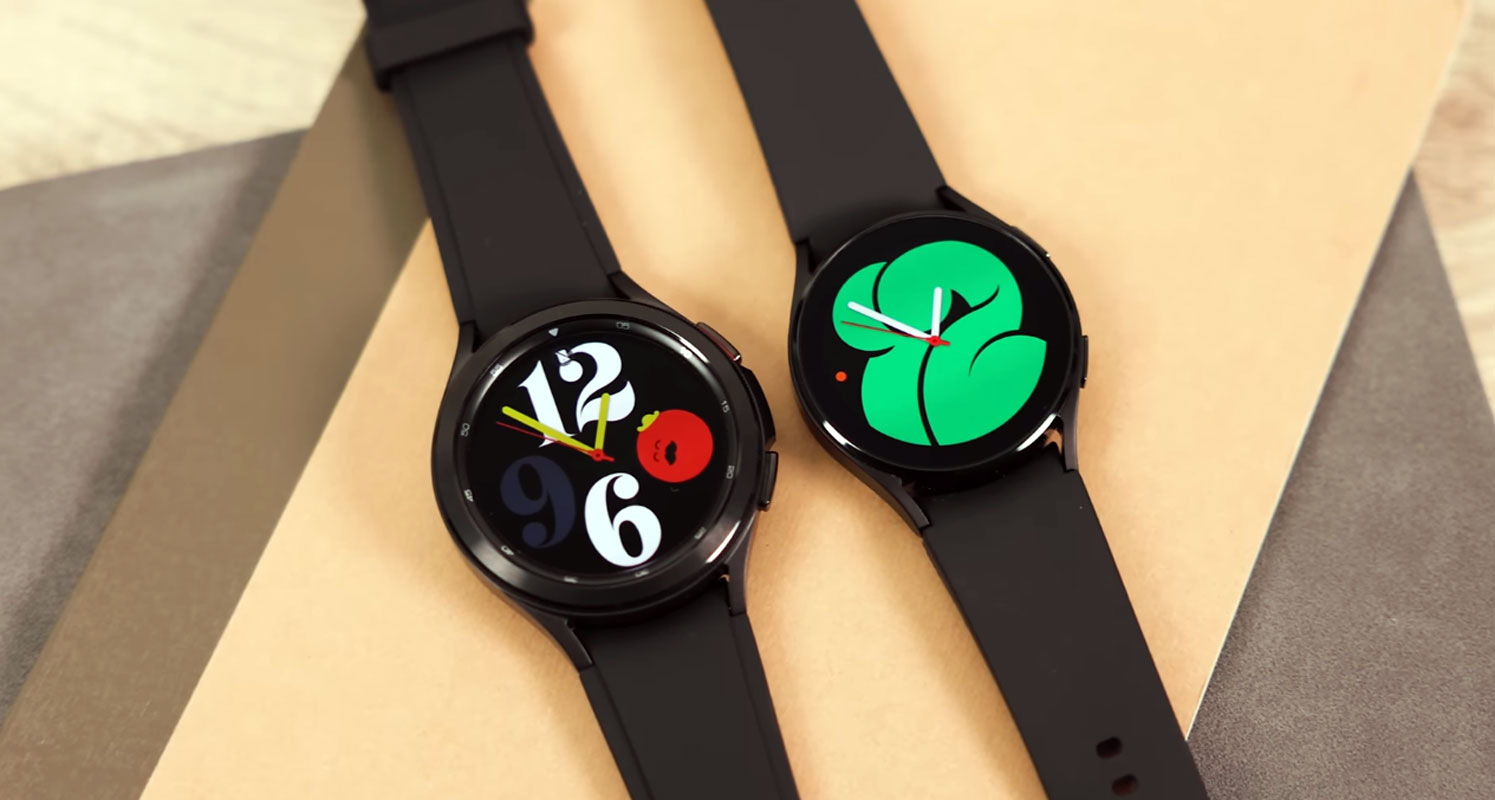
Understanding the Problem
Before we dive into the solution, let’s briefly understand why this issue occurs. A boot loop is when a device, in this case, your Galaxy Watch 4, gets stuck in a continuous loop while trying to start up. This problem can arise due to several factors, such as software glitches, corrupted files, or updates that didn’t succeed.
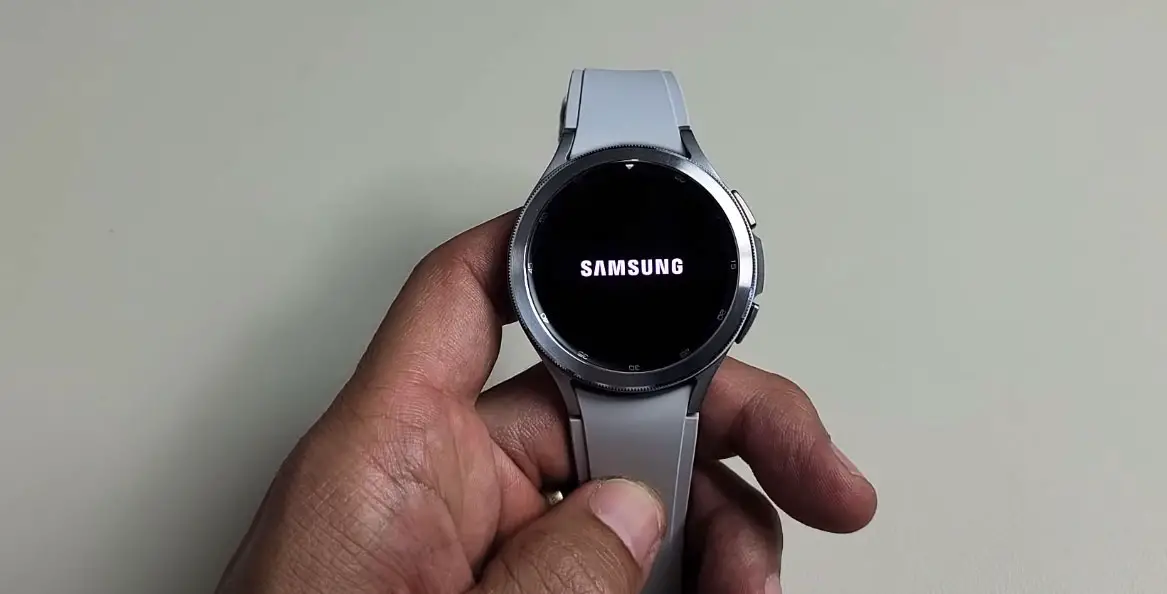

Fix the Samsung Galaxy Watch 4 Stuck in the Boot loop
You could try a few technical workarounds, but remember that they might not be suitable for every user and can be pretty advanced. Here’s what you can do:
Leave the Watch to Die
- If your Galaxy Watch 4 is stuck in a boot loop, one option is to leave it on the Reboot Mode screen and let its battery die completely.
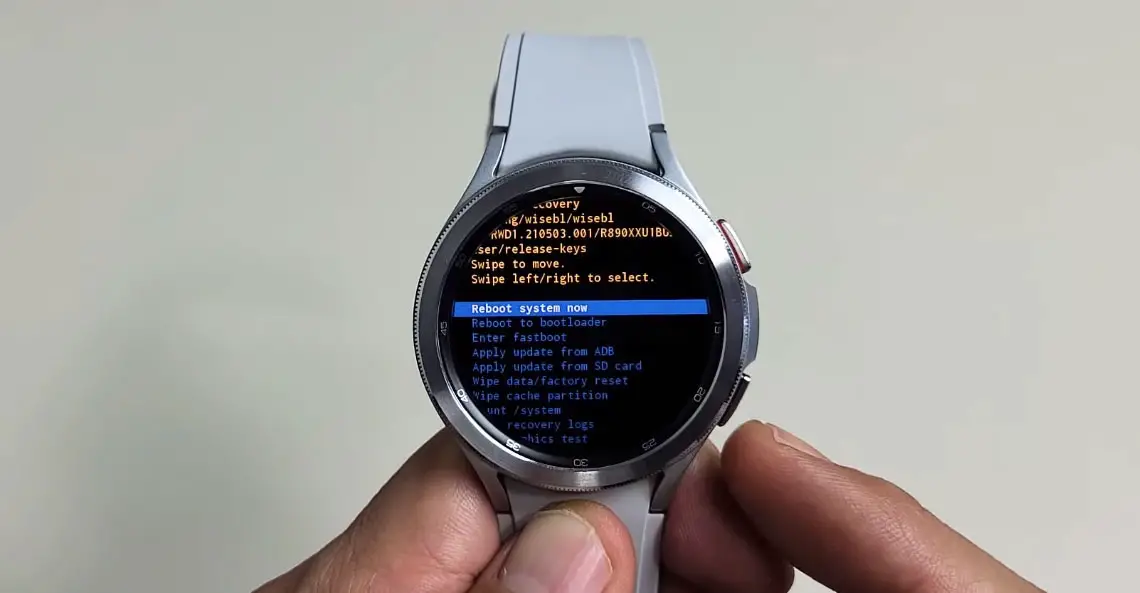
- Please make sure not even the 0% battery screen shows up when you try to turn it on.
- Please put it on the magnetic charger and let it charge completely.
- Once fully charged, it should boot to the operating system, or you can manually initiate the process using the power keys.
This method forces the watch to completely drain its battery, sometimes breaking the boot loop cycle.
Seek Professional Help
If the above method doesn’t work, it might be time to seek professional assistance. Contact Samsung support or visit a certified service center to diagnose and repair the issue. Sometimes, hardware problems can also cause boot looping, and it’s best to let experts handle it.
FAQs
Why did my Galaxy Watch 4 get stuck in a boot loop?
Boot loops can occur due to software glitches, corrupted files, or failed updates.
Will draining the battery completely fix the boot loop issue?
It might help in some cases, but it’s not guaranteed to work for everyone.
Is unlocking the bootloader and flash firmware safe to resolve the issue?
These are advanced methods and may not be suitable for all users. Proceed with caution.
How long should I leave my watch on the charger to ensure it’s fully charged?
Leave it on the charger until it reaches 100% to ensure a complete charge.
What should I do if none of the suggested solutions work?
Contact Samsung support or a certified service center for professional assistance if all else fails.
Wrap Up
Navigating the challenge of a Galaxy Watch 4 stuck in a boot loop can be a source of immense frustration. However, it’s important to remember that viable solutions exist to address this issue. Whether you decide to employ the battery-draining technique or seek professional assistance, there’s a reassuring probability that you can successfully restore your watch to its normal functioning state. This persistence in problem-solving exemplifies the resilience and adaptability of modern technology, allowing users to overcome obstacles and continue enjoying the benefits of their devices.

Selva Ganesh is a Computer Science Engineer, Android Developer, and Tech Enthusiast. As the Chief Editor of this blog, he brings over 10 years of experience in Android development and professional blogging. He has completed multiple courses under the Google News Initiative, enhancing his expertise in digital journalism and content accuracy. Selva also manages Android Infotech, a globally recognized platform known for its practical, solution-focused articles that help users resolve Android-related issues.