
Google tries to add a lot of sync features between your PC and Mobile. You can use some third-party apps. But, that is not handy in all situations. Recently they added the “Send link to the phone” feature. After Google Chrome 78, Now you can send the phone numbers on the webpage to your mobile. It will trigger the option to make a call. You should be logged into the same account in your Google Chrome and your mobile to do this process. This kind of features takes some time to reach the mobile. If they improve the fast, It can be handy in a lot of times. I always use the History to go to the link instead of the send link feature. It is fast compared with the send link to mobile.
How to Send phone numbers from Google Chrome to phone?
We always want to send some data between your mobile and PC. Mostly the links and phone numbers. Before this, we use separate apps like Notes. Hereafter, you don’t need those other applications. For additional features like syncing Messages and Photos, you can use Microsoft Your Phone app. It works pretty high compared with the PC Suite of our mobile manufacturers.
Note

- Your Google Chrome versions should be 78 and above.
- I have worked on Android version 8.0 and above.
- You should be logged into the same account on both devices. (PC and Mobile)
Steps
- Whenever you find the phone number that has “-” between the numbers, Chrome will detect this number as Mobile Numbers.
- Select the Whole contact number and Right-click on the web page.
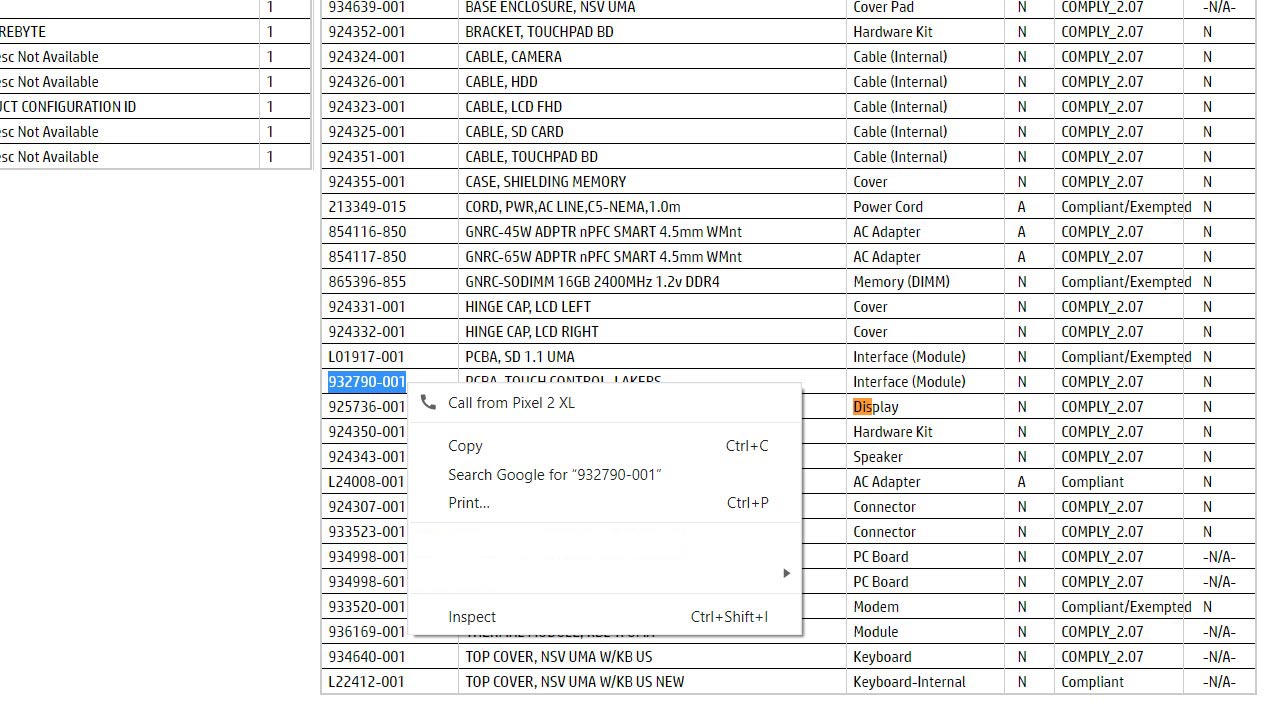
- You will get the option as “Call From.” In this option, you can see your connected mobiles.
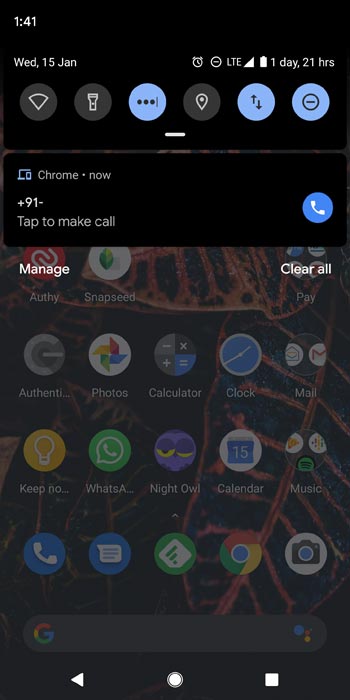
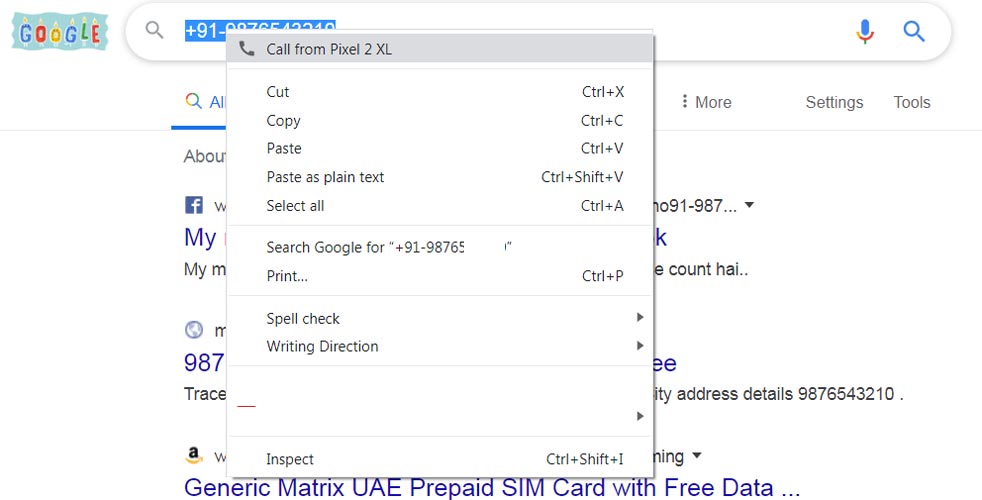
- Choose the mobile that you want to make a Call. You have to tap the notification on your mobile to make a call. If chrome didn’t detect the number as phone number, copy the number and put the hyphen before the mobile number. If you copied the number like 987654, Put +91 before the number and enter. It will result as there is no search. Copy the number now; You will get the call option.
Wrap Up
The features like this are a good idea. When you have a connection between the devices, you should utilize them. It is not the first initiative from Google. Google is tired of advising security patch updates to the manufacturers. They have the connection in All Android mobiles with Play Store. After Android 10, you will get direct security patch updates from Google. You don’t have t wait for your manufacturer to roll out the updates. What are your thoughts on this new Chrome features? Did you find this useful in real-time? Comment below.

Selva Ganesh is a Computer Science Engineer, Android Developer, and Tech Enthusiast. As the Chief Editor of this blog, he brings over 10 years of experience in Android development and professional blogging. He has completed multiple courses under the Google News Initiative, enhancing his expertise in digital journalism and content accuracy. Selva also manages Android Infotech, a globally recognized platform known for its practical, solution-focused articles that help users resolve Android-related issues.