
Live Caption is a Spotlight feature in Android 10. Instead of using Subtitles in popular videos, You can get captions in any video playing on your mobile. You don’t need to download any additional individual files. Android OS itself can generate Caption for you. Now, this highlight features coming to the Google Chrome browser regardless of the platform. It means the Live Caption feature now available in All Google Chrome Platforms, including Windows, Mac, Chrome OS, and Linux. Also, You can enable Live Captions from settings. After the enable, Chrome can generate Captions for playing a video.
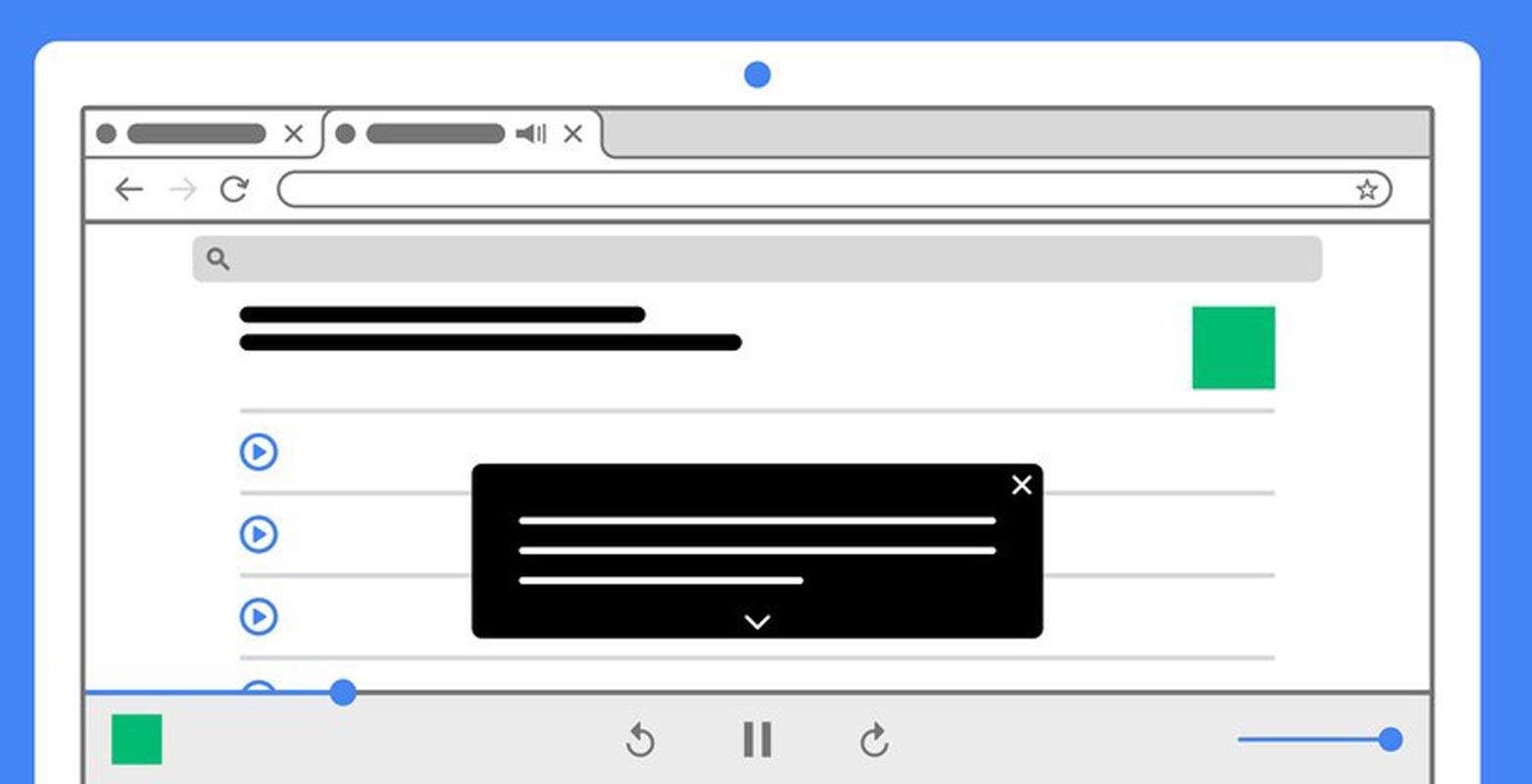
What is a Live Caption?
Google introduced a feature in Google Pixel 4, which automatically subtitles playing audio and video. The feature is called “Captions,” and it has proved to be an essential feature for lots of people, and of course, for people who have difficulties in hearing clearly.
Captions make online content more accessible, especially when you’re in a noisy environment or a place where you are required to keep audio volumes down to a minimal level. However, some content creators are not always added captions; not all online content includes captions.

Google is making things much easier for everyone by adding Live Captions to Chrome for Microsoft Windows, Mac, and Linux OSes.
How to Activate Live Captions on Chrome for Windows, Mac, and Linux?
This new feature – Live Caption, when activated, generates captions automatically when you play a media on your Chrome browser. Activating the feature is pretty simple, and Google hints that the captioning is done on-device.
Steps
- Launch Google Chrome web browser on your computer (Windows, Linux, or Mac)
- Go to the “Settings” page
- Click on “Advanced,” which is on the side drawer
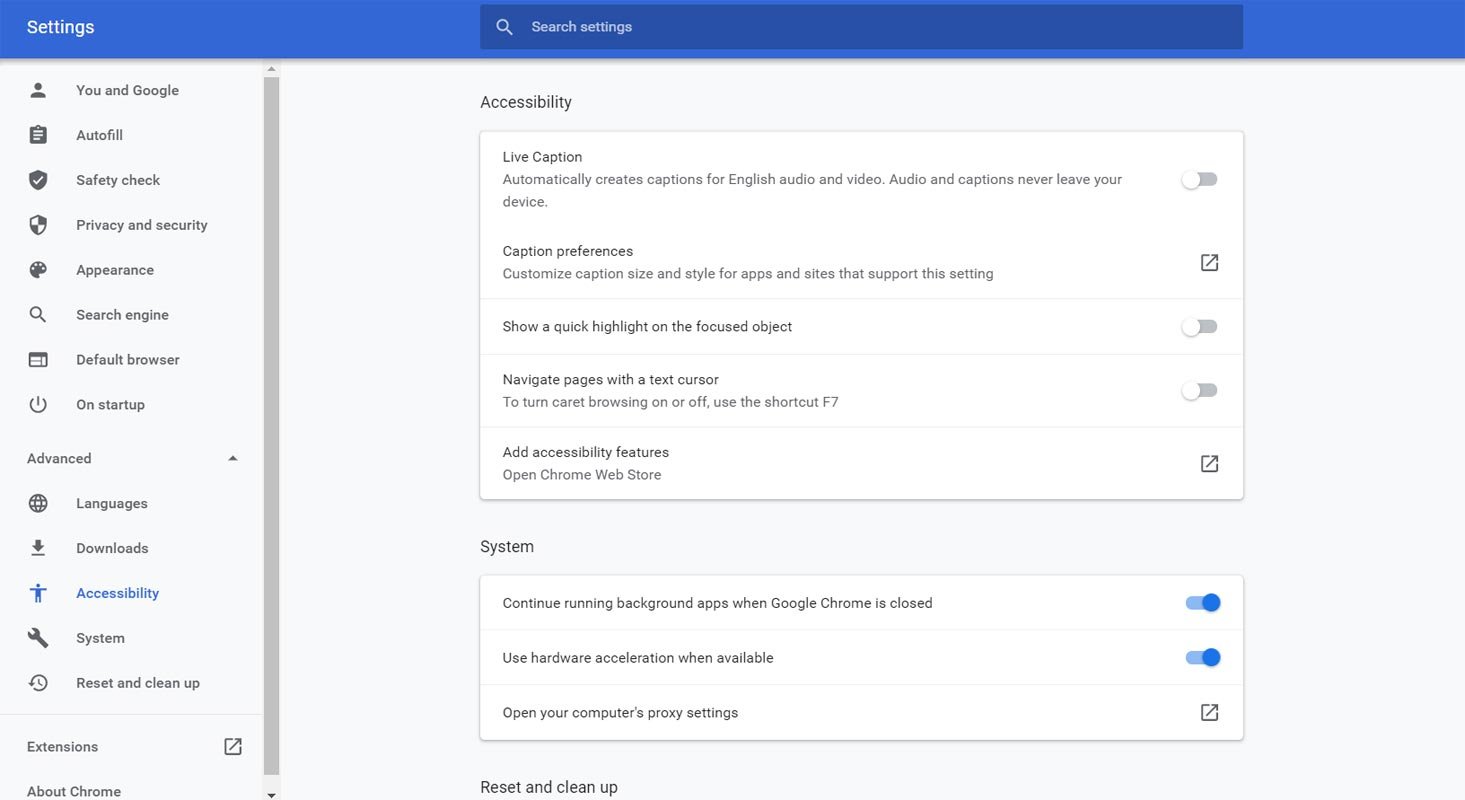
- Navigate to “Accessibility” and toggle the “Live Captions” switch
- For the first time, this action would trigger the downloading of the necessary files for Live Caption to function. The files to be downloaded include Speech Recognition Files.
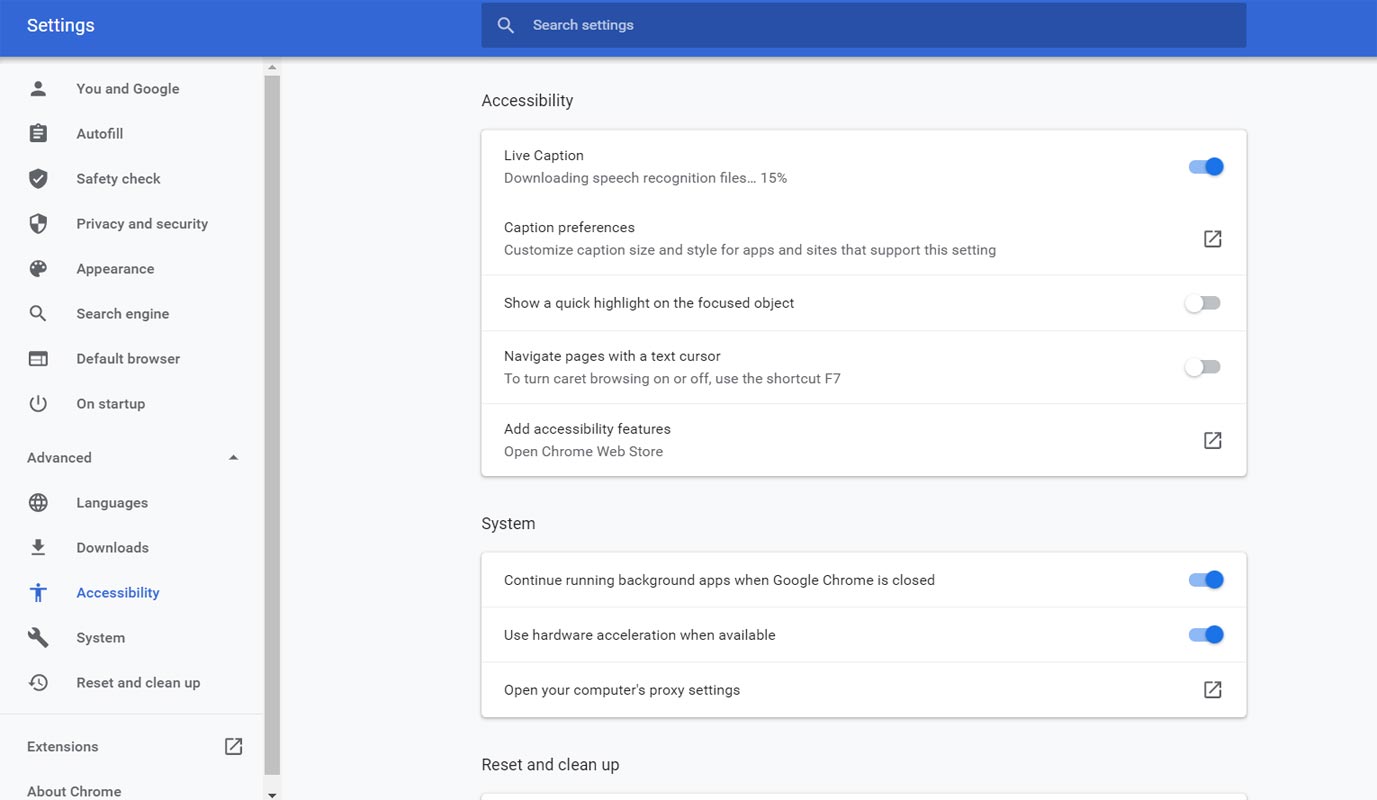
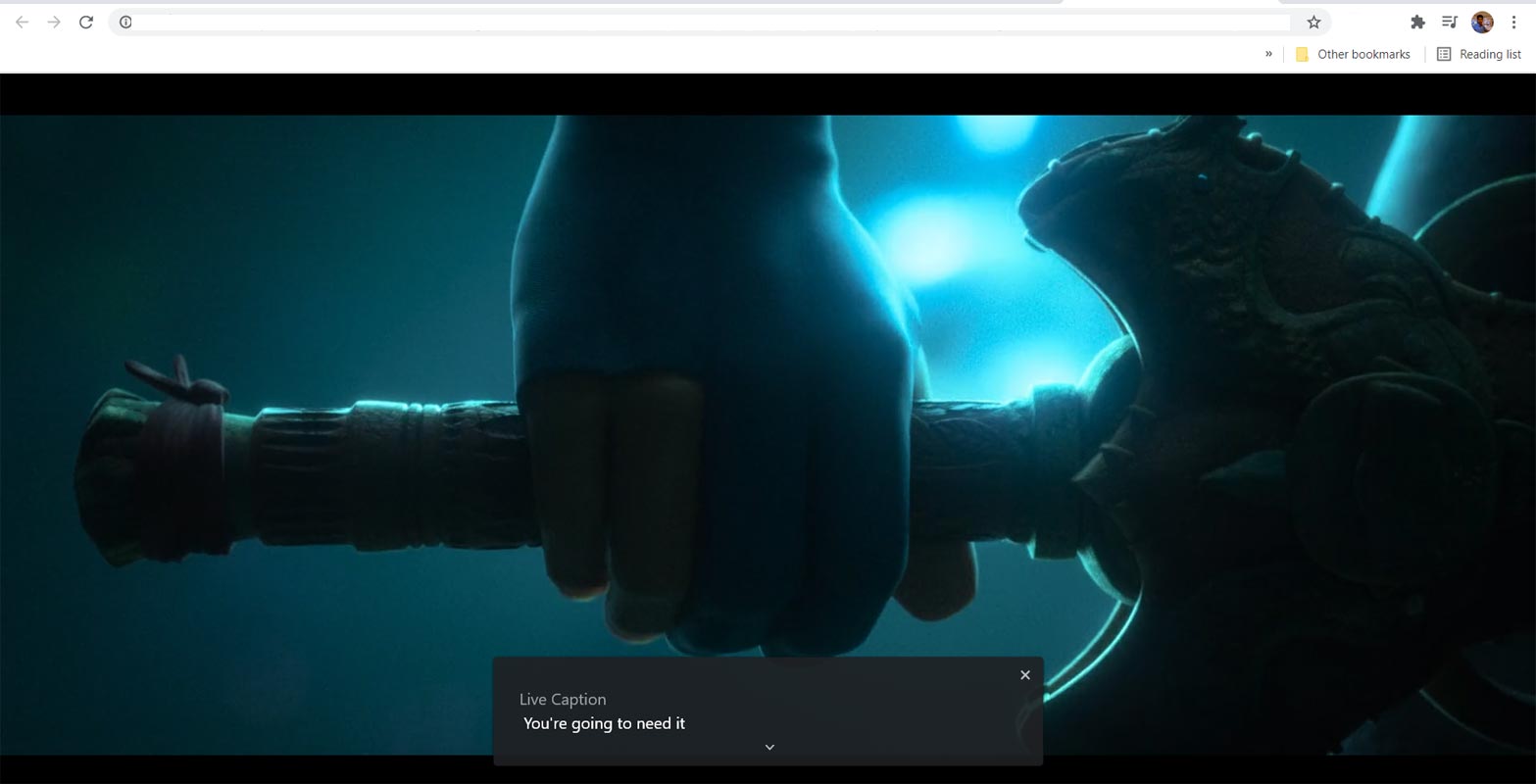
- After the file’s download, Live Caption would start working immediately, and it works entirely offline. Even if you play a local video file (a file saved on your PC) with a Chrome browser, you’ll still see a floating Live Caption box when the file starts making sounds.
You may need to update your Chrome browser to the latest version for Live Captions to work perfectly as expected. Interestingly, Google assures that the feature is available for Chrome on Windows, Mac, and Linux devices.
In the meantime, Live Caption only supports the English language and is poised to come to ChromeOS soon.
The feature had been available on Android OS for some time now and works for any audio or video you play on your Android mobile device. However, Live Caption on Android is only available to Select Google Pixels device – no other smartphone has device-wide Live Caption support. Google promises to work with some Android smartphone manufacturer to include Live Caption in non-Pixel devices – the collaborations hasn’t yielded anything yet.
Wrap Up
Microsoft added Liva Caption in their Meet Platform. Google Keeps adding new and useful features like Webpage preview in Chrome. Once you enable Live Caption on your Chrome browser, any media you play through the browser will automatically launch a “subtitle box.” There is no restriction, whether you play a social media site video or any website at all. You can read and understand the playing video or podcast (audio). This is a great improvement for challenged hearing persons – about 466 million people live across the earth’s nations. You can try this out now, but first, make sure you’re using the latest Chrome browser for your operating system.

Selva Ganesh is a Computer Science Engineer, Android Developer, and Tech Enthusiast. As the Chief Editor of this blog, he brings over 10 years of experience in Android development and professional blogging. He has completed multiple courses under the Google News Initiative, enhancing his expertise in digital journalism and content accuracy. Selva also manages Android Infotech, a globally recognized platform known for its practical, solution-focused articles that help users resolve Android-related issues.