
Using the below steps, you can share a Google Calendar with your Family and Friends. Staying connected with your family and friends can be challenging in this busy world. Whether coordinating schedules for an upcoming event, remembering important dates, or just keeping in touch, staying organized can make a huge difference. Luckily, with the help of technology, it’s easier than ever to share your calendar with your loved ones. This article will delve into transferring a Google Calendar with your loved ones and acquaintances, ensuring that everyone is well-informed and coordinated.
Why Share a Google Calendar with Our Family and Friends?
Sharing a Google Calendar with your family and friends has many benefits, including:
- Keeping everyone in the loop: With a shared calendar, everyone can easily see what’s happening and when. This can help avoid conflicts and ensure everyone is on the same page.
- Simplifying scheduling: Coordinating schedules can be time-consuming and complicated, especially when multiple people are involved. A shared calendar can streamline the process and make scheduling a breeze.
- Staying organized: With all your important events in one place, it’s easier to stay organized and on top of things. You’ll never forget a birthday or miss a necessary appointment again.
How to Share a Google Calendar?
Sharing a Google Calendar is easy and only takes a few simple steps:

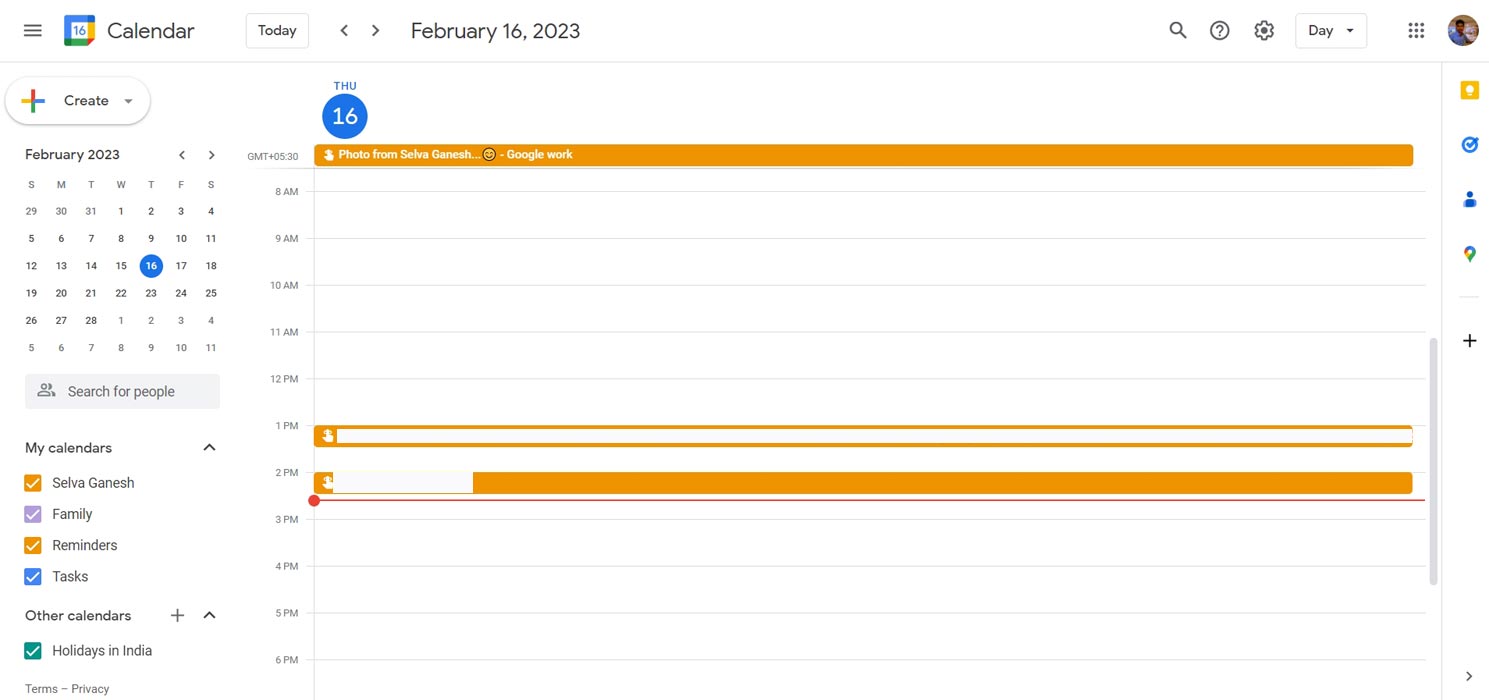
- Open Google Calendar: To get started, open Google Calendar in your web browser.
- Find your calendar: Your calendar should appear on the left side of the screen, and you can click on the three dots next to the calendar you wish to share.
- Choose “Settings and sharing”: In the menu, select “Settings and sharing.”
- Add people: In the “Share with specific people” section, enter the email addresses of the individuals you wish to share the calendar with and determine the level of access you would like to grant them.
- Click “Send”: Once you’ve added everyone you want to share the calendar with, click “Send” to send them an invitation.
Customizing Your Shared Calendar
After sharing your calendar, you can personalize it based on your requirements. Below are some suggestions on how to do so:
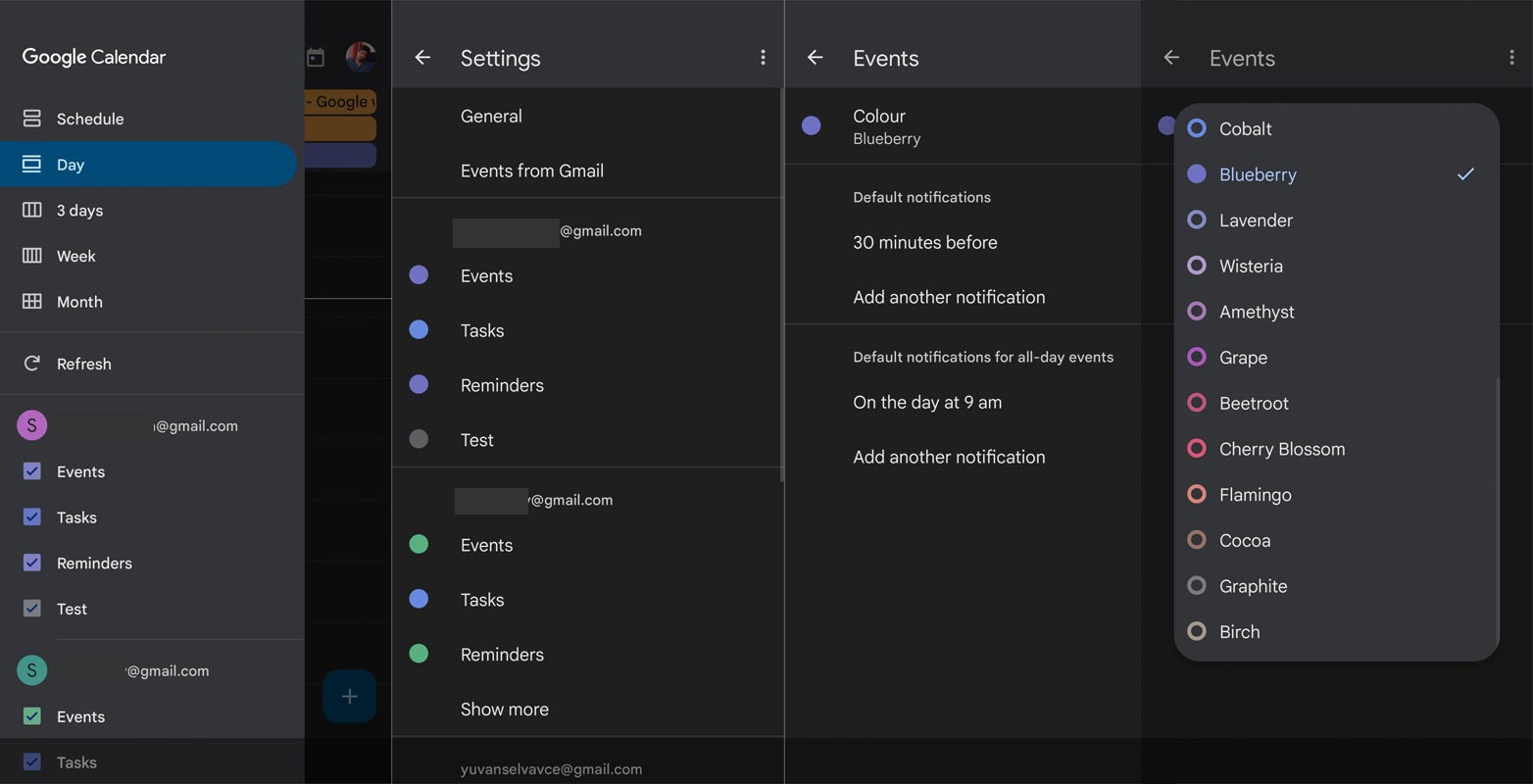
- Change the color: You can choose a color for your calendar to help distinguish it from other calendars. To do this, click on the three dots next to your calendar and choose “Calendar color.”
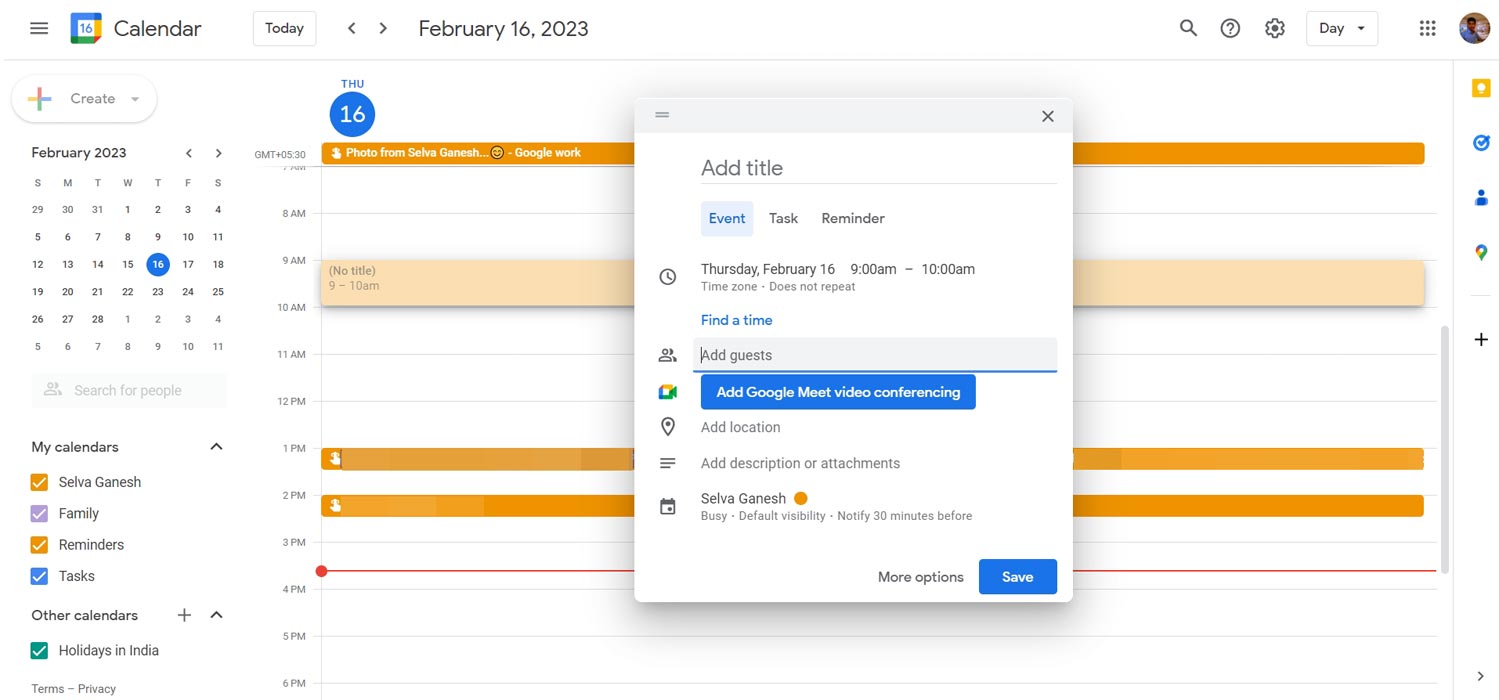
- Add events: To add an event to your calendar, click on the date and time and enter the details. You can also set reminders and invite people to the event.
- Create multiple calendars: If you have different types of events you want to keep track of, you can create multiple calendars. For example, you might have one calendar for personal events and another for work-related events.
FAQs
Can I share a Google Calendar with people who don’t have a Google account?
Yes, you can share your calendar with anyone, even if they don’t have a Google account. You’ll need to send them an invitation, and they’ll be able to view the calendar in their web browser.
Can I control who can see my events on a shared calendar?
Yes, you can choose the level of access you want people to have when you share your calendar. For example, you can give someone read-only access, which means they can view the calendar events but can’t make any changes.
Can I share only certain events on my calendar?
Yes, you can share specific events on your calendar with certain people. To do this, click on the event and select “Edit event.” Then, under the “Guests” section, you can choose who you want to invite to the event.
Tips for Making the Most of Your Shared Calendar
To make the most out of your shared calendar, here are a few tips to keep in mind:
- Update your calendar regularly: Make sure to keep your calendar up to date so everyone knows what’s happening.
- Set reminders: Setting reminders can help ensure you don’t forget important events.
- Use different colors: Use different colors to distinguish between different types of events or to identify who the event is for.
Conclusion
Sharing a Google Calendar with your family and friends is an easy and effective way to stay connected and organized. By following the simple steps outlined in this article, you can share your calendar with the people who matter most and ensure everyone is on the same page. Don’t forget to customize your calendar, set reminders, and use different colors to make the most of this powerful tool. So, start sharing your Google Calendar with your family and friends today and simplify your life!

Selva Ganesh is a Computer Science Engineer, Android Developer, and Tech Enthusiast. As the Chief Editor of this blog, he brings over 10 years of experience in Android development and professional blogging. He has completed multiple courses under the Google News Initiative, enhancing his expertise in digital journalism and content accuracy. Selva also manages Android Infotech, a globally recognized platform known for its practical, solution-focused articles that help users resolve Android-related issues.