
If you’re a Xiaomi Redmi Note 8/8T user looking to upgrade to the latest Android OS version, Lineage OS 18.1 is worth considering. As Xiaomi has stopped providing official updates for these models, Lineage OS offers a great alternative to keep your device updated with the latest Android features and security patches. However, if you prefer to stick with the official version of MIUI, that’s also a good choice for regular users. In this guide, we’ll walk you through downloading and installing the Lineage OS 18.1 Android 11 Official ROM on your Xiaomi Redmi Note 8/8T.
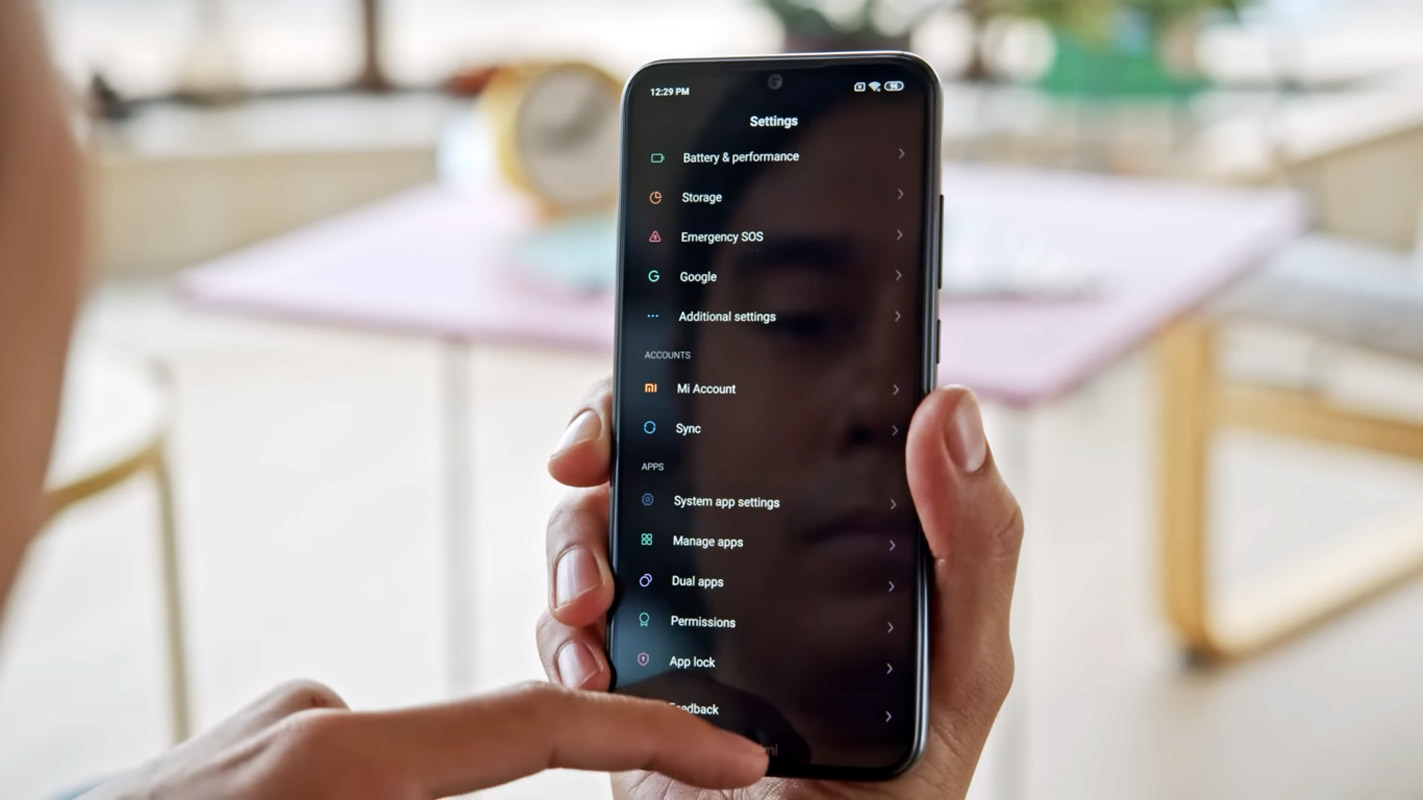
Before going to flash Custom ROMs
The following Lineage OS version is the official version, which means it is fully compatible with your mobile and free from most major bugs. If you are a regular user, I advise you not to go for root and flash this custom ROM to stay secure with the latest patch updates. Because with Stock Android, you can remain safe from significant issues even if you are not getting regular patch updates. Official Custom ROMs are always better; they are free from essential matters and will receive regular patch updates. With Custom Recovery installed on your mobile, you should have root access to flash the firmware.
Should you need to flash Official Lineage OS 18.1 Android 11 on the Xiaomi Redmi Note 8/8T?
We are thankful for the Hard Work of the Lineage OS team. Without this team, this method is not possible. Your mobile has 4 GB of RAM. It is more than enough for everyday usage. The problem is that Google stopped maintaining the security patch and Major upgrades; It has a Flagship Level Qualcomm MSM8996 Snapdragon 820 processor. But coming to OS, You already have the latest Android 11 OS. The OS is not old. But, If you are comfortable using custom ROMs, you can use Lineage OS. Most of the users use Lineage ROM for the Stock Android Experience. You can use this official Lineage OS if you love extra features. It is near the Stock Android with a lot of features.

If we optimize correctly with the correct Lineage OS after rooting, we can see some Improvements. So, after rooting, can I expect a Lag-free experience? Probably. If we hibernate, eliminate unwanted apps, and optimize some apps, your device is hardware limited. We can enhance performance by 30-40% compared with your old usage within these limits. If you use Lineage Custom ROMs, you can expect a 50-80% improvement in performance.
How to Install Xiaomi Redmi Note 8/8T Lineage OS 18.1 Android 11 Official ROM?
Xiaomi Redmi Note 8/8T has a flexible bootloader other than Verizon devices. Verizon devices have a locked Bootloader, meaning we can easily root different smartphone variants. The device can also install TWRP recovery or any custom recovery file/app.
This article explained the easiest method to follow and install TWRP recovery on the Xiaomi Redmi Note 8/8T. TWRP recovery is a custom recovery file installed on Google devices because you can root them successfully. However, the tool required for rooting this device is the Magisk App.
With the help of TWRP Recovery, you can quickly flash the latest version of Lineage OS into your Xiaomi Redmi Note 8/8T. Before sharing the tutorial, you may want to know that, with the TWRP recovery on your device, you can easily install any custom ROM or firmware. Does it seem complicated? Relax; We will explain everything briefly in bullets. If you didn’t root your mobile, Refer– To Root Xiaomi Redmi Note 8/8T.
Things to check out for;
-
Check your device model number.
- Snapdragon processor variants.
- It would be best to have TWRP custom recovery installed on your mobile.
-
Make sure your device’s battery is above 50%.
-
You should back up your current files and data, just in case (save them on external storage using TWRP Backup).
Pre-Requirement Steps
-
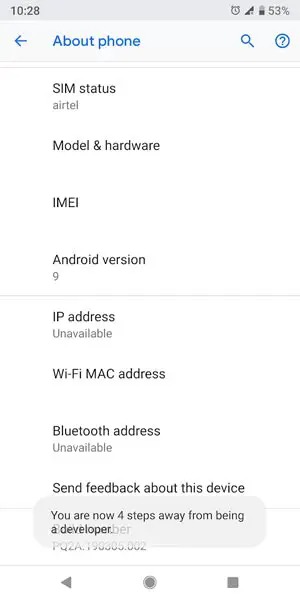
Enable USB Debugging Mode and OEM Unlock on your mobile. To do this, go to settings >>> about >>> Tap on the “Build Number” 7-10 times consistently to enable “Developer Options,” then go to the “Developer Options” and enable USB Debugging Mode and OEM Unlock. There is no complicated process in the Xiaomi Redmi Note 8/8T.
-
Download Xiaomi Redmi Note 8/8T Lineage ROM 18.1 and copy it to your SD Card/ Pendrive OTG Cable. There are plenty of works that We can do with OTG Cable.
Flash Lineage OS 18.1 in Xiaomi Redmi Note 8/8T using TWRP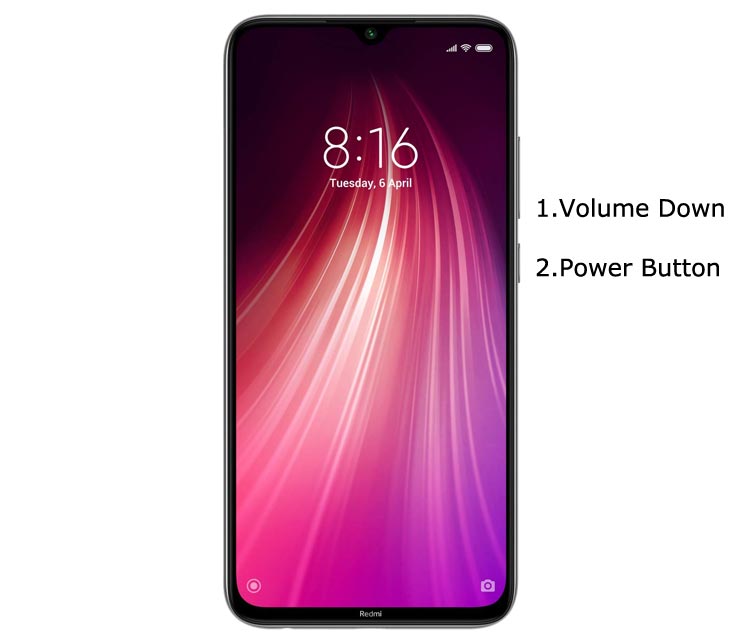
- Switch off your device. Then, enter into Recovery mode. To do this, press and hold down the Volume Down button + Power Button and connect your USB Cable. While holding Volume Down, release the Power Button.
-
Press the Volume Up button to continue when you see the warning message.
- Now it Will Boot into TWRP Recovery Mode.
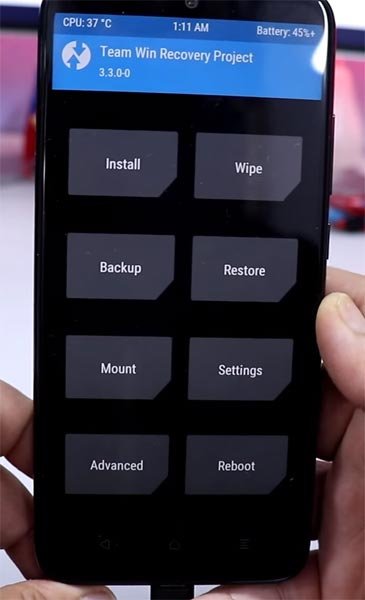
- Select Wipe->Advance Wipe->Select Cache, Dalvik, and System Data. System Data will delete all files, including your Current OS.
- Return to Home of TWRP and select Install.
- Select Lineage OS.Zip.
- After the Installation, Reboot Your Mobile.
- We have successfully Installed Lineage OS on our mobile.
Install Gapps For Xiaomi Redmi Note 8/8T
Google Apps Called Gapps. That is Pre-Installed on All Android Mobiles. Google apps are Gmail, Google Maps, Play Store, YouTube, Google+, Search, Google Docs, and Music. Due to some License problems, these Gapps are not Pre-Installed With Custom ROMs Like CyanogenMod and others. All the Gapps Applications are the property of Google, and there is no Re-modification in the Gapps.
Steps
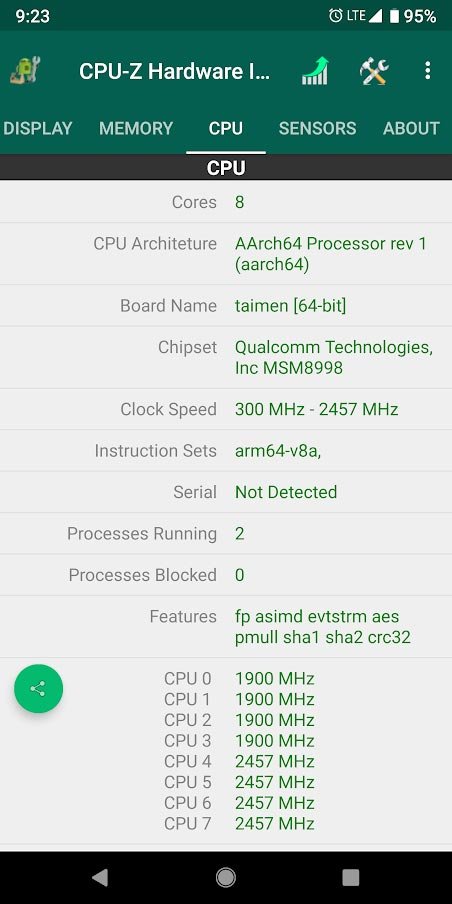
- Install the CPU Hardware app on your mobile. Go to CPU and Note down your Architecture. It is essential to select the correct Gapps for your mobile.
- Download Gapps For Xiaomi Redmi Note 8/8T Official ROM 18.1 Android 11 version and Copy it into your Internal Memory. If you are confused with the Packages, you can refer Official Gapps Package comparison.
- Switch Off Your Mobile. Boot it into recovery mode->Volume Up+ Power Button.
- Now it Will Boot into TWRP Recovery Mode.
- Select Wipe->Advance Wipe->Select Cache Data.
- Return to Home of TWRP and select Install. Select Gapps.Zip.
- After the Installation, Reboot Your Mobile.
Xiaomi Redmi Note 8/8T Lineage OS 18.1 Android 11 Features
There are a lot of features added to Lineage OS 18.1. Here I mentioned some important features.
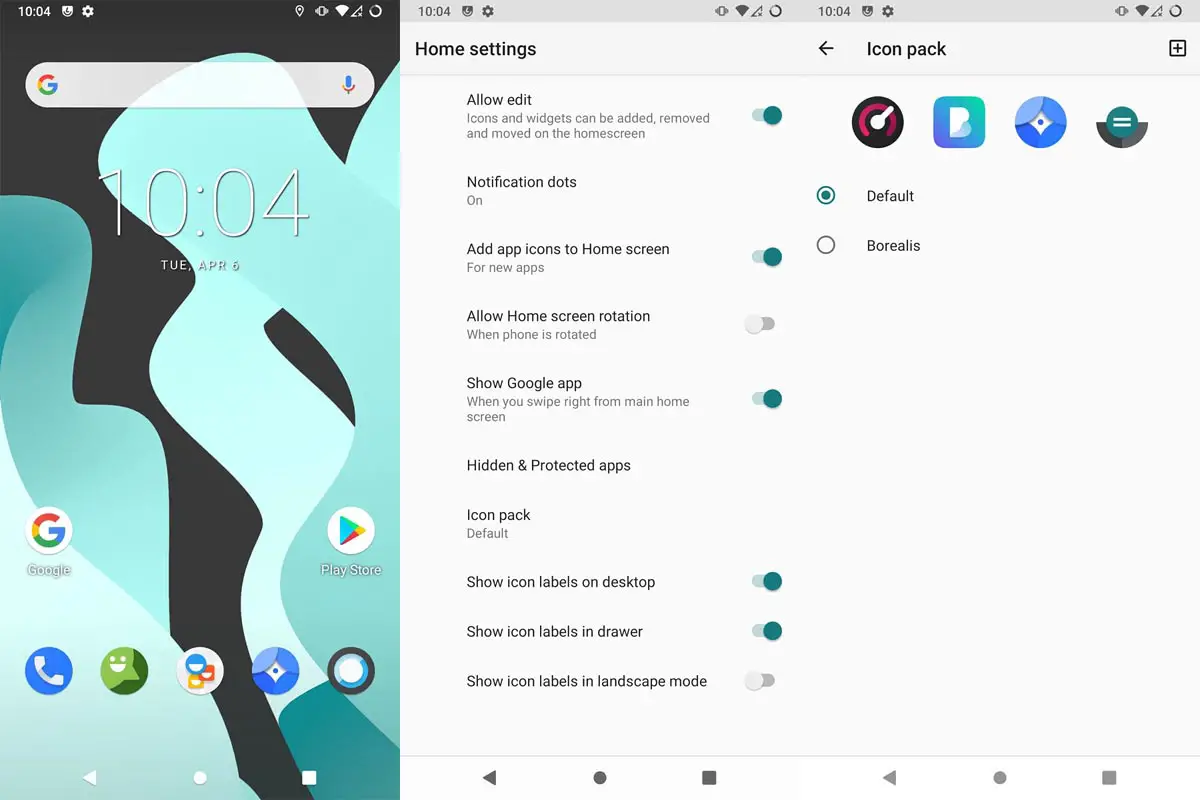
- Lineage OS 18.1 is Android 11 Stock Android ROM with System-Wide Color options. Dark, Grey themes are also available.
- We have optimized Recent apps, Switcher.
- Volume Rocker contains Silent/Vibrate/Mute Options with Easy adjustable navigation.
- Notification enhanced. Instead of replying to a single message, you can now respond to the whole conversation.
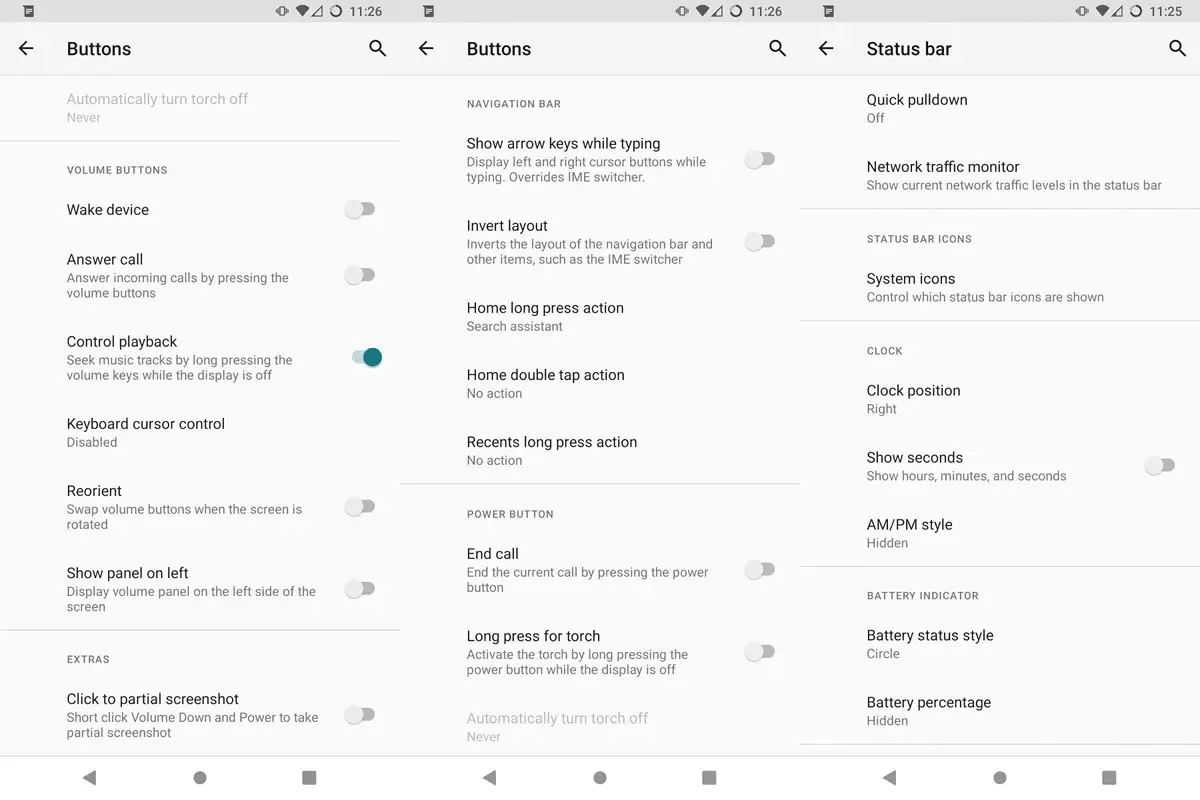
- Heavily customizable status bar, including Network Traffic Monitor, available.
- Lock Screen Visualizer for music.
- New Set of Emoji.
- The New Gallery app is available with a timeline and similar Files features.
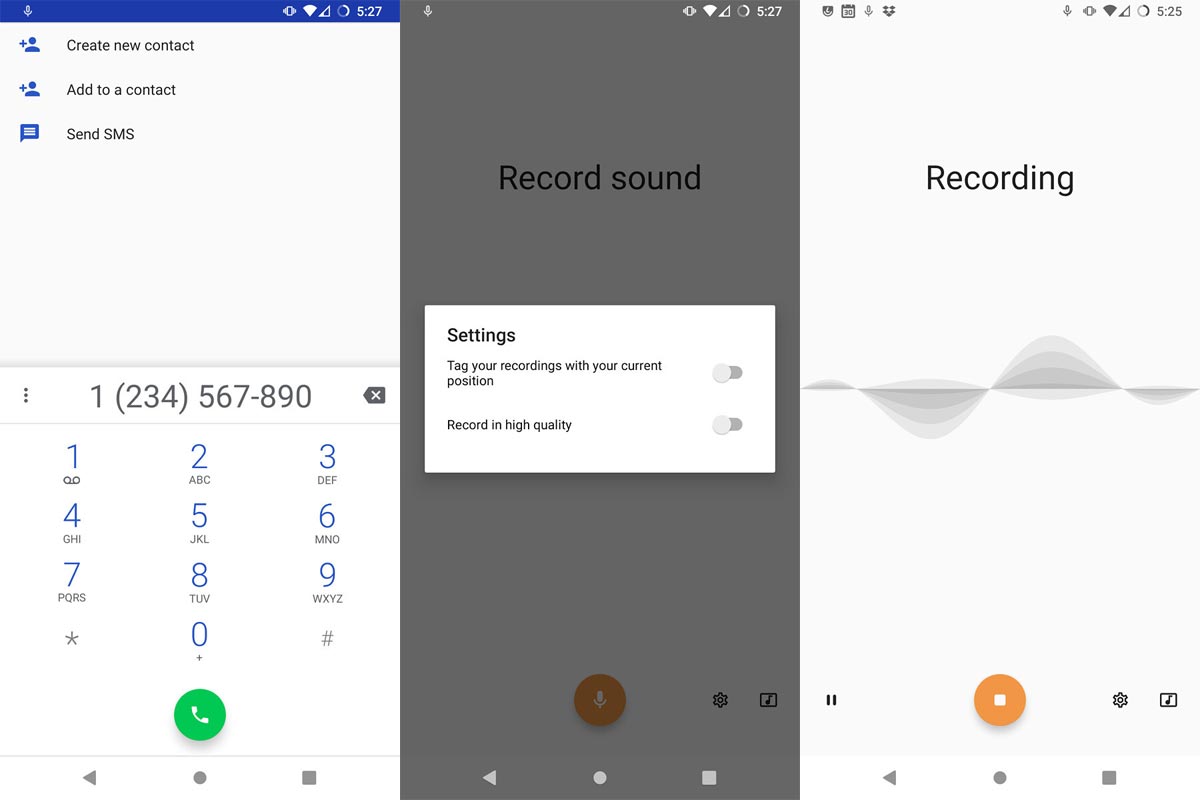
- The dialer app is available with Call recording, similar to the Google Phone app.
- You can configure the notification light with a lot of colors.
- Google Camera, All Banking, and Payment apps will work without issues.
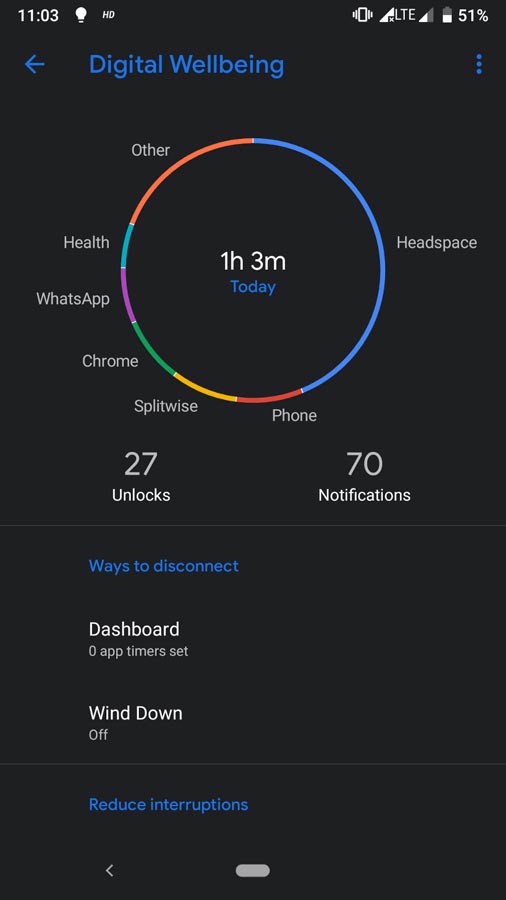
- Digital Wellbeing- Optimize your time with Social Network interaction. Also, They added the new flip-to-shhh features.
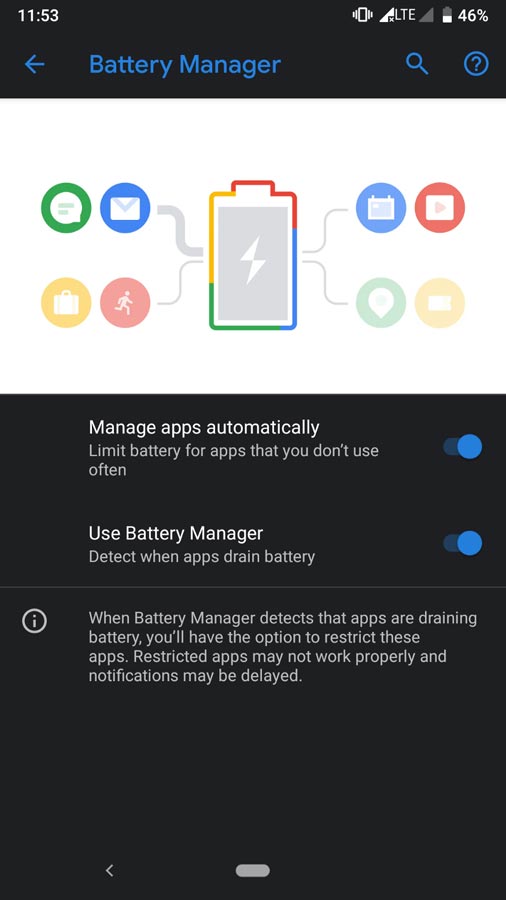
- Adaptive Battery- Better Battery Optimization.
Live Caption
-
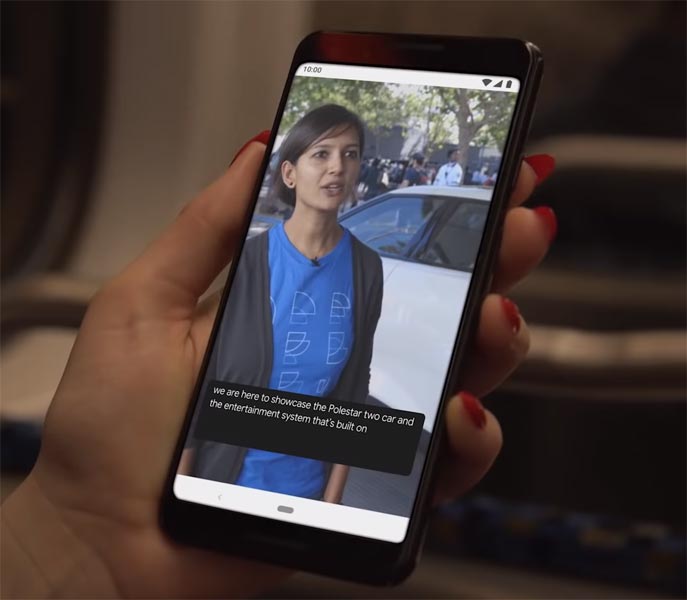
You know this already; if you turn on Subtitles on Youtube, It will auto-generate the captions. This feature is now widely available. We can work on the Same functionality all over your device videos, and it Doesn’t require Wi-Fi/ Data.
-
We have limited Languages as per Google Data.
Smart Reply
-
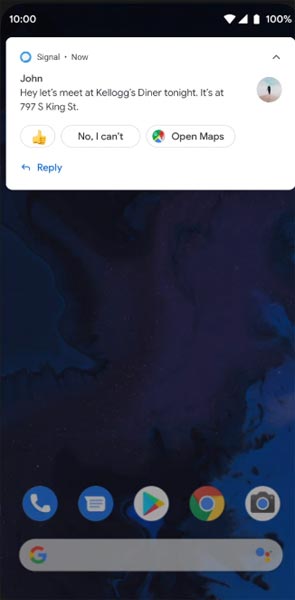
It is already available in the Pie version. But it is limited. Now you can explore more actions when you get the messages and open Links Open Apps based on the notes.
Sound Amplifier
-
You can do many things like Reduce noise and Enhance the Tune. Using the built-in feature, we can now adjust the Volume, Tune, and Equalize. We always do this using Third-party apps.
Enhanced Gesture Navigation
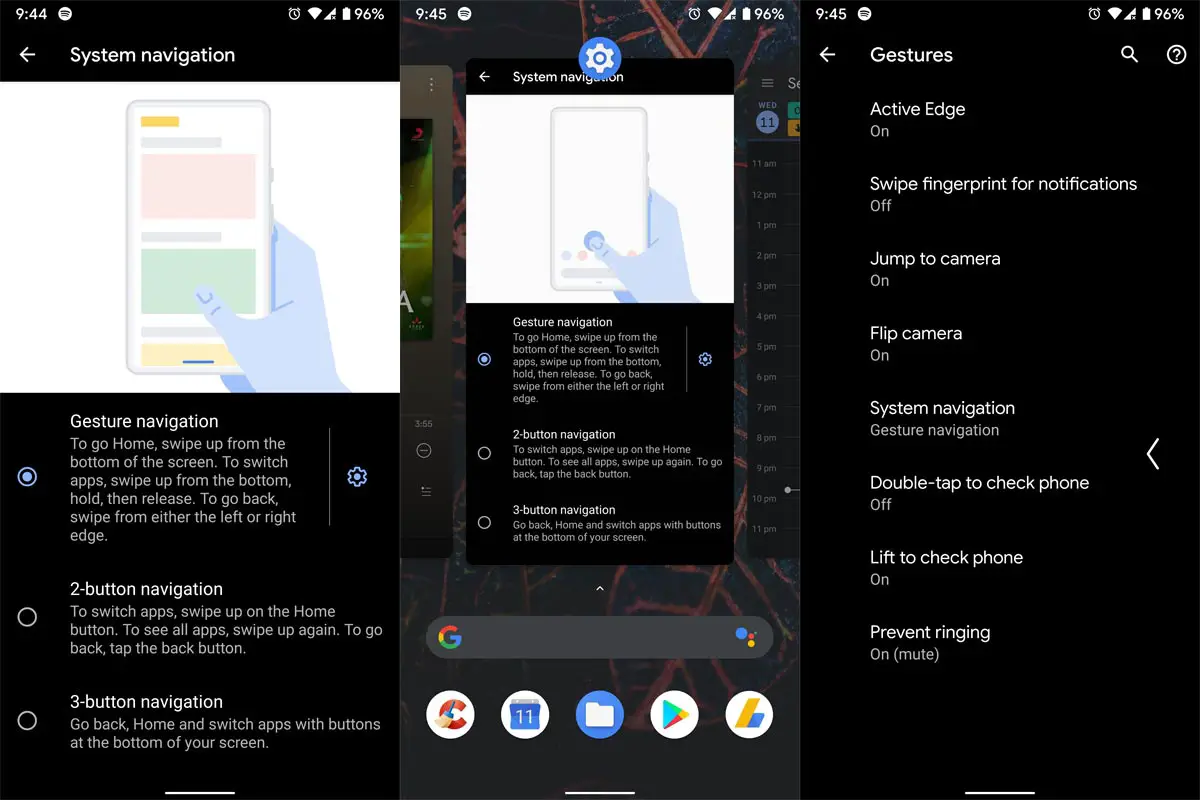
-
The True Gesture Navigation has finally arrived. It may not be the best compared with OnePlus devices, But It is way better than the Pie 9.0 version. If you swipe From Left to Right, It goes forward, and right to Left goes Backward—the home button work as usual. We can access recently used apps By Swiping Quarter Screen to the Top—simple navigation to avoid confusion.
Dark Mode
-
Unlike Night Mode, it didn’t add a filter to the Display. If you have an OLED Display, It will save your battery power from 5-30% based on your usage.
Privacy
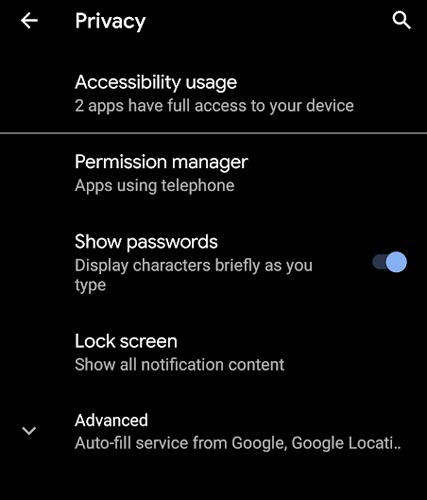
-
Google always added enhanced Privacy features in every Android version. In the 10th version, You can handle your Privacy a lot better. It will always tell you when your installed apps access your location in the background to manage whether you need that permission on Always or During the app usage.
Direct System Updates
-
Unlike regular OTA updates from your Manufacturers, Google will handle the regular patch updates after you update to the Android 11 version. It can be done using your Google Play App. If you have Custom Skin OS from your Manufacturer, Google will not change the UI, and they will handle only Patch updates. This is one of the most critical steps taken from their side, and it will help all users tired of their Manufacturer’s Late updates. Due to our are in Custom ROM, we have to update our OS manually.
Focus Mode
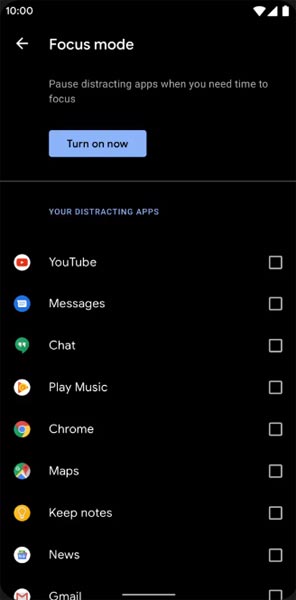
-
It can be an additional function of Digital wellbeing. Now you can Pause some apps to avoid Notifications For a short time or a Long time. Some mobiles are made based on this scenario. To avoid distractions and get focused on what you are doing. Think you are Studying, and a Single Whatsapp message can redirect you. With the help of this feature, you can use only Study apps during your Study time.
Family Link
-
Like Parental Control, you can control the App Timings within your Added Google Accounts.
Other improvements and changes
- HEIF Image, Monochrome Camera Support.
- New Set of Emoji.
- Enhanced Adaptive Battery Improvements compared with the previous versions.
- Contaminant Detection- Your mobile will alert you if any moistures are in your USB Ports.
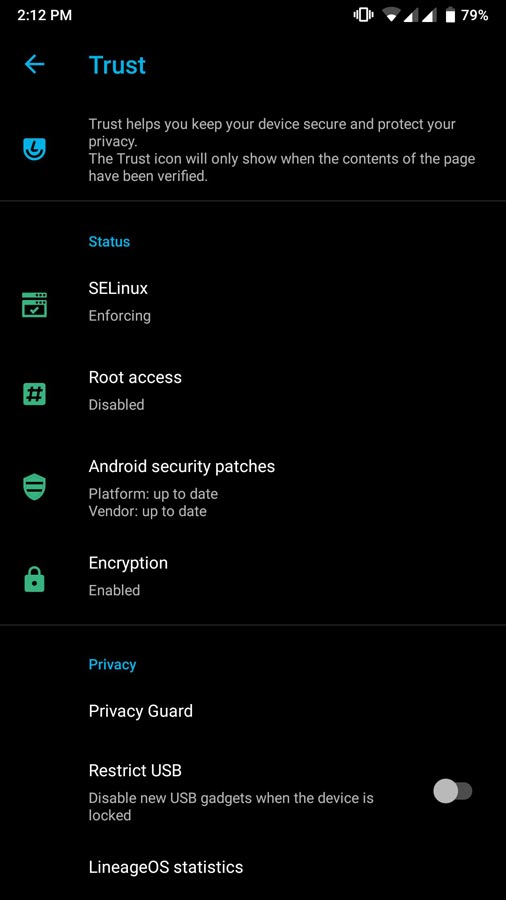
- It supports Full device encryption.
- The new Partial screenshot option allows you to capture a small part of the screen.
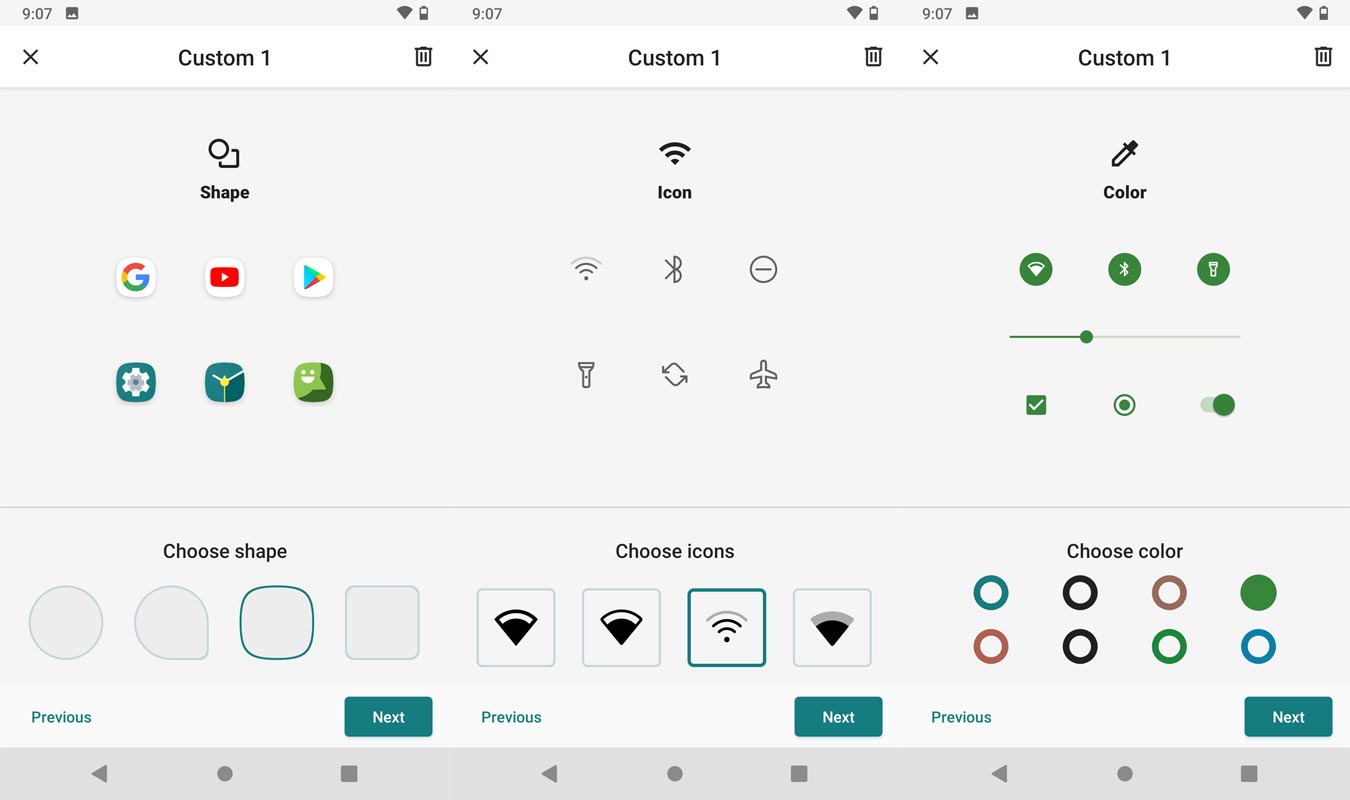
- Adapted Theme selector allows you to change system-wide colors, Icons, and Sizes.
- Now Wi-Fi Display option is available.
- They added support for Rotate and Pop-Up cameras in the update.
What More?
Xiaomi Redmi Note 8/8T is a Flagship-level device; We can expect Some Improvement by rooting. But, If you use Lineage Custom Roms, you can expect considerable performance Improvement. If you have little tech knowledge and know what you are doing, you can Root and flash Lineage Custom ROM. If you flash other Custom ROM, check what is and is not working. It is wise to use Some Official Custom ROMs like Lineage. Like Lineage OS, plenty of other best Pie 9.0-based custom ROMs is available for your device. If you feel you are limited with Hardware, Trust me, 4 GB RAM is more than enough for Heavy usage. Refer- How Much RAM do you need? During the process, if you face any problems, comment below.

Selva Ganesh is a Computer Science Engineer, Android Developer, and Tech Enthusiast. As the Chief Editor of this blog, he brings over 10 years of experience in Android development and professional blogging. He has completed multiple courses under the Google News Initiative, enhancing his expertise in digital journalism and content accuracy. Selva also manages Android Infotech, a globally recognized platform known for its practical, solution-focused articles that help users resolve Android-related issues.