
When it is coming to the ecosystem, Apple is better. Their devices can work together as they have used a similar OS. Other than Apple, all other manufacturers provide the ecosystem experience with their devices. Other manufacturer equipment may not work like Apple. But they can do some tasks, and Samsung already released the app for the Samsung Galaxy Watch series. You can use this app to take photos on your mobile if you have a compatible mobile. This feature may work as an S Pen Air gestures in Note series. All you have to do is install the Camera Controller app in Samsung Galaxy mobile from Galaxy Store, and you should Sync it with the Galaxy Watch. After the configuration, you can take photos using your Samsung Galaxy Watch.
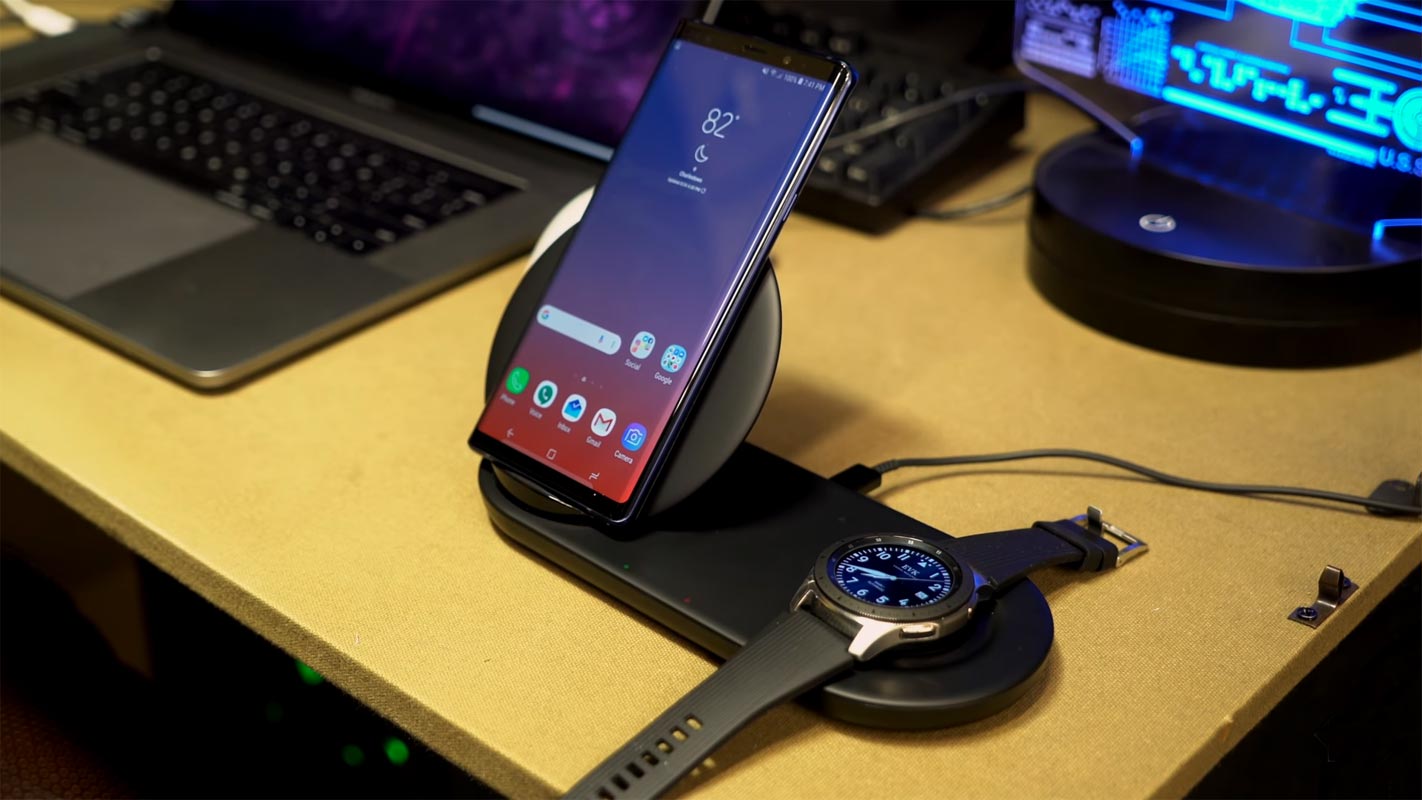
What is the use of the Camera Controller App in Samsung Galaxy Mobiles?
This app can help you where you want to take pictures and can’t access the mobile. Say you want to take a wide selfie; If you reach the phone or use the timer, you may not get the correct selfie. If you’re going to capture high-quality photos using multiple rear cameras, you have to take it by yourself. When you can fix the mobile and want to take high-quality images, you can use this app. Simply, If you have Note series phones and you know how S pen works, the feature here is similar to that. It will not work on all mobiles and watch series. I will list the supported devices below.
Camera Controller supporting Samsung Galaxy Mobiles
- Samsung Galaxy S20, S20+, S20 ULTRA
- Galaxy S10, S10+, S10e, S10 5G
- Galaxy Note10, Note10+, Note10 5G, Note10+ 5G
- Fold and Fold 5G models
Camera Controller supporting Samsung Galaxy Watches
- Galaxy Watch
- Galaxy Watch Active, Active2
How to Take photos in your Samsung Galaxy Mobiles using Galaxy Watch?
- Download Camera Controller app on your Samsung mobile from the Galaxy Store.
- Open your installed Galaxy wearable app. If you didn’t have the app already, you could get the app from Play Store.
- Make sure the installed Camera Controller app sync with the watch. Or you can install the Camera app in the Galaxy Store Watch tab.
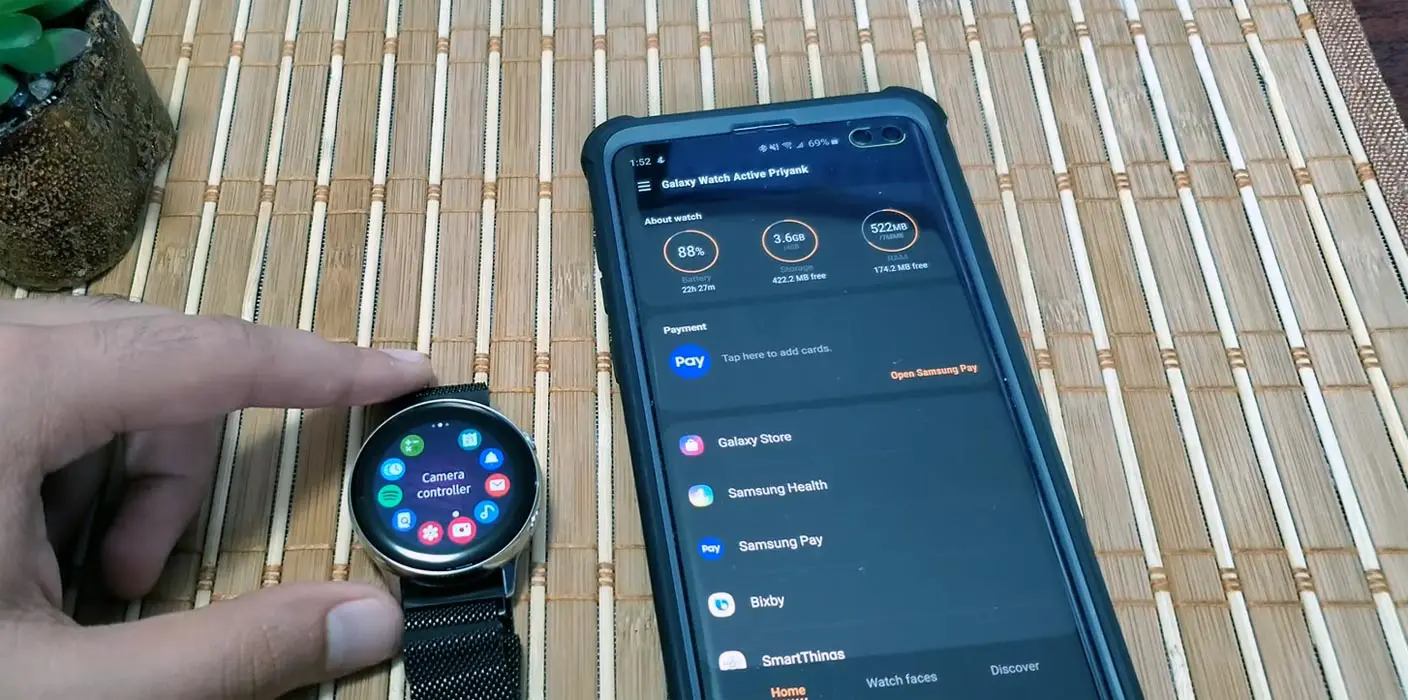

- Turn on Bluetooth and make sure your Galaxy Watch is paired with your mobile. Open the Camera Controller and select the open Camera on your mobile.
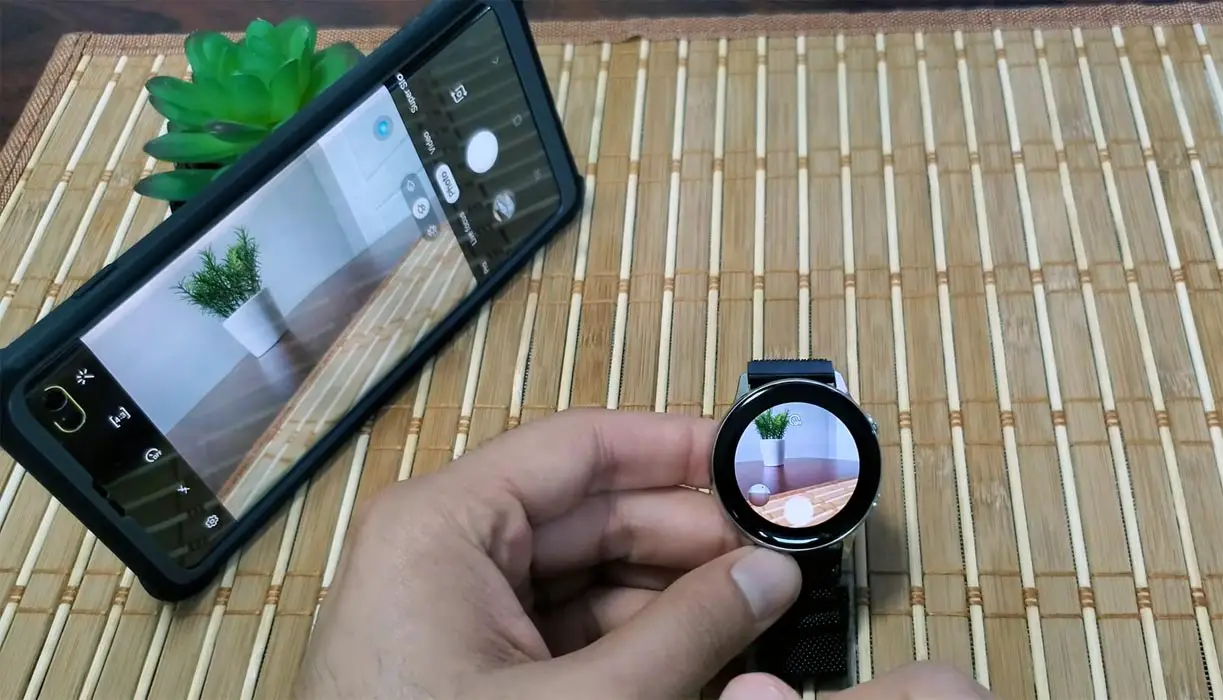
- It will open the Camera in your mobile with limited options like timer, zoom, and capture options.
- But, You can take video, AI camera shots using your watch. You have to choose these options on your mobile.
- When you want to record videos on your mobile, After opening the camera app, select a video option. Preview of the recording videos will show on your watch, and you can pause and stop the recording video. The same steps go for other unique camera shots. Even if you can do multiple tasks within the camera app, you have limited controls on your watch.
Wrap Up
Compare with the S Pen Air Gestures options. Galaxy Watch gives a comfortable experience where you can see and take perfect camera shots. Also, It supports videos preview where you can pause and stop the videos. But, When you have a display option, you should give a lot of options to control the Camera other than some basic limited controls. We can expect some improvements in the future. But until we have only basic options.
Compare with other manufacturers, Samsung always utilizes the other device options like a link to windows, where you can have more control over your mobile from PC. You can also play some games and make calls in your Windows 10 PC using this option. Samsung Dex is better, and it can act as your pocket PC. Samsung keeps adding features. So, We can expect all available options in the Camera Controller soon. What is your experience with this Camera Controller app? Comment below.

Selva Ganesh is a Computer Science Engineer, Android Developer, and Tech Enthusiast. As the Chief Editor of this blog, he brings over 10 years of experience in Android development and professional blogging. He has completed multiple courses under the Google News Initiative, enhancing his expertise in digital journalism and content accuracy. Selva also manages Android Infotech, a globally recognized platform known for its practical, solution-focused articles that help users resolve Android-related issues.