
Most of the Smart Watches are expensive but not fit bands. But when you notice Fitbit thy cost equal to the Smart Watches because they are worthy of the price and have exclusive features that differentiate them from other companies. Most of the fit bands don’t receive updates. The features remain the same when you purchase. If you want new features, you have to buy the latest version of the device. But Fitbit is not like that. They always received updates. Based on hardware compatibility and support, the software features will increase. Recently, Fitbit Charge 4 received Smart Wake, Dynamic GPS, and some other features. These are not just add-ons. They will be helpful in realtime. Dynamic GPS will help you to save more battery in your Fitbit.
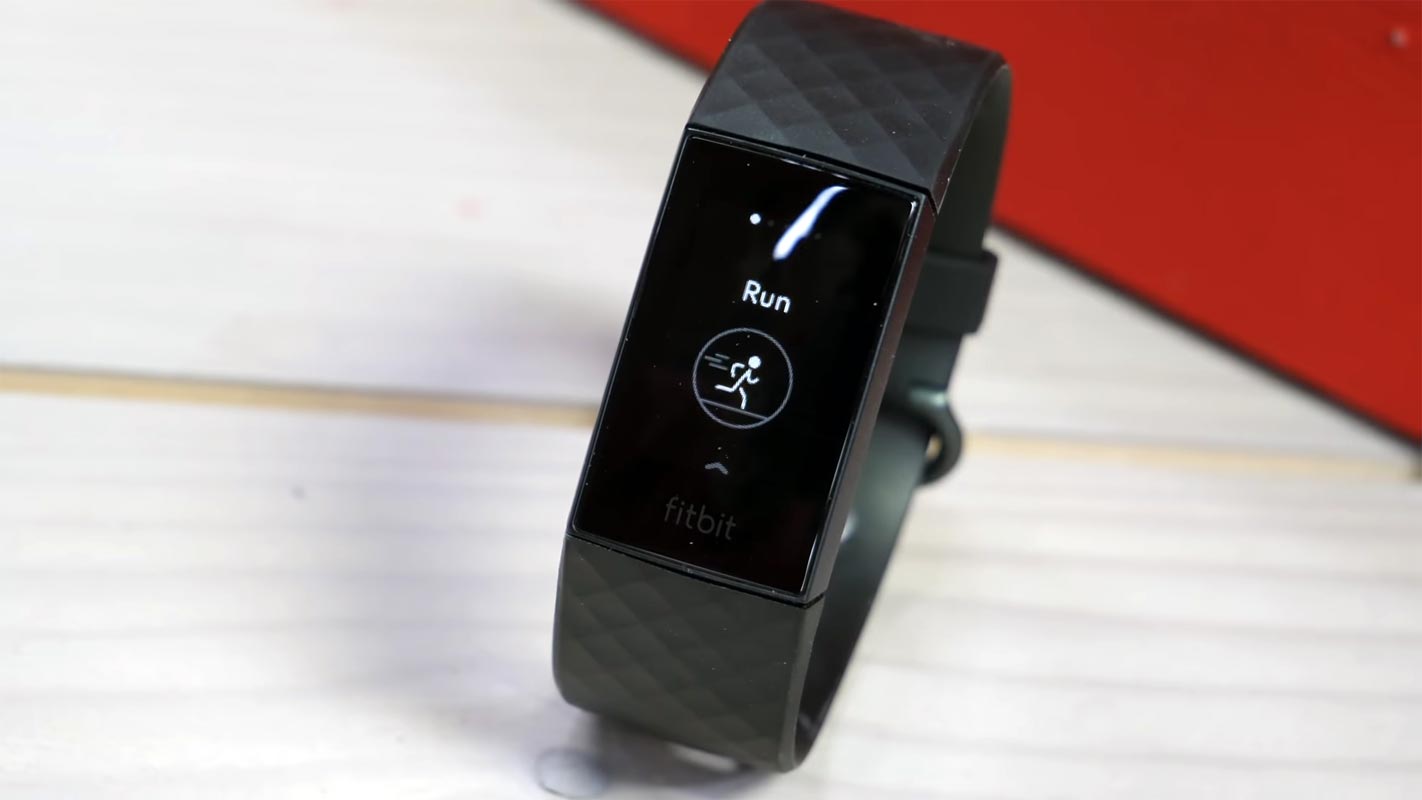
Fitbit Charge 4 received Smart Wake and Dynamic GPS in Version 1.96.29 update
The price you are spending on Fitbit’s is for the best hardware and software support. Even if there are the best Wear OS Smart Watches available under $300, Fitbits do their unique work with better battery backup. On 07, July 2020 the Fitbit team rolled out a 1.96.29 update. The update brings Smart Wake, Dynamic GPS, and control of how long you want to stay the screen like that. To receive the update, follow the below steps.
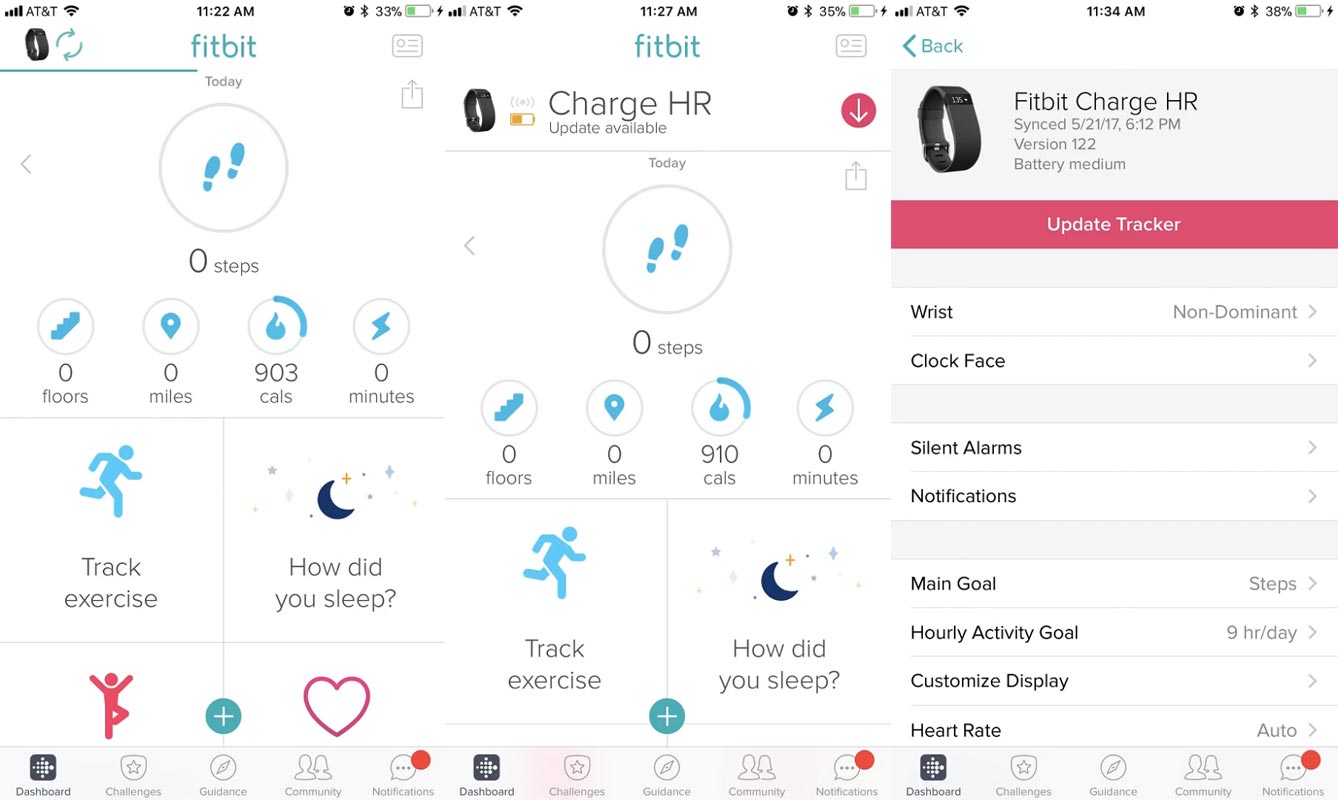
- In your mobile download the Fitbit app from Play Store or Apple Store.
- Turn on Bluetooth and Mobile Data/Wi-Fi.
- Open the app and select Today.
- After the successful Sync with your Fitbit device, you will receive a notification about the update.
- Select the Update tracker. The update will happen.
- You will receive a notification when the update finished.
Version 1.96.29 update Changelog
Fitbit officially released a changelog of a 1.96.29 update. The major highlight of this update is Smart Wake, Dynamic GPS, and Wake Up screen time control.
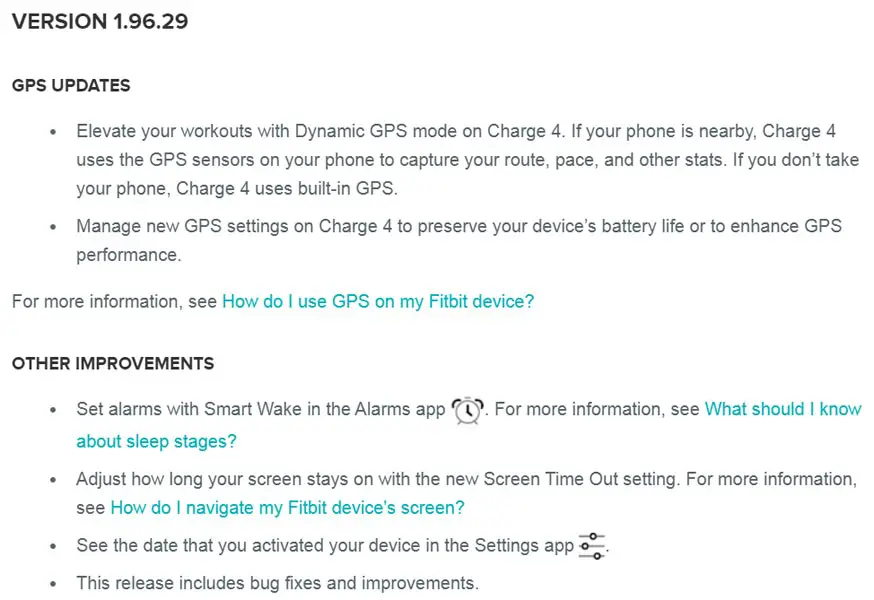
Fitbit Charge 4 Smart Wake
The Smart Wake feature can automatically setup alarms for you. If you regularly use the tracker and it knows your sleep timings in the table, this feature will work well for you. The motive of these features is you should feel well-rested. You can control this option in “How did you sleep” and Smart Alarms option.
Dynamic GPS
Fitbit Charge 4 has an in-built GPS. When a SmartWatch or fit band has GPS, the main problem is the battery drain. To fix this issue, Dynamic GPS can help you. With this new feature, your tracker will use mobile GPS when it is nearby or in the Bluetooth range. Thus, it helps your tracker to save battery.
Setup screen-off time
When you wake the tracker screen, there is no option to adjust the off-time before like mobiles manually. But after this update now, you can change how much the Display should stay wake. To control this option, select the tracker> Customize Display.
Wrap Up
Google acquired Fitbit for various reasons, and it is beneficial for both of them. Fitbit receives better software updates. Google can use the Fitbit experience to produce its SmartWatch in the future. In software-wise, Fitbit is compatible with some significant apps. You can control Spotify from your Fitbit tracker. Instead of rolling out the useless features, Fitbit always picks up the useful one and rolls out them on time. When you face any issues during the update, Restart your tracker or unpair the device from your Bluetooth settings and try to connect again. What are your thoughts about Smart Wake and Dynamic GPS? Did you feel these are the update you have been waiting for, or Fitbit missed any other features? Comment below.

Selva Ganesh is a Computer Science Engineer, Android Developer, and Tech Enthusiast. As the Chief Editor of this blog, he brings over 10 years of experience in Android development and professional blogging. He has completed multiple courses under the Google News Initiative, enhancing his expertise in digital journalism and content accuracy. Selva also manages Android Infotech, a globally recognized platform known for its practical, solution-focused articles that help users resolve Android-related issues.




Leave a Reply