
Even if World famous tech platforms may not notice small adjustments that make users more comfortable, they may sometimes ignore those features for some reason. Editing Playlist Description and changing the image of the Playlist cover is the most wanted feature by users for a long time in Spotify. Fortunately, after many requests from users, you can now edit your Spotify Playlist Image and Description. The changes will reflect in your account only unless it is unique. The Popular General description and Cover Image will remain as per old standards in the public profiles.
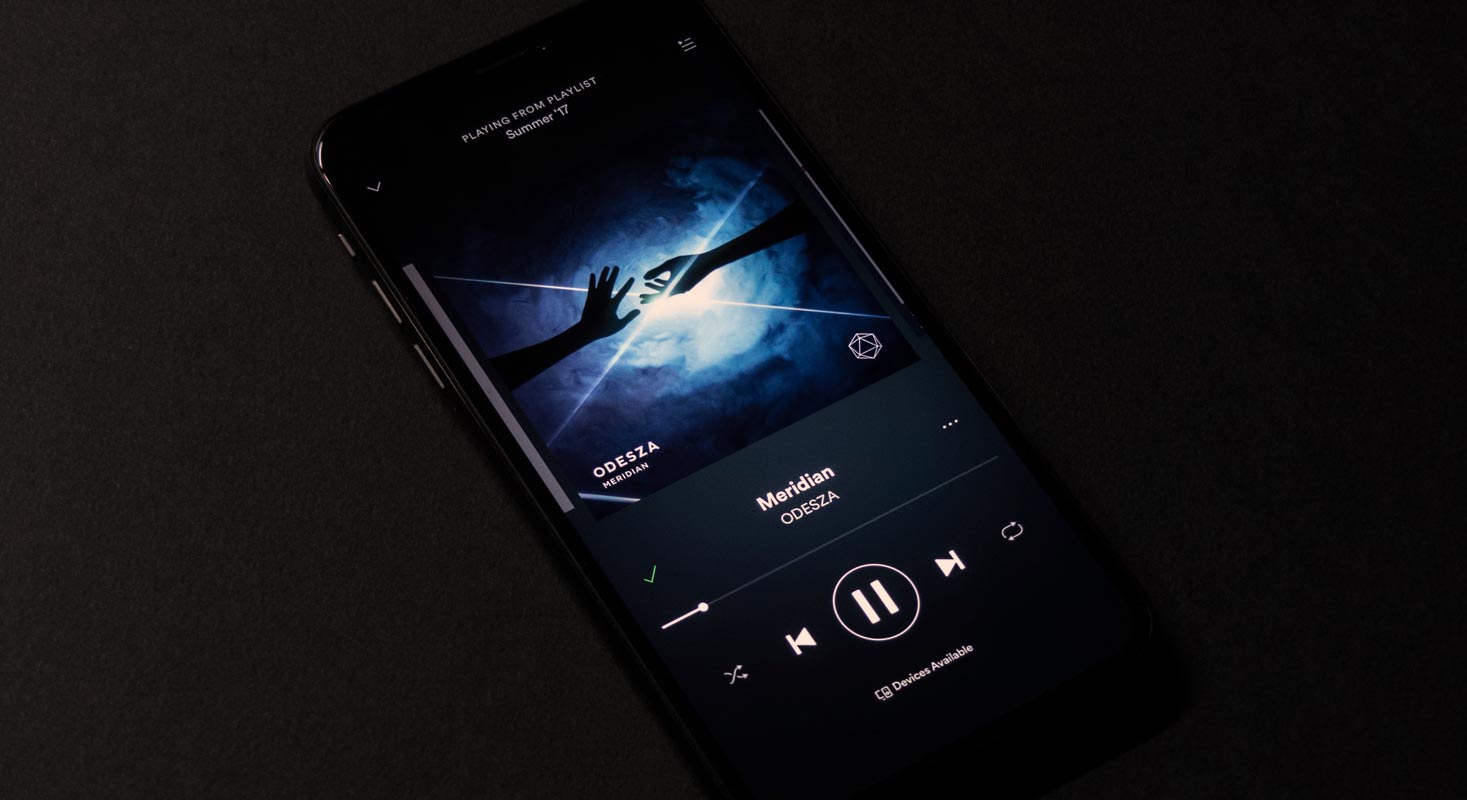
Spotify is improving some of its existing features to Android users that were earlier limited to the desktop. However, Spotify didn’t announce it, but some users identify that they can change their playlist image and update their Android phones’ descriptions. Earlier, this job was allowed for desktop users. As usual, Spotify always keeps adding features like Chromecast support in the Spotify Desktop app.
Spotify Playlist Image and Description Edit feature
Spotify is one of the biggest audio streaming apps that stream your favorite songs as per your selected playlist. You can make a playlist of your favorite songs and let Spotify play those songs in playlist order. You can customize the playlist image to visualize your song selections and add your Description to the list. But the customized image and Description addition was limited only to the desktop.
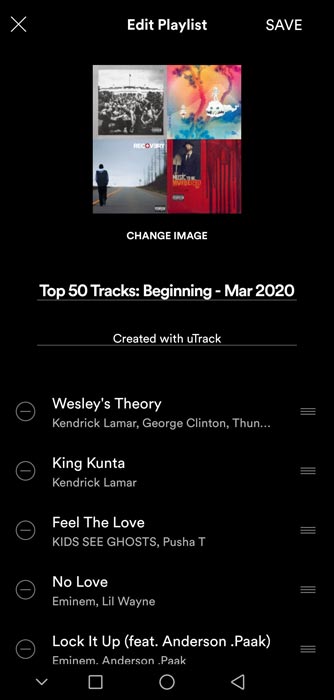 The Android users of Spotify currently can only rearrange the playlist order and change the playlist title. As pointed out by a few users, you can put your custom image for your playlist, and you can add a Description to your playlist. It means now you can manage your playlist completely from your Android device. Good for those who always on the go and do not have access to any desktop.
How to Edit Spotify Playlist Image and Description?
First, to change the playlist pic or update the playlist Description, open the Spotify app on your mobile device. Note that you can customize the playlist cover image of your created playlist. If you are listening to any other playlist, you cannot change this playlist’s cover pic. Only the creator of the playlist can change the cover pic.
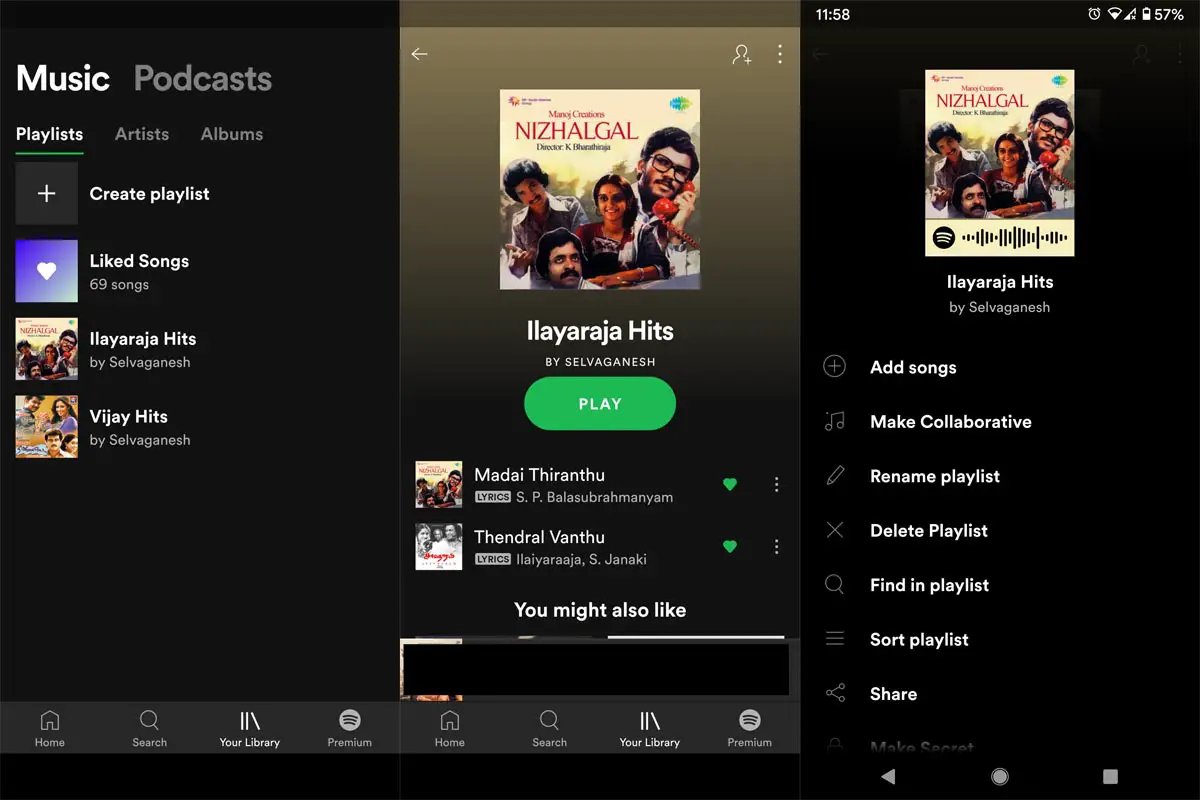
- You can see all the playlists on your screen.
- Tap the playlist that you want to edit.
- While editing, make sure you can see all songs of your playlist and the cover pic as well.
- Select the cover pic; now, you can edit all the information of this playlist.
- Tap the three dots on the left top of your image.
- It will ask you to replace it with a new image. Search from your device and select the image and upload it.
- Select the Save button when uploading complete.
- You have changed your playlist pic, and now your friends can see your playlist with an updated image.
Availability
It seems that Spotify rolls out this feature for testing purposes and is not available widely to all users yet. As it is a system update, you have to wait until Spotify releases it for you, even with Spotify’s latest version. To check whether you are in with this new rollout, tap the three dots at the top right corner. Tap Edit from the menu; if Spotify released this feature for you, you would see the option to change the image and subtitle. If you are limited to title and playlist order change, you are still waiting for the system update. There are no words when it rolls out to iOS users. When you accidentally deleted your Spotify Playlists, you can recover them.
Wrap Up
Spotify is widely available on most devices, including Fitbit. Also, On the software side update wise, You can stream Spotify Podcast in Google Assistant speakers. So, When you deal with a huge library of songs, you have your comfortable list options. With the new edit feature, you can now make your convenient Playlists. The Spotify users were limited to desktop for complete updating of their playlist from the beginning. It is the first-time desktop and Android users will move parallel on Spotify. Are you excited to update your playlist from your Android device? Do tell us in the comments when you get this facility.

Selva Ganesh is a Computer Science Engineer, Android Developer, and Tech Enthusiast. As the Chief Editor of this blog, he brings over 10 years of experience in Android development and professional blogging. He has completed multiple courses under the Google News Initiative, enhancing his expertise in digital journalism and content accuracy. Selva also manages Android Infotech, a globally recognized platform known for its practical, solution-focused articles that help users resolve Android-related issues.




Leave a Reply