
Yes, You have to set up your mobile according to your daily usage to save battery. But if you purchase your mobile, It is transferable. You don’t have to limit everything as it belongs to somebody else. Other than you are a regular Traveler or you can’t get the charger in your daytime, you can set up some fun settings on your mobile to enjoy your experience. The lock screen may look dull. But when you check up for notifications or check the time, When you have moving animations, It would be given a few seconds or change your mood into fun. Setting up GIF images will not consume more battery than setup complete Live Wallpaper. Here we will guide you on setting up GIF WallPapers in your Android Mobile Home and Lock Screen.
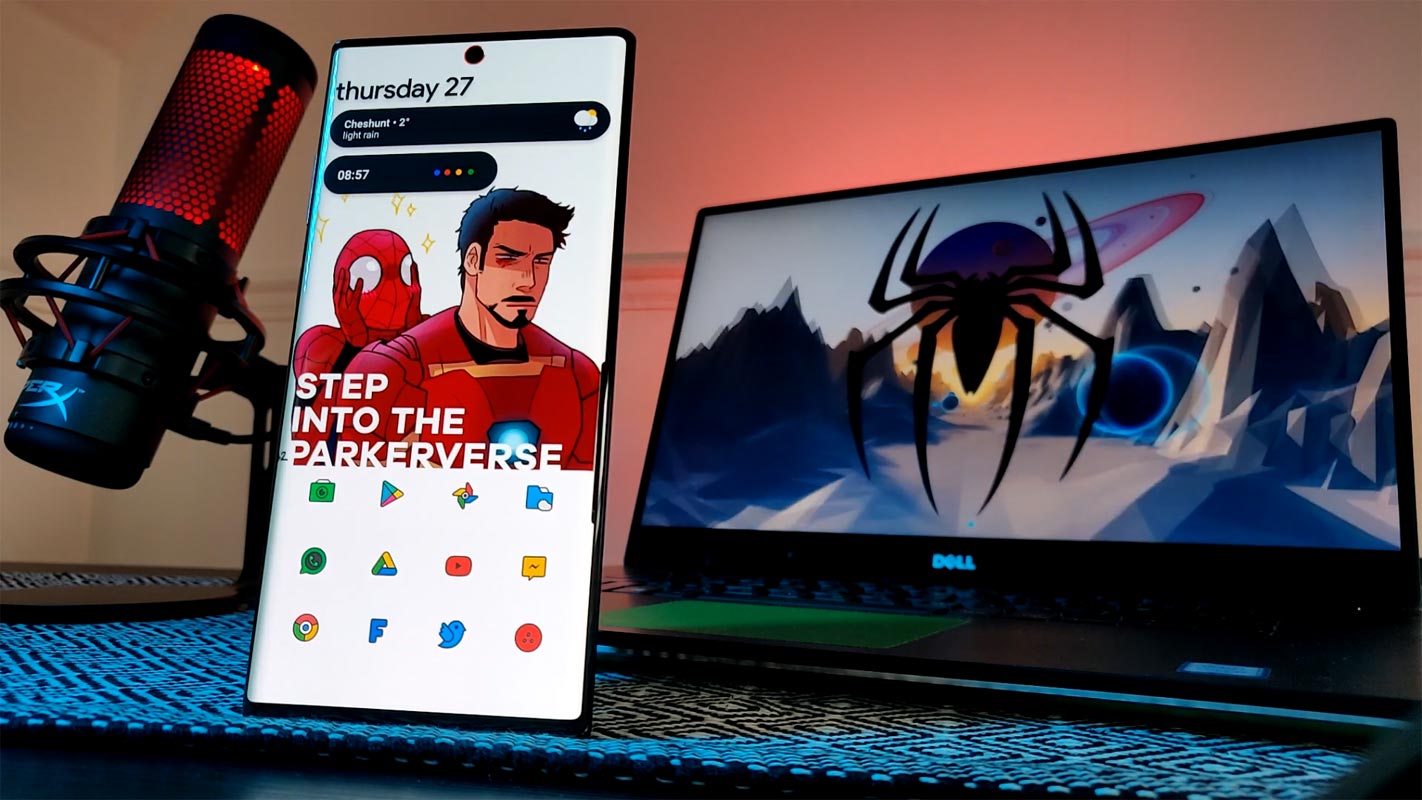
Many years, I could recall that I once used a video as my wallpaper; it was a music video I loved back then. Yeah, it was excellent, and many people would want to know how to do that.
Well, if you’re a GIF lover and would love to use a GIF as your wallpaper, it’s pretty straightforward. You only need to install an app, and you’re good to go. These apps are safe and available through Play Store.
Your lock screen image/video is what anyone would see once they lay hands on your device. If what you used is pretty enticing, they would be impressed. iPhone users have always bragged about having the capability to set GIFs as lock screen wallpaper, and now, you can do that on your Android device too.
What is a GIF?
In simple terms, a GIF is a motion picture: a short animated picture or a short clip from a movie or video. GIFs typically animate for several seconds; if a video is up to 1 minute (60 seconds), it is no longer considered a GIF but a video.
How to Setup GIF Wallpaper in your Android Mobile Home and Lock Screen?
Many applications allow you to do this, but we’d be focusing on the best and trusted ones out there – on Play Store.
1. Use Your Device’s Built-In Live Wallpaper Feature
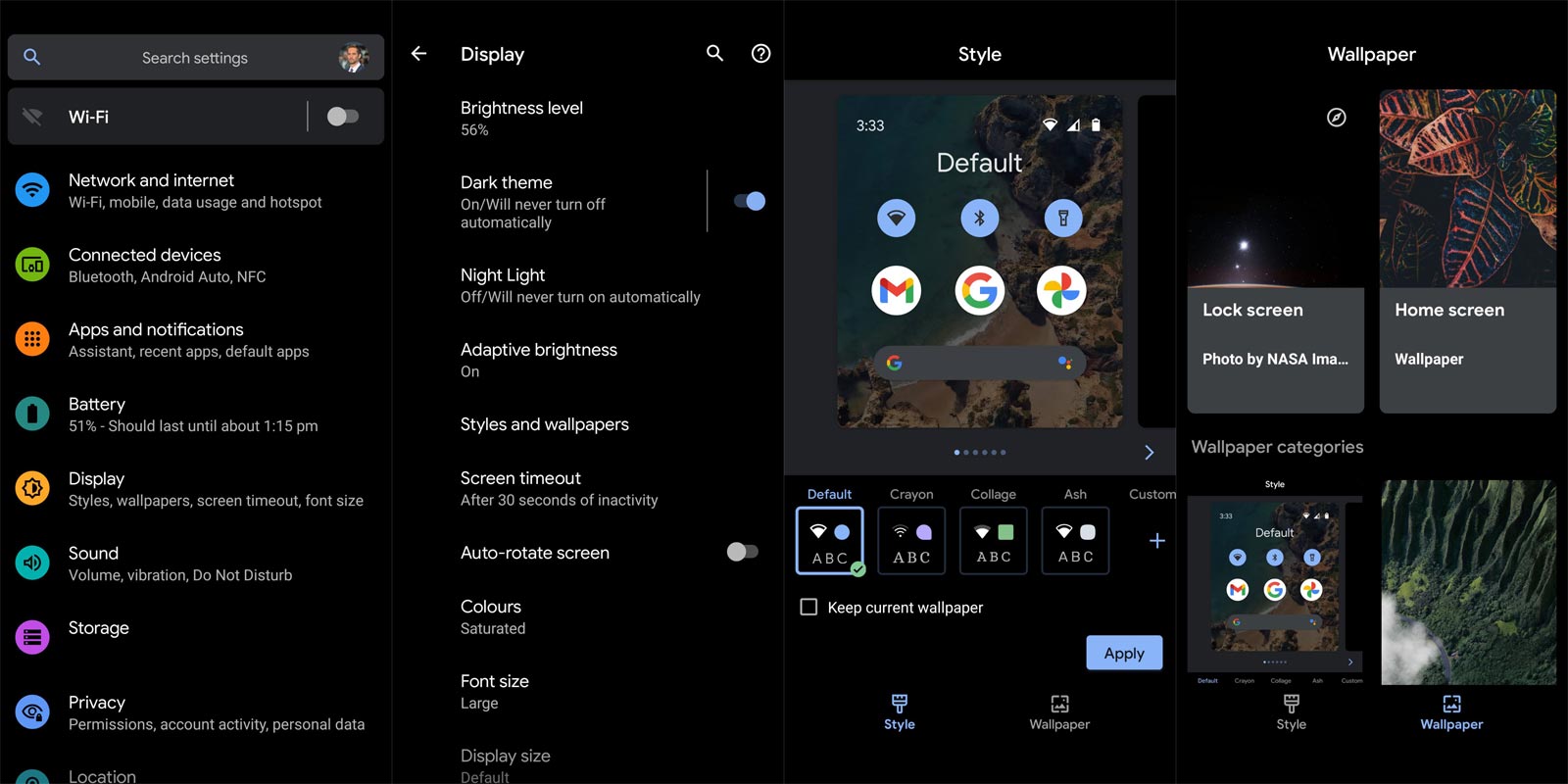
Not all Android devices allow you to use custom video and GIF files as wallpaper; but, check if your device qualifies for such. Go to your wallpaper settings, choose the “Live Wallpaper” option and see if you can use a media from your device, then select the GIF file you’d like to use as your wallpaper.
In most Samsung, Huawei, Xiaomi, and Tecno phones, you can use media files from your device to set as wallpaper.
2. Using Third-Party App- GIF Live
You don’t need to root your Android to enjoy stunning features; the Android OS is highly customizable, you only need to install the right tools (apps). GIF Live Wallpaper is a free application on Google Play Store that allows you to set GIF files as your lock screen video. The clean interface of this app is one of its best features.
The name says it all; this app has a host of enticing GIF files and short clips you could set as wallpapers. It is compatible with old Android devices down to smartphones running the Android 4.4 version, and it’s a lightweight application. This app is available in 5 world languages (English, Portuguese, Spanish, German, and Chinese) and is easy to set up.
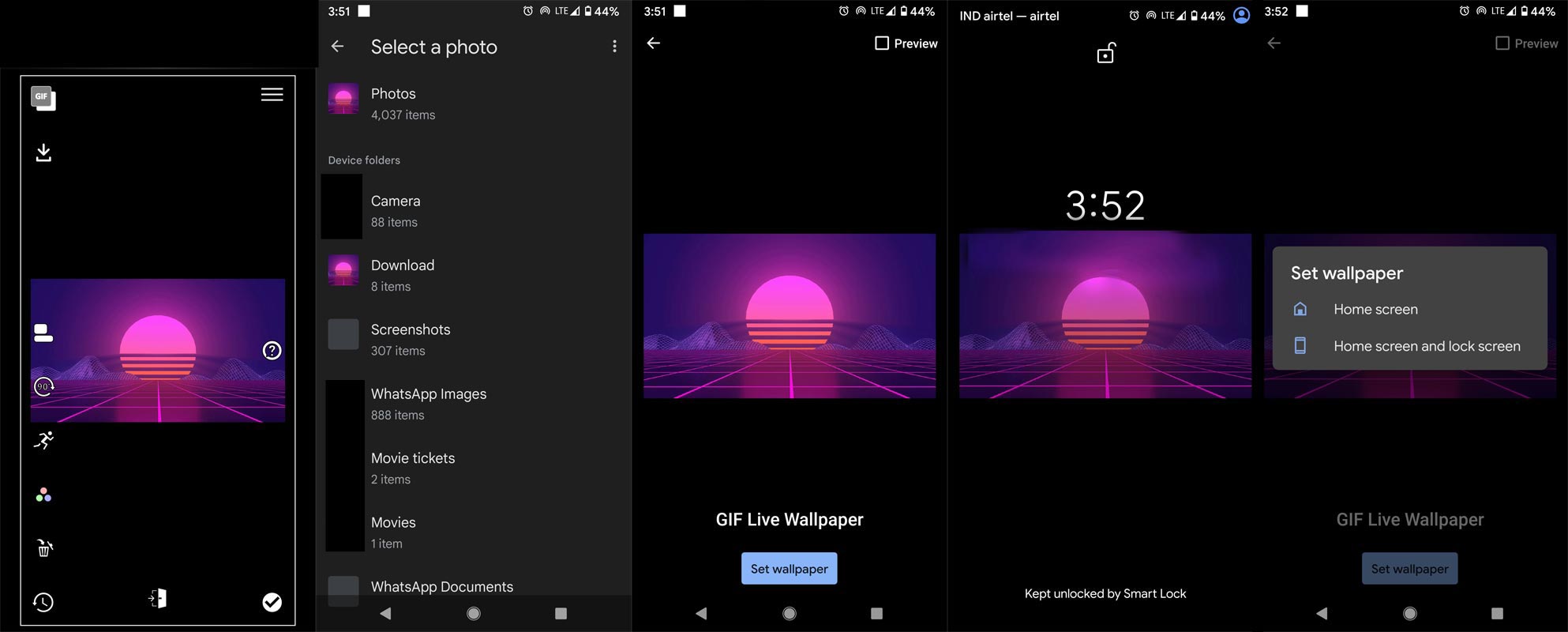
- Install the GIF Live app and Select the download icon to choose your GIF file.
- You can edit the file, including the animation speed, Background.
- After Setting up everything, You can set up the GIF Wallpaper in the Home and Lock Screen using the “Tick” icon.
Wrap Up
Many apps are out there; however, they’re no longer safe to use – only the GIF Live Wallpaper is still trusted. Others like Zoop Live Wallpaper are out of Play Store, and it’s not advisable to get it from APK sites, as the version there might be infested. When using third-party apps other than Play Store, You should be careful and check everything for safety. Finally, setting GIF or live wallpapers as Android Mobile Wallpapers can drain your battery faster than usual – you should have that in mind. But it’s all fun, and you’d like it.

Selva Ganesh is a Computer Science Engineer, Android Developer, and Tech Enthusiast. As the Chief Editor of this blog, he brings over 10 years of experience in Android development and professional blogging. He has completed multiple courses under the Google News Initiative, enhancing his expertise in digital journalism and content accuracy. Selva also manages Android Infotech, a globally recognized platform known for its practical, solution-focused articles that help users resolve Android-related issues.




Leave a Reply