
Google Keep notes are used widely by most Android users compared to other Notes apps. It is available on all platforms, including Windows with the Web version. Google always pushes helpful updates when a particular venue has a vast user base. Google Keep also gets new features often. Upcoming APK teardown strings suggest that Text Formatting and Font Sizes are coming to Google Keep. It helps us to differentiate essential things in the paragraph, and we can easily access the content next time we visit.
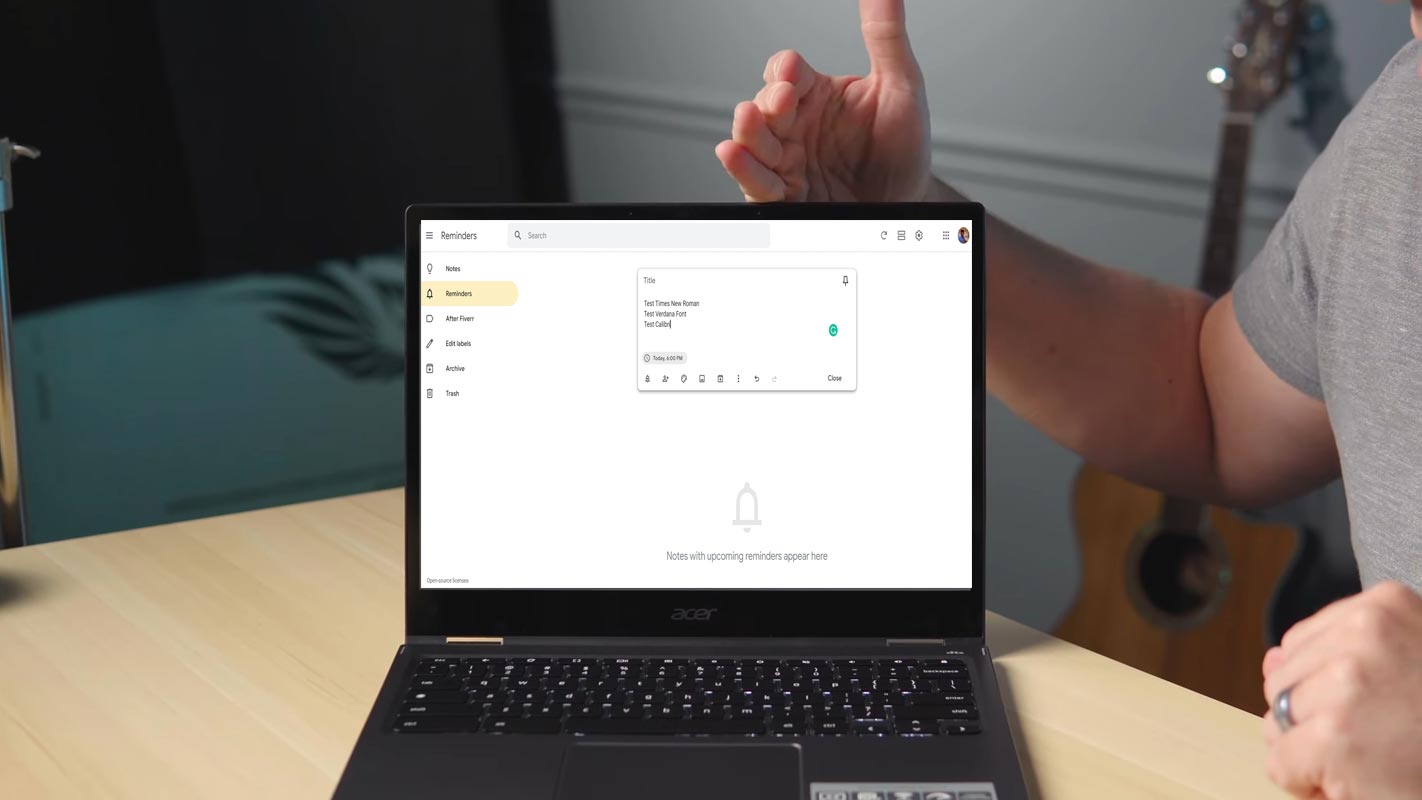
Text Formatting and Font Sizes in Google Keep
Developers illustrated Google Keep’s latest prominent update background notes. In addition, Google Keep updated the Android application and got a Material You overhaul and a new home screen widget this year.
The latest version, 5.22.182.00 of Google Keep for Android today, is the first time we have seen work done on toggling (turning off) the bold, italic, and underline format. The icons for each style were added to the application in this version and are fairly typical for Google. They’re the same ones used in Google Docs, Sheets, and Slides.
- <string name=”toggle_bold”>Bold</string>
- <string name=”toggle_italic”>Italic</string>
- <string name=”toggle_underline”>Underline</string>
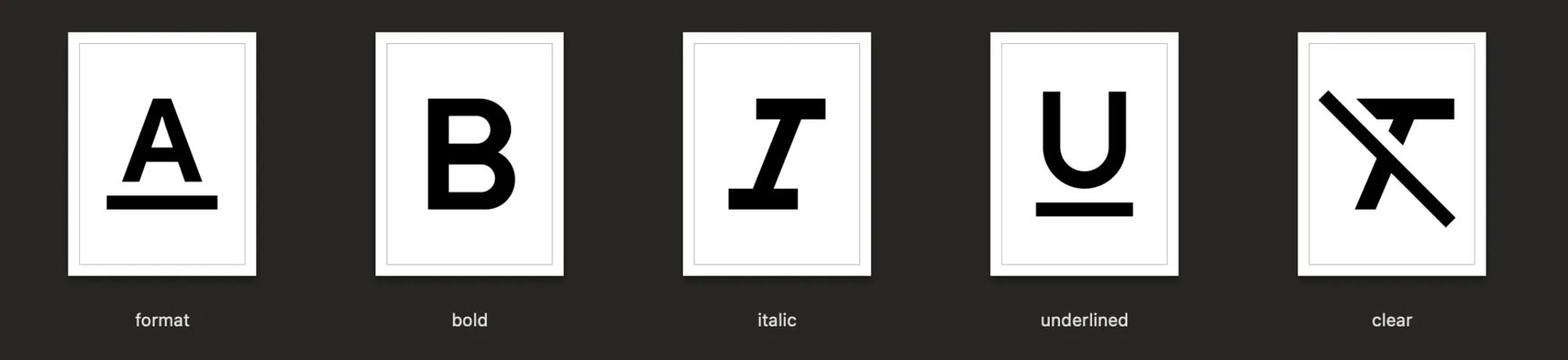
You’ll be positioned to “Show formatting controls” in addition to “Clear formatting.” Since the beginning, Google Keep has only provided plain text inside the note’s body. Although this led to a more straightforward application, mainly when you paste your text into the application, it also made highlighting important points (They used all caps to work around manual formatting) difficult when writing a note.
Standard Font Sizes in Google Keep
Text formatting isn’t yet available (or even officially announced) However, Google Keep for Android (version 5.22.222.01) is developing a feature that lets you change the size of fonts. Users will have only three options: small medium and large. There won’t be any numerical selection, but it’s better than nothing.
- <string name=”font_size_small”>Small</string>
- <string name=”font_size_medium”>Medium</string>
- <string name=”font_size_large”>Large</string>
Availability
Sideloading the most recent update of Google Keep doesn’t allow text formatting at present, but the ability likely to be released via an update on the server-side. Version 5.22.182.00 isn’t yet widely available on Google Play Store. Google will likely need to upgrade the Keep app on iOS and keep.google.com to ensure that the app is compatible across all devices.
Wrap Up
There are plenty of third-party alternatives for Notes available in the Play Store. Since Google Keep is free and easy to use, It is widely used by most people in the Android sector. Yes, Since it is free, It lacks some features available to the competitors. But, Google keeps adding new features often. The size is not a number format may not have complete control over your texts. But, Three sized is enough to distinguish which is essential or separate the paragraphs. What are your thoughts about Text Formatting and Font Sizes in Google Keep? Share your thoughts below.

Selva Ganesh is a Computer Science Engineer, Android Developer, and Tech Enthusiast. As the Chief Editor of this blog, he brings over 10 years of experience in Android development and professional blogging. He has completed multiple courses under the Google News Initiative, enhancing his expertise in digital journalism and content accuracy. Selva also manages Android Infotech, a globally recognized platform known for its practical, solution-focused articles that help users resolve Android-related issues.




Leave a Reply