
Pixar Hoppers-Style Lizard AI Agents– In the rapidly evolving landscape of artificial intelligence, the transition from cloud-based, abstract interfaces to native desktop AI agents marks a pivotal shift in how we interact with technology. We are witnessing the birth of a new era where your computer is no longer just a tool, but a living ecosystem powered by autonomous agents. If you have ever dreamed of having a “Pixar Hoppers” style companion—a functional, reactive, and visually engaging Lizard AI Agent—the technology has finally arrived.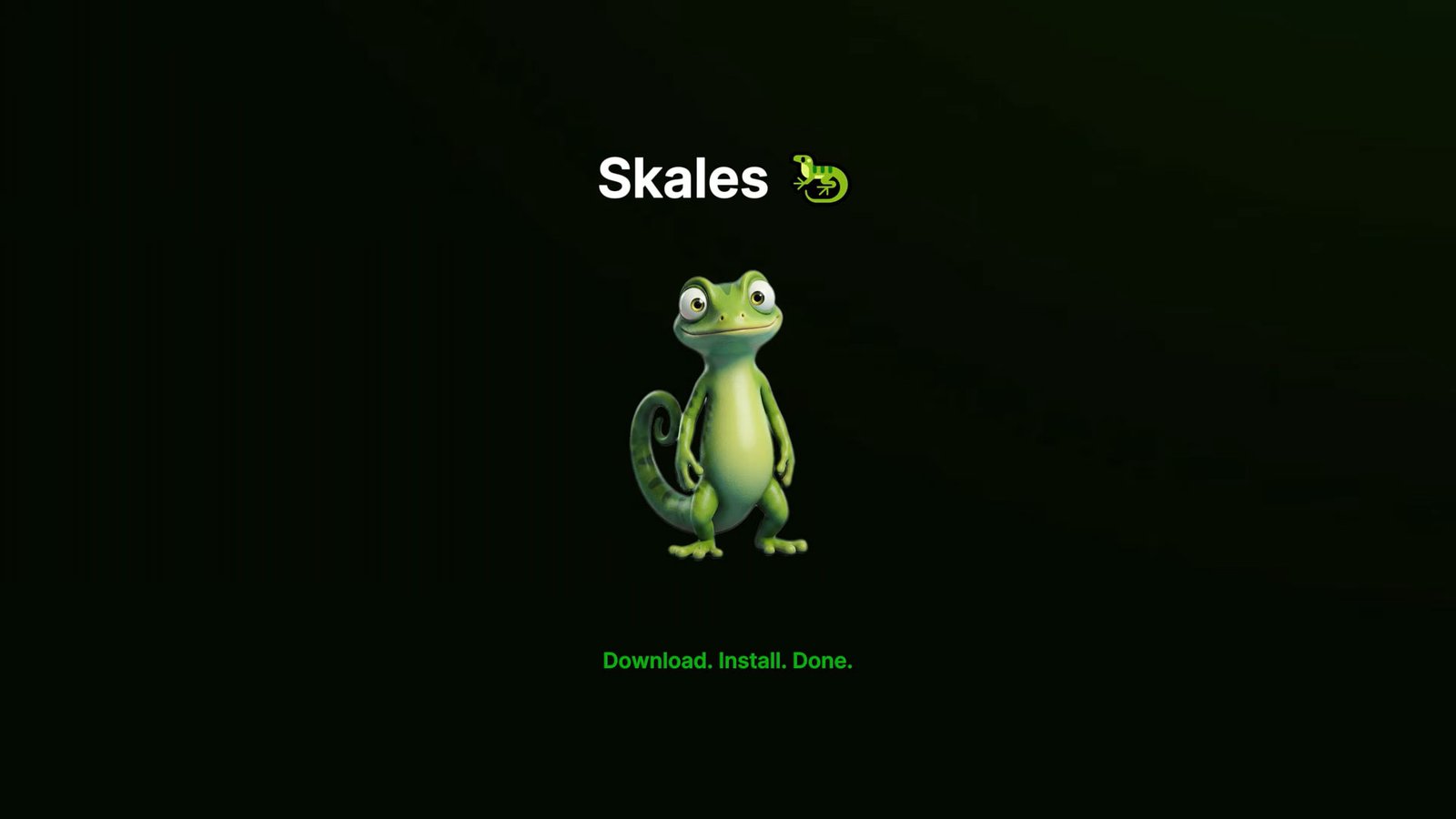
By leveraging the Skales app, users can now bypass the complexities of Node.js, Docker, and terminal-heavy setups. We are moving toward a zero-setup environment where local LLMs (Large Language Models), autonomous autopilots, and voice-activated assistants live directly on your Windows, macOS, or Linux desktop. This comprehensive guide explores how to transform your workstation into an AI powerhouse using the Skales ecosystem.
Revolutionizing the Desktop Experience with Native AI Agents
The concept of a Desktop Buddy has evolved far beyond the simple office assistants of the past. Today, a floating mascot like Skales the Lizard, Bubbles, or Capy serves as a graphical bridge between the user and complex neural networks. This native desktop application integrates seamlessly into your operating system, providing a Spotlight-style quick-input for immediate task execution.

The Power of Local Execution and Privacy
One of the most significant advantages of using the Skales app is the commitment to 100% local and private data handling. In a world where data privacy is paramount, running a Llama model for local files ensures that your sensitive information never leaves your machine. By adopting a BYOK (Bring Your Own Key) model, all API calls are direct, removing third-party intermediaries and ensuring that your AI buddy operates within your personal security perimeter.
Autopilot and Meta-Agents: The Future of Autonomous Task Management
The true strength of a Lizard AI Agent lies in its ability to function as a Meta-Agent through Autopilot mode. Unlike standard chatbots that require constant prompting, Autopilot allows you to set a high-level goal and step away.
The OODA Loop and Self-Correction
The Skales Autopilot operates on a sophisticated OODA loop (Observe, Orient, Decide, Act). The process begins with a Deep-Dive Interview where the agent asks clarifying questions to understand the scope of your project. It then constructs a Master Plan, self-corrects based on real-time feedback, and provides daily reports. With approval gates built into the interface, you maintain absolute control over the agent’s actions while benefiting from its autonomous productivity.
Advanced Customization: Building Custom Skill AI
Every workflow is unique, which is why the ability to generate Custom Skill AI is a game-changer. Users can describe a specific skill in plain English, and the Skales engine will generate the necessary logic to execute it.
- Hot-Reload Functionality: You can update or add skills without restarting the application, allowing for a fluid, uninterrupted development cycle.
- Skill Packaging: For advanced users, uploading .skill.zip packages enables the integration of complex automations, specialized integrations, and industry-specific tools.
Multimodal Interaction: Voice Chat and Vision Capabilities
Interacting with your Lizard AI Agent is no longer restricted to a keyboard. The integration of Full-duplex voice interface technology, powered by Whisper transcription and ElevenLabs TTS, allows for natural, fluid conversations.
Vision Provider and Desktop Analysis
The Vision Provider feature allows you to paste or upload images—be it diagrams, screenshots, or documents—for instant analysis. Furthermore, the Desktop Screenshot Analysis tool enables Skales to “see” your screen. This is invaluable for debugging UI, reading complex documentation, or receiving real-time explanations of visible content.
Lio AI: The Professional Code Builder and Project Scaffolder
For developers, the Lio AI component within the Skales ecosystem acts as a dedicated Code Builder. It goes beyond simple code snippets; it can plan, scaffold, run, and debug entire software projects.
Autonomous Debugging and File Management
Lio can write files directly to your directory, execute terminal commands, and—most importantly—fix its own errors. This creates a collaborative environment where the AI agent handles the boilerplate and troubleshooting, allowing the developer to focus on high-level architecture.
Extending Reach: Multi-Agent Swarms and Network Integration
We are no longer limited to a single instance of AI. Through the Agent-to-Agent protocol (/api/agent-sync), multiple Skales instances on a Local Area Network (LAN) can collaborate. This Multi-Agent Swarm allows you to delegate tasks across different machines, sharing context and coordinating efforts for massive projects.
DLNA and IoT Awareness
The agent’s Network & DLNA capabilities allow it to scan your LAN for connected devices. You can ask your Lizard AI Agent to cast media to a DLNA/UPnP-compatible TV or speaker directly from the chat interface, turning your AI buddy into a central hub for smart home and office automation.
Productivity Suite: From Google Places to WhatsApp Integration
A truly helpful AI agent must be integrated into the tools we use daily. Skales bridges the gap between your desktop and the web through native integrations:
- Google Places: Get directions, search for nearby locations, and retrieve place details via REST API.
- Gmail & Calendar: Full OAuth support allows the agent to read, compose, and manage emails, as well as synchronize schedules across Google, Apple (CalDAV), and Outlook.
- Social Media: With Twitter/X Integration, your agent can post updates, search topics, and manage your timeline using API v2.
- Communication: WhatsApp Read & Write capabilities allow you to stay connected through WhatsApp Web without needing third-party API costs.
Uncompromising Security and System Safety
Entrusting an autonomous agent with system access requires robust security measures. Skales implements a Safety Mode with two distinct levels:
- Safe Mode: Every action requires manual confirmation.
- Unrestricted Mode: The agent operates with full autonomy for maximum efficiency.
Additionally, the Killswitch feature provides an emergency stop for all AI activity, which can be triggered via the dashboard, Telegram, or automatically if the system detects RAM overload. Integrated VirusTotal Security also ensures that any files or email attachments handled by the agent are scanned for malware in real-time.
The Technical Edge: 13+ LLM Providers and Local TTS/STT
Flexibility is the cornerstone of the Skales philosophy. The app supports over 13 LLM Providers, including OpenAI, Claude, Gemini, Grok, DeepSeek, and Mistral. For those seeking a purely offline experience, Ollama and OpenAI-compatible endpoints (like LM Studio or vLLM) are fully supported.
Local Multimedia Generation
With Local TTS (KoboldCpp/XTTS) and Local STT (Whisper), the entire voice pipeline can stay off-cloud. Furthermore, Local Image Generation via Stable Diffusion or FLUX ensures you can create high-quality visuals without spending cloud credits or compromising privacy.
Getting Started: Installation and Setup
Deploying your Pixar-style Lizard AI is a streamlined process. Unlike traditional AI tools that require a background in software engineering, Skales provides:
- Windows EXE, macOS DMG (Apple Code Signed), and Linux AppImage.
- One-click installation with no terminal commands required.
- Bi-Temporal Memory that auto-scans conversations every 90 minutes to ensure the agent remembers key facts and context.
The User Interface and Personalization
The Dashboard Builder allows you to drag-and-drop widgets such as token usage, weather, and quick actions. With four distinct themes (Skales, Obsidian, Snowfield, and Neon) and three buddy skins, you can tailor the aesthetic to match your personal workspace.
Conclusion: Why Skales is the Definitive AI Agent Platform
The Skales app represents the pinnacle of native desktop AI. By combining the whimsical charm of a floating mascot with the raw power of autonomous meta-agents, it provides a tool that is both accessible to beginners and indispensable for power users. Whether you are deploying websites via FTP, automating browser tasks with Chromium, or managing a Multi-Agent Swarm, the efficiency gains are unparalleled.

Selva Ganesh is a Computer Science Engineer, Android Developer, and Tech Enthusiast. As the Chief Editor of this blog, he brings over 10 years of experience in Android development and professional blogging. He has completed multiple courses under the Google News Initiative, enhancing his expertise in digital journalism and content accuracy. Selva also manages Android Infotech, a globally recognized platform known for its practical, solution-focused articles that help users resolve Android-related issues.




Leave a Reply