
The unveiling of Android 14 sparked a surge of anticipation among Pixel 6 enthusiasts, offering the promise of elevated functionalities and a refreshed user interface. Nevertheless, a faction of users confronted unforeseen complications post-update, from perplexing storage glitches to recurrent UI launcher failures. Yet, a notably disconcerting predicament emerged – the abrupt deprivation of access to internal storage, presenting a looming threat of data forfeiture. This article meticulously guides you through a series of strategic steps to rectify this critical issue, safeguarding your valuable data and restoring seamless functionality to your Pixel 6 device.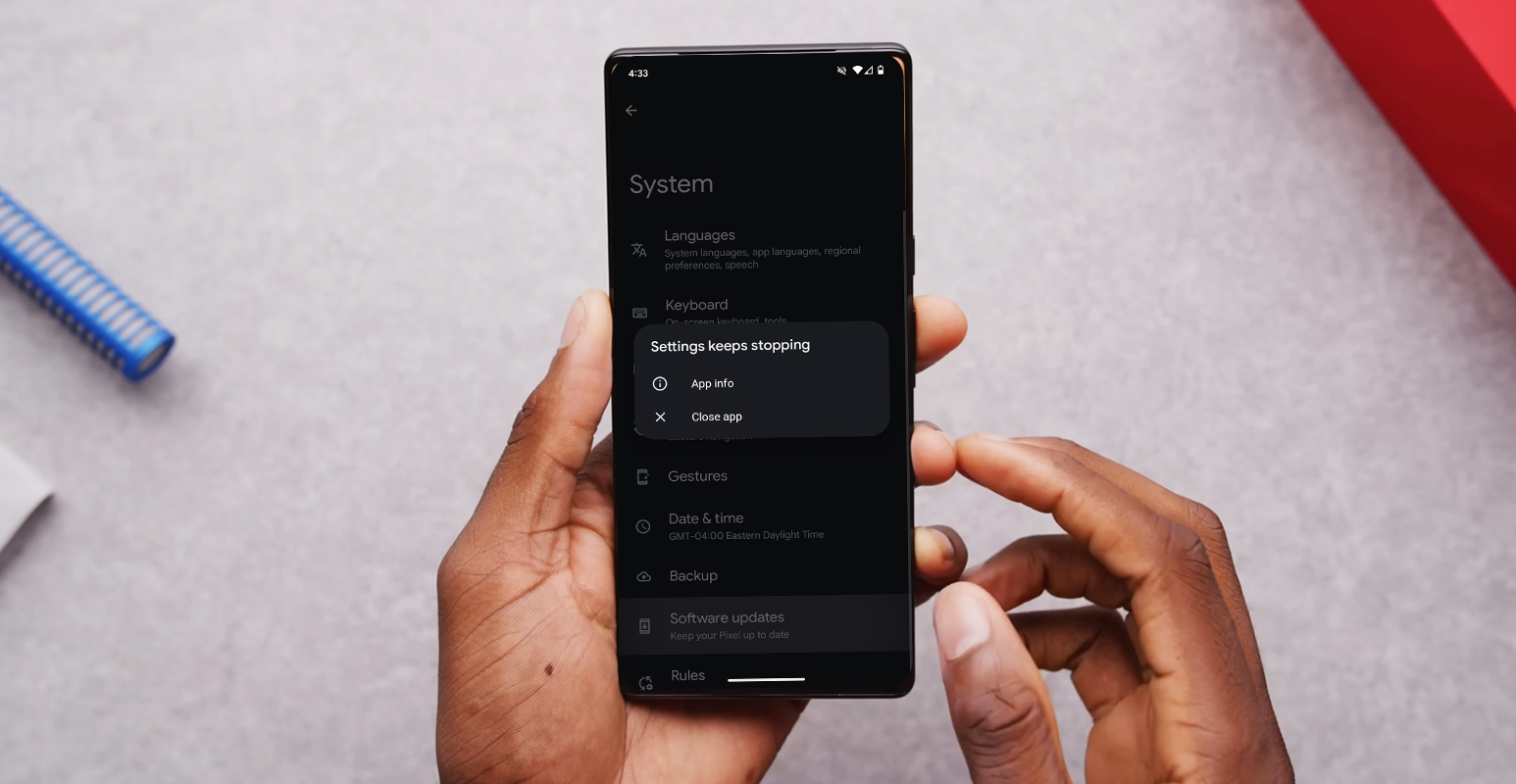
Google Pixel 6 Multiple Profiles Error After Android 14 Update
Reports of Storage Issues
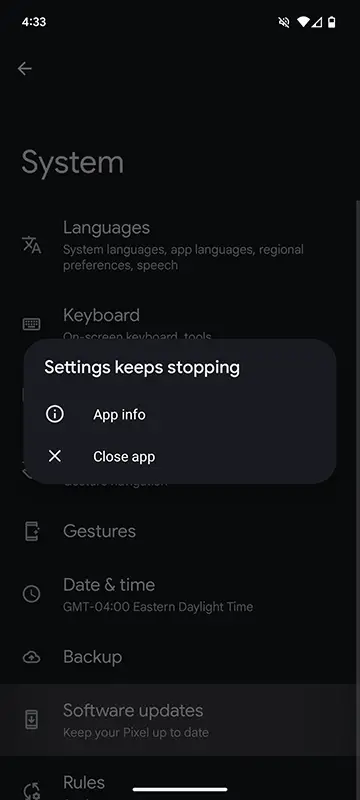
Many Pixel 6 users have reported receiving “storage is full” errors following the installation of the Android 14 update. This alarming message can lead to panic and frustration, especially when crucial data is at risk.

Loss of Internal Storage Access
Another concerning issue involves users losing access to their device’s internal storage entirely. This can be a critical problem, as it prevents normal usage and inhibits the ability to back up important files.
Troubleshooting Steps
Initial Backup and Factory Reset
As a first line of defense, ensuring that your data is backed up is crucial. After this, perform a factory reset and then restore your device. This step aims to resolve any software conflicts causing the storage problem.
Utilizing Reddit for Support
If the issue persists after the factory reset, consider using the Reddit Request feature in the sidebar. This alternative support channel can provide more specialized assistance, as standard Google support channels may not have a direct escalation process for this unique problem.
Manual Backup to PC
In cases where space on Google One is limited, manually backing up photos and videos to a PC can be a viable option. This ensures that essential media files are safely stored before initiating the factory reset.
Specific Cases and Solutions
Issue Post Google Play System Update
Some users have reported encountering the storage problem not immediately after updating to Android 14 but after a subsequent Google Play system update. This scenario necessitates a different approach to resolution.
Backup of Messages and Call History
The “SMS backup and recovery” app from the Play Store can be valuable for those facing the challenge of backing up messages and call history. This step can be executed from the operational secondary account.
Additional Considerations
Photos Not Backed Up on Google Photos
In instances where specific photos fail to back up on Google Photos, it’s important to explore alternative methods for retrieval. This may involve using ADB to access the app’s operational data.
Recovering Whatsapp Data
If recent Whatsapp messages and photos are inaccessible, exploring ADB for potential recovery options is advisable. While the app may still be operational, extracting data may require specialized steps.
FAQs
Is there a guarantee that these steps will resolve the issue?
While these steps have proven effective for many users, individual cases may vary. It’s essential to approach the process cautiously and ensure that crucial data is backed up.
Can I seek additional help if these steps don’t work for me?
Absolutely. The Reddit Request feature provides an avenue for more specialized assistance. Additionally, exploring Google’s official support channels is advisable.
Will I lose all my data during the factory reset?
Yes, a factory reset erases all data on the device. It’s imperative to back up important files before initiating this process.
How can I prevent similar issues in future updates?
Regularly backing up your data and keeping abreast of official support forums can help you stay prepared for any potential challenges with future updates.
Is it recommended to update to Android 14 immediately?
While updates bring new features and improvements, waiting a few days after release is advisable to ensure any potential bugs are identified and addressed. Always back up your data before initiating an update.
Wrap Up
The advent of the Android 14 update brings vast potential to elevate the overall Pixel 6 user experience. Yet, stumbling upon setbacks such as the irritating multiple profiles error can undoubtedly be disheartening. In such moments of frustration, it is essential to remember that solutions are at hand. Users can adeptly navigate these challenges by diligently adhering to the meticulously detailed steps and employing proven troubleshooting methods delineated in this guide.
This process isn’t just about resolving the immediate issue and empowering users to reclaim absolute control and functionality of their cherished Pixel 6 devices. With determination and the proper guidance, even the most perplexing of errors can be resolved and transformed into opportunities for enhanced understanding and mastery of one’s technological companion.

Selva Ganesh is the Chief Editor of this Blog. He is a Computer Science Engineer, An experienced Android Developer, Professional Blogger with 8+ years in the field. He completed courses about Google News Initiative. He runs Android Infotech which offers Problem Solving Articles around the globe.



Leave a Reply