
In a significant shift within the desktop computing landscape, the Samsung PC Browser for Windows has officially transitioned from its exclusive beta phase to a wide public release. As we move further into 2026, the demand for a unified digital experience has never been higher. Samsung has met this demand by launching a desktop browser that does far more than render webpages; it integrates Agentic AI capabilities powered by Perplexity, transforming the browser into an active assistant rather than a passive window to the web.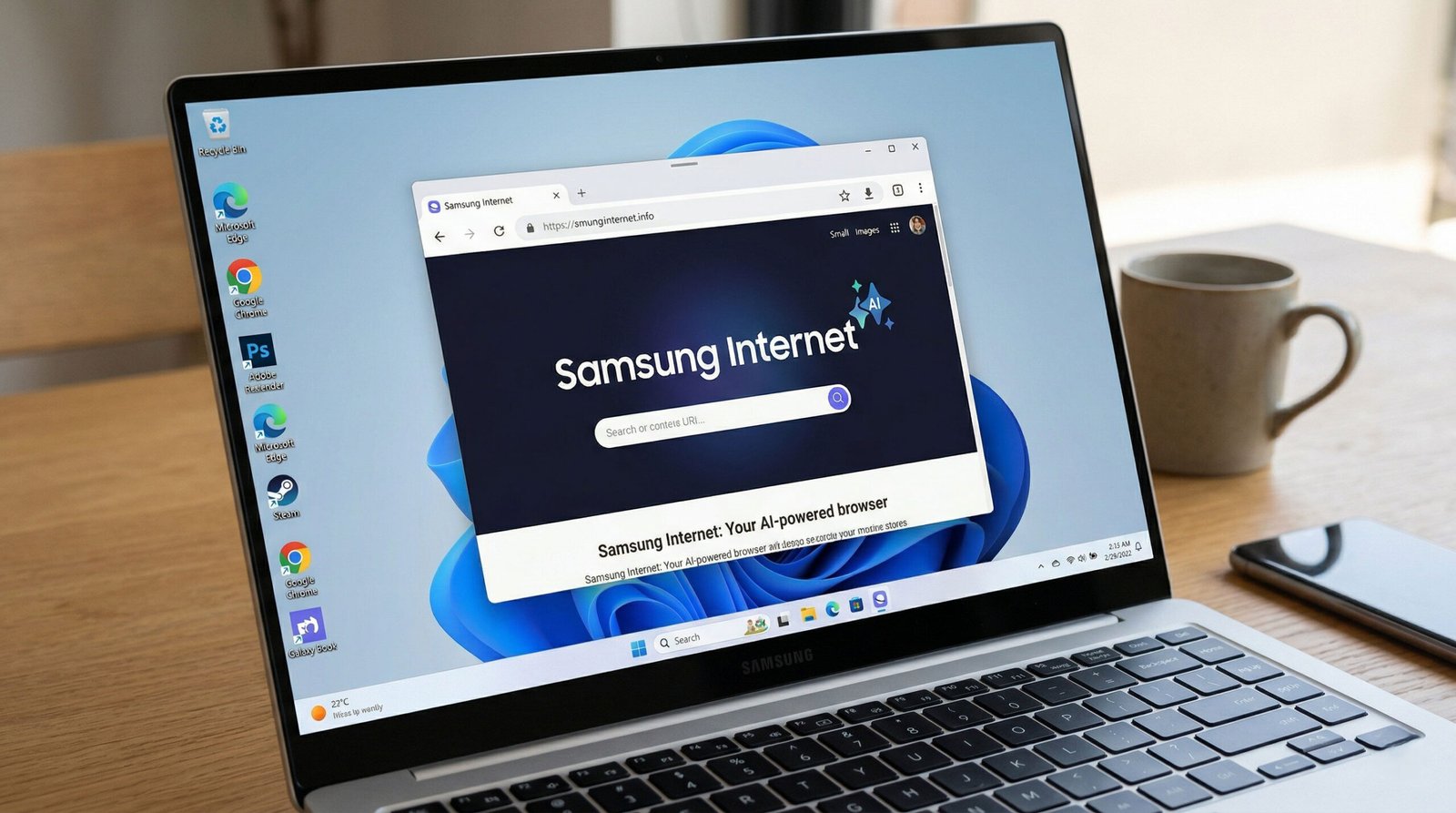
For users deeply entrenched in the Galaxy ecosystem, the arrival of this browser on Windows 10 and Windows 11 marks the final bridge between mobile and desktop productivity. By leveraging Samsung Pass, Continuity Services, and advanced natural language processing, Samsung is positioning its browser as a formidable challenger to long-standing giants like Google Chrome and Microsoft Edge.
The Core of the Experience: Agentic AI Powered by Perplexity
The standout feature of the Samsung PC Browser is its “agentic” nature. Unlike standard AI chatbots that respond to prompts, Agentic AI can understand context, navigate complex data, and perform actions on behalf of the user.

Intelligent Content Assistance and Contextual Awareness
Samsung has partnered with Perplexity AI to embed a sidebar assistant that is inherently aware of what you are viewing. If you are researching a technical topic or planning an elaborate event, the AI assistant can analyze the text on your current tab—and even across multiple open tabs—to provide structured insights.
- Multi-Tab Summarization: Instead of clicking through ten different tabs to compare product specifications, you can ask the AI to summarize and compare the information in a single, cohesive view.
- Actionable Itineraries: If you have a travel blog open, the browser can automatically generate a four-day travel itinerary based on the landmarks and locations mentioned on the page, complete with logistical suggestions.
Natural Language History and Video Navigation
One of the most frustrating aspects of web browsing is finding that one specific page from three days ago. The Samsung PC Browser eliminates the need to scroll through thousands of URLs.
- Conversational History Search: You can now search your history using natural language. Phrases like “the blue running shoes I looked at last Tuesday” will surface the exact page using AI-driven retrieval.
- Video Timestamp Search: This revolutionary feature is for video consumers. The AI understands video context, letting you jump to specific moments without manual scrubbing. By asking, “Where does this video talk about the battery life?”, the browser intelligently navigates the player to the precise timestamp.
Seamless Ecosystem Integration: The Galaxy Continuity
For years, users have sought a way to bridge the gap between their Galaxy S-series smartphones and their Windows PCs. The Samsung Internet Browser for Windows is the centerpiece of this synchronization.
Samsung Pass and Secure Autofill
Security is a cornerstone of the Samsung experience. With Samsung Pass integration, your saved login credentials, credit card details, and shipping addresses are no longer trapped on your phone.
- Biometric Synchronization: Using the Samsung Continuity Service, the browser allows for secure, encrypted synchronization of your Samsung Pass data.
- Windows Hello Support: For added security on the desktop, the browser now requires verification via Windows Hello (fingerprint, facial recognition, or PIN) before autofilling sensitive data, ensuring your information stays private even on a shared machine.
Cross-Device Browsing Continuity
The transition from mobile to PC is now instantaneous. If you are reading a long-form article on your Galaxy S26 Ultra during your commute, you can open your Galaxy Book or any compatible Windows PC and pick up exactly where you left off.
- Synced Tabs and Bookmarks: All open tabs are visible across devices, allowing for a seamless workflow that rivals Apple’s Safari/Handoff ecosystem.
- Samsung Account Requirement: To unlock these features, a Samsung Account is mandatory. This account serves as the encrypted hub that keeps your data in sync across the Samsung Cloud.
Technical Specifications and System Requirements
While Samsung initially limited the browser to its own Galaxy Book hardware, the 2026 update has expanded compatibility to a broader range of Windows machines.
- Operating System: Windows 10 (Version 1809+) or Windows 11.
- Processor Support: Compatible with Intel, AMD, and ARM64 architectures (specifically optimized for Snapdragon X Elite).
- Security Features: Deep integration with Samsung Knox and support for Windows Hello (biometric login).
- Core Engine: Chromium-based architecture (currently aligned with Chromium M143+).
- Cloud Synchronization: Requires a Samsung Account and the installation of the Samsung Continuity Service app.
Optimized for ARM64 and Snapdragon X Series
With the rise of “AI PCs,” Samsung has ensured that its browser is fully optimized for ARM-based Windows laptops. This optimization results in significantly lower battery consumption and faster page load speeds compared to running emulated versions of other browsers.
Privacy and Security: Beyond the Standard
In an era where data privacy is paramount, the Samsung PC Browser introduces several “Pro” features designed to keep users safe from tracking and malicious intent.
- Smart Anti-Tracking: This feature uses on-device machine learning to identify and block domains that enable cross-site tracking. It prevents advertisers from building a profile of your browsing habits.
- Protected Browsing: Samsung maintains a real-time database of malicious sites. If you attempt to visit a known phishing or malware-distributing URL, the browser provides a force-stop warning to prevent data theft.
- Ad-Blocker Extension Support: Unlike some competitors moving toward more restrictive extension manifests, Samsung continues to offer robust support for content blockers such as AdGuard and AdBlock Plus, ensuring a clean, distraction-free interface.
How to Download and Install Samsung Internet on Windows
Getting started with the Samsung PC Browser is straightforward, though it requires a few additional steps for full functionality.
Step 1: Download the Installer
Navigate to the official Samsung Browser portal at browser.samsung.com. The site will automatically detect your system architecture (x64 or ARM64) and provide the correct .exe or .msix installer.
Step 2: Install Samsung Continuity Services
For the Agentic AI and sync features to function, you must install the Samsung Continuity Service app from the Microsoft Store. This background service manages the encrypted handshake between your PC and your Galaxy mobile devices.
Step 3: Sign in to your Samsung Account
Upon launching the browser, click the profile icon in the top right corner. Sign in with your Samsung Account. Once authenticated, your bookmarks, history, and Samsung Pass data will begin to populate.
Step 4: Enable AI Features
Go to Settings > Advanced Features > Browsing Assist. Here, you can toggle on the Perplexity-powered AI assistant, enabling the sidebar for summaries, translations, and natural language searches.
Conclusion: A New Era for the Galaxy Ecosystem
The release of the Samsung PC Browser with Agentic AI is a clear signal that Samsung is no longer content with being “just a phone manufacturer.” By providing a high-performance, AI-integrated desktop browser, they have created a reason for users to stay within their ecosystem from morning to night. Whether you are a power user looking for multi-tab summaries or a privacy-conscious individual seeking Smart Anti-Tracking, this browser offers a compelling alternative to the status quo.

Selva Ganesh is a Computer Science Engineer, Android Developer, and Tech Enthusiast. As the Chief Editor of this blog, he brings over 10 years of experience in Android development and professional blogging. He has completed multiple courses under the Google News Initiative, enhancing his expertise in digital journalism and content accuracy. Selva also manages Android Infotech, a globally recognized platform known for its practical, solution-focused articles that help users resolve Android-related issues.




Leave a Reply