
Offline installation of apps on our devices for our work is slowly moving towards alternatives. In current days, We can access most of the apps online, and everything you work with the offline apps is available online also. It reduces resource usage and space. Within your browser, you can access most of your daily drive apps. In the beginning, Google’s Microsoft alternatives like Sheets, Docs, and Slides are not got enough users. But people slowly begin to use the Google platform. Now even Microsoft begins to provide Online solutions. For Industry People, Google proving Workspace platform, which has additional features for the Work Environment. Now Google Workspace Docs and Slides got Adobe Creative Cloud Add-on. So, Hereafter, you can integrate and use available Adobe Cloud add-ons.

What is Google Workspace?
Google Workspace is a straightforward and flexible solution for every business. Google Workspace was launched in 2006 as Google Apps for Your Domain, and in 2016, it was rebranded as G-suite. G-suite has three different editions like Basic, Business, and Enterprise rebranded and renamed to Google Workspace.
Google Workspace is available in six different editions: Business Plus, Business started, Business standard, Enterprise Essential, Enterprise Standard, and Enterprise Plus. It is used to comprises Gmail, Meet, Chat, Calender. Google Drive for storage is used for Docs Slides, Sheets, Forms, and Slides for collaboration. To manage users and services, Vault and Admin panel are using. G-suite provides three plans, Basic, Business, and Enterprise. The basic plan is the most fundamental plan, which costs like $6/month ad it comes with 30GB of Google Drive storage.
What is Adobe Creative Cloud?
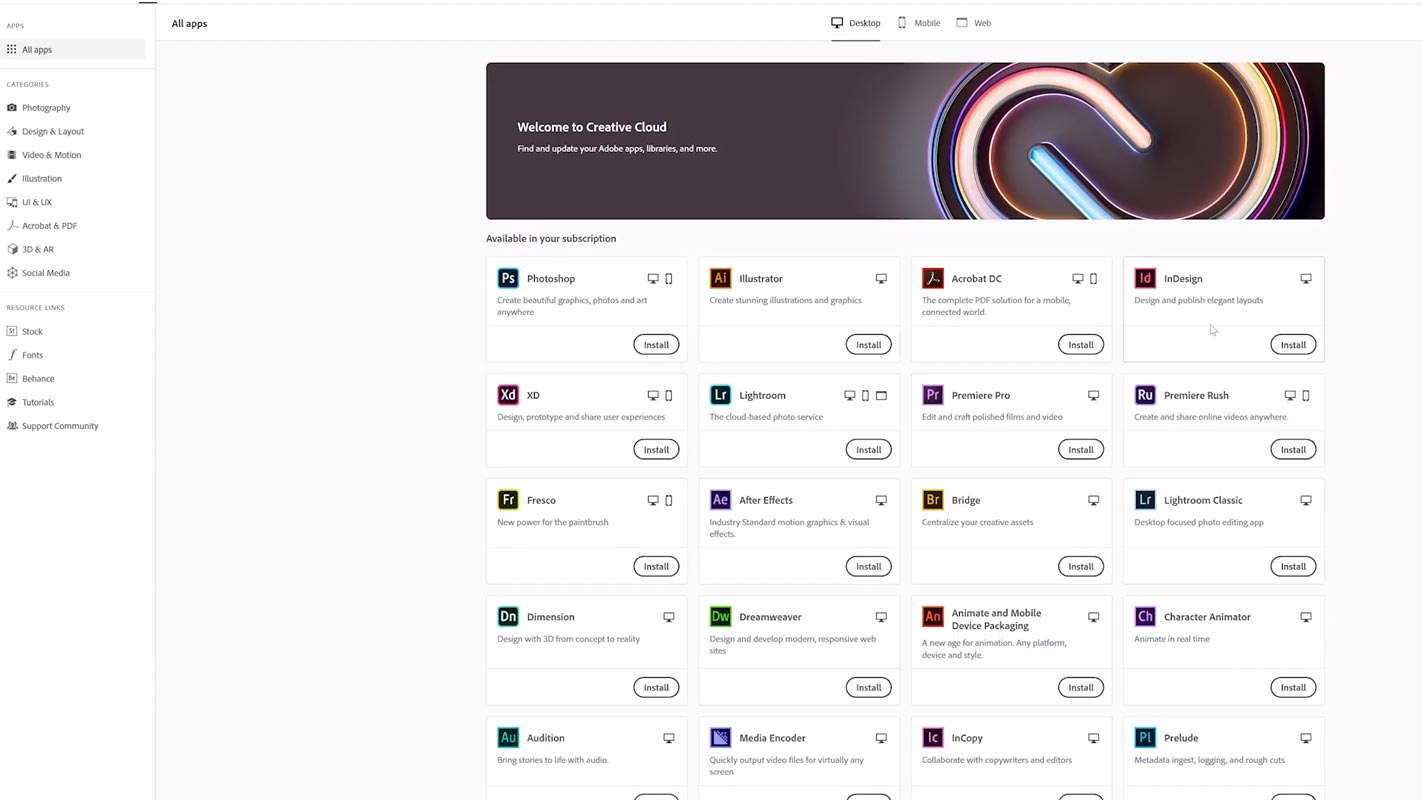
Adobe Creative Cloud is the subscription plan with a set of applications and services provided by Adobe.Inc. Adobe Creative Cloud gives their subscribers access to software used to make graphic design, video editing, Web Development, Photography, along with a set of Applications. In addition, this subscription plan offers products such as Photoshop and Premiere Pro.
Adobe Creative Cloud membership is free, which comes with a host of benefits. If you have not subscribed to the Creative Cloud plan, you can take advantage of the free Creative Cloud membership. Adobe Creative Cloud also has a subscription plan both month-wise and as an Annual Contract. Charges will differ month to month; if there are any changes means they will inform you appropriately. Price plans include all Taxes. They also provide a Cancellation process; if you canceled within 14 days of your initial order full amount will be refunded; after 14 days, there is no option for cancellation.
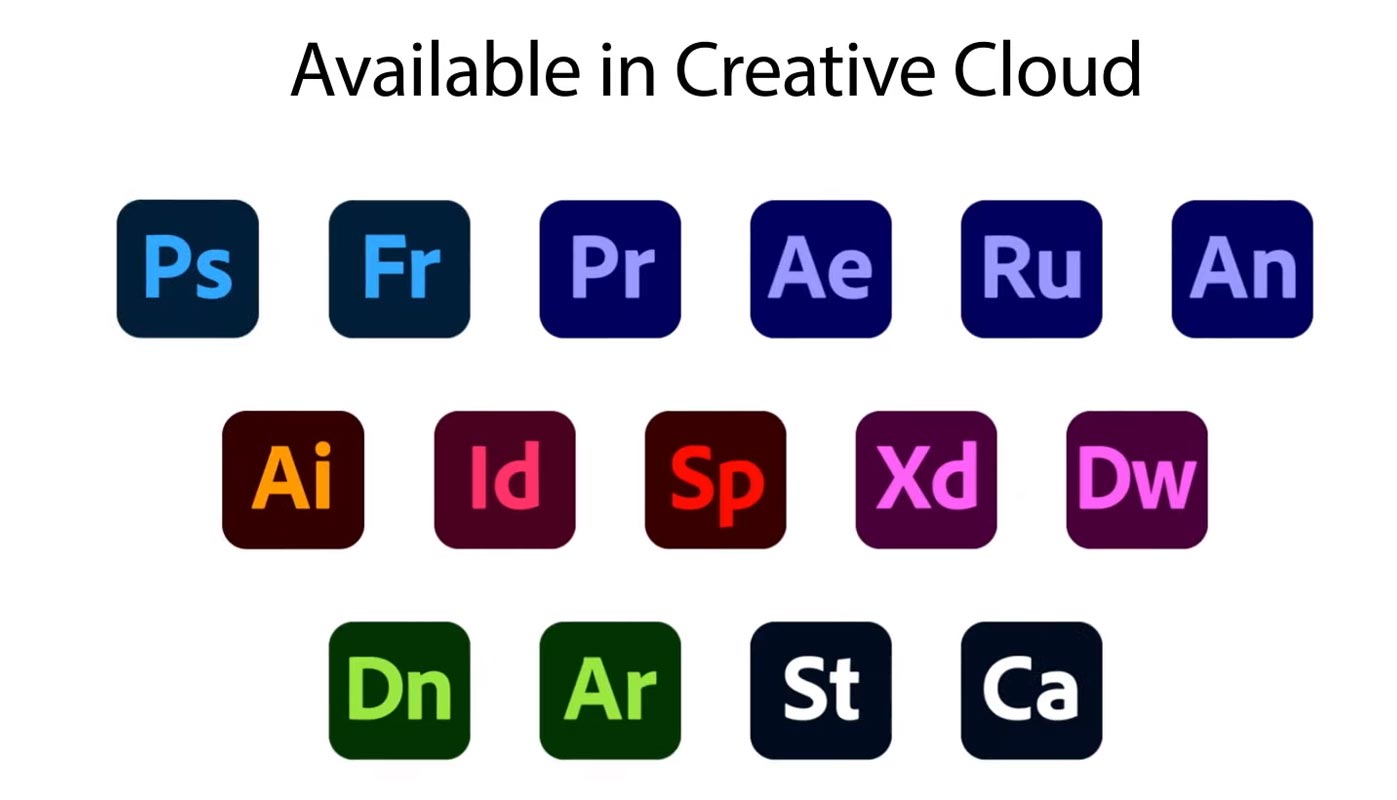
Adobe Creative Cloud includes with
- Photoshop
- Illustrator
- In Design
- Premiere Pro
- After Effects
- Spark
- Dreamweaver
- Adobe XD
- Rush
- Acrobat DC
Along with these apps, you can get additional services like
- Adobe Fonts
- 100 GB in Creative Cloud Storage
- Adobe Colors
- Creative Cloud Libraries
- Adobe Portfolio
- Training to use these services.
Adobe Creative Cloud Add-On Availability in Google Workspace Docs and Slides
Adobe Creative Cloud add-on is currently available for Google Docs and Slides. In this latest integration, users are allowed to use all the available elements from the libraries themselves. Another good news is that you need not required to leave Google apps and use Adobe Creative Cloud elements separately, which means that simultaneously users can access brand colors, Videos, Character Styles, Graphics, etc. It is a straightforward method for any organization, all working on both Google Docs and Slides regularly. To boost up their work with clients to the next level, this updated Adopt Creative Cloud will be beneficial.
Adobe Creative Cloud Add-On Option Position in Google Docs and Slides
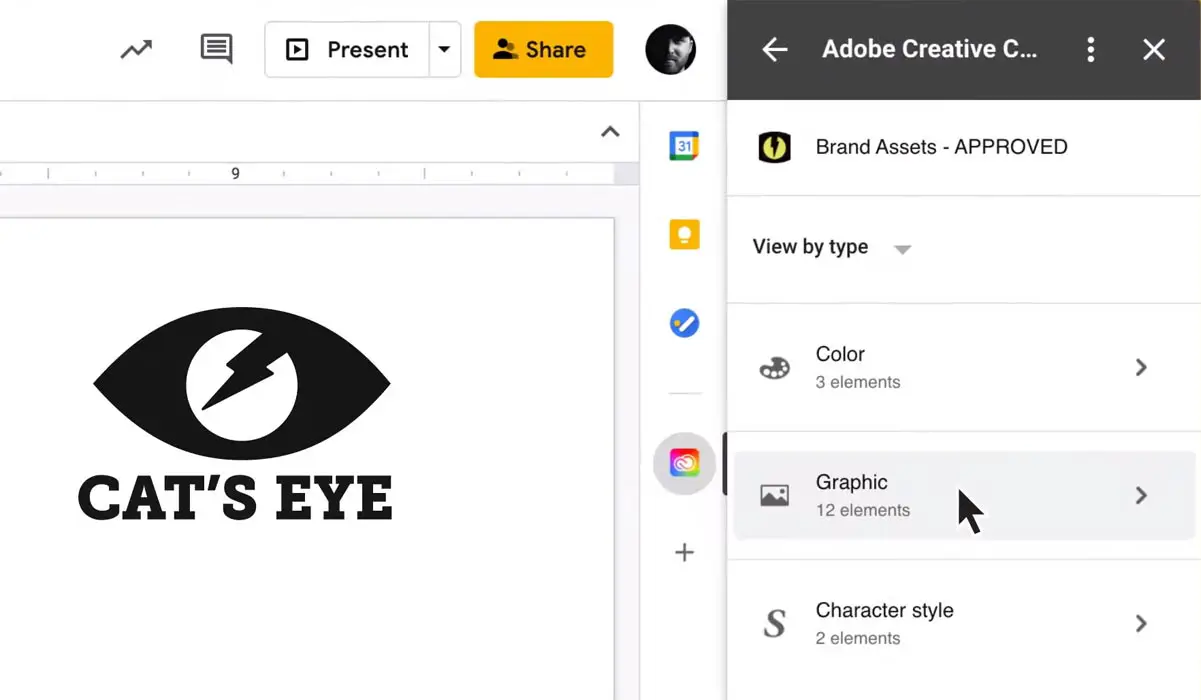
On the right side in Google Workspace below the Calander, the Creative Cloud will appear. There are three options available in this latest update Colors, Graphics, and Character style.
Users can choose what they need and explore the different styles available in it. I’m Gmail, Docs, and Slides; this new add-on makes the user collaborate on designs, manage your stakeholders and make your work more efficient. You can easily share using this existing Gmail integration to XD, Photoshop, Illustrator, and Lightroom files send as messages and save attachments in Gmail directly to the Creative Cloud.
Wrap Up
Google Workspace and Adobe Creative Cloud collaboration make users stay with Google Docs, guides, and presentations and try an alternative app. Google stated that “ This collaboration is one of the most requested third-party integrations.” This new release will defiantly make the companies much happier, who are waiting for these features. Even if you are a tech giant, you have to keep providing new features to make users happy. Did Adobe Creative Cloud Apps Add-On in Google Workspace is useful for you?. Which app works seamlessly with Google Apps? Share your thoughts below.

Selva Ganesh is a Computer Science Engineer, Android Developer, and Tech Enthusiast. As the Chief Editor of this blog, he brings over 10 years of experience in Android development and professional blogging. He has completed multiple courses under the Google News Initiative, enhancing his expertise in digital journalism and content accuracy. Selva also manages Android Infotech, a globally recognized platform known for its practical, solution-focused articles that help users resolve Android-related issues.




Leave a Reply