
The primary reason for Windows’s popularity is the apps that are compatible with them. Since It has a vast user base, All popular apps and games must need compatible with Windows PCs. The users in Mac and Chromebooks miss most of the games other than some basic games. Since Cloud Gaming has become a thing and all other OS platforms, users can play top-level games within their browser. But, It doesn’t give the same experience as offline downloaded games. Google has already announced they are working with Steam to bring top-level games. The Upcoming Chrome OS update comes with Variable Display Refresh Rate Support is Coming.
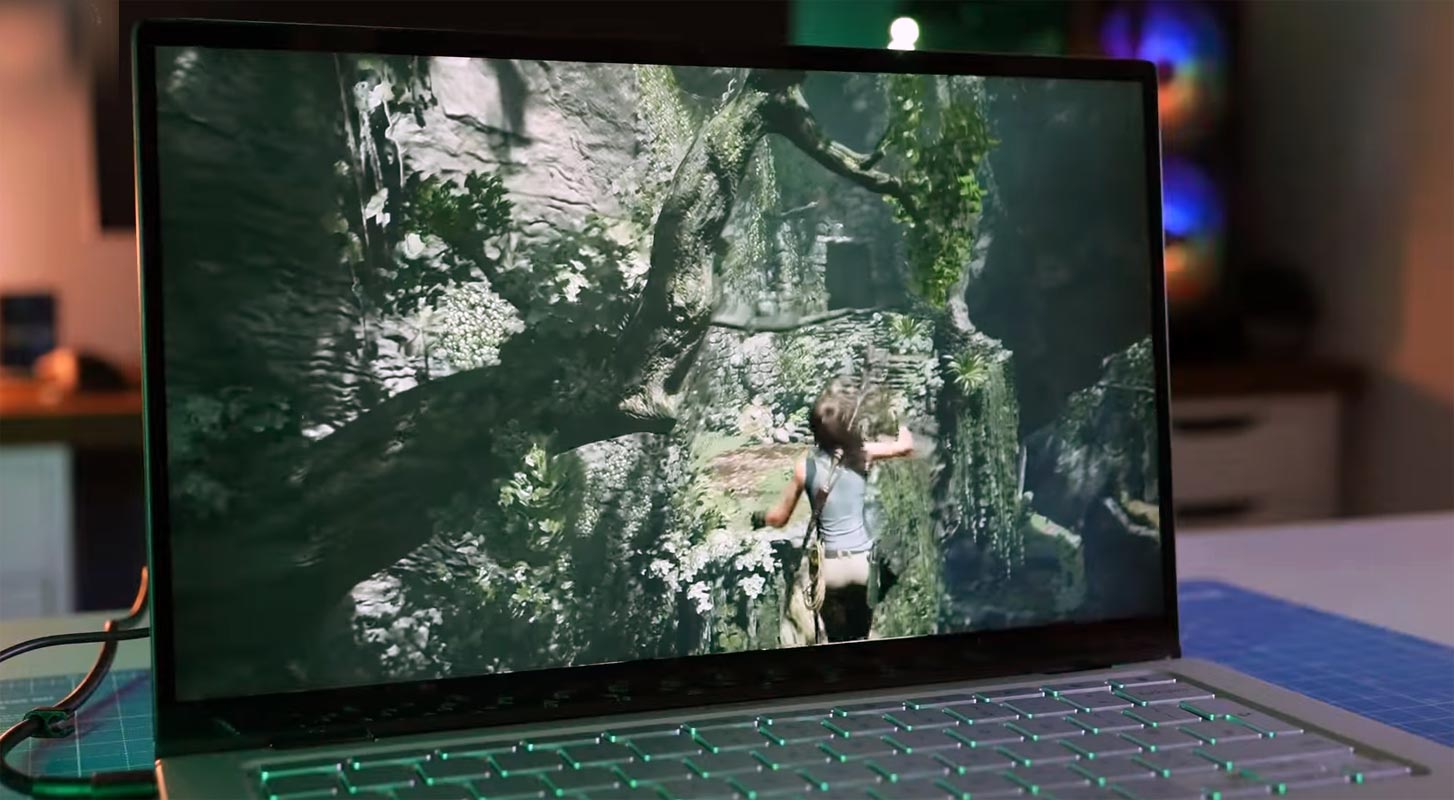
Chromebooks have been on the market for a long time. They’re hybrid computers that combine the portability of an Android tablet with the form factor of a laptop. While these devices let users browse the internet, read and edit documents, and conduct other everyday tasks, they are missing some functions. Variable refresh rate screens are not available on Chromebooks. However, according to a recent source, Google may be working on Chromebook support for variable refresh rates.
Chrome OS Getting Variable Display Rates
Let’s start with the display’s “refresh rate.” A Chromebook with a 30Hz display may render or show 30 different frames every second. A 60 Hz display, on the other hand, can deliver 60 frames per second. When watching videos or playing games, the higher the number, the smoother the whole display seems.
The way Google has worded this function, it appears to be intended only for external displays rather than a Chromebook’s built-in panel. Nonetheless, it may pave the way for future Chromebooks to have such panels natively.

Variable refresh rate (VRR) is mainly utilized for Gaming on other systems like Windows, and newer TVs have incorporated the feature for the benefit of newer gaming consoles like the Xbox Series X. Variable refresh rate allows the display to adjust its refresh rate to match the material on screen’s frames-per-second.
VRR displays eliminate screen difficulties, including screen tearing (when many frames’ graphics appear on one), shuttering, and allowing for a seamless watching and gaming experience. Support for variable refresh rates, on the other hand, would not improve the viewing experience on existing Chromebooks. Newer versions with VRR screens, on the other hand, may provide better display performance.
Likely, we won’t experience the full benefit of Chrome OS’s variable refresh rate capability until hardware catches up. Even the most potent Chromebooks now rely on integrated GPUs, which are notoriously slow.
Other Upcoming Chrome OS 101 Features
RGB Keyboard Functions
Google has been working on a project to allow Chromebook users to play Steam and other Linux-compatible PC games on a virtual machine. Borealis is the codename for the project. Furthermore, the newspaper detected several alterations in the Chrome OS code. These modifications indicate that Google is working on adding RGB keyboard functionality to Chromebooks. RGB items are currently well-known as being aimed at gamers. As a result, it’s hypothesized that Google is working on Chromebooks that are better at Gaming.
Steam Gaming Support
Google is already working on the project Steam Alpha. Your Chromebook must have a minimum of an Intel Core i5 or i7 processor and 7 GB of RAM (11th generation). This rules out practically all Chromebooks, except those in the upper mid-range and high-end.
Other Features
Overall, the boot screen update will be a lovely finishing touch to the stunning overhaul of the Notifications Revamp, Dark Mode, Productivity Launcher, new Personalization Hub, animated screensaver functionality, and more. . A Google employee announced the plan in January 2020. Still, the corporation has remained relatively quiet since then.
Wrap Up
Compared with any other Chrome OS updates, Chrome OS 101 primarily focuses on Gaming. Since everyone begins to play games when the daily device doesn’t give proper support, people have started to move to Windows again. It is not suitable for alternative platform devices like Mac and Chromebooks. By working with the Steam Alpha version, the Chrome OS team begin the journey with stable development, and they consider Gaming as a severe feature. Even though Google Stadia is available, It is not matched with the Steam experience. With Different Refresh Rate support, We can see high refresh rate Chromebooks which can give a better experience for Gaming and Videos. What are your thoughts about Chrome OS 101? Share your thoughts below.

Selva Ganesh is a Computer Science Engineer, Android Developer, and Tech Enthusiast. As the Chief Editor of this blog, he brings over 10 years of experience in Android development and professional blogging. He has completed multiple courses under the Google News Initiative, enhancing his expertise in digital journalism and content accuracy. Selva also manages Android Infotech, a globally recognized platform known for its practical, solution-focused articles that help users resolve Android-related issues.




Leave a Reply