
You are not Alone. Some of the users are already facing Atomic Heart Game Not Saving Progress. Atomic Heart is a first-person shooter video game that has recently caught the attention of many gamers. However, some players have reported an issue with the game not saving their progress, despite the presence of an auto-save feature. This problem has caused frustration and annoyance for those affected, as they are forced to replay parts of the game they have already completed. While potential workarounds exist for this issue, it remains an ongoing concern for some players.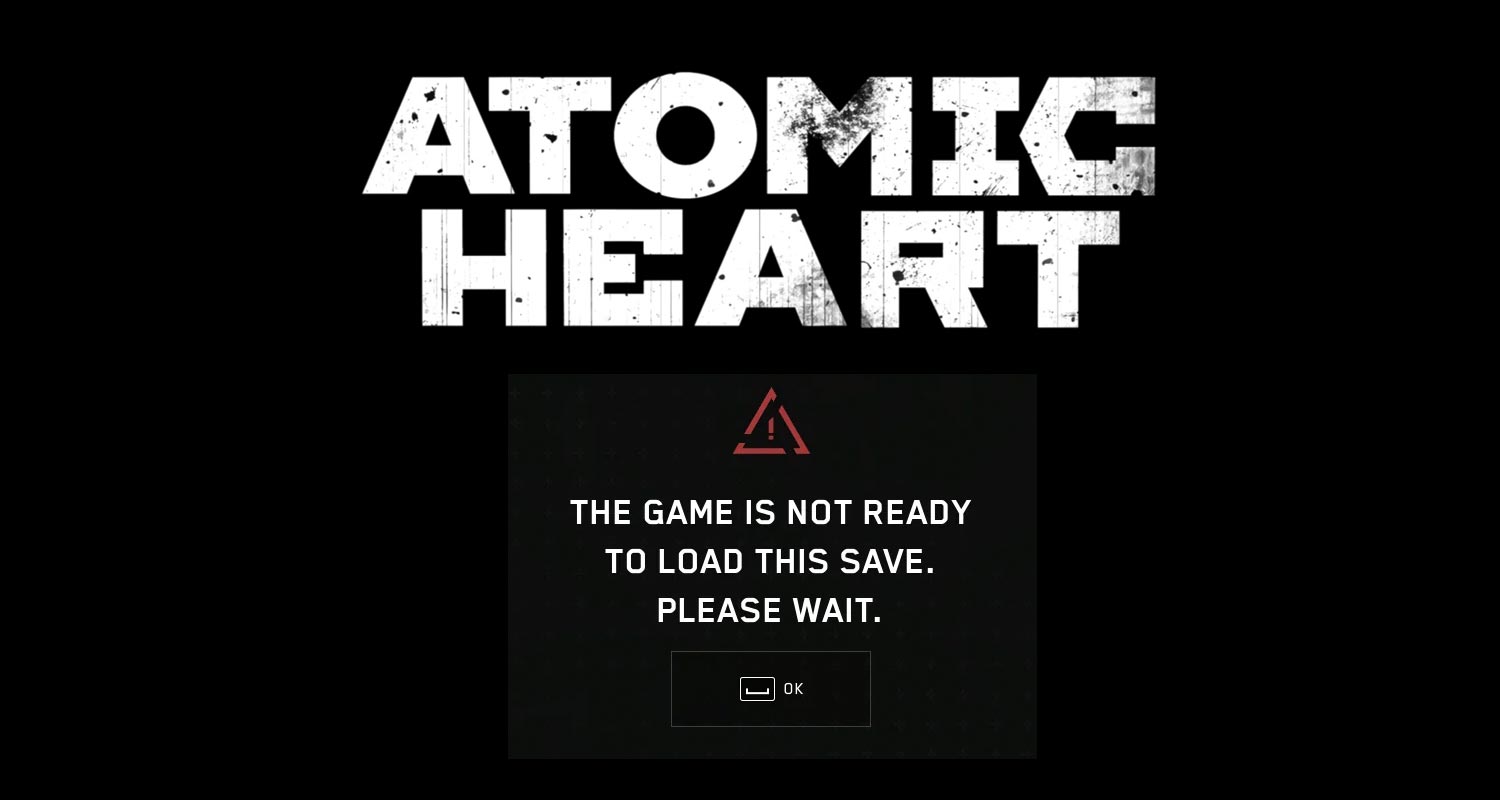
Atomic Heart Game Not Saving Progress
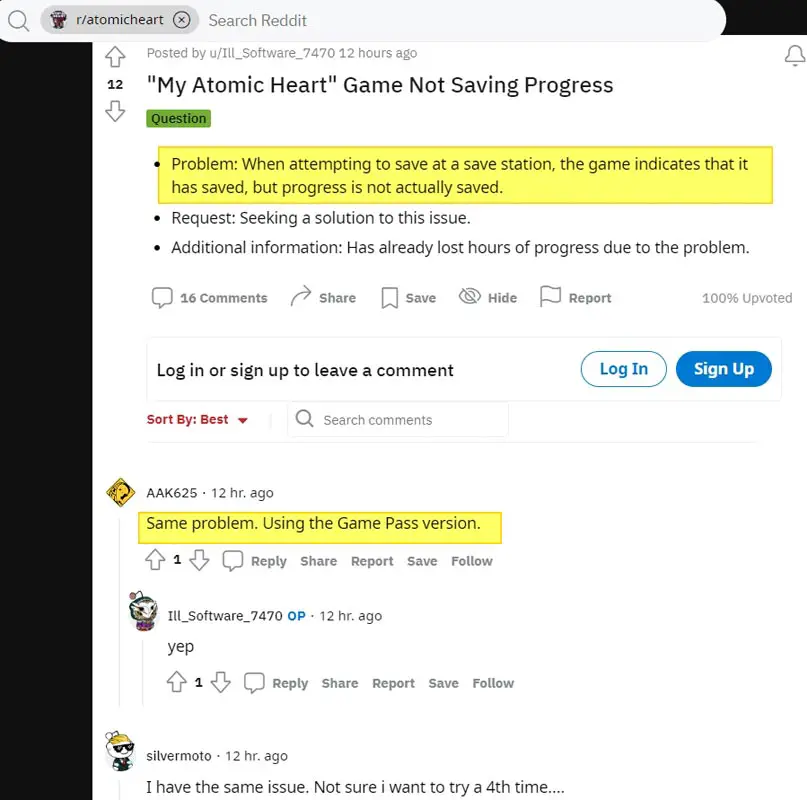
Are you having trouble saving your progress in Atomic Heart? You’re not alone. Many players have reported issues with the save feature in the game. Even though it indicates that the game has been saved, it turns out that progress is not being saved. This bug has caused frustration for many gamers who cannot continue the game from their last save point. In this article, we’ll share a potential workaround that could help solve the problem for Xbox owners.

Locating Safe Rooms
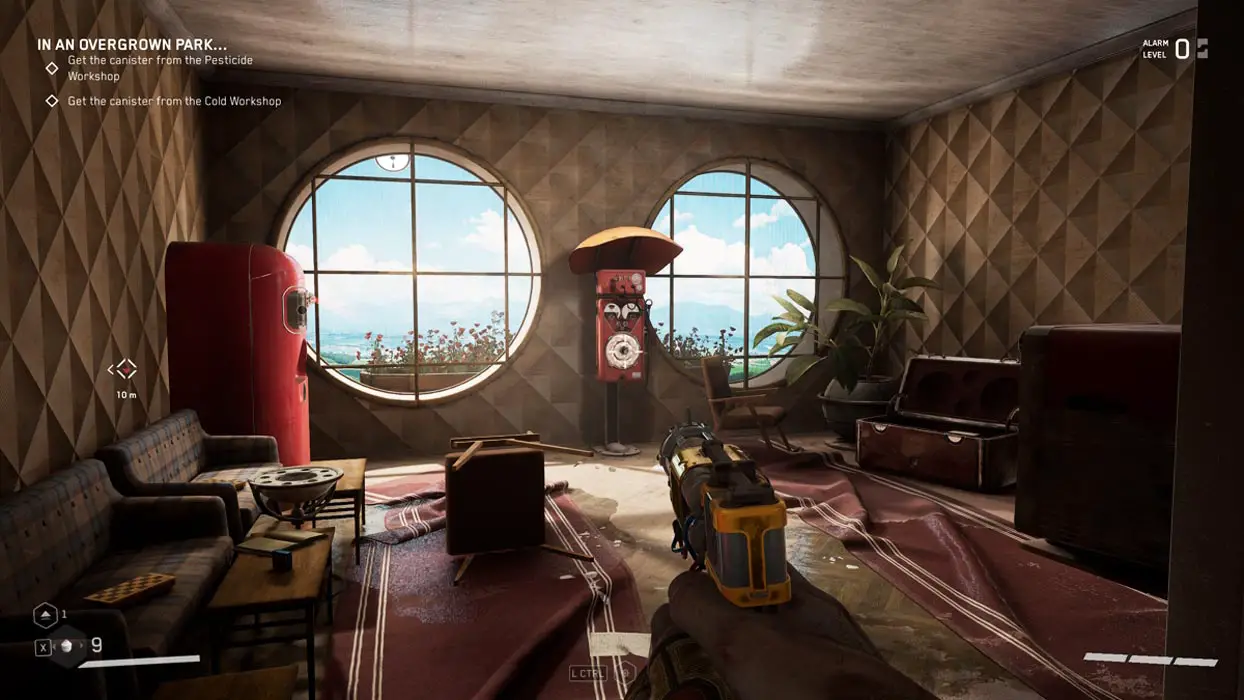
You must find a safe room to save your progress in Atomic Heart. The save point is located in the middle of the safe room. These rooms are scattered throughout the game, and all have similar features. In addition to the save point, you’ll find free loot in a nearby chest and a computer that allows you to upgrade your equipment.
Save Points outside Safe Rooms
If you’re not near a safe room and need to save your progress, there are other save points outside the Safe Rooms. Keep an eye out for these saved points in Safe areas.
Autosave Mechanic
Atomic Heart also has an autosave mechanic that saves your progress automatically. Completing most story events and defeating notable enemies triggers the autosave feature. While manually keeping your progress is worthwhile, not using the saved points won’t cause you to lose all your progress.
Automatic save stations are scattered throughout Facility 3826 and can be found in various locations, such as random spots outside or inside Breakrooms within the game’s underground sections. These save stations are easily identifiable as they resemble red telephone booths.
Potential Workaround
For Xbox owners experiencing the same issue, a Reddit user suggests you forcefully close the Xbox app and relaunch it. This could resolve the issue as the remaining game portion will be downloaded onto your console, and you should be able to play usually.
Conclusion
Although Atomic Heart has a save feature, some players have encountered bugs preventing progress. To avoid losing your progress, locate safe rooms and use save points whenever possible. Remember, the game has an autosave feature that saves your progress automatically. If you’re experiencing save issues on Xbox, try the suggested workaround of forcefully closing the Xbox app and relaunching it. With these tips, you can save your progress and continue your journey in Atomic Heart.

Selva Ganesh is a Computer Science Engineer, Android Developer, and Tech Enthusiast. As the Chief Editor of this blog, he brings over 10 years of experience in Android development and professional blogging. He has completed multiple courses under the Google News Initiative, enhancing his expertise in digital journalism and content accuracy. Selva also manages Android Infotech, a globally recognized platform known for its practical, solution-focused articles that help users resolve Android-related issues.




Leave a Reply