
For over a decade, a digital wall has separated Android and iOS users, defined primarily by the ease of sharing high-resolution media. We have watched as Apple users enjoyed the seamless, friction-free experience of AirDrop. At the same time, Samsung Galaxy owners were relegated to third-party apps, compressed email attachments, or the often finicky Bluetooth transfers. However, the landscape of mobile connectivity has shifted. We are witnessing a historic moment in mobile evolution where Samsung and Google have successfully bridged the gap, bringing native AirDrop compatibility to the Galaxy ecosystem through the revolutionary One UI 8.5 update.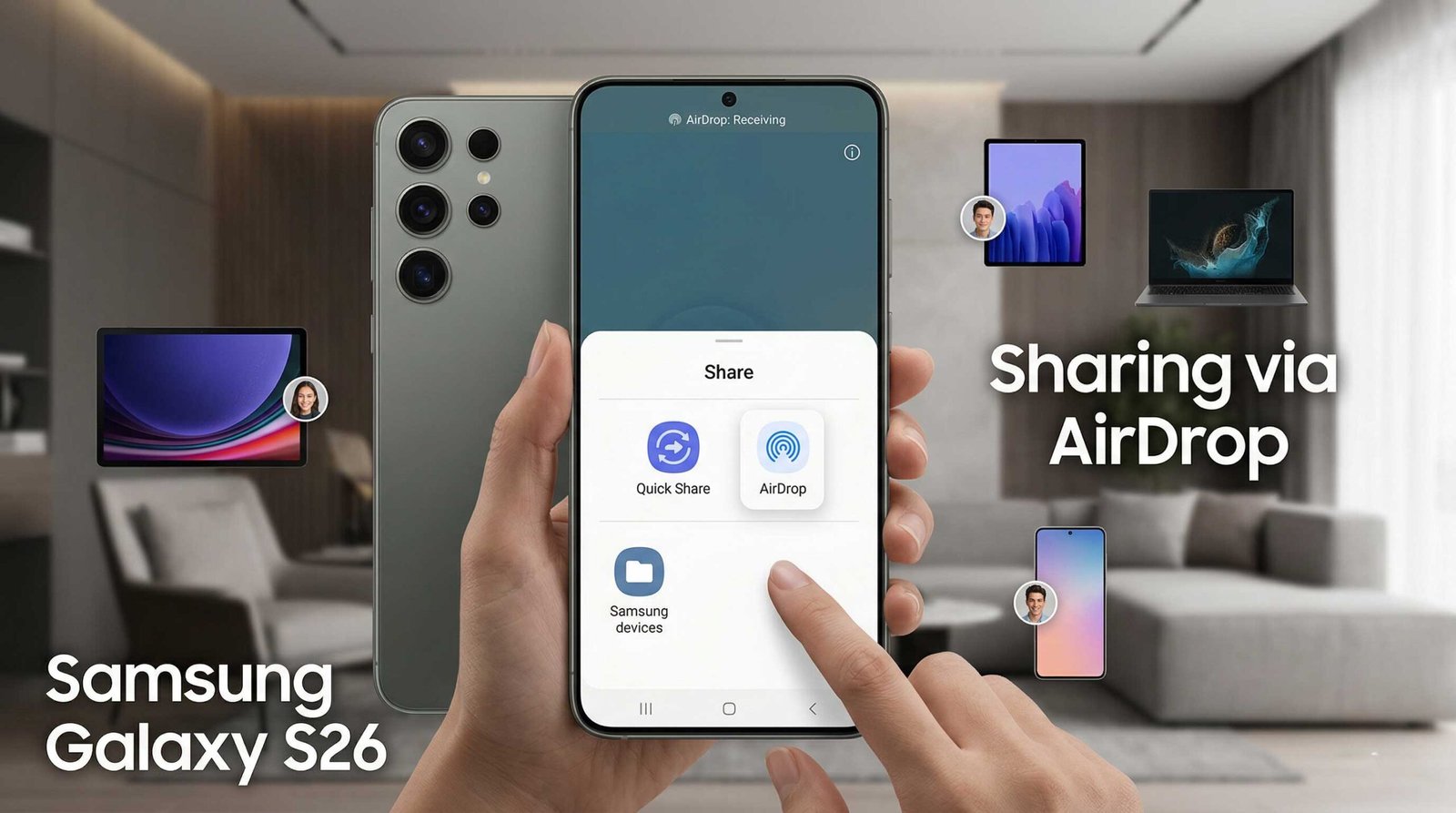
We detail the specific Samsung Galaxy mobiles that support this new integration, the underlying technology powered by the Quick Share and Nearby Share merger, and how you can access these features today.

The Convergence of Quick Share and AirDrop Technology
The journey to this point was not overnight. We observed the first major shift when Samsung’s Quick Share merged with Google’s Nearby Share, creating a unified standard for the Android ecosystem. This partnership was the foundation required to negotiate the complex handshake protocols utilized by Apple’s proprietary AirDrop service.
With the release of One UI 8.5, Samsung has integrated a specialized translation layer within the Quick Share framework. This allows a Galaxy device to broadcast its presence using the same Bluetooth Low Energy (BLE) and Wi-Fi Direct frequencies as an iPhone. The result is a seamless cross-platform transfer that maintains original file quality without the need for a common cloud service or messaging app.
Official List of Samsung Galaxy Mobiles Supporting AirDrop
Not every device in the Samsung catalog possesses the hardware capabilities—specifically the Ultra-Wideband (UWB) chips and advanced Wi-Fi 7 modules—required to maintain a stable connection with Apple’s hardware. We have verified that the following flagship devices are the primary beneficiaries of this update:
The Galaxy S-Series Flagships
- Samsung Galaxy S25 Ultra: The pinnacle of the 2026 lineup, featuring the most robust UWB antenna for precise spatial awareness.
- Samsung Galaxy S25+ and S25: Fully compatible with high-speed AirDrop-to-Quick Share handshakes.
- Samsung Galaxy S24 Ultra: The 2024 powerhouse remains a top-tier choice for this feature.
- Samsung Galaxy S24+ and S24: Entry-level flagships that successfully run the One UI 8.5 Beta.
The Next-Generation Foldables
- Samsung Galaxy Z Fold 7: Designed for productivity, this device utilizes the AirDrop integration to move large documents from iOS devices instantly.
- Samsung Galaxy Z Flip 7: The compact flagship brings stylish connectivity to the cross-platform world.
- Samsung Galaxy Z Fold 6: Retains full support for the new sharing protocols.
- Samsung Galaxy Z Flip 6: The most portable device to feature native Apple-compatible sharing.
Important Note: At this stage, Samsung Galaxy S23 users and those with older hardware are currently excluded from the AirDrop integration. This is largely due to the specific modem firmware and security enclave requirements necessary to authenticate with Apple’s restricted API.
How to Access AirDrop Support via One UI 8.5 Beta
If you own one of the supported devices listed above, you do not have to wait for the stable public rollout. We recommend joining the One UI 8.5 Beta Program through the Samsung Members app.
- Open the Samsung Members App: Ensure you are logged into your Samsung Account.
- Locate the Banner: Look for the “Registration for One UI Beta Program” notice.
- Enroll Your Device: Once enrolled, navigate to Settings > Software Update > Download and Install.
- Configure Quick Share: After the update, go to Settings > Connected Devices > Quick Share and toggle the “Allow AirDrop Discovery” option.
By enabling this, your Samsung Galaxy will appear in the AirDrop menu of any iPhone or iPad within physical proximity, provided they have their sharing settings set to “Everyone for 10 Minutes” or “Contacts Only.”
Why This Changes the Mobile Industry Forever
We believe this is more than just a software update; it is the end of the “Green Bubble vs. Blue Bubble” war regarding file sharing. For years, the friction of transferring a 4K video from a Galaxy S24 to an iPhone 15 meant losing quality over WhatsApp or waiting for Google Drive uploads.
By baking AirDrop compatibility into Quick Share, Samsung has removed the final barrier for creative professionals and social users alike. The peer-to-peer (P2P) connection established between the two devices uses TLS encryption, ensuring that your data remains private and secure during transit.
Technical Limitations and the Beta Environment
While we are excited about this progress, we must remain grounded regarding the Beta status of this feature. One UI 8.5 is currently in testing, which means:
- Transfer Speeds: You may experience occasional drops in speed if there is high 2.4GHz interference.
- Visibility: Occasionally, an iPhone may not “see” the Galaxy device immediately without toggling Bluetooth.
- Stability: As with all beta software, there is a risk of system crashes or battery drain.
Samsung has not yet committed to a stable release date, but historical patterns suggest a wide rollout toward the end of the third quarter.
Frequently Asked Questions (FAQs)
1. Does my Samsung Galaxy S21 support AirDrop?
No. Currently, the integration is limited to the Galaxy S24, S25, and Fold/Flip 6 and 7 series due to hardware and UWB requirements.
2. Do I need to install a third-party app on my iPhone to send files?
No. The iPhone will recognize the Samsung Galaxy as a standard AirDrop target within its native sharing interface.
3. Is this feature free?
Yes, this is a native system update included in One UI 8.5.
4. Can I send files from my Samsung to an Apple Mac?
Yes. The AirDrop support extends to MacBooks and iMacs running recent versions of macOS.
5. Will this work if the iPhone is on an older iOS version?
It is recommended that the Apple device be on iOS 17 or later to ensure the handshake protocol is recognized.
6. Does it require an active internet connection?
No. Like the original AirDrop, this uses a local Wi-Fi Direct connection and does not consume mobile data.
7. Can I share photos in their original RAW format?
Yes, the transfer is a 1:1 bit-for-bit copy, meaning no compression is applied.
8. What happens if the transfer is interrupted?
The Quick Share interface will attempt to resume the transfer once the devices are back in range, though large files may need to be restarted.
9. Is it secure?
Yes, the connection uses end-to-end encryption similar to the standard AirDrop security protocols.
10. How do I leave the Beta program if it’s too buggy?
You can withdraw via the Samsung Members app, but you will need to use Smart Switch on a PC to roll back to One UI 8.0.
Conclusion: A New Era of Connectivity
We are entering a phase where the brand of your smartphone no longer dictates who you can collaborate with. The inclusion of AirDrop support on the Galaxy S25, S24, and the latest Z Series foldables marks a turning point for Android. By prioritizing user experience over ecosystem lock-in, Samsung has effectively made the Galaxy line the most versatile hardware on the market.

Selva Ganesh is a Computer Science Engineer, Android Developer, and Tech Enthusiast. As the Chief Editor of this blog, he brings over 10 years of experience in Android development and professional blogging. He has completed multiple courses under the Google News Initiative, enhancing his expertise in digital journalism and content accuracy. Selva also manages Android Infotech, a globally recognized platform known for its practical, solution-focused articles that help users resolve Android-related issues.




Leave a Reply