
Google Gemini AI Video– Google has officially rolled out a groundbreaking new feature for its Gemini AI platform — the ability to convert still images into dynamic, eight-second videos using its powerful Veo 3 video generation model. This latest update marks a significant leap in AI-powered multimedia creation, allowing users to effortlessly animate photographs with stunning realism, complete with AI-generated audio, environmental sounds, and speech. Below, we delve deep into this new Gemini capability, how it works, where it’s available, and what it means for creators, artists, and tech enthusiasts worldwide.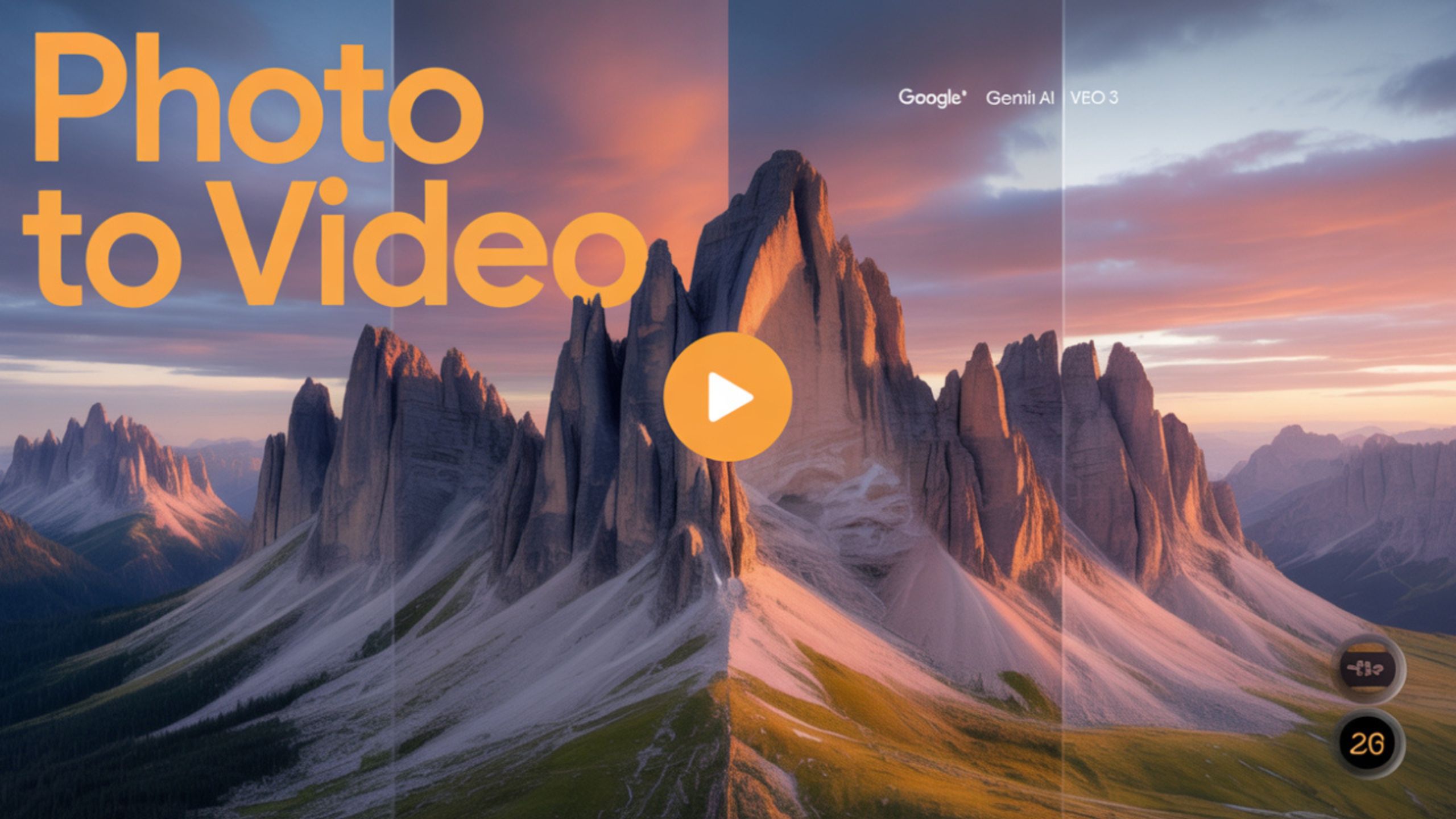
What Is the New Gemini AI Photo-to-Video Feature?
The latest Gemini video update introduces an innovative function that enables users to upload a static image and convert it into a fully animated video clip. The resulting MP4 video is rendered at 720p resolution with a 16:9 aspect ratio, lasting up to eight seconds.
Unlike basic animation tools, this is no simple filter or transition overlay. Instead, Google Veo 3, the engine behind the feature, generates complex video motion and layers it with immersive audio elements — everything from natural ambience to dialogue and sound effects — perfectly synced to the visual output.

️ How to Use Google Gemini’s Photo-to-Video Tool
Gemini users can access the feature through both web and mobile platforms. Here’s how to try it:
- Log in to your Gemini AI account (Ultra or Pro subscription required).
- Click on the “Tools” option in the prompt bar.
- Select “Video” as the output format.
- Upload a reference photo.
- Provide a textual prompt describing the movement you want the image to display.
- Optionally, include audio instructions for dialogue, environmental noise, and background music.
- Hit generate, and wait for your video to be created.
The output video includes two types of watermarks:
- Visible watermark: Indicates the video is AI-generated.
- Invisible SynthID digital watermark: A subtle, embedded signature for authentication and content tracking.
Veo 3: The AI Engine Behind the Magic
At the heart of this transformation lies Google’s Veo 3, a next-generation video generation model trained on an extensive video dynamics, movement styles, and audio contexts dataset. Veo 3 is not just an upgrade — it’s a redefinition of what AI can do in generative media.
- Contextual Understanding: Veo 3 interprets user prompts with stunning nuance, adapting to abstract and precise instructions.
- Motion Synthesis: It creates fluid, lifelike motion in scenes, making it ideal for professional-grade animations and casual creativity.
- Sound Matching: With automatic audio syncing, the output video includes synchronized sound effects, speech, or ambiance.
Where Is It Available?
As of today, this feature is available to Gemini Ultra and Pro subscribers in select regions, with rollout expanding over the coming days:
- Web Version: Rolling out immediately.
- Mobile Version: Scheduled rollout throughout the week.
- Flow Integration: This feature is also part of the Flow platform, and Google has expanded to 75 additional countries today.
Why This Feature Is a Game-Changer for Creators
Whether you’re an artist, designer, content creator, or just a hobbyist, this new Gemini feature opens up a world of possibilities:
- Animate Personal Memories: Turn your old photos into short animated clips with realistic backgrounds and voices.
- Bring Art to Life: Illustrators and painters can animate their creations directly from a still image.
- Create Social Media Content: Boost your online engagement by uploading eye-catching animated clips to platforms like Instagram, TikTok, and YouTube Shorts.
- Marketing and Product Demos: Use product shots to generate interactive video content — no expensive studio or video team required.
Examples of Creative Use Cases
Here are a few examples of how you can use the Gemini video tool:
- Nature scenes: Make a still photo of a forest come alive with rustling leaves, birds chirping, and ambient wind.
- Urban environments: Animate a city street image with car sounds, pedestrian motion, and background conversations.
- Children’s drawings: Turn a kid’s crayon sketch into a magical animated sequence with sound effects and narration.
- Portraits: Add blinking, head movement, and speech to a traditional portrait photo — ideal for digital storytelling or family messages.
Output Format and Technical Details
- File Format: MP4
- Resolution: 720p
- Aspect Ratio: 16:9 landscape
- Watermarks: Visible + SynthID invisible
- Duration: Up to 8 seconds
- Audio Sync: Supports text-based audio scripting for exact synchronization
️ Integration With Google Flow
While this photo-to-video tool is now accessible via Gemini, it also integrates with Google Flow, the company’s generative AI video editor, initially launched in March 2025. Flow users now benefit from the same animation feature without switching platforms, streamlining the creative workflow.
Key highlights of Flow integration:
- Timeline-based editing
- Layered video adjustments
- Cross-platform availability
- Cloud-based rendering
Ethical Considerations and Watermarking
To combat misinformation and uphold ethical standards, Google ensures every AI-generated video contains visible and invisible watermarks. The SynthID system, co-developed with DeepMind, provides robust verification, allowing platforms and researchers to trace AI-generated content.
This step is part of Google’s broader commitment to transparency in AI-generated media, especially in an era where visual misinformation can spread rapidly.
Wrap Up: The Future of Visual AI is Here
Google’s new Gemini photo-to-video feature, powered by Veo 3, represents a monumental step forward in AI-generated content creation. Users can now create immersive videos with just a simple image and a short text prompt, complete with sound, movement, and emotional depth. Whether for professional use or personal fun, the possibilities are limitless.
This update solidifies Gemini as not just a chatbot but a full-fledged creative AI platform, pushing the boundaries of what’s possible in digital storytelling, art, and communication.

Selva Ganesh is a Computer Science Engineer, Android Developer, and Tech Enthusiast. As the Chief Editor of this blog, he brings over 10 years of experience in Android development and professional blogging. He has completed multiple courses under the Google News Initiative, enhancing his expertise in digital journalism and content accuracy. Selva also manages Android Infotech, a globally recognized platform known for its practical, solution-focused articles that help users resolve Android-related issues.




Veo 3 has transformed how we view still images by adding cinematic motion and sound. An amazing creative tool.