
In today’s digital-first world, teaching kids about Artificial Intelligence (AI) is not just innovative—it’s essential. But how do we make learning AI engaging and accessible for children? The answer lies in powerful, kid-friendly platforms that blend AI concepts with hands-on fun. Here’s a deep dive into the top five AI tools transforming how kids explore, learn, and create using artificial intelligence.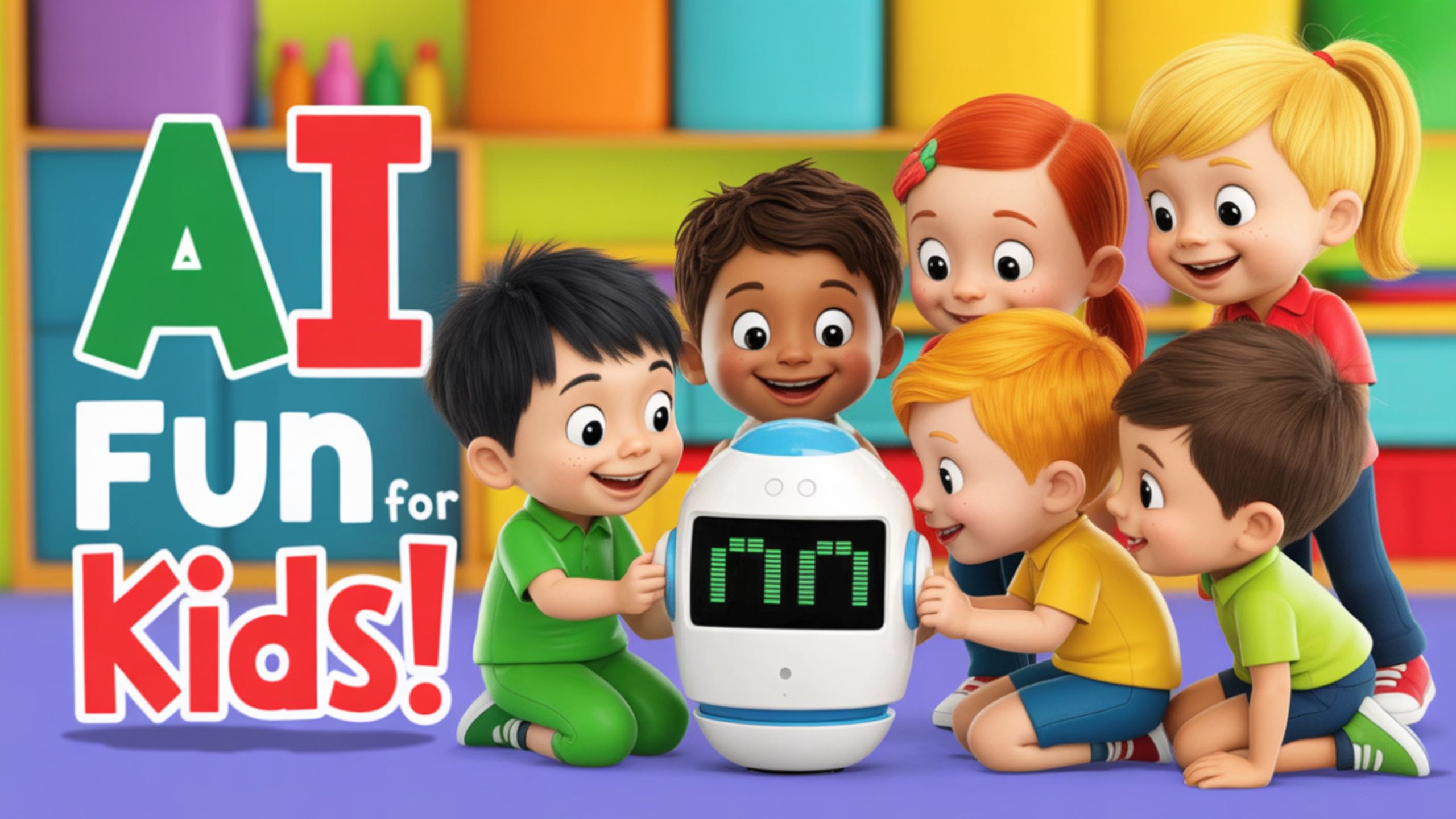
Scratch with AI Extensions – Interactive Coding with AI Flair
Scratch, developed by MIT, is a widely recognized block-based programming platform that helps children learn to code through drag-and-drop functionality. However, its AI integration capabilities elevate Scratch to the next level.
Why Scratch is Perfect for AI Learning
Scratch becomes a gateway to AI exploration when combined with AI extensions like Google’s Teachable Machine or MIT’s Cognimates. These add-ons allow children to:
- Train models using real-world data like images, sounds, or poses.
- Integrate machine learning into their Scratch animations or games.
- Create responsive, AI-driven projects that act based on trained models.
Why Kids Love It
- Instant gratification from building animated stories or games.
- Empowerment through turning ideas into functional AI tools.
- Community support, where kids can share projects and explore others’ creations.
Scratch is not just a coding tool but a springboard into creative AI learning that supports play and purpose.
Google’s Teachable Machine – No-Code AI Playground
Teachable Machine by Google is an exceptionally user-friendly, web-based tool that allows anyone—even a 7-year-old—to train simple machine learning models.
What Kids Can Do
- Capture images, sounds, or poses using their webcam or mic.
- Label and train a model using this input data with just a few clicks.
- Export their trained model to use in Scratch or web apps.
This tool is a fantastic introduction to AI classification, offering real-time feedback that makes experimentation exciting and meaningful.
Why It Stands Out
- No programming is required, which is ideal for complete beginners.
- Lightning-fast model training, with visible results in seconds.
- Integrates with other platforms like P5.js or TensorFlow.js for future learning growth.
Teachable Machine makes abstract AI concepts visually engaging and instantly understandable for kids.
Cognimates – A Full AI Ecosystem for Young Innovators
Cognimates is a robust AI education platform developed by MIT Media Lab, focusing on providing AI literacy through gamified and robot-enhanced learning.
Platform Highlights
- Connects with Scratch, allowing kids to drag AI functionalities into their projects.
- Compatible with LEGO Mindstorms, Alexa, and hardware kits.
- Kids can teach machines to understand human language, recognize objects, or even control robots.
Why It’s a Game-Changer
Cognimates merges AI logic and storytelling. A child could, for example, train a chatbot to recognize and respond to different emotions or program a LEGO robot to follow spoken instructions.
This tool not only teaches the mechanics of AI but also encourages ethical thinking and real-world application.
Machine Learning for Kids – Blending AI with Python and Scratch
Created by IBM and powered by Watson, Machine Learning for Kids brings professional-grade AI to children in a simplified, approachable format.
What Makes It Unique
- Offers a project-based learning structure where kids label datasets, train models, and test results.
- Integrates seamlessly with Scratch for visual learning and Python for advanced users.
- Guides users through text, image, and number recognition models.
Educational Value
- Teaches data preprocessing, model training, and evaluation.
- Helps kids understand biases in data and the importance of dataset quality.
- Encourages problem-solving through intelligent automation.
Children move from being passive consumers of technology to active creators of innovative applications, preparing them for future STEM roles.
AI for Oceans (by Code.org) – Ethical AI Learning for Young Minds
Part of the Hour of Code series, AI for Oceans introduces young learners (ages 5+) to machine learning through an engaging environmental game.
How It Works
- Kids “train” a virtual AI bot to recognize and remove trash from the ocean.
- The bot uses the training to distinguish between marine life and pollution.
- As the game progresses, kids are taught why AI bias exists and how to correct it.
Teaching Ethics Through Play
Its strong focus on AI ethics and bias awareness sets AI for Oceans apart. It poses meaningful questions such as:
- How should we train an AI responsibly?
- What happens when the data is flawed?
- Why is it essential to ensure AI treats everyone fairly?
Through visual, story-driven gameplay, this tool plants ethical seeds early in the learner’s mind.
How These Tools Shape Future AI Creators
Each platform is more than just an educational tool—they are foundation for curiosity, creativity, and capability in AI. By engaging kids intuitively, they demystify complex AI concepts and encourage innovation from a young age.
Key Benefits Across the Tools
- Hands-on AI training that’s accessible even to young learners.
- Development of computational thinking and ethical reasoning.
- Bridges between play-based learning and future tech career paths.
Whether through visual programming, robot integration, or interactive games, these tools ensure children don’t just learn AI—they live it.
Wrap Up: Empowering the Next Generation of AI Innovators
We are at a turning point where AI literacy is as essential as reading or math. These tools make the journey fun, impactful, and deeply educational, helping kids understand the future and prepare them to lead it.

Selva Ganesh is a Computer Science Engineer, Android Developer, and Tech Enthusiast. As the Chief Editor of this blog, he brings over 10 years of experience in Android development and professional blogging. He has completed multiple courses under the Google News Initiative, enhancing his expertise in digital journalism and content accuracy. Selva also manages Android Infotech, a globally recognized platform known for its practical, solution-focused articles that help users resolve Android-related issues.





Love the ethical AI learning focus here.
This ecosystem really supports young innovators.
Blending AI with Python and Scratch is a smart approach.
Interactive coding with AI extensions is a game changer!
The no-code AI playground is perfect for beginners.
My child enjoyed building AI models with these tools.
Easy to use and effective learning tools.
Teachable Machine is so simple and fun to use.
Such creative methods make learning AI enjoyable.
Perfect resources for parents wanting to teach AI.
Kids deserve the best tools to learn about AI.
AI for Oceans is both educational and entertaining.
Scratch with AI extensions is my favorite—so interactive!
Kids can have so much fun while coding AI projects.
My child enjoyed building AI models with these tools.
Cognimates is amazing for young innovators—highly recommended!
Looking forward to trying out these tools with my students.
Such tools really fuel creativity and innovation.
These AI tools bring coding and creativity together.
These tools make AI accessible to kids of all ages.