
In today’s era of advanced smartphone photography, shooting in RAW format has become essential for both amateurs and professionals alike. RAW images retain immense detail, affording many creative possibilities during the post-processing stage. Acknowledging this significance, Google has recently unveiled a novel feature within its Google Photos application, facilitating the effortless backup of RAW photographs. This addition is now accessible on Android and iOS platforms, signifying a substantial advancement in the universal photography experience for users. This update not only underscores Google’s commitment to catering to the needs of photographers but also empowers individuals to unleash their full creative potential in mobile photography.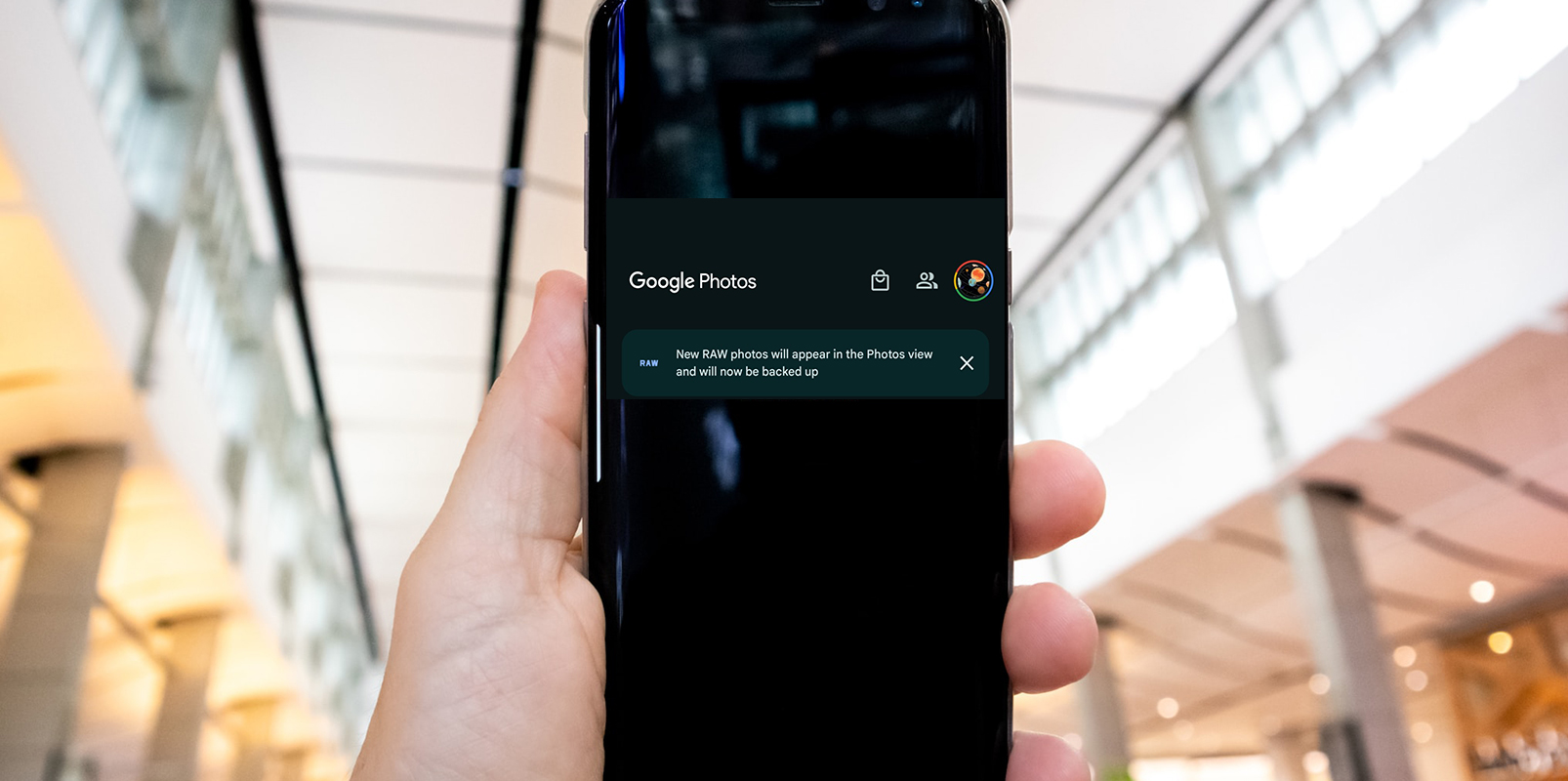
The Significance of RAW Photos
RAW photos are essentially unprocessed images captured by digital cameras. They contain all the data the camera’s sensor recorded without compression or alterations. This results in unmatched clarity, dynamic range, and color depth images. Professional photographers particularly value the RAW format as it provides a clean canvas for post-processing, enabling them to achieve their desired artistic vision.
Integration with Google Photos
Google Photos has taken a substantial step forward by supporting RAW images. Unlike previous iterations, the app automatically uploads RAW photos to Google Cloud. This seamless integration ensures that your valuable RAW files are securely stored and readily accessible across devices.
Identifying RAW Images
Google Photos features a dedicated RAW image badge to distinguish RAW images from other formats. This visual cue makes it easy to identify and manage your RAW files within the app. It’s worth noting that, at present, this feature is exclusively available on the Pixel 8 series, with no confirmation of its extension to other devices.
Storage Considerations
While including RAW support is a boon for photography enthusiasts, it’s essential to be mindful of storage limitations. With the default 15GB of free storage, RAW photos can quickly consume available space. As such, it’s recommended primarily for professional photographers who rely on the RAW format for their work.
User-Centric Enhancements
In addition to RAW support, Google Photos continues to evolve, focusing on user-centric features. An overhauled share menu was recently introduced, streamlining the process of sending and organizing images. Furthermore, desktop editing tools have been integrated, allowing users to apply filters and make essential image adjustments.
Steps to backup RAW photos in Google Photos
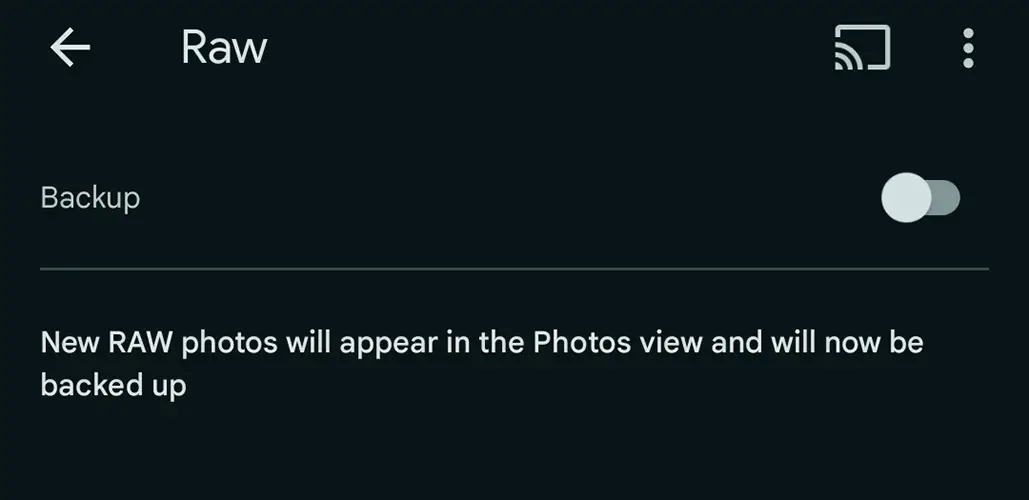
- Open the Google Photos app on your mobile device.
- Tap on the “Menu” icon in the top-left corner.
- Select “Settings” from the dropdown menu.
- Scroll down and tap on “Back up & sync.”
- Toggle on the “Back up & sync” switch if it’s not already enabled.
- Scroll down and locate the option for “Upload size.”
- Select “Original” to ensure that your RAW photos are backed up in their original, uncompressed format.
- Go back to the main screen of Google Photos.
- Your RAW photos will now support the backup to your Google account.
FAQs
Can I edit RAW photos directly in Google Photos?
Yes, Google Photos now offers basic editing capabilities for RAW images, allowing users to fine-tune their shots.
Is RAW support available on all Android and iOS devices?
Currently, RAW photo backup is available only in the Pixel 8 series. Further compatibility updates are awaited.
Can I revert a RAW photo to its original state after editing?
Yes, Google Photos retains the original RAW file, ensuring you can revert to it anytime.
What benefits do RAW photos offer over compressed formats?
RAW images preserve the highest level of detail and flexibility for post-processing, making them invaluable for professional photographers.
How can I manage storage if I frequently shoot in RAW format?
Consider upgrading your Google One storage plan to ensure ample space accommodates your RAW files.
Wrap Up
Google’s integration of RAW photo backup in Google Photos marks a substantial leap in meeting the requirements of both novice and seasoned photographers. This addition guarantees the security of your precious RAW files and enriches the entire photography venture. It’s crucial, however, to efficiently handle storage, particularly for individuals heavily invested in RAW format.
This innovation invites you to seize its benefits and elevate your photographic pursuits through Google Photos, granting you a seamless and secure platform to safeguard your high-quality image files while enjoying an enhanced editing and sharing experience. This feature caters to diverse photography needs, ensuring it captures and preserves your moments precisely, whether you’re a professional seeking pristine detail in every shot or an enthusiast honing your skills. Embrace this advancement and let Google Photos be your trusted ally in visual storytelling.

Selva Ganesh is a Computer Science Engineer, Android Developer, and Tech Enthusiast. As the Chief Editor of this blog, he brings over 10 years of experience in Android development and professional blogging. He has completed multiple courses under the Google News Initiative, enhancing his expertise in digital journalism and content accuracy. Selva also manages Android Infotech, a globally recognized platform known for its practical, solution-focused articles that help users resolve Android-related issues.




Leave a Reply