
Most of the Metting begin to happen as Virtual conferences now. The meeting may vary based on how many people participate. When the participants are high, It will always be one speaker, and others are muted. It will give a pleasant experience on the Metting. But, When you want to share a thing, You have to unmute yourself and deliver the message. But the problem here is that most users forget to mute it again; It creates lots of unnecessary voices that affect the main presentation. With Google’s upcoming Meet Update, You can use Physical Key Control on Unmute on Your Google Meet.

Google Meet Physical Key Control Unmute
Google has revealed in a blog article(opens in a new tab) that it’s rolling out the capability to turn off your mute in the Google Meet event simply by pressing the space key. You’ll then be able to go back to the muted mode by releasing the space bar.

A few people prefer to remain in a mute state during a conversation and manually unmute when they want to speak. Google Meet on the web will soon be able to “hold down the space bar to be unmuted.” The critical release will bring your phone to its muted mode.
Google claims it “will also help in situations where you forget to mute again after unmuting yourself,” which is pretty frequent. The shortcut for the space bar will be turned off by default, and it must be activated by hand by going to Google Meet settings.
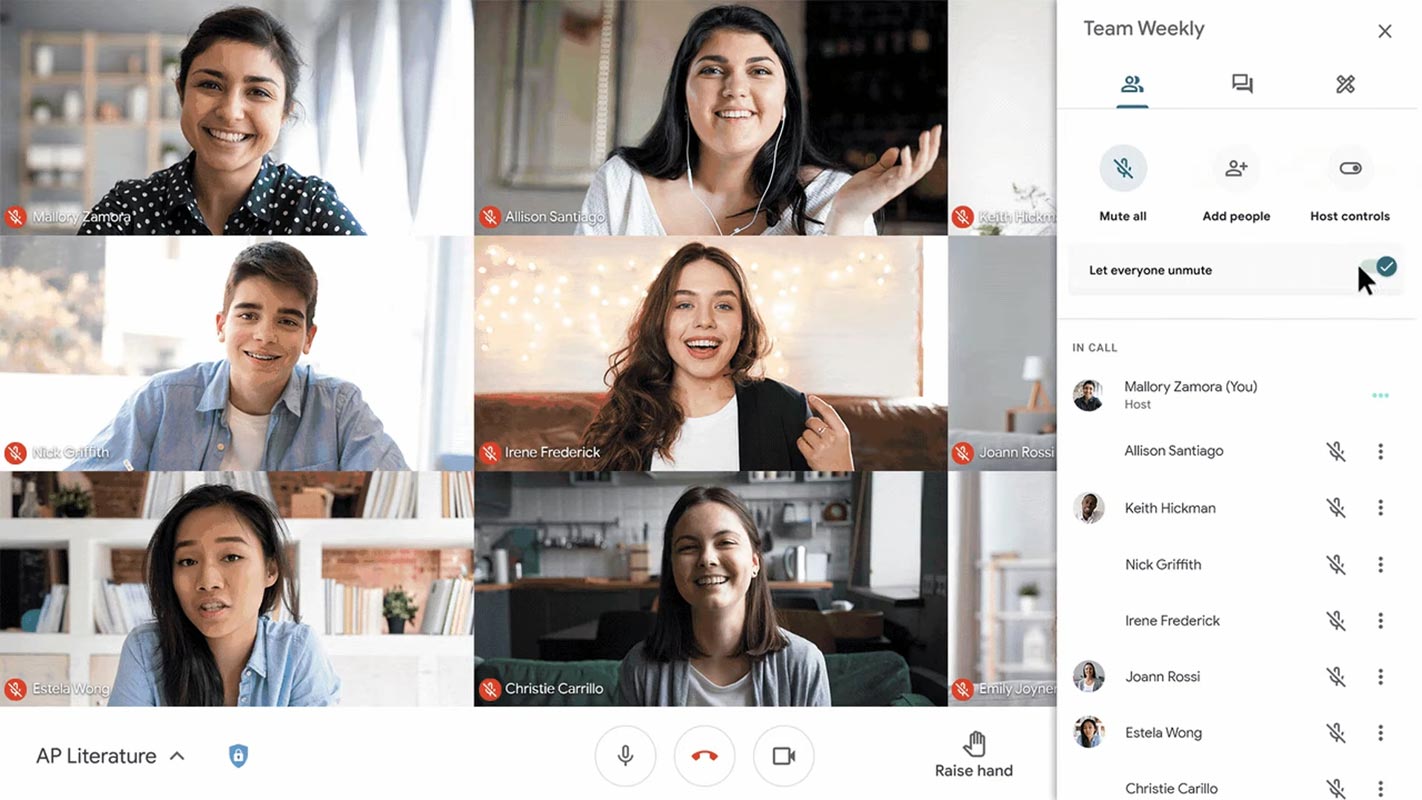
Realtime Usages
It is an excellent option for those who would instead take part in a video conference that is mute by default. It’s beneficial for those who often fail to mute themselves when they want to speak. It also can save people time by removing the necessity of navigating to Meet’s built-in mute function.
Availability
This new function will become available on Google’s video conferencing platform starting September 9, 2022. Although it could take up to 15 days before everyone can experience it. If it becomes accessible, it won’t be available by default. You have to manually turn the feature on by going to the settings menu of Meet.
Wrap Up
Physical Key control over the Mute option in Google Meet is a good idea. Since most of us forget to Make Mute again, Our environmental sounds can affect the whole meeting. With the Spacebar control, You can leave the Key when you want to stop talking. It will automatically Mute you again. Did you get the Physical Key Unmute control on your Google Meet? Did you find this feature helpful? Share your thoughts below.

Selva Ganesh is a Computer Science Engineer, Android Developer, and Tech Enthusiast. As the Chief Editor of this blog, he brings over 10 years of experience in Android development and professional blogging. He has completed multiple courses under the Google News Initiative, enhancing his expertise in digital journalism and content accuracy. Selva also manages Android Infotech, a globally recognized platform known for its practical, solution-focused articles that help users resolve Android-related issues.





Leave a Reply