
The Motorola Edge 50 Pro boasts an impressive IP68 rating, suggesting a robust defence against water and dust infiltration. This certification signifies that the device is dust-tight and can withstand immersion in water up to a depth of 1.5 meters for 30 minutes. With such resilience, users can confidently navigate through various water-based scenarios, capturing breathtaking underwater landscapes, responding to emails poolside, or braving unexpected rain showers. However, it’s crucial to note that while the IP68 rating assures protection against water ingress in controlled environments, it’s prudent to avoid prolonged exposure to water, high-pressure jets, or submersion beyond specified limits to maintain the device’s integrity and functionality.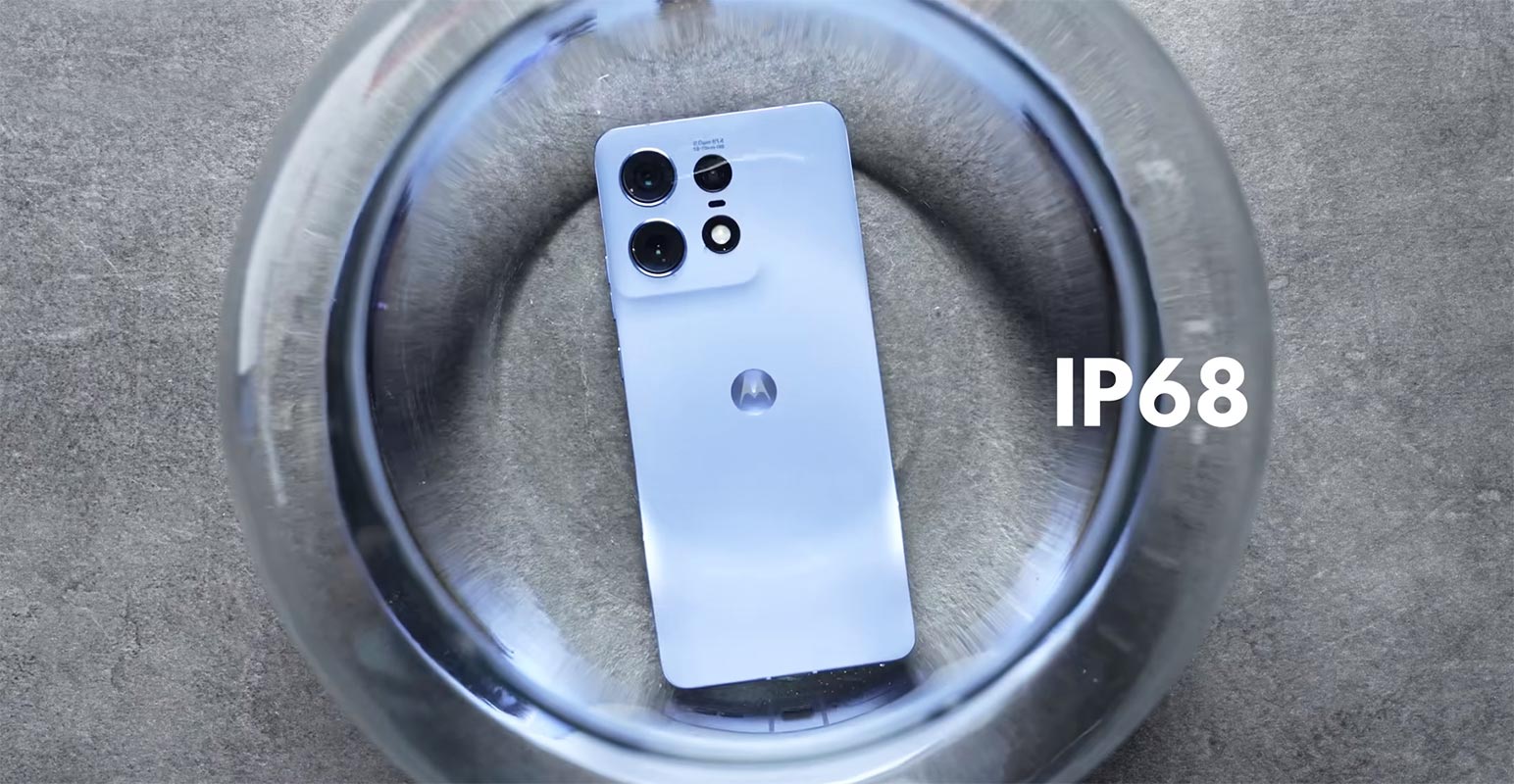
Motorola Edge 50 Pro Dust and Water Resistance
Motorola Edge 50 Pro is one of the latest smartphones to hit the market with its IP68 dust/water-resistant technology that can withstand a splash in fresh water. The device is armoured with a frame with severe drop and scratch resistance. But can you shower or swim with your Motorola Edge 50 Pro? Let’s explore.

Maintaining Water and Dust Resistance of Your Device
Before we address the question, let’s talk about how to preserve the water and dust resistance of your Motorola Edge 50 Pro. To prevent harm to your device, consider the following precautions:
- Do not submerge the device in a liquid other than fresh water, such as salt water, ionized water, or alcoholic beverages.
- Avoid exposing the device to vigorously flowing water.
- After exposure to fresh water, dry it thoroughly with a clean, soft cloth.
- If the device has been submerged in water or the microphone or speaker is damp, dry it thoroughly with a dry cloth before using it.
- If the device is used in water, the touchscreen and other functions may not operate correctly.
- Water and dust-resistant capabilities may be compromised if the device is dropped or experiences an impact.
Can I Shower with a Motorola Edge 50 Pro?
Now, the million-dollar question: Can I Shower with a Motorola Edge 50 Pro? While the device is water-resistant, it is not advisable to shower with it. Here’s why:
- Shampoo, soap, and other personal care products may seep into and damage the device.
- High water pressure can cause the water-resistant seals to fail, exposing your phone to water damage.
- Using the touchscreen with wet fingers may lead to erratic responses.
Can I Swim with the Motorola Edge 50 Pro?
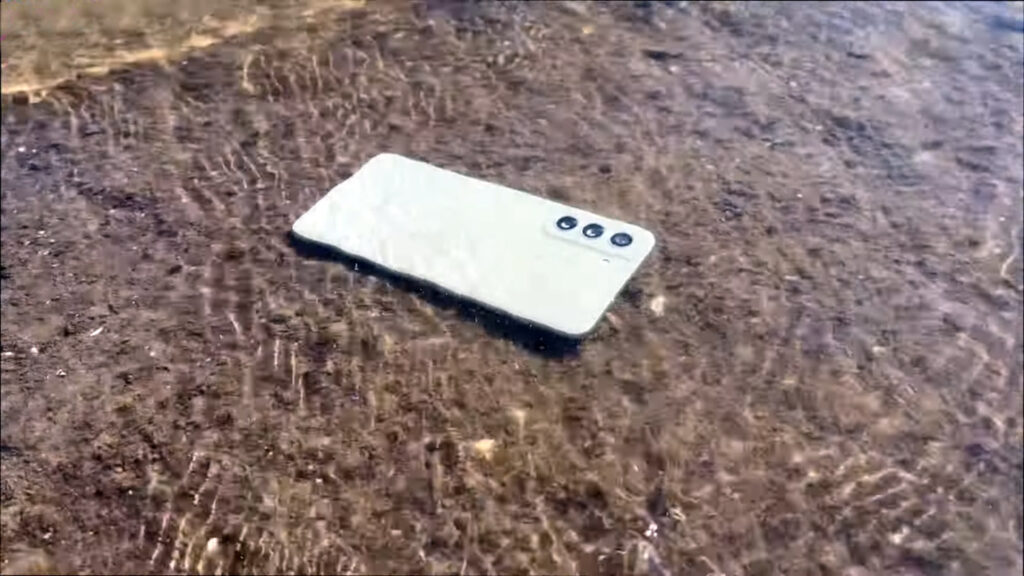
Motorola Edge 50 Pro is water-resistant, which makes it suitable for use around water, such as by the pool or at the beach. However, it would be best if you did not swim with the device for the following reasons:
- Swimming exposes your phone to water moving with force, which can compromise the water-resistant seals.
- The chlorine or salt in the water can corrode the phone’s exterior or penetrate the internal components.
- Extended exposure to water may result in water damage, which may not be covered under your warranty.
FAQs
What is the Motorola Edge 50 Pro water resistance rating?
The Motorola Edge 50 Pro has an IP68 rating, indicating that it can endure immersion in fresh water.
Can I take pictures underwater with the Motorola Edge 50 Pro?
While the device is water-resistant, it is not designed for underwater photography. It is best to use a waterproof case for underwater photography.
How long does the Motorola Edge 50 Pro remain water-resistant?
The device remains water-resistant for as long as the seals are intact. If the device is impacted or dropped, the seals may be compromised, resulting in water damage.
Wrap Up
In conclusion, the Motorola Edge 50 Pro is a water-resistant device. However, it is not advisable to shower or swim with the device, as this may compromise the water-resistant seals and result in water damage. Make sure to adhere to the abovementioned precautions to preserve your device’s water and dust resistance. Even though your mobile has resistance, We can add extra protection to increase the chance. But in my opinion, Put a waterproof case or Always put a zip lock cover behind the mobile. So, set the zip lock cover on your mobile wherever you are exposed to water for a long time.
In short, an IP68 rating is not considered waterproof. It offers limited water resistance as per the International Electrotechnical Commission’s standards. The “6” rating for solids means the device is dust-protected but not dust-tight. For liquids, the “8” rating indicates protection against splashing water, but the device is still susceptible to damage from jets of water or immersion. While it can handle splashes, it is unsuitable for heavy rain or submersion in water.

Selva Ganesh is a Computer Science Engineer, Android Developer, and Tech Enthusiast. As the Chief Editor of this blog, he brings over 10 years of experience in Android development and professional blogging. He has completed multiple courses under the Google News Initiative, enhancing his expertise in digital journalism and content accuracy. Selva also manages Android Infotech, a globally recognized platform known for its practical, solution-focused articles that help users resolve Android-related issues.





Leave a Reply