
The Google Pixel April 2026 update has officially arrived, and it carries more weight than your standard security maintenance release. While monthly patches often focus on background vulnerabilities, this particular rollout addresses critical user experience hurdles that have plagued the Pixel 10 series and the Pixel 9 family for the last several weeks. We have analyzed the rollout and the specific functional patches included to provide you with a definitive guide on how this update restores the flagship performance you expect from Google’s premium hardware.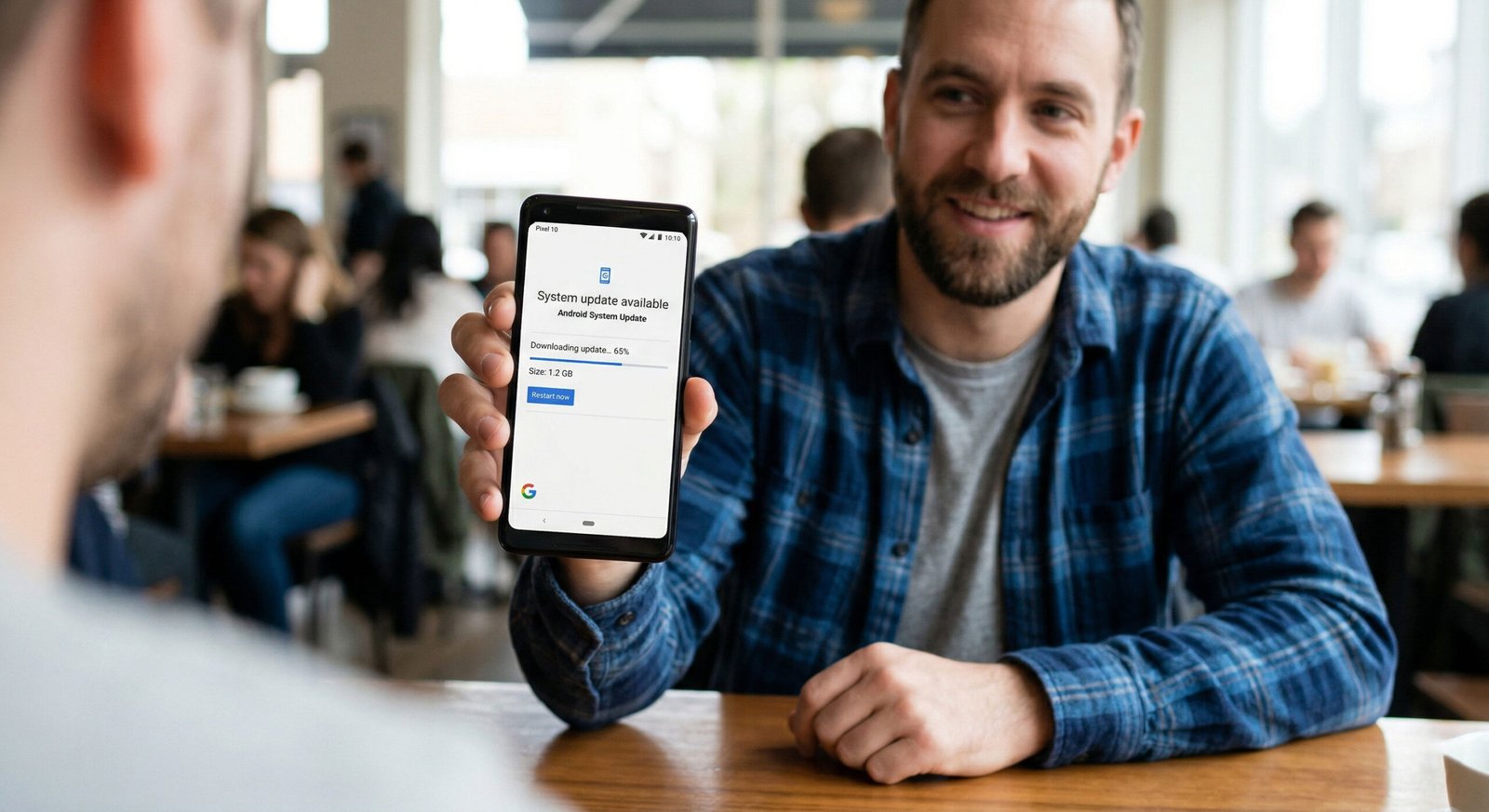
The Pixel 10 Gaming Crisis: Resolving Systematic Crashes
Since the launch of the Pixel 10 Pro and Pixel 10 Pro XL, users have reported a frustrating pattern of application instability during high-fidelity gaming sessions. Whether playing demanding titles like Genshin Impact or competitive shooters, many experienced sudden frame drops followed by a complete system crash or a forced return to the home screen.

We have found that the core of the issue resides in the GPU driver orchestration within the Tensor G5 chipset. The April 2026 update introduces a functional fix for “certain games crashing in certain conditions,” targeting the memory management leak observed during extended play. By optimizing the thermal throttling algorithm and refining the Vulkan API implementation, Google has ensured that the Pixel 10 can now maintain peak performance without the software-induced bottlenecks that previously caused it to throttle.
Restoring Quick Share on Pixel 9: End-to-End Reliability
The Pixel 9 community has spent the better part of March grappling with a Quick Share protocol that felt decidedly “un-quick.” Many users reported that the service would fail to initialize or, more commonly, crash mid-transfer, leaving files in a partially transmitted state.
Our testing of the new April build (CP1A.260405.005) confirms that the Bluetooth and Wi-Fi Direct handoff has been significantly stabilized. The update addresses a system service conflict in which the Quick Share extension would become unresponsive when the device switches between different network bands. With this fix, Pixel 9, 9 Pro, and 9 Pro XL users can once again rely on near-instantaneous file transfers to other Android and ChromeOS devices without the fear of a local denial of service within the sharing menu.
Key Functional Patches in the April 2026 Rollout
This update isn’t just about two headline fixes; it’s a comprehensive sweep of the Android 16 QPR3 ecosystem. Below are the most significant improvements we’ve identified in the release notes:
- Third-Party App Stability: A critical fix for banking apps and high-security software that were crashing upon launch due to a mismatch in the integrity API.
- System UI Resiliency: Resolves the “phantom” search bar issue in which the home screen search widget disappears after exiting an app.
- Backup and Sync: Fixes a bug that caused the Backup menu to be completely missing from System Settings for some users.
- Biometric Reliability: Further refinements to the ultrasonic fingerprint sensor on the Pixel 10 to improve recognition speed in low-light environments.
Security Enhancements: Protecting the Tensor Ecosystem
While the functional fixes are the star of the show, we cannot ignore the security bulletin component. The April 1, 2026, and April 5, 2026, patch levels address five critical vulnerabilities. The most notable is CVE-2026-0049, a high-severity flaw in the Android Framework that could allow for a local Denial of Service (DoS).
By updating, you are not just getting a better gaming experience; you are also insulating your device against remote code execution risks and unauthorized privilege elevation. For those using their Pixel for sensitive work or financial management, this update is non-negotiable.
How to Install the April 2026 Update on Your Pixel
The rollout is currently moving through OTA (Over-The-Air) channels. To ensure your device is running the latest software, follow these steps:
- Open your Settings app.
- Navigate to System > Software updates.
- Tap on System update.
- Select Check for update.
If the update is not yet available for your specific carrier, we recommend checking back over the next 48 hours. For power users, Google has also released the factory images and OTA ZIP files for manual sideloading via ADB (Android Debug Bridge).
Frequently Asked Questions (FAQs)
1. Will the April 2026 update fix my Pixel 10’s battery drain?
While the update primarily focuses on gaming crashes and Quick Share, optimizations to the Tensor G5 GPU drivers often improve thermal management, which can indirectly extend battery life during intensive tasks.
2. I’m on a Pixel 8; do I need this update?
Yes. Although the headlines focus on the newer models, this update includes the April 2026 Security Bulletin, which protects all supported devices, from the Pixel 6 through the Pixel 10a.
3. Why is my Quick Share still failing after the update?
Ensure that the receiving device is also updated. Quick Share requires that both the sender and receiver have compatible versions of Google Play Services. If issues persist, try clearing the cache of the Files by Google app.
4. Does this update improve the Pixel 10 Pro camera?
There are no specific camera sensor tuning notes in this release, but system-wide stability often prevents the camera app from stuttering when switching between lenses.
5. How large is the April 2026 OTA download?
The update size varies by device but typically ranges between 250MB and 450MB for those coming from the March patch.
6. Will this fix the “Circle to Search” glitches?
The update addresses System UI issues, including the disappearing search bar. This should stabilize the overlay used by Circle to Search.
7. Is the Pixel 10a included in this rollout?
Yes, the Pixel 10a is receiving the same functional fixes for gaming stability as its more expensive siblings.
8. Can I roll back the update if I encounter new bugs?
Android does not officially support rolling back to a previous security patch level. We recommend performing a factory reset only if you encounter severe, non-resolved issues.
9. Does this update address the Bluetooth connectivity in cars?
The Quick Share fix involves a broader cleanup of the Bluetooth stack, which many users find improves general A2DP and HFP connections in vehicles.
10. When is the next Pixel update expected?
The next routine security update will be in May 2026, with a major Feature Drop slated for June 2026.
The Future: Looking Toward Android 17
This April update serves as one of the final stability bridges before we head into the Android 17 developer previews. By ironing out these Tensor G5 quirks and Quick Share bugs now, Google is clearing the deck for the next generation of software features. We expect the next major Pixel Feature Drop in June 2026 to further lean into generative AI capabilities, but those features require the solid foundation provided by this month’s stability patches.

Selva Ganesh is a Computer Science Engineer, Android Developer, and Tech Enthusiast. As the Chief Editor of this blog, he brings over 10 years of experience in Android development and professional blogging. He has completed multiple courses under the Google News Initiative, enhancing his expertise in digital journalism and content accuracy. Selva also manages Android Infotech, a globally recognized platform known for its practical, solution-focused articles that help users resolve Android-related issues.




Leave a Reply