
Exclude AI Posts From Your Facebook-Meta has overhauled how recommendations operate across social platforms, introducing conversational feed tuning designed to curb unwanted synthetic media. For months, artificial intelligence imagery, automated clickbait, and fabricated stories flooded user timelines, largely because traditional social algorithms treated outrage, curiosity, and passive watch time as signals of genuine endorsement. If you paused on an image of an absurd AI generated creature or read the incredulous comments beneath an AI rendered landscape, Facebook assumed you wanted thousands more like it.
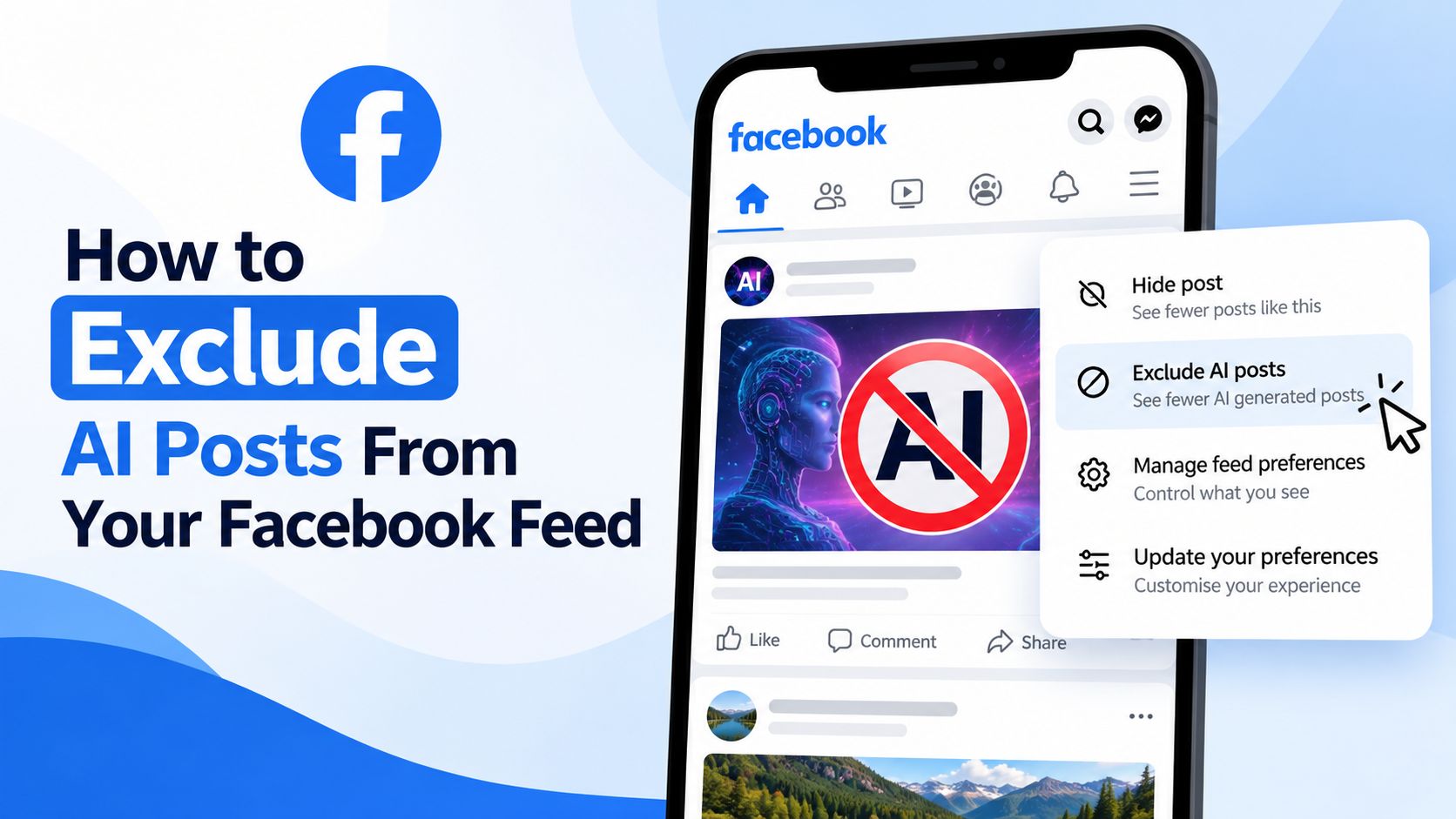

We now have direct access to natural language personalization and granular content filtering tools. Instead of relying purely on indirect signals, users can explicitly tell Facebook to suppress artificial intelligence posts, synthetic art, and automated spam. By combining prompt based feed adjustments with proactive post level controls, you can effectively scrub automated clutter from your timeline and restore an authentic browsing experience.
Understanding Meta Prompt Based Feed Controls
Facebook historically relied on implicit behavioral feedback. Every reaction, comment, link click, or video loop fed a mathematical weighting system. In that environment, excluding a theme was remarkably difficult; even tapping angry reactions or writing debunking comments signaled high engagement, prompting the feed to serve more of the exact material the user disliked.
The updated recommendation architecture introduces natural language input, enabling direct communication with the ranking models. Rather than guessing preferences through passive watch habits, the system accepts plain text instructions describing what to display and what to exclude. When you instruct the interface to remove synthetic images or computer generated media, Meta processes that directive through internal language models, translating conversational intent into hard negative scoring weights.
These adjustments operate through real time processing. When applied, the ranking algorithm suppresses designated subjects immediately during your current session rather than requiring weeks of gradual retraining.
How to Exclude AI Posts Using Feed Controls?
Using natural language controls to filter automated media requires only a few targeted adjustments inside your post preferences.
Step 1: Open the Feed Control Menu on an AI Post
When you encounter an artificial intelligence image, an automated story, or a synthetic video on your feed:
-
Locate the three dots in the top right corner of the post card.
-
Tap the menu to reveal management options.
-
Select My Algorithm or Manage Recommendations (depending on your app build).
Step 2: Set Your Negative Filtering Instructions
Inside the recommendation controls:
-
Tap the section labeled Not Interested In or select the prompt field for feed customization.
-
Enter precise phrases into the prompt box. High-impact filtering terms include:
- AI generated content
- AI art
- Generative AI
- Synthetic images
-
Confirm the additions to commit them to your account recommendation profile.
Step 3: Use the Post Level Negative Feedback Button
For quick corrections while scrolling:
-
Tap the three dots on any offending post.
-
Select Not Interested or Show Less.
-
When prompted with the optional clarification prompt, specify that the topic involves artificial intelligence or synthetic media.
This two-pronged approach pairs macro negative keyword rules with micro post penalties, rapidly draining algorithmic distribution from automated spam pages.
Real Time LLM Processing and Feed Adaptation
The core engine driving this interface change is Meta integration of large language models directly into its recommendation stack. In earlier iterations, feedback choices were restricted to rigid, predefined buckets such as “I don’t want to see this” or “Hide post.” These categories lacked nuance, leaving the algorithm blind to whether you disliked the specific publisher, the formatting, or the broader category of generative imagery.
With natural language interpretation, semantic context is preserved:
-
When you type “fewer fake AI historical photos”, the system does not merely block the single page that uploaded the picture.
-
The model parses the conceptual category—identifying synthetic textures, common generative captions, and automated publishing patterns—and applies negative distribution multipliers across comparable public recommendations.
-
Feedback updates downstream ranking weights across related surfaces, including Facebook Reels, Suggested for You insertions, and discoverable public groups.
Supplementary Methods to Clean Your Facebook Feed
While prompt based exclusions handle public feed recommendations, synthetic posts often bleed into your experience through secondary pathways, including public groups, sponsored ads, and shared links from friends. To build an impenetrable barrier, combine recommendation prompts with these secondary controls.
| Filtering Layer | Primary Function | Best For |
| Natural Language Prompts | Semantic algorithmic exclusion | Suggested posts, Reels, and public recommendations |
| Hide All From Page | Permanent domain/publisher blocking | High-volume AI content farms and meme syndicates |
| Keyword Snoozing | Temporary text string suppression | Viral synthetic trends and repetitive buzzwords |
| Ad Preferences Reset | Topic level ad exclusion | Commercial AI tool promotions and synthetic product ads |
| Group Admin Reporting | Community policy enforcement | Specialized hobby groups overrun by synthetic uploads |
Muting and Blocking Content Farms
Generative media relies heavily on syndicated distribution networks. A single media company often operates dozens of automated pages churning out identical digital renders. When a page appears on your timeline:
-
Click the three dots on the post.
-
Select Hide all from [Page Name].
-
Never comment on or react to the post before hiding it, as even negative interactions can artificially boost page distribution.
Adjusting Group Preferences
If you participate in gardening, architectural, historical, or crafting groups, you have likely noticed a surge in synthetic pictures masquerading as authentic work. While personal algorithm settings suppress general recommendations, they do not automatically override standard chronological posts inside groups you belong to.
To manage this:
-
Encourage group administrators to establish clear rules regarding synthetic submissions and require native disclosure tags.
-
Use the Report post to group admins function rather than public reporting tools when members upload uncredited digital renders.
-
Block persistent individual uploaders directly to permanently eliminate their submissions from your group view.
Common Obstacles When Filtering Synthetic Content
Eliminating synthetic posts is rarely a single-click event. Understanding the structural limitations of social media filtering helps maintain an effective strategy over the long term.
1. Inconsistent Content Labeling
Meta utilizes automated labeling systems alongside creator self-disclosure tools to append tags to synthetic images. However, millions of spam accounts deliberately strip metadata, apply subtle filters, or crop watermarks to bypass detection. Because the algorithm cannot identify every synthetic post via native metadata alone, supplementing your settings with plain-text negative prompts is essential.
2. Algorithmic Leakage via Engagement Traps
A common trap involves posts depicting outrageous synthetic events accompanied by captions designed to elicit disbelief. Reading user comments or checking image details creates dwell time. The recommendation algorithm interprets extended viewing duration as user interest, occasionally overriding negative preferences. When you spot synthetic media, dismiss it immediately without opening the comment section.
3. Re-emergence After Major App Updates
Recommendation preferences occasionally reset or lose weighting following platform updates. If synthetic images begin creeping back into your timeline after an update, revisit your feed control settings and re-enter your negative preference prompts to re-establish the baseline.
Frequently Asked Questions
1. Can I completely eliminate all AI generated posts on Facebook?
No tool guarantees total elimination because bad actors constantly evade detection, but natural language filtering alongside aggressive page blocking suppresses the vast majority of synthetic recommendations.
2. Does choosing “Not Interested” affect posts from my friends?
No. Negative recommendation prompts and “Not Interested” signals apply to suggested content, Reels, and public recommendations, preserving standard updates from your direct friends and family.
3. How quickly do conversational feed changes take effect?
Feed ranking models adjust dynamically. Changes typically register during your active session, visibly shifting suggested content within minutes of submitting your preferences.
4. What exact phrases work best to exclude synthetic images?
Broad, direct phrases yield the best results. Use terms such as AI generated content, AI art, Generative AI, and synthetic photos within your negative preference controls.
5. Why do I still see synthetic images in groups I joined?
Your personal feed recommendations govern public suggestions. Content shared within private or public groups you have joined depends on group membership rules and administrator moderation.
6. Does commenting “This is fake AI” help remove the post?
No. Writing a comment signals strong user engagement to the ranking algorithm, which paradoxically increases the likelihood that Facebook will serve you similar posts in the future.
7. Does this feature also filter synthetic videos and Reels?
Yes. Negative prompt adjustments apply across your profile recommendation profile, curbing synthetic uploads in both your main feed and the video recommendation stream.
8. Will blocking AI posts affect legitimate digital artists?
Only if their content is explicitly tagged or widely described as generative media. Human digital illustration and photography that avoid synthetic markers remain unaffected.
9. Where do I find the natural language prompt option if it is missing?
Meta rolls out interface updates in phases. If the prompt box is not yet active on your profile, update your app and rely on the three-dot “Not Interested” menu to train the algorithm.
10. Can I reverse my negative feed preferences later?
Yes. You can access your content preferences inside your main account settings at any time to clear, modify, or expand your designated topics.

Selva Ganesh is a Computer Science Engineer, Android Developer, and Tech Enthusiast. As the Chief Editor of this blog, he brings over 10 years of experience in Android development and professional blogging. He has completed multiple courses under the Google News Initiative, enhancing his expertise in digital journalism and content accuracy. Selva also manages Android Infotech, a globally recognized platform known for its practical, solution-focused articles that help users resolve Android-related issues.




Leave a Reply