
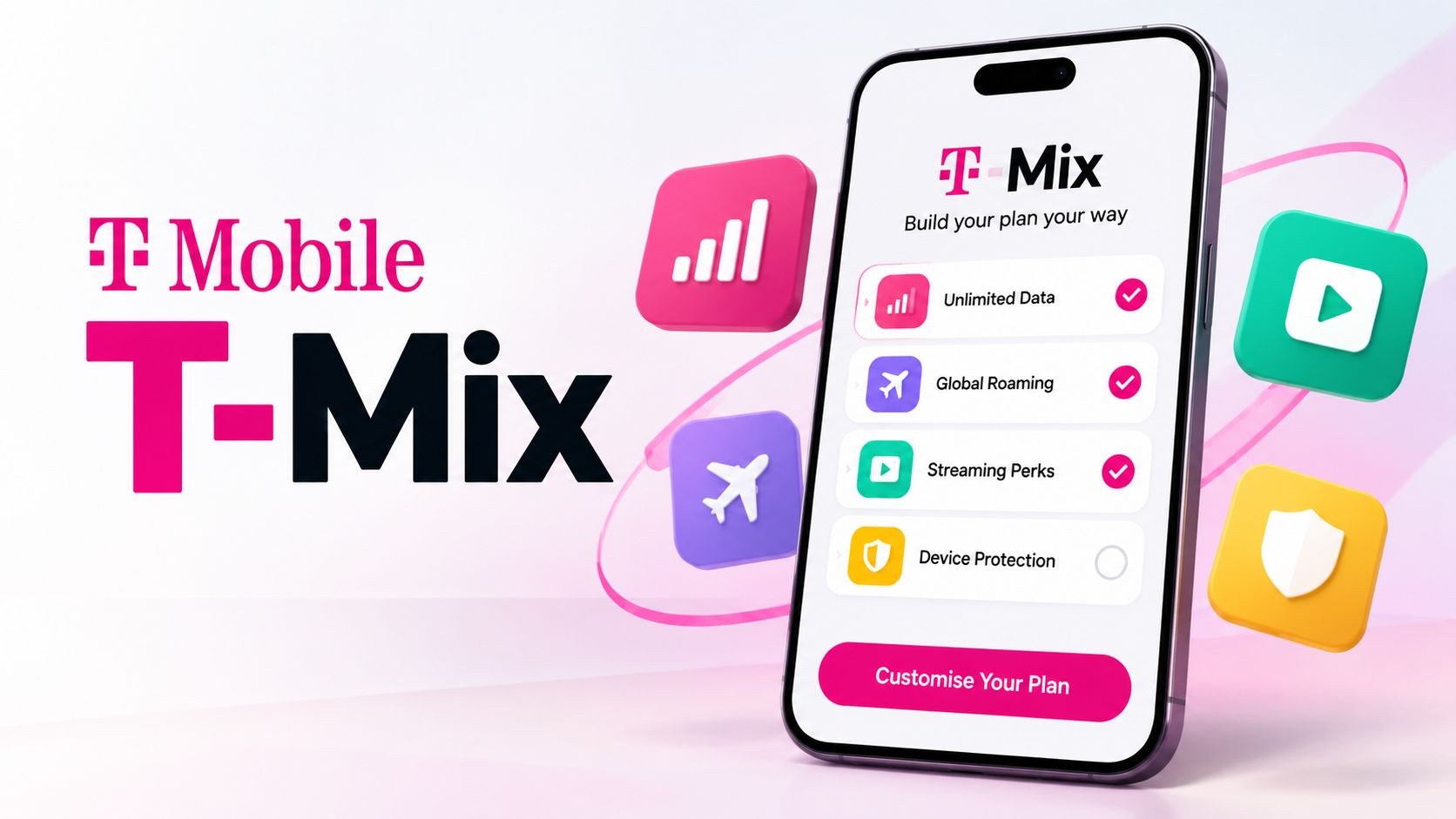
T-Mobile has overhauled its traditional wireless model with T-Mix, a modular plan architecture designed to replace rigid bundle perks with flexible, subscriber-selected benefits called Picks. Rather than forcing every subscriber into identical streaming services, T-Mix enables customers to choose specific subscriptions, digital perks, and network upgrades tailored to individual preferences. Understanding how T-Mix works, which plan tiers qualify, and how to swap options throughout the year ensures you extract the highest monetary and functional value from your wireless account.

What Is T-Mobile T-Mix and How Does It Work
Under previous generations of wireless plans, carriers bundled predetermined services directly into premium accounts. A household might receive a complimentary Netflix or Apple TV subscription regardless of whether family members already maintained separate accounts or preferred competing platforms.
T-Mix fundamentally restructures this dynamic by decoupling perks from the core service. Base plans provide voice, text, and data connectivity, while Picks act as modular benefit credits. Each qualifying line receives a specific allocation of Picks according to its tier. These perks are not charged as incremental monthly add-on fees; their cost is fully integrated into the recurring monthly rate of the plan.
In practice, this allows distinct account lines to maintain completely different perks. One user on a family plan can assign their Pick to streaming television, while another line on the same billing statement can allocate their allowance toward cloud productivity tools or satellite connectivity.
T-Mix Plan Tiers and Benefit Allocations
T-Mix organizes its service across three primary plan tiers. The core differentiator between tiers centers on the volume of selectable Picks assigned to each line.
-
Standard: Includes 1 Pick per line. Designed for essential connectivity with a single choice perk.
-
More: Includes 2 Picks per line. Balanced for active digital media users seeking multiple lifestyle or streaming credits.
-
Loaded: Includes 3 Picks per line. Built for power users who want comprehensive entertainment, network priority, and hardware benefits simultaneously.
Discounted Segment Eligibility
T-Mobile retains its tiered discounting structure across special customer segments. Discounted accounts maintain identical Pick allowances to standard consumer accounts:
-
55+ Plans: Offers the same single, double, or triple Pick allocation at reduced multi-line rates for older adults.
-
Military and Veteran Plans: Extended to active-duty personnel, veterans, and their families with full tier feature parity.
-
First Responder Plans: Available for law enforcement, firefighters, and emergency medical personnel.
-
College Student Accounts: Scaled pricing options that allow university students to bundle academic or entertainment tools with mobile service.
Complete Catalog of Available T-Mix Picks
The value of T-Mix depends heavily on which specific services align with your routine spending. Perks span digital entertainment, subscription commerce, productivity, and mobile network upgrades.
| Category | Available Picks | Practical Value & Best Use Case |
| Video Streaming | Netflix, Hulu, Apple TV, Paramount+, YouTube Premium, ESPN Unlimited | Offsets recurring home entertainment bills without managing separate billing accounts. |
| Audio & Music | Apple Music, Pandora, SiriusXM | Ideal for commuters and active music listeners seeking ad-free streaming. |
| Services & Lifestyle | DashPass by DoorDash, Google Gemini, Delta SkyMiles, Xbox Game Pass | Provides grocery/food delivery savings, AI workspace features, travel points, or gaming access. |
| Network & Hardware | T-Satellite Access, Optimized Video Calls, Device Trade-In Accelerators | Delivers emergency remote connectivity, bandwidth priority, or credits toward handset upgrades. |
When evaluating these categories, calculate the direct retail value of the standalone services. For instance, selecting an ad-free music subscription or YouTube Premium often yields higher direct cash savings compared to entry-level streaming bundles that carry lower retail subscriptions.
Step by Step Guide: How to Select and Customise Your Picks
Activating your chosen benefits requires accessing your T-Mobile account portal either via desktop or through the mobile application.
1. Access the T-Mobile Account Portal
Sign in to your account through the primary management app or online browser. Verify that you hold primary account holder permissions, as individual profile permissions determine whether account lines can manage their own selections.
2. Navigate to Plan Add-Ons and T-Mix Settings
Select the Account tab, locate your phone lines, and select the specific phone number you wish to adjust. Click on Manage Add-Ons and Perks to reveal the T-Mix selection dashboard.
3. Review Available Pick Quotas
The dashboard displays your total Pick allowance based on whether that line is registered under Standard (1), More (2), or Loaded (3). Any active perks will be displayed alongside unallocated slots.
4. Choose Your Categories and Confirm Enrollment
Browse through the categorized list. Tick your chosen service, review any external account linking requirements, and submit your choice.
5. Link Third-Party Subscriptions
After confirming your selection, T-Mobile sends an activation link via text message or email. You must click this link to link an existing streaming or service account or create new credentials with the partner platform to apply the carrier credit.
Rules for Swapping Perks: Windows and the Annual Remix
A major limitation of earlier wireless bundles was long-term lock-in. T-Mix avoids permanent selection rules by establishing structured adjustment intervals.
Users can alter their active selections up to four times per calendar year:
-
Three Standard Change Windows: Quarterly intervals where users can swap out inactive perks for alternative services.
-
Annual Remix Window: A dedicated open period during the billing anniversary where all lines can be restructured simultaneously across all available categories.
If you choose a streaming platform to watch a seasonal television series, you can retire that selection at the next swap window and reallocate your slot to travel miles, satellite communication, or delivery subscriptions.
T-Mix Strategic Advantages and Potential Trade-Offs
While customisation represents an operational upgrade over rigid bundles, evaluating T-Mix requires looking at total plan cost alongside recent wireless market shifts.
Key Advantages
-
Reduced Subscription Waste: Accounts stop paying implicitly for services nobody in the household watches or uses.
-
Individual Line Autonomy: Multi-line accounts no longer share a single perk pool; teenagers can choose gaming or music while parents choose delivery or travel credits.
-
Flexible Adaptation: Rotational swapping accommodates shifting lifestyle habits, work travel, and sports seasons.
Practical Considerations
-
Base Plan Pricing: The arrival of T-Mix follows significant portfolio updates, leadership transitions under CEO Srini Gopalan, and historical price adjustments on legacy accounts. Customers holding older, discounted rate plans must calculate whether moving to T-Mix offsets the loss of grandfathered plan pricing.
-
Tier Gating: Advanced mobile upgrades, such as specialized handset promotional credits or priority satellite features, are most practical when holding More or Loaded tiers, which come at a higher monthly baseline.
Frequently Asked Questions
1. Does changing my Pick cost extra money?
No. Swapping between eligible perks does not incur an administration fee or add-on cost, provided your selections stay within your tier allowance.
2. Can two lines on the same account choose the same streaming service?
Yes. Each line receives its own independent Pick allotment, meaning multiple lines can select identical services to establish separate personal subscriptions.
3. What happens to my existing streaming profile when I link a T-Mix Pick?
Existing accounts usually retain watch histories and user profiles. During activation, log in with your existing service credentials to switch the billing method to T-Mobile.
4. Can unused Picks be rolled over to the next month?
No. Picks represent continuous, active subscription benefits. If an allocated slot remains unassigned, it does not accumulate as cash credits or additional future slots.
5. What is the difference between standard change windows and the Annual Remix?
Standard change windows allow scheduled perk swaps during the year, whereas the Annual Remix offers a comprehensive account review period for multi-line configurations.
6. Are device upgrade promotions considered a Pick?
Yes. On select higher tiers, customers can allocate a Pick toward handset financing incentives or accelerated device trade-in timelines.
7. Do discounted segments receive fewer perk choices?
No. Plans under 55+, military, first responder, and college designations retain the exact same catalog and number of Picks per tier as standard plans.
8. What happens if I downgrade my plan from Loaded to More?
Downgrading from Loaded to More reduces your Pick allotment from three to two. You will be prompted to select which perk to deactivate upon plan renewal.
9. Can I purchase additional Picks beyond my tier limit?
Additional services can be purchased as standard monthly add-ons, but bundled zero-cost Picks remain strictly limited to your designated tier quota.
10. Does T-Satellite access require a specific tier?
Basic satellite messaging features may align with lower tiers, while comprehensive continuous data connectivity over satellite generally requires selecting the option as a designated Pick.

Selva Ganesh is a Computer Science Engineer, Android Developer, and Tech Enthusiast. As the Chief Editor of this blog, he brings over 10 years of experience in Android development and professional blogging. He has completed multiple courses under the Google News Initiative, enhancing his expertise in digital journalism and content accuracy. Selva also manages Android Infotech, a globally recognized platform known for its practical, solution-focused articles that help users resolve Android-related issues.




Leave a Reply