
Stop Your Samsung TV from Tracking You and Sending Data– Modern smart televisions function far beyond traditional display panels, operating essentially as connected computing devices equipped with sophisticated data collection mechanisms. When you power on a Samsung Smart TV, background telemetry systems begin logging viewing habits, audio signatures, and device interactions. Understanding how this data collection operates and implementing robust mitigation strategies allows households to reclaim their digital privacy without sacrificing entertainment quality.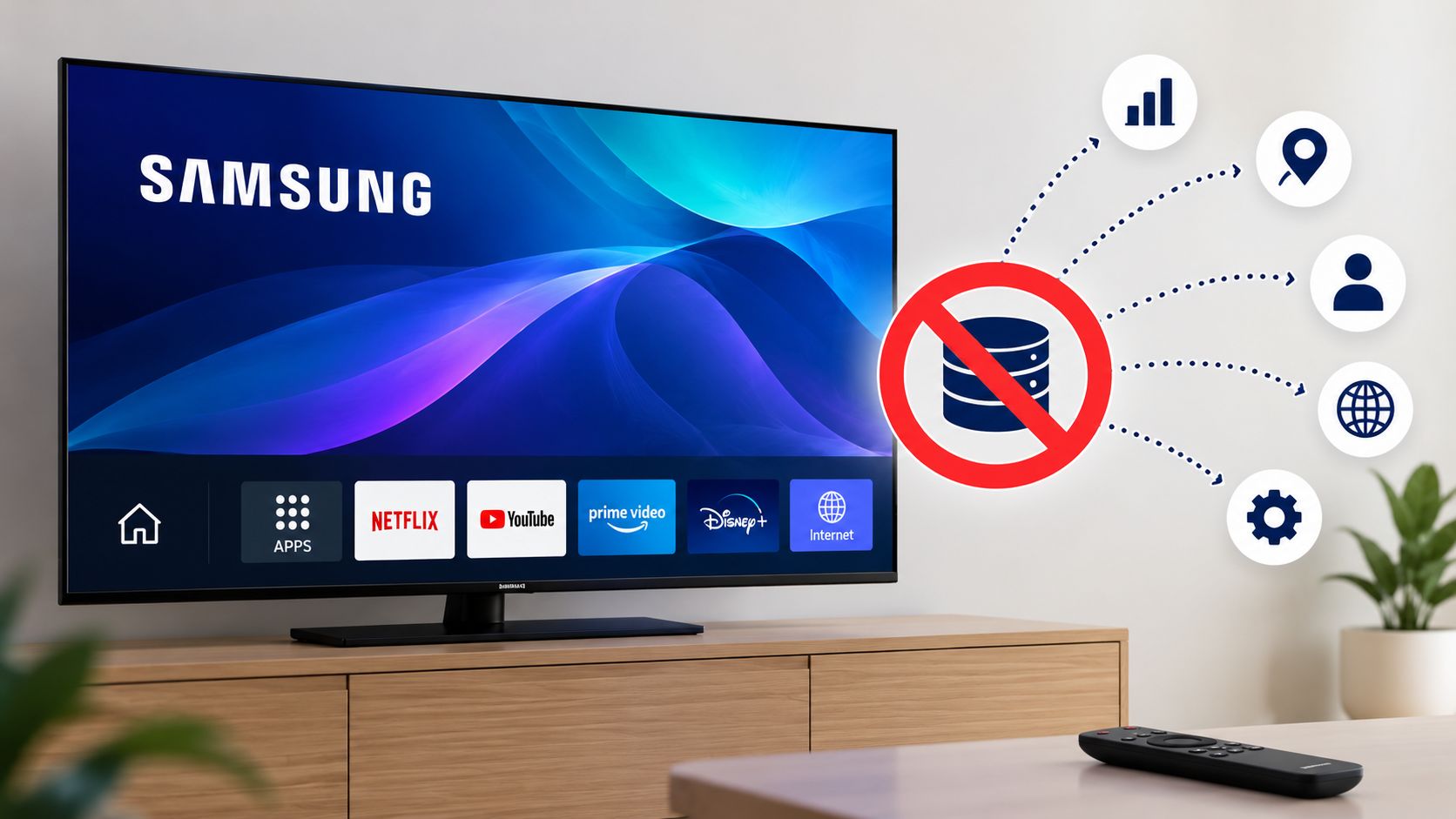
The Hidden Reality of Smart TV Telemetry
Manufacturers subsidize hardware costs through data monetization and targeted advertising ecosystems. Central to this data harvesting is a technology known as Automatic Content Recognition or ACR. ACR software continuously captures video and audio samples from whatever is displayed on the screen, whether you are watching live broadcast television, playing a video game through an HDMI console, or streaming via an application. These visual and audio fingerprints are matched against massive cloud databases to identify exact content, timestamps, and advertisements viewed.

Extensive network monitoring reveals that background data transmissions often persist even after users disable privacy toggles within the television settings menu. Because manufacturer firmware frequently maintains telemetry routines baked into core system services, relying solely on built-in software switches may leave your household viewing data vulnerable to continuous extraction. Achieving comprehensive privacy requires a multi-layered approach combining software configuration, network-level interception, and hardware management.
Step One: Adjusting Built-In Privacy Settings
While software switches alone may not block every outbound packet, disabling native tracking features remains a vital first layer of defense. Samsung organizes its privacy controls within the Tizen operating system settings. Depending on your specific television model year and firmware iteration, the exact menu path may vary slightly, but the core options remain consistent.
Begin by pressing the Home button on your Samsung remote control to access the main dashboard. Navigate to Settings and select All Settings or open the side configuration menu. Scroll down to select General and Privacy, or Support on older legacy models. Within this submenu, locate Terms and Privacy or Privacy Choices.
Inside this panel, look specifically for Viewing Information Services and uncheck or toggle it off. This function represents Samsung’s primary ACR data-gathering mechanism. Alongside this setting, disable Interest Based Advertising and any associated ad-targeting profiles to prevent behavioral profiling. Reviewing these menus after major firmware updates is essential, as manufacturers occasionally reset or re-enable telemetry permissions during system patches.
Step Two: Implementing Network Level Blocking
Because network diagnostics consistently show that background telemetry packets can bypass software toggles, intercepting traffic at the router level provides the most reliable defense against unwanted data transmission. Restricting communication between the television and manufacturer analytics servers ensures that your viewing habits remain private.
Deploying a DNS Sinkhole
Setting up a local DNS blocker such as Pi-hole or AdGuard Home, or utilizing a cloud-based filtering service like NextDNS, allows you to intercept and drop domain lookups originating from the television before data leaves your home network. Commonly identified Samsung telemetry and ACR endpoints include domains such as acr0.samsungcloudsolution.com and acr.samsungcloudsolution.net, alongside various samsungads.com subdomains.
When configuring DNS filtering, exercise caution regarding broad cloud wildcard blocks. Overly aggressive filtering can inadvertently disrupt legitimate services, including application authentication routines, streaming service logins, or critical firmware updates. Regularly inspect your DNS query logs to verify which domains the television attempts to contact.
Isolating the Television on a Guest Network
If your home router supports advanced network segmentation, placing your smart television on a separate Guest Network or an isolated Virtual Local Area Network represents an exceptionally effective precaution. This configuration ensures that even if the television maintains an active internet connection, it remains cordoned off from sensitive personal devices residing on your primary local network, such as smartphones, personal laptops, network attached storage drives, and smart home automation hubs. Network isolation prevents lateral scanning and secures your broader digital environment.
Step Three: Managing Physical Inputs and External Streaming Devices
Data transmissions frequently intensify during specific hardware interactions, including over-the-air antenna broadcasts, legacy cable feeds, and native smart application usage. To minimize exposure, disconnect physical cable lines and antenna wires whenever those broadcast sources are not actively in use.
Furthermore, consider bypassing the television’s native operating system entirely by connecting an external streaming box, such as an Apple TV or a dedicated hardware device configured with strict privacy protections. By routing all media consumption through an external device and keeping the smart television completely offline, you eliminate direct telemetry transmission while enjoying a smoother and more private user interface.
Balancing Privacy and Smart Functionality
Securing a modern television environment requires ongoing vigilance. While disconnecting the television from the internet entirely provides absolute privacy, it disables streaming apps and software updates. Implementing DNS filtering alongside privacy setting adjustments strikes a practical balance, preserving modern convenience while effectively silencing background tracking routines.
Frequently Asked Questions
1. What is Automatic Content Recognition on a Samsung TV?
Automatic Content Recognition is a software feature that captures audio and video snippets from your screen to identify what you are watching and transmit viewing habits to manufacturer servers.
2. Do privacy toggles completely stop data collection?
While turning off viewing information services disables the primary ACR feature, network tests show that background data packets may still be transmitted through other system processes.
3. What domains should be blocked on a Pi-hole for Samsung TVs?
Commonly blocked telemetry domains include acr0.samsungcloudsolution.com, acr.samsungcloudsolution.net, and various subdomains associated with samsungads.com.
4. Will blocking telemetry domains break smart TV apps?
Targeted domain blocking rarely affects video streaming apps, but overly aggressive wildcard blocks can occasionally interfere with firmware updates or specific login authentications.
5. How does putting the TV on a guest network help?
Isolating the television on a separate guest network prevents it from scanning or communicating with sensitive personal devices like computers and network drives on your main network.
6. Can I use my Samsung smart TV without connecting it to the internet?
Yes, you can operate the television strictly as a display monitor by connecting external streaming boxes or gaming consoles while keeping the TV offline.
7. Why do smart TV manufacturers collect viewing data?
Manufacturers monetize user data through targeted advertising networks, content recommendation algorithms, and selling aggregated viewing metrics to third-party marketing companies.
8. Do firmware updates reset my privacy settings?
Major system updates occasionally re-enable default privacy configurations or introduce new data-sharing terms, requiring users to re-verify their privacy preferences periodically.
9. Are external streaming boxes more private than native TV apps?
Dedicated streaming boxes often offer superior privacy controls and fewer intrusive data collection practices compared to the heavily monetized operating systems built into modern smart televisions.
10. How can I verify if my TV is still sending telemetry data?
You can monitor outbound DNS queries and network traffic passing through your home router using network management tools or dedicated DNS filtering dashboards.

Selva Ganesh is a Computer Science Engineer, Android Developer, and Tech Enthusiast. As the Chief Editor of this blog, he brings over 10 years of experience in Android development and professional blogging. He has completed multiple courses under the Google News Initiative, enhancing his expertise in digital journalism and content accuracy. Selva also manages Android Infotech, a globally recognized platform known for its practical, solution-focused articles that help users resolve Android-related issues.




Leave a Reply