
As the mobile landscape shifts, the Samsung Messages app is officially entering its sunset phase. Samsung has recently confirmed a significant transition, steering its massive global user base toward more modern, feature-rich ecosystems. For many Galaxy owners, this marks the end of an era. Still, it also presents a premier opportunity to upgrade your texting experience with superior tools that offer better customization, security, and cross-platform synchronization.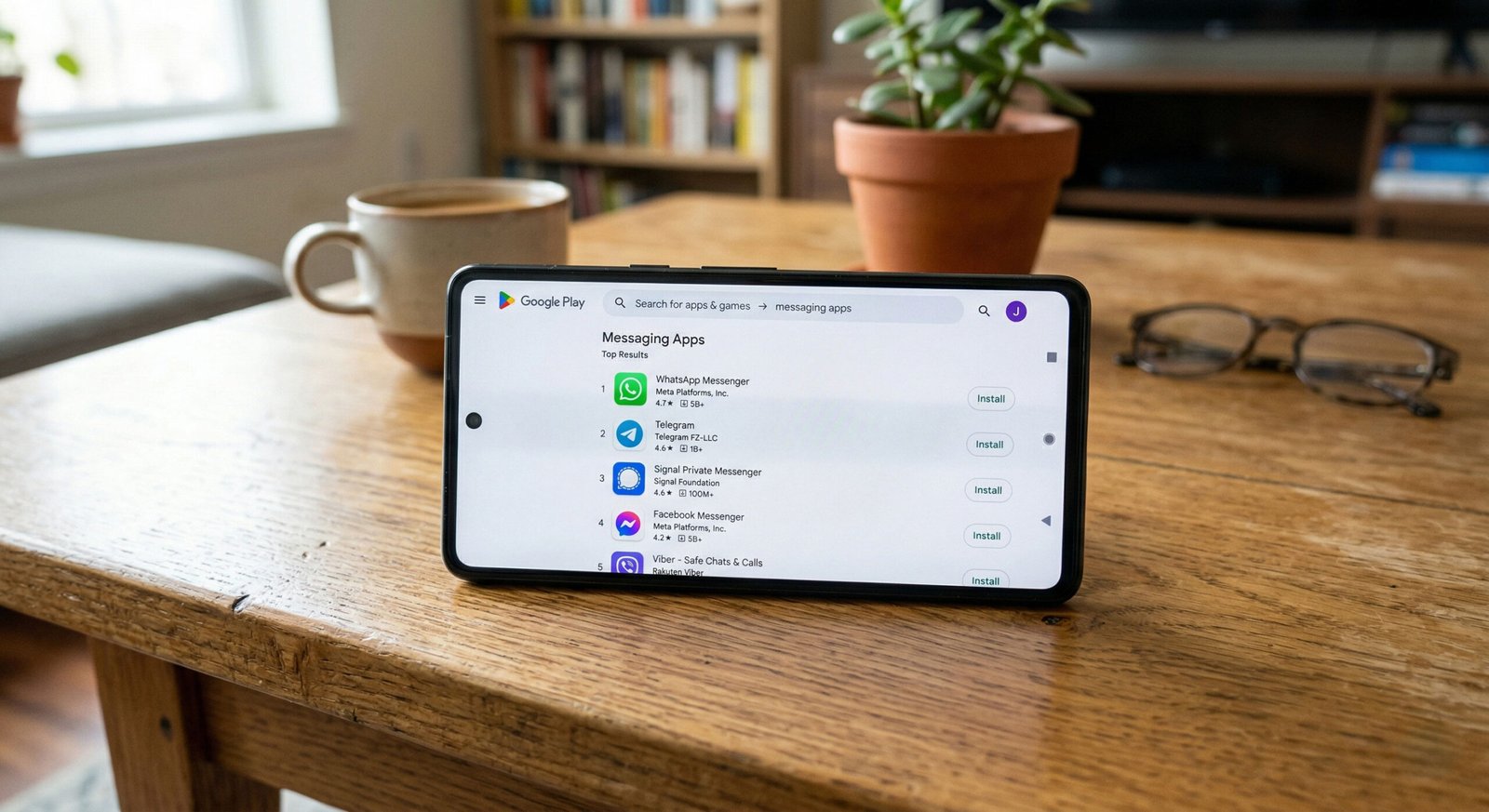
We have rigorously tested the leading contenders to identify the absolute best SMS and RCS alternatives available today. Whether you are seeking the cutting-edge AI features of Google’s ecosystem or the granular aesthetic control of third-party developers, this guide provides the most comprehensive analysis of the top five alternatives to the Samsung Messages app.
1. Google Messages: The Natural Successor with RCS Power
When considering a replacement for Samsung Messages, Google Messages is the most seamless and logical choice. It is the platform Samsung itself is endorsing, and for good reason. It serves as the primary vehicle for Rich Communication Services (RCS) on Android, effectively bridging the feature gap between traditional SMS and modern instant messengers like WhatsApp or iMessage.

- RCS Universal Profile: Google Messages supports high-resolution photo and video sharing (up to 100MB), typing indicators, and read receipts. Unlike traditional SMS, these features work over Wi-Fi and mobile data, ensuring you stay connected even without a cellular signal.
- Gemini AI Integration: In 2026, Google will have deeply integrated its Gemini AI into the messaging interface. This allows for Smart Replies that actually sound like you, automated summaries of long conversation threads, and the ability to draft complex messages with simple prompts.
- Security and Encryption: Privacy is a cornerstone of the Google Messages experience. The app utilizes the Signal Protocol for end-to-end encryption (E2EE) in one-on-one and group chats, ensuring that nobody—not even Google or your carrier—can read your private conversations.
- Spam Protection: Google’s real-time spam detection is arguably the best in the industry, automatically filtering out fraudulent links and marketing “noise” before it ever hits your inbox.
2. Textra SMS: The King of Customization and Speed
For users who find Google Messages too “corporate” or restricted, Textra SMS remains the gold standard for personalization. While it does not support RCS (as RCS remains largely restricted to first-party apps), it compensates with a level of aesthetic fluidity and speed that is unmatched in the Play Store.
- Infinite Customization: Textra allows you to change virtually every visual element. We can choose from over 180 Material Design themes, customize bubble styles, and even set unique per-contact notification icons and colors.
- Performance Optimization: One of Textra’s greatest strengths is its optimized database. Even if you have a history of 50,000+ messages, the app remains lightning-fast, with zero lag during scrolling or searching.
- Advanced Features: It includes a “Delayed Send” feature (allowing you to cancel a text within a 1-10 second window), scheduled messaging, and the ability to stop a text while it is in the process of sending.
- Superior Emoji Support: Textra offers various emoji styles (iOS, Android, JoyPixel, Twitter), ensuring that your expressions look exactly how you intend them to, regardless of the recipient’s device.
3. Microsoft SMS Organizer: The Ultimate Productivity Tool
If your inbox is a chaotic mess of OTPs (One-Time Passwords), bank alerts, and promotional spam, Microsoft SMS Organizer is the alternative you need. Developed under the Microsoft Garage initiative, this app uses on-device machine learning to categorize your messages automatically.
- Intelligent Categorization: The app sorts your messages into distinct tabs: Personal, Transactions, and Promotions. This keeps your important conversations front and center while tucking away receipts and marketing fluff.
- Smart Reminders: One of its standout features is the ability to extract information from your texts to create Smart Reminders. It can automatically remind you of upcoming flight bookings, utility bill payments, or movie reservations via clean, actionable cards.
- Offline Functionality: Crucially, all of this “smart” processing happens locally on your device. You do not need an internet connection for the app to organize your inbox or set reminders, which also enhances your data privacy.
- Automatic Backups: It integrates seamlessly with Google Drive, allowing for automated, encrypted backups so you never lose your conversation history when switching phones.
Download Microsoft SMS Organizer
4. Pulse SMS: Unrivaled Cross-Device Synchronization
For those who work across multiple platforms—PCs, tablets, and laptops—Pulse SMS offers the most robust multi-device experience outside of the Apple ecosystem. While many apps struggle with desktop integration, Pulse excels by treating your phone as a hub for a truly universal messaging experience.
- True Multi-Device Sync: Pulse SMS allows you to send and receive texts from your Mac or Windows computer, Android tablet, or even through a web browser. It uses a secure, end-to-end encrypted backend to keep all devices perfectly in sync.
- Privacy-First Architecture: While the sync feature is a paid service, it is built on a foundation of end-to-end encryption. The “secret key” used to decrypt your messages is stored only on your local devices, meaning the developers cannot access your data.
- Rich Media and GIFs: The app features a built-in Giphy integration, making it incredibly easy to find and share the perfect GIF without leaving the chat interface.
- Clean Design: It boasts a highly fluid UI with beautiful animations that feel right at home on modern high-refresh-rate displays found on Galaxy S-series devices.
5. Chomp SMS: The Feature-Packed Powerhouse
Developed by the same team behind Textra, Chomp SMS is designed for the “power user” who wants every possible utility baked into a single application. It is a lightweight yet incredibly powerful alternative that focuses on utility and privacy.
- Passcode App Lock: If you share your phone or want an extra layer of security, Chomp includes a built-in passcode lock for the entire app or specific conversations.
- Quick Reply Pop-ups: Chomp features a highly customizable Quick Reply pop-up that allows you to respond to messages instantly over the top of any other app you are currently using, significantly reducing task-switching.
- Bulk SMS and Scheduling: It is particularly effective for mass messaging and pre-planned communication, offering a robust scheduling engine that ensures your birthday wishes or professional reminders go out exactly on time.
- Blocklisting and Blocking: The SMS blocker in Chomp is exceptionally granular, allowing you to block messages based on specific keywords or phone number patterns, giving you total control over who can reach you.
Conclusion: Which Alternative Should You Choose?
The discontinuation of the Samsung Messages app is not a setback; it is an invitation to explore a better way of communicating.
If you want the most modern, RCS-compliant experience with the power of Google’s AI, then Google Messages is the definitive choice. However, if you value aesthetic freedom, Textra remains the undisputed champion. For those overwhelmed by digital clutter, Microsoft SMS Organizer will transform your productivity. If you need to text from your computer, Pulse SMS is the premium solution, and for those seeking privacy locks and quick-response tools, Chomp SMS is a fantastic all-rounder.
By switching to one of these high-quality alternatives, you ensure that your Android messaging experience remains secure, organized, and perfectly tailored to your lifestyle in 2026 and beyond.

Selva Ganesh is a Computer Science Engineer, Android Developer, and Tech Enthusiast. As the Chief Editor of this blog, he brings over 10 years of experience in Android development and professional blogging. He has completed multiple courses under the Google News Initiative, enhancing his expertise in digital journalism and content accuracy. Selva also manages Android Infotech, a globally recognized platform known for its practical, solution-focused articles that help users resolve Android-related issues.





Leave a Reply