
In a long-awaited move, American Airlines has officially added Google Wallet support for boarding passes, allowing Android users to experience a faster, smoother, and more seamless travel experience. With this new feature, passengers can now save, access, and scan their boarding passes directly from Google Wallet, eliminating the need to open the American Airlines app or juggle between emails during check-in and boarding.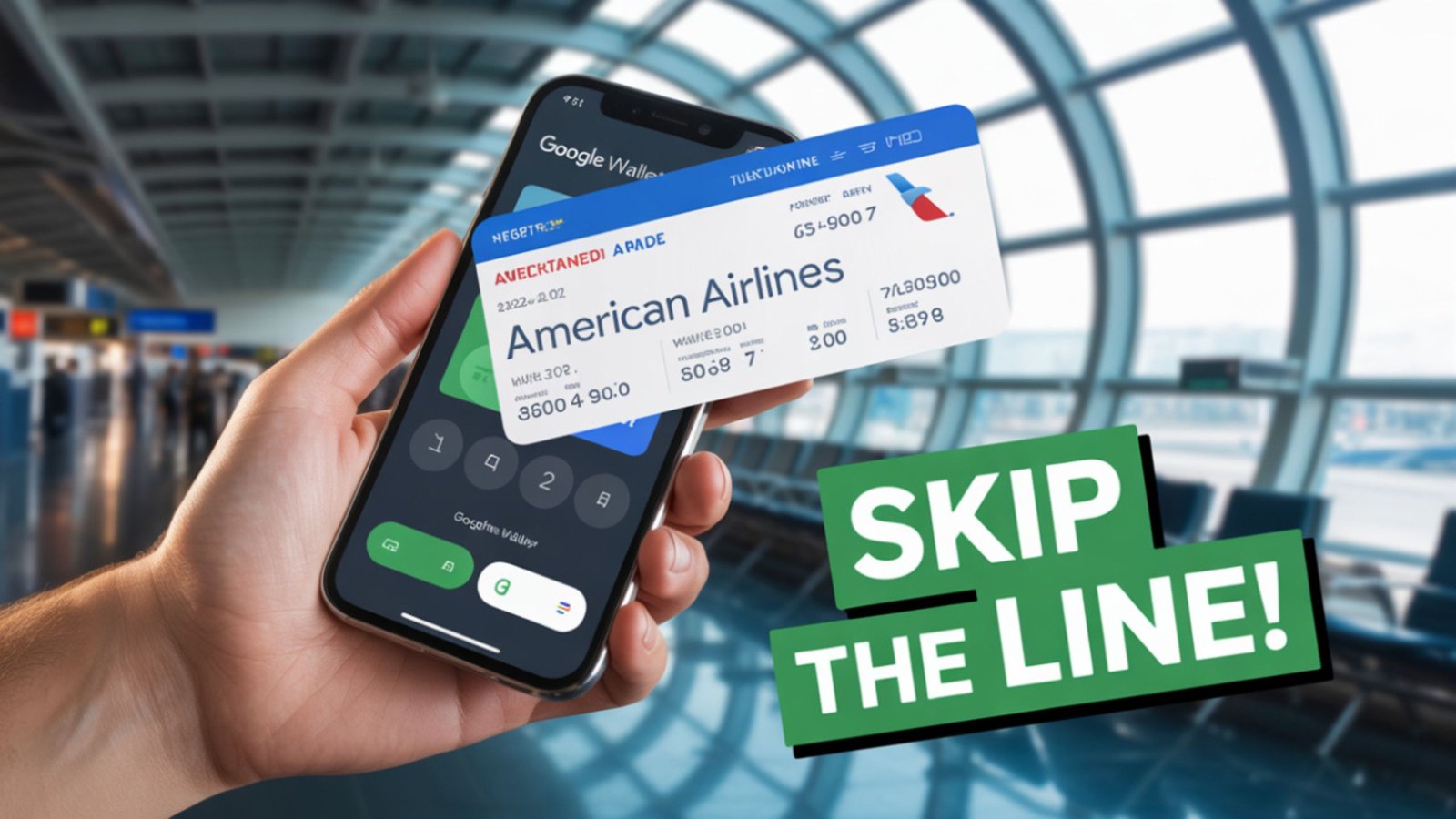
A Major Step Toward Seamless Air Travel
For years, Apple Wallet users enjoyed the simplicity of storing their boarding passes and flight information directly on their iPhones. Android users, on the other hand, had to rely on the American Airlines app or mobile web check-in to retrieve their digital passes. The introduction of Google Wallet boarding pass integration bridges that gap, providing the same convenience for millions of Android travelers.

This update is not just a minor convenience—it represents a significant shift in how American Airlines enhances digital travel experiences. The airline has been expanding its focus on technology-driven solutions to make travel easier and more efficient.
How Google Wallet Boarding Pass Integration Works
The process is intuitive and quick. After checking in for your flight on the American Airlines website or mobile app, Android users will now see an option to “Add to Google Wallet.” By tapping this, the boarding pass automatically appears in the Google Wallet app, complete with flight details such as:
- Passenger name
- Flight number and destination
- Gate number and boarding time
- Seat assignment
- Barcode for security scanning
Once saved, passengers can access the boarding pass directly from the lock screen or smartwatch, making airport navigation smoother and faster. Android Infotech has already covered a wide range of Google Wallets.
Enhanced Travel Convenience with Google Wallet
The integration offers more than just digital storage—it enhances efficiency and real-time access to critical flight details. With Google Wallet boarding passes, users benefit from:
- Offline access: Even without internet connectivity, the boarding pass remains available.
- Automatic updates: If your gate or departure time changes, the pass updates instantly.
- Contactless check-in: Scan your phone or smartwatch at the gate to proceed to the boarding area.
- Unified storage: Keep your boarding passes, payment cards, transit tickets, and IDs all in one secure app.
These enhancements enable travelers to navigate airports with confidence, eliminating the stress of searching for printed tickets or app screens.
Why This Move Matters for Frequent Flyers
For frequent travelers and business flyers, time and simplicity are everything. Google Wallet’s new boarding pass functionality aligns with the modern traveler’s needs. American Airlines’ integration ensures that Android users now enjoy the same premium experience Apple users have had for years.
Moreover, this change reflects American Airlines’ commitment to improving digital accessibility. It’s a small step that has a significant impact—especially for travelers managing multiple flights, connections, and tight schedules.
Security and Privacy: A Top Priority
When it comes to digital boarding passes, data security and privacy are essential. Google Wallet provides end-to-end encryption, ensuring that sensitive passenger information is secure. Boarding passes are stored locally and protected with biometric authentication, such as fingerprint or face unlock.
American Airlines confirms that the integration follows strict data protection standards, aligning with both Google’s security infrastructure and aviation compliance guidelines. Users can rest assured that their personal and travel information remains protected.
Step-by-Step Guide: How to Add Your American Airlines Boarding Pass to Google Wallet
To make the most of this new feature, follow these simple steps:
- Check in for your flight via the American Airlines app or the official website.
- Once your boarding pass appears, tap the “Add to Google Wallet” option.
- Review your flight details before confirming.
- Tap “Save”, and the boarding pass will appear instantly in your Google Wallet.
- Access the pass from your lock screen, home screen shortcut, or smartwatch when boarding.
It’s that simple—and it eliminates the need for physical boarding passes entirely.
Expanding Google Wallet Integration Across Airlines
American Airlines is not alone in adopting Google Wallet integration. Several global airlines, including United Airlines, Lufthansa, and Singapore Airlines, already support similar features. However, American Airlines’ participation marks a significant milestone for U.S.-based carriers, given its scale and passenger volume.
The airline’s move signals a broader trend toward universal digital travel solutions. As travelers increasingly rely on smartphones and wearables, the ability to consolidate all travel documents within a single app becomes essential.
Future of Digital Boarding Passes and Smart Travel
This integration is only the beginning. With the rise of AI-driven travel ecosystems, airlines are pushing for smart automation, real-time notifications, and biometric boarding to streamline the entire journey.
American Airlines is already experimenting with digital ID verification, automated bag drops, and AI-powered travel assistance—all designed to complement tools like Google Wallet. Eventually, travelers will be able to check in, clear security, and board flights using only their smartphones or smartwatches.
Compatibility and Global Availability
At launch, the Google Wallet boarding pass feature for American Airlines is available to Android users running Android 12 or later, with the latest versions of both Google Wallet and the American Airlines app installed. The feature is rolling out in phases globally, so users in some regions may receive it slightly later.
Passengers can verify whether their flight supports the feature by checking for the “Add to Google Wallet” button during online check-in.
Customer Reactions and Market Impact
Travelers have quickly embraced the update, praising its speed, ease of use, and reliability. Frequent flyers on platforms like Reddit and X (formerly Twitter) have noted that the boarding process feels smoother, especially during connecting flights.
From a business perspective, this move also enhances American Airlines’ competitive positioning in the travel technology space. As the airline industry becomes increasingly digital, providing a frictionless mobile experience becomes a core differentiator.
Final Thoughts
The introduction of Google Wallet support for American Airlines boarding passes marks a significant step toward fully digital and hassle-free air travel. This long-anticipated update provides Android users with the same convenience that Apple users have enjoyed, offering a secure, fast, and intuitive experience that simplifies every part of the journey—from check-in to boarding.
By integrating with Google Wallet, American Airlines demonstrates its commitment to innovation, customer convenience, and technological excellence. For passengers, it’s one more reason to look forward to smoother skies ahead.

Selva Ganesh is a Computer Science Engineer, Android Developer, and Tech Enthusiast. As the Chief Editor of this blog, he brings over 10 years of experience in Android development and professional blogging. He has completed multiple courses under the Google News Initiative, enhancing his expertise in digital journalism and content accuracy. Selva also manages Android Infotech, a globally recognized platform known for its practical, solution-focused articles that help users resolve Android-related issues.





Leave a Reply