
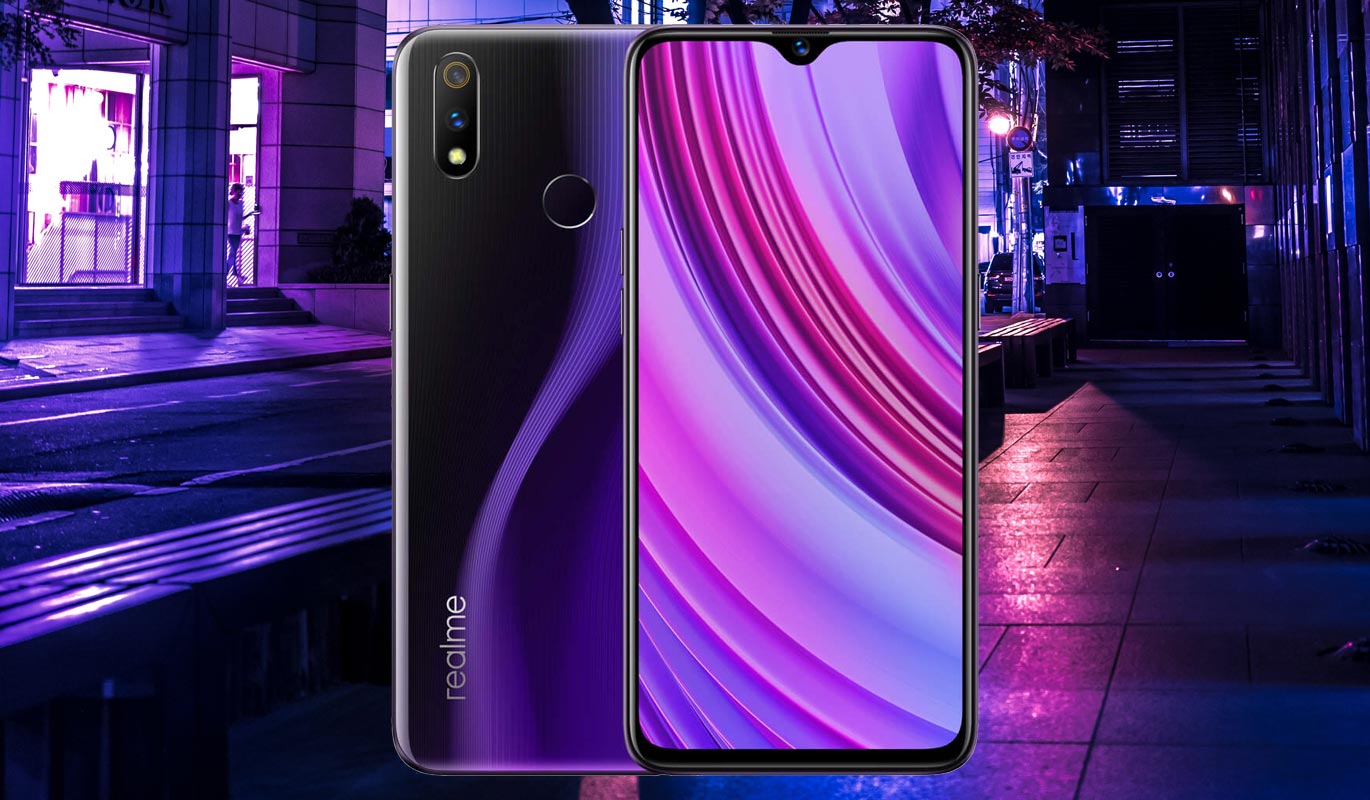
Realme X Youth Edition, aka Realme X Lite version, is a downgraded version of Realme X. It has the Same processor, But they reduced the Camera into Two Rear and MP also. It comes with 16+5 instead of 48+5 MP Camera. You can choose up to 4-6 GB RAM. It already comes with Color 6.0 that is based on Pie 9.0 version. But, sometimes, you may lose or break the official stock firmware. It can happen when we try to root our mobile or flashing different region firmware to get specific features. Flashing firmware is pretty easy in Realme mobiles. They are providing us the modified Recovery that allows us to flash the firmware directly. Within Recovery alone, you can use two methods to update- Downloaded firmware flash and Online Update method. You can also use this method to unbrick your mobile.
After flashing with the help of TWRP, You should flash the firmware using TWRP recovery and flash Magisk after that. Or Else, you will lose root access.

Pie 9.0 Firmware Flash- Realme X Lite Youth Edition
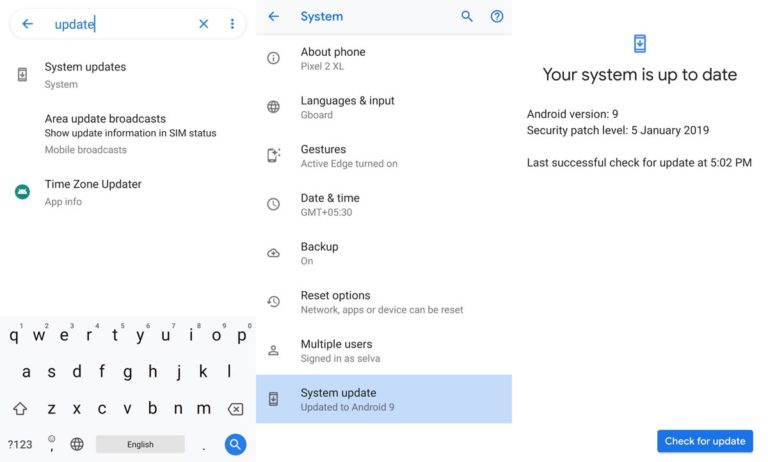
Official OTA Method
If you’re going to update a security patch to the current month. Don’t go for the manual method. Try this Automatic method.
The process is straightforward and straightforward;
-
Go to your device setting menu and scroll down to the bottom
-
Tap on “Software Update”
-
You may have to refresh the page to start the OTA upgrade process.
Downloads
Manual Method (RMX1851)
Note
- Check Your Device Mobile No. If you flash Different model number, you will lose some features based on your region.
- Battery Percentage Above 50.
- Backup Your Device.
Simple Method
- Download Oppo Realme X Youth Edition Pie 9.0 firmware and Copy it in your mobile Root Internal storage.
- Don’t put the file in the folder.
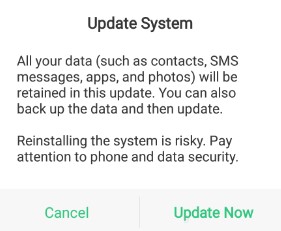
- Go to File Manager, Select downloaded firmware. It will ask for the update process, Select “Update Now.”
Stock Recovery Method
- Download firmware from the above link and copy it on your mobile.
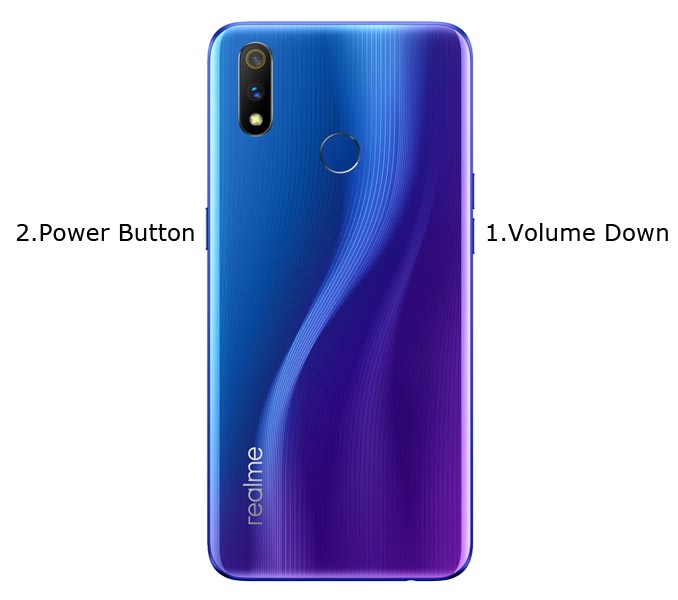
- Switch off your device. Then, enter into Recovery mode. To do this, press and hold down the Volume Down+ Power buttons at the same time for some time.
-
Press the Volume Down button to continue when you see the warning message.
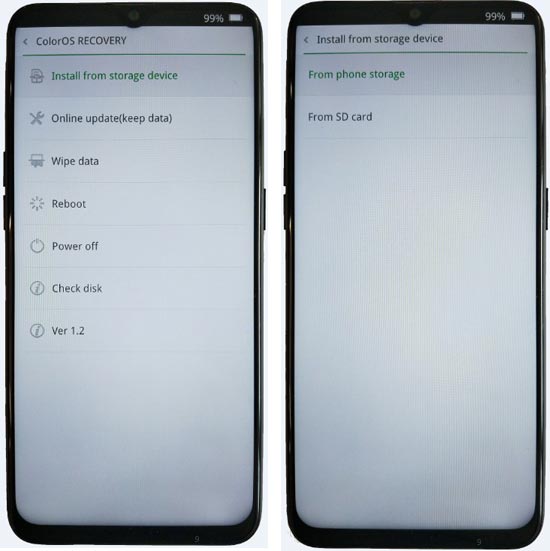
- Select “Install from the storage device.” select the storage where you downloaded your firmware file.
- Wait for the process to complete. Don’t interrupt your mobile during the process.
Online Update Method
This method will not wipe user data. But, You need a Stable Wi-Fi Connection for this. The Network should not be interrupted during the process.
- Connect your mobile with W-Fi and test the Data Network is working correctly.
- Switch off your device. Then, enter into Recovery mode. To do this, press and hold down the Volume Down+ Power buttons at the same time for some time.
-
Press the Volume Down button to continue when you see the warning message.
- Select “Online update.”
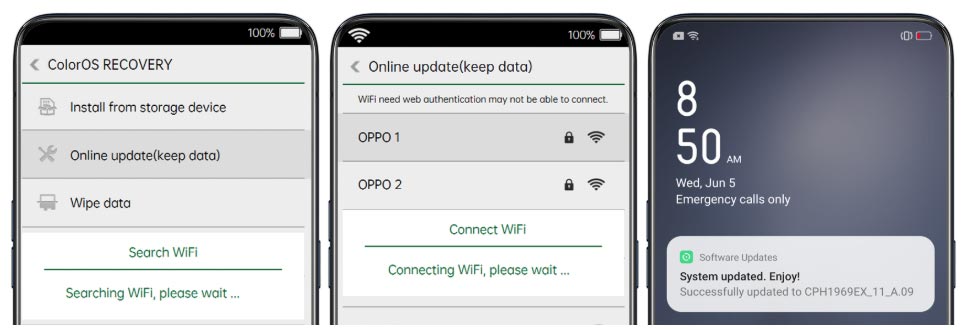
- Wait for the process to complete. Don’t interrupt your mobile during the process.
TWRP Recovery Method
This method is for those who want to return to Stock firmware If you are using Custom ROM. Full TWRP Backup on External storage is necessary. You will lose All Data.
- Download firmware from the above link and Copy it in your External mobile storage. Don’t copy it in your Internal Storage. We are going to Wipe the entire mobile Internal memory.
- Switch off your device. Then, enter into TWRP Recovery mode. To do this, press and hold down the Volume Down+ Power buttons at the same time for some time.
- Select Wipe->Advance Wipe->Select System, Dalvik Cache Data. (Will Wipe all Data Including user Data)
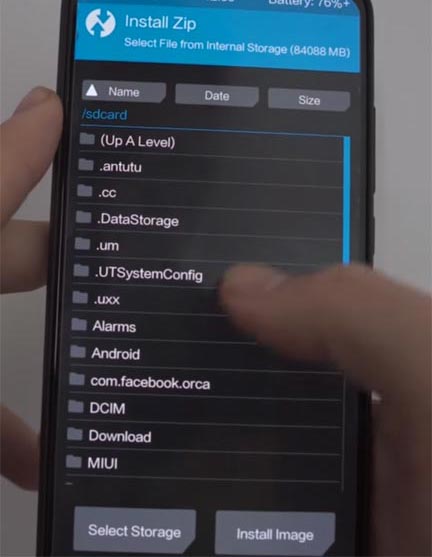
- Return to Home of TWRP select Install.
- Select firmware.ozip.
- After the Installation Reboot Your Mobile.
- You can Check the Firmware Details->Settings->About->Version.
Oppo Realme Color OS 6 Pie 9.0 Features
Main Features
- Upgrade system to Pie 9.0 Update. There are a lot of features added to Pie. Here I mentioned some Important features.
- We have optimized Recent apps Switcher.
- Volume Rocker contains Silent/Vibrate/Mute Options with Easy adjustable navigation.
- Notification enhanced. Instead of replying to a single message, now you can reply to the whole conversation.
- Lock Screen Visualizer for music.
- New Set of Emoji.
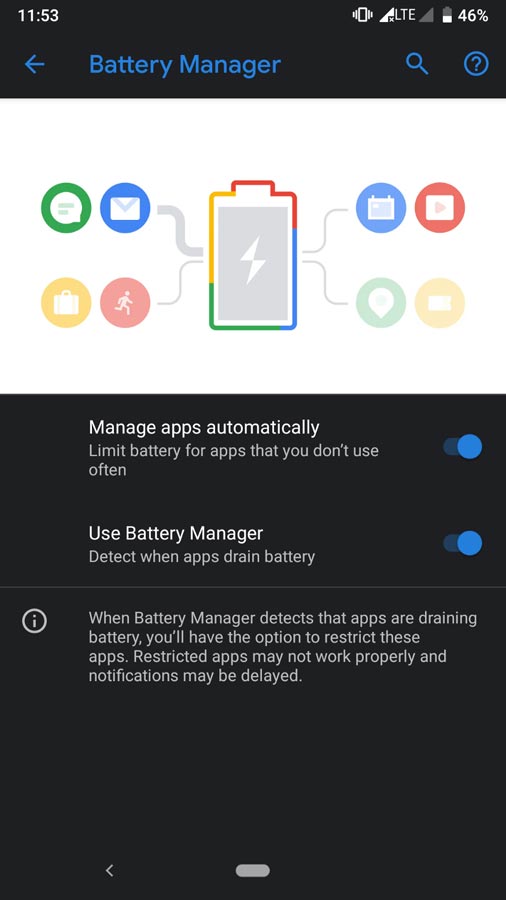
- Adaptive Battery- This feature gives you Better Battery optimization.
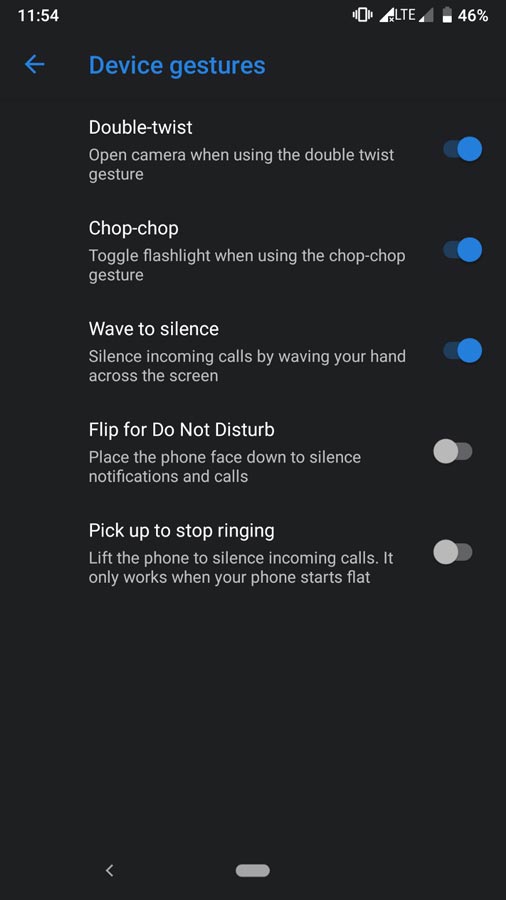
- Improved Gesture navigation compared with the Oreo version and most of the features available in Pixel devices.
Oppo Exclusive Features
System
- Notification icons in status bar Added
- Lock Screen Magazine feature
- A new navigation gesture
- App drawer to ColorOS launcher
- Riding Mode
- Live Wallpaper Feature
UI
- Notification panel UI Enhanced
- AI Board Feature enhancement
- Default theme updated
Camera
- Chroma Boost Mode
- HAL3 support. You should enable this option in Developer Mode. You can enable Developer options by Tapping 7-10 times in your software version.
Applications
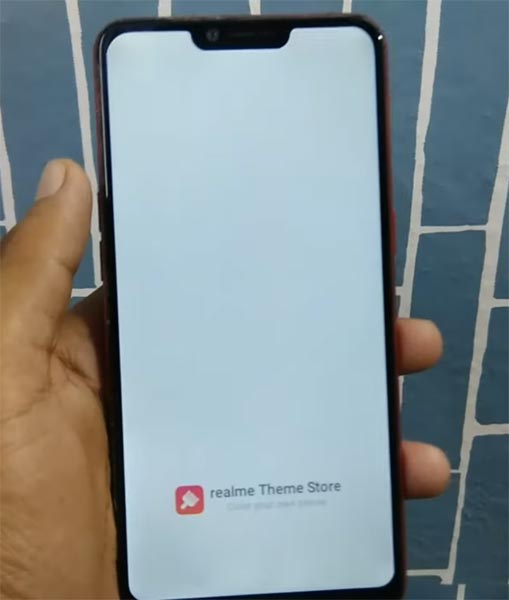
- Realme Theme Store
- Realme App Market (certain regions)
- Added realme Game Center (certain areas)
- Realme community app (certain areas)
Wrap Up
If you are in Stock firmware, Use the Internal Memory method. It is comfortable and safe; You can update like a Regular OTA Update. If you moved to a different region other than your purchased area, you could try with a VPN to get the update. But if you were already using Custom OS or Rooted devices, You can try TWRP Method. Don’t download any third-party apps; sometimes, it may trigger the updates process. In my opinion, Color OS is better to compare with some other Custom Skin OS like MIUI. So try to use this OS instead of a Custom OS. But the decision is your choice…:)

Selva Ganesh is a Computer Science Engineer, Android Developer, and Tech Enthusiast. As the Chief Editor of this blog, he brings over 10 years of experience in Android development and professional blogging. He has completed multiple courses under the Google News Initiative, enhancing his expertise in digital journalism and content accuracy. Selva also manages Android Infotech, a globally recognized platform known for its practical, solution-focused articles that help users resolve Android-related issues.




Leave a Reply