
Save AI Generated Personal Podcasts to Your Spotify Library- We are currently witnessing a seismic shift in how we consume information. Gone are the days of scrolling through endless text files or squinting at notes on a tiny screen. Spotify has officially bridged the gap between generative artificial intelligence and high-fidelity audio distribution with its latest beta feature: Personal Podcasts.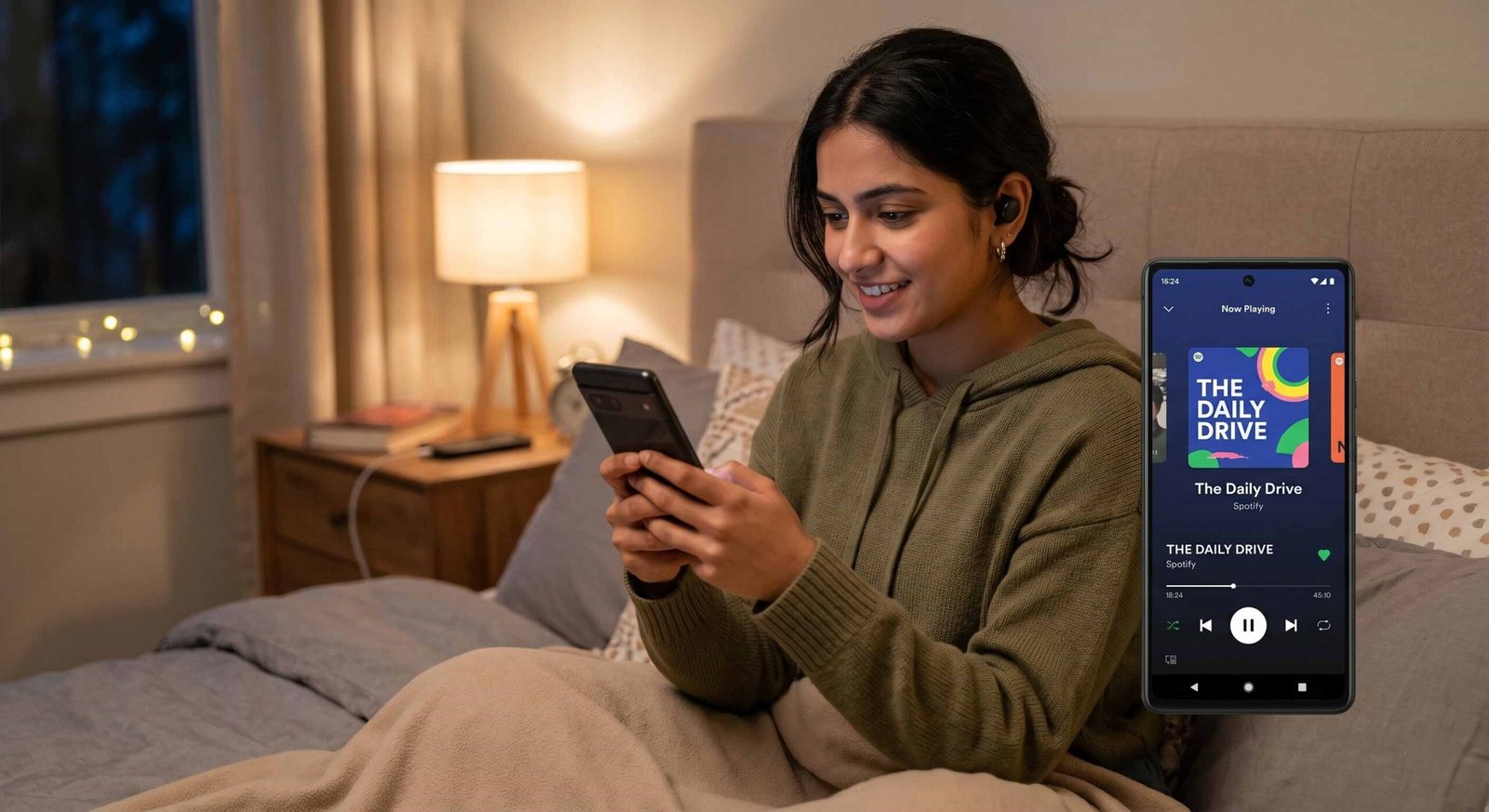
This revolutionary tool allows us to convert our private documents, study guides, and daily briefings into professional-grade audio content that sits right alongside our favorite albums and global podcasts. By leveraging powerful AI agents like OpenAI Codex, Claude Code, and OpenClaw, we can now curate a completely private audio ecosystem.

The Evolution of Personal Audio and AI Integration
For years, we have used Spotify as a destination for the world’s music and the most popular talk shows. However, our personal lives—our meeting notes, travel itineraries, and educational materials—remained trapped in text format. The introduction of Personal Podcasts changes the narrative.
This is not just another “text-to-speech” gimmick. It is an integrated system where AI agents act as our personal producers. These agents don’t just read; they synthesize. They can take a chaotic mess of weekend plans and transform them into a structured, engaging audio briefing. Because this content is synced via the Spotify library, it provides a level of portability that was previously impossible. We can generate a daily digest on our workstation and listen to it seamlessly during a morning commute via a smartphone or tablet.
Key AI Agents Powering Your Personal Audio
To make this happen, Spotify has opened its doors to some of the most advanced large language models and coding agents available today.
- OpenAI Codex: Known for its incredible ability to parse structured data and logic, Codex is ideal for turning complex spreadsheets or technical documentation into easy-to-digest Audio.
- Claude Code: Anthropic’s powerhouse is excellent for nuanced reasoning and creative storytelling. If we want our travel plans to sound like an adventurous narrative rather than a dry list, Claude is the agent of choice.
- OpenClaw: This versatile agent excels in integration and automation, making it perfect for those who want to set up recurring daily briefings without manual intervention.
Step-by-Step Guide to Setting Up Personal Podcasts
The setup process is currently geared toward those comfortable with a bit of technical configuration, but the rewards are well worth the effort. We have broken down the process into clear, actionable steps.
1. Access the Save to Spotify CLI
The gateway to this feature is the Save to Spotify CLI (Command Line Interface). We must navigate to the official GitHub page to download the necessary tools. This tool acts as the “handshake” between our local AI agent and the Spotify servers.
2. Installation and Authentication
Once the tool is downloaded, we install it on our computer. The setup process will prompt us to log in to our Spotify account via a standard web browser. This ensures that the audio content generated is private and securely tied to our specific Spotify library.
3. Connecting Your AI Agent
After authentication, we link our preferred agent—be it Claude Code or OpenAI Codex. This connection allows the agent to “see” the Save to Spotify skill. We can then issue text prompts directly to our agent to begin the generation process.
4. Generating and Saving Audio
This is where the magic happens. We can provide a prompt like, “Summarize my biology notes into a 10-minute study guide and save it to my Spotify library.” The agent processes the text, generates a high-quality audio file, and pushes it directly to our Personal Podcasts section.
Practical Use Cases for Personal Podcasts
The versatility of this feature is limited only by our imagination. We have found several ways to integrate this into a high-productivity lifestyle.
Master Your Academic Goals with Study Guides
Instead of re-reading dozens of pages, we can ask the AI to create a study guide that highlights key concepts. Listening to these while walking or exercising reinforces memory through auditory learning.
Streamline Your Professional Life with Daily Briefings
We can feed the AI agent our calendar events, unread emails, and priority tasks. The result is a bespoke daily briefing that prepares us for the day ahead, delivered in the familiar environment of the Spotify app.
Effortless Travel Planning and Itineraries
When traveling, looking at a map or a text-based itinerary can be distracting. Having our travel plans read to us—including flight times, hotel addresses, and local tips—allows us to stay present and enjoy the journey.
Privacy and Global Availability
One of the most critical aspects of Personal Podcasts is security. These audio files are private to users. They are not searchable by the public, nor can they be shared like traditional podcasts. They exist solely within our personal library.
Spotify has made this beta feature available globally for both free and premium users. While there are currently usage limits during the testing phase, the accessibility ensures that anyone with a technical leaning can begin experimenting with the future of Audio today.
The Future of Generative Audio on Spotify
We believe this is just the beginning. As Spotify gathers feedback from this beta, we expect the integration to move from a CLI tool to a native feature within the mobile app. The synergy between AI music recommendations and personal audio content creates an all-in-one platform for our digital lives.
By mastering the Save to Spotify CLI and leveraging agents like Claude, we are no longer just listeners; we are creators of our own personalized information streams.
Frequently Asked Questions
Is the Personal Podcast feature free to use?
Yes, it is available for both free and premium Spotify users globally during the beta period.
Which AI agents are compatible with this feature?
Currently, the system supports OpenAI Codex, Claude Code, and OpenClaw.
Are my personal podcasts public?
No, all AI-generated audio briefings are strictly private and visible only in your personal library.
Do I need a computer to set this up?
Yes, the initial setup requires the Save to Spotify CLI, which must be installed on a PC or Mac.
Can I listen to my personal podcasts on my phone?
Absolutely. Once saved, the audio syncs across devices and appears in your mobile library.
What kind of files can I turn into Audio?
You can use notes, study guides, daily briefings, and even travel plans.
Is there a limit to how many I can create?
As a beta feature, Spotify has implemented certain usage limits while testing.
Do I need coding skills to use the CLI?
Basic familiarity with terminal commands is helpful, but the setup process on GitHub is well-documented.
Can the AI agent recommend music, too?
Yes, recent updates allow agents like Claude to provide music recommendations alongside audio generation.
How do I find my saved Audio?
It appears in the “Your Library” section of the Spotify app, typically under a dedicated podcast show.

Selva Ganesh is a Computer Science Engineer, Android Developer, and Tech Enthusiast. As the Chief Editor of this blog, he brings over 10 years of experience in Android development and professional blogging. He has completed multiple courses under the Google News Initiative, enhancing his expertise in digital journalism and content accuracy. Selva also manages Android Infotech, a globally recognized platform known for its practical, solution-focused articles that help users resolve Android-related issues.





Leave a Reply