
Samsung Galaxy S26 Privacy Display– Samsung continues to redefine smartphone privacy with the Galaxy S26 Ultra, which is set to debut an innovative Privacy Display. This feature promises to revolutionize how users maintain discretion in public spaces by limiting screen visibility from side angles. Detailed leaks from One UI 8.5, corroborated by Android trackers and reputable tech outlets, provide a deep insight into how Samsung plans to integrate this feature into everyday device use.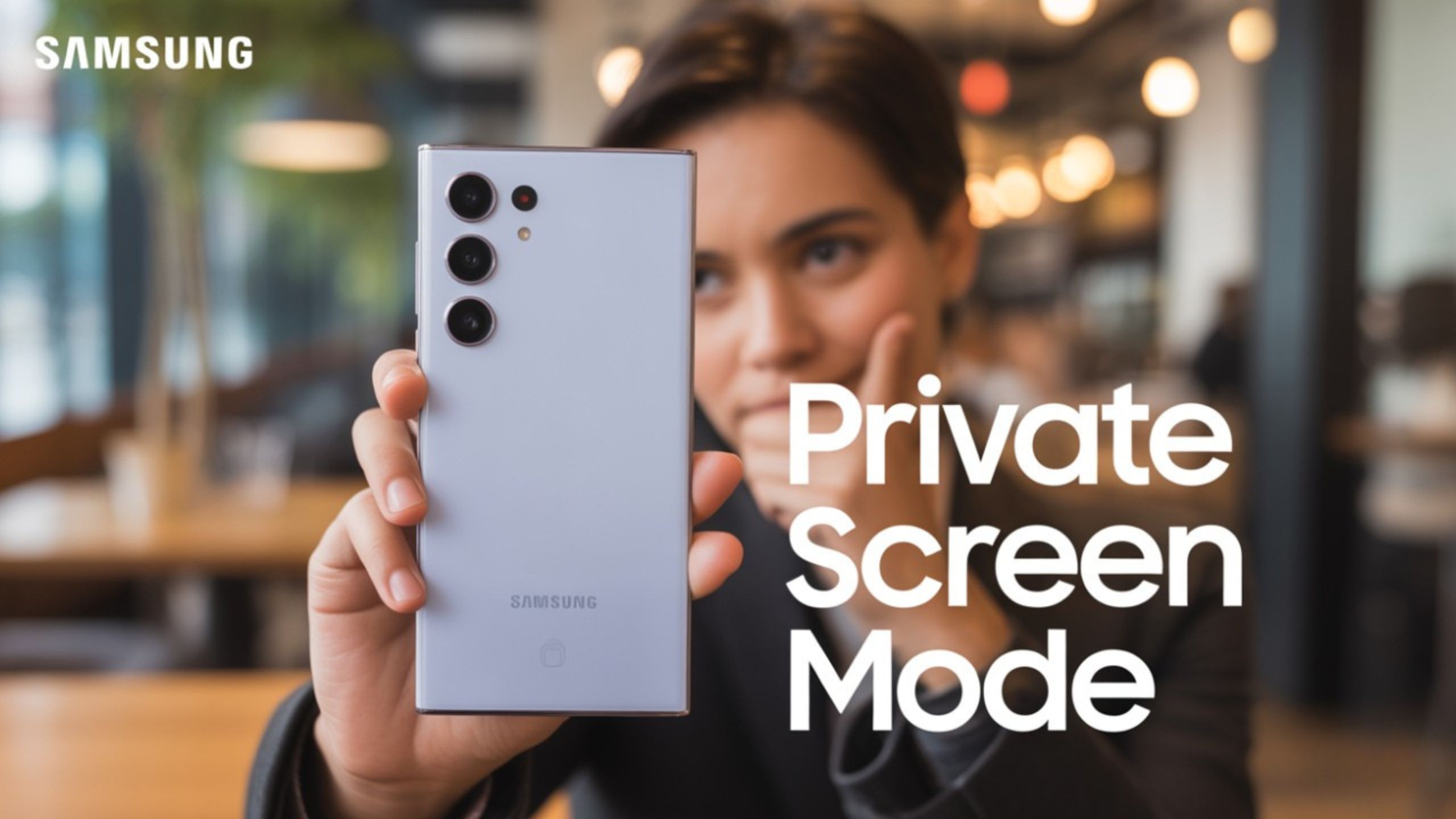
What is the Samsung Galaxy S26 Privacy Display?
The Privacy Display on the Galaxy S26 Ultra is a system-level software innovation designed to mimic the effect of a physical privacy screen protector but with far greater flexibility. Unlike traditional hardware filters, this feature allows users to adjust the intensity, toggle activation on demand, and automate privacy settings based on the environment or application.

By leveraging the new privacy display, users can reduce the risk of shoulder surfing while using sensitive apps or viewing personal content in public, without sacrificing the clarity and brightness for the person directly in front of the screen.
How the Privacy Display Works
Leaked screenshots from One UI 8.5 reveal that the Privacy Display employs angle-based pixel dimming, where the display maintains normal visibility for head-on viewing while reducing legibility at oblique angles. Users can activate Auto Privacy mode, which intelligently detects crowded areas, such as public transportation, cafes, or offices.
Additionally, a Maximum Privacy mode further restricts screen visibility from side angles, offering granular control over privacy settings. Unlike a simple on/off toggle, Samsung’s approach enables users to configure specific triggers, ensuring that privacy activation is both intelligent and contextually relevant.
Customizable Triggers for Enhanced Privacy
The S26 Ultra is expected to allow users to configure a wide array of custom triggers to activate the Privacy Display. These triggers include:
- Environment Detection: The device can recognize crowded areas such as buses, trains, or public gatherings.
- App-Based Privacy: Sensitive applications such as banking apps, password fields, PIN entry, and other confidential forms can automatically engage privacy protection.
- Selective Obscuring: Users can choose to blur or dim specific elements, such as notifications, picture-in-picture videos, gallery photos, and lock screen content, to maintain discretion.
This multi-layered privacy control is designed to provide maximum security without compromising usability for everyday tasks.
Under-the-Hood Technology Behind Privacy Display
Reports suggest that the Privacy Display leverages Samsung Display’s Flex Magic Pixel technology, a previously unveiled innovation allowing pixel-level control over viewing angles. This technology is likely enhanced by AI-based algorithms, which dynamically adjust pixel output to maintain normal clarity for direct viewers while obscuring content from side angles.
This advanced display management ensures that users can enjoy high brightness, vivid colors, and smooth motion, while minimizing the risk of unintended viewing from passersby. The technology marks a significant step forward compared to older hardware privacy solutions, which often degrade overall display quality.
User Experience and Practical Benefits
For users who frequently operate their phones in public or semi-public spaces, the Privacy Display offers tangible benefits:
- Enhanced Confidentiality: Bank transactions, work emails, and personal photos remain protected.
- Smart Automation: By detecting specific environments or applications, the feature minimizes the need for manual toggling.
- Customizable Privacy Levels: Users can select between subtle dimming and complete obfuscation, depending on their specific needs.
- Discreet Multitasking: Picture-in-picture videos and notifications can remain visible only to the device owner.
This combination of intelligence and flexibility ensures that the Galaxy S26 Ultra’s Privacy Display can adapt seamlessly to diverse user scenarios.
Availability and Limitations
Current reports indicate that the Privacy Display will initially be exclusive to the Galaxy S26 Ultra, with no confirmation yet on its availability for other S26 models. While the feature represents a significant innovation in mobile privacy, certain caveats remain:
- Brightness and Color Accuracy: High-intensity settings affect video playback or gaming visuals.
- Battery Consumption: Continuous AI-driven adjustments and environmental detection could impact battery life.
- App Compatibility: While most system apps are expected to integrate seamlessly, third-party apps may vary in their interaction with privacy controls.
Samsung is likely to refine these aspects before the final release, ensuring that privacy does not compromise the core user experience.
Impact on the Mobile Privacy Landscape
The introduction of the Privacy Display on the Galaxy S26 Ultra represents a strategic leap in mobile device security. Unlike prior privacy measures that relied on physical screen protectors or simple dimming features, Samsung’s approach combines AI, environmental awareness, and pixel-level display control.
This innovation positions Samsung as a leader in proactive privacy solutions, potentially setting a new standard for premium smartphones in 2025 and beyond. Competitors are likely to follow suit, making privacy a central aspect of display technology rather than a peripheral concern.
Wrap Up
The Samsung Galaxy S26 Ultra’s Privacy Display promises to offer users unprecedented discretion for personal and professional use in public spaces. By combining adaptive, AI-driven display adjustments with customizable triggers and app-specific rules, Samsung ensures that privacy is both practical and user-friendly.
As leaked One UI 8.5 pages reveal, the feature’s granular control over screen visibility—coupled with cutting-edge Flex Magic Pixel technology—positions the Galaxy S26 Ultra at the forefront of mobile innovation. Users can look forward to smart, context-aware privacy that preserves display quality while protecting sensitive information from unintended viewers.
With this feature, Samsung is not just enhancing privacy—it is redefining how users interact with their devices in public, making the Galaxy S26 Ultra a benchmark for next-generation mobile security.

Selva Ganesh is a Computer Science Engineer, Android Developer, and Tech Enthusiast. As the Chief Editor of this blog, he brings over 10 years of experience in Android development and professional blogging. He has completed multiple courses under the Google News Initiative, enhancing his expertise in digital journalism and content accuracy. Selva also manages Android Infotech, a globally recognized platform known for its practical, solution-focused articles that help users resolve Android-related issues.




This could change how we use phones in public.
Impressive innovation from Samsung once again.
A small but meaningful upgrade for privacy lovers.
This is why I always prefer Samsung over others.
Love the direction Samsung is going with privacy.
Samsung nailed it with this one.
Samsung continues to surprise us every year.
Finally, Samsung focusing on screen privacy!
Privacy on smartphones is long overdue!
I love how Samsung focuses on user security.
This is going to be a major selling point!
Such thoughtful innovation for daily life.
Samsung keeps setting the bar higher each year.
Samsung just made public phone use easier.
The leaks about One UI 8.5 sound very promising.
Samsung is miles ahead of its competitors now.
A perfect feature for office use and travel.
Samsung knows what users really need.
Great move towards enhancing privacy on phones.
Samsung setting new benchmarks again.