
When a company utilizes its hardware with more software features, it will become successful for its purpose. Compare with any Smarthome solutions, Amazon has become successful because of its flawless ecosystem and great software features. Now Amazon rolled out a new update that allows your Amazon Fire Tablet to use as an Alexa Home Hub. It is like Amazon Show, where you can control every Smarthome accessories with the tablet instead of your mobile. The update will be rolled out to most of the Amazon Fire Tablets that are released after 2017.
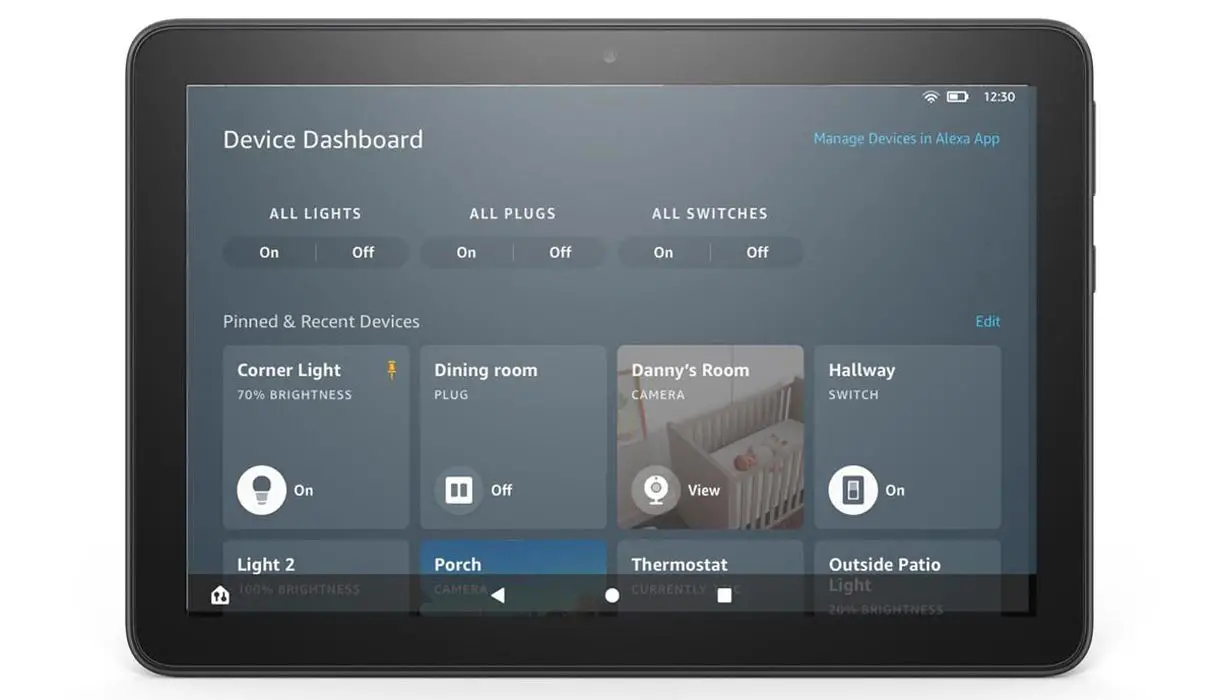
Amazon is rolling out an update to turn many of its Fire tablets into Alexa Home Hub, which will enable you to control your smart home devices from your Fire tablet. They call it Device Dashboard, where you can individually control your smart lights, cameras, switches, plugs, and thermostats.
Amazon Tablet as an Alexa Home Hub
The Amazon Fire tablets have been controlling the Alexa enabled smart devices through voice commands for quite a long time. It is the first time that you are controlling Alexa-enabled smart devices through a touch screen. Amazon rolls out this update on October 27 to add a new menu Device Dashboard on your Fire tablet. On this Device Dashboard, you will get control of all your Alexa enabled smart devices like lights, thermostats, fans, plugs, and cameras. You can turn on or off the individual light or perform a collective action for all devices. It is usual among the companies to roll out additional features to the display devices. With the recent update, You can watch Netflix in Google Home Nest Hub.
How to Access the Alexa Home Hub Dashboard?
When you install this new update, you will find a new Home button at the navigation bar’s left corner. By tapping the Home button, you will access the Device Dashboard to control all smart home devices.
This update’s beauty is that this Home button will be accessible on all screen, including the lock screen. That means all your devices are a tap away from you, and you can control any device with only one tap. Now you can control the smart devices without closing your apps that you are working on, and you don’t have to jump through many apps to control any of your devices.
Alexa Home Hub Supporting Tablets
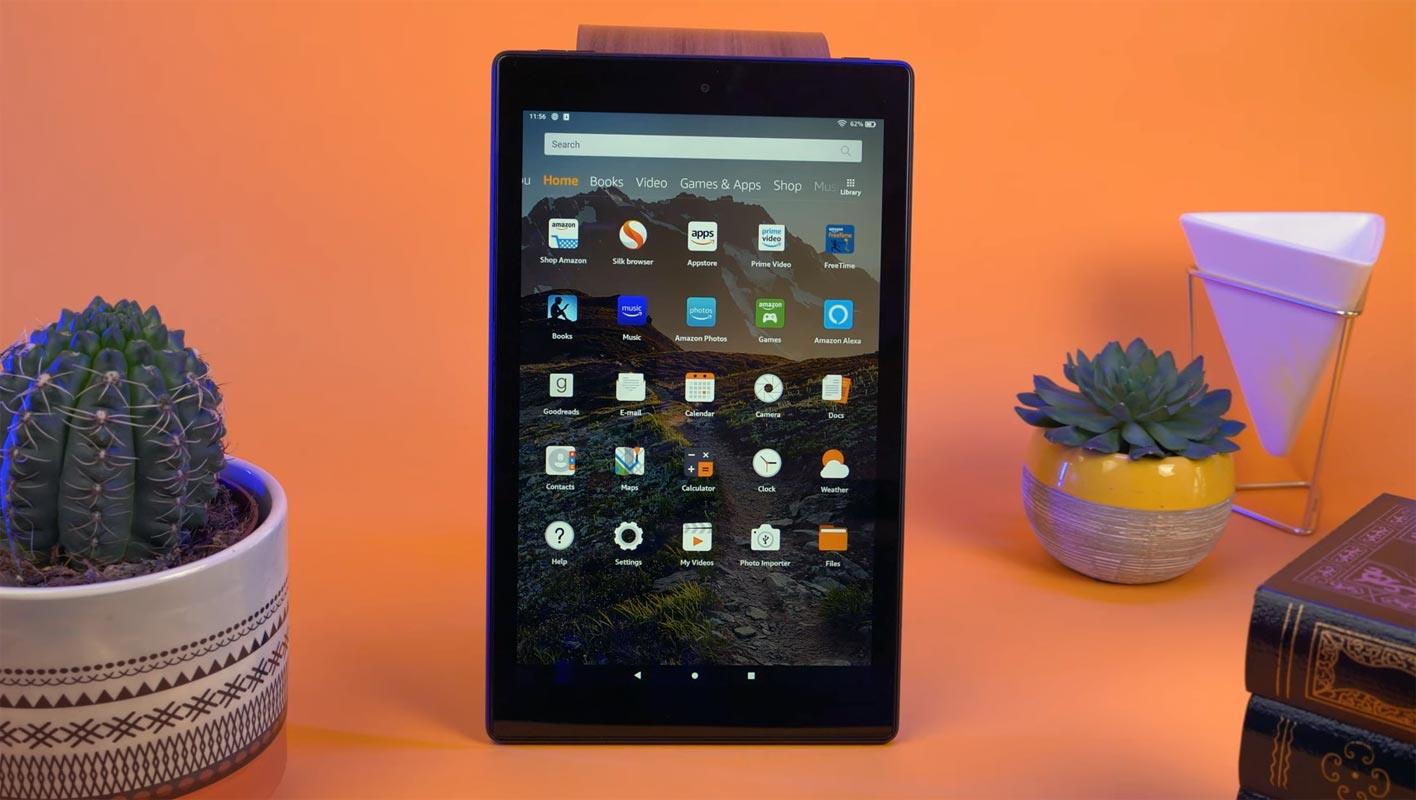
Unfortunately, you cannot use any Fire tablet to control your Alexa devices. Initially, all Amazon tablets are not compatible with the new update. You will need a relatively new Fire tablet to enjoy this control from your screen. According to Amazon, only four of these are compatible with updating this new rollout.
- Amazon Fire 7 (2019)
- Amazon Fire HD 8 (2018)
- Fire HD 8 (2020)
- Amazon Fire HD 10 (2019)
Why it’s A Big Deal for Users?
- Amazon rolled out this update when Google is updating its smart display user interface, and it’s more about touch than voice. This update is a pretty big deal for the Alexa users in some way:
- You don’t have to buy a new device to control your smart appliances.
- Fire tablets are portable, and you can take it anywhere with you inside your home.
- It is the cheapest to control devices through a touch screen as you can find the Fire tablet in the USA as low as $49. And you won’t find any Google display at that low price.
- It is pretty good if you have a lot of Alexa enabled devices that take time to control by voice commands. For example, you can turn off all lights with a single touch on your Device dashboard.
Wrap up
Amazon always rollout real-time features. AT&T users can ask Alexa to make phone calls. You don’t need your mobile presence within some areas to make those calls. Also, Amazon added direct printer support with Alexa commands. Amazon always knows what users want. Instead of rolling out gimmick features. They are useful. This new Device Dashboard will be beneficial for Fire tablets users. Now you can turn off the lounge light with touch without disturbing your sleeping partner with your voice while lying in your bed. Isn’t it nice? Do tell us your fun experiences in the comments below.

Selva Ganesh is a Computer Science Engineer, Android Developer, and Tech Enthusiast. As the Chief Editor of this blog, he brings over 10 years of experience in Android development and professional blogging. He has completed multiple courses under the Google News Initiative, enhancing his expertise in digital journalism and content accuracy. Selva also manages Android Infotech, a globally recognized platform known for its practical, solution-focused articles that help users resolve Android-related issues.




Leave a Reply