
Nvidia Shield TV users waited a long time for the Android 11 update. But as you may already know, When a company rollout significant updates, there will be some minor issues because of the comprehensive size update. They may not focus on small things and some compatibility. But, Nvidia Shield TV Android 11 updates hit some significant apps, including Plex. Also, It affects some of the hardware interactions, like mouse clicks not working. But, Nvidia has already rollout two hotfixes for significant issues; now, they roll out the third hotfix, 33.1.0.271, that solved Plex Server and Mouse click issues.
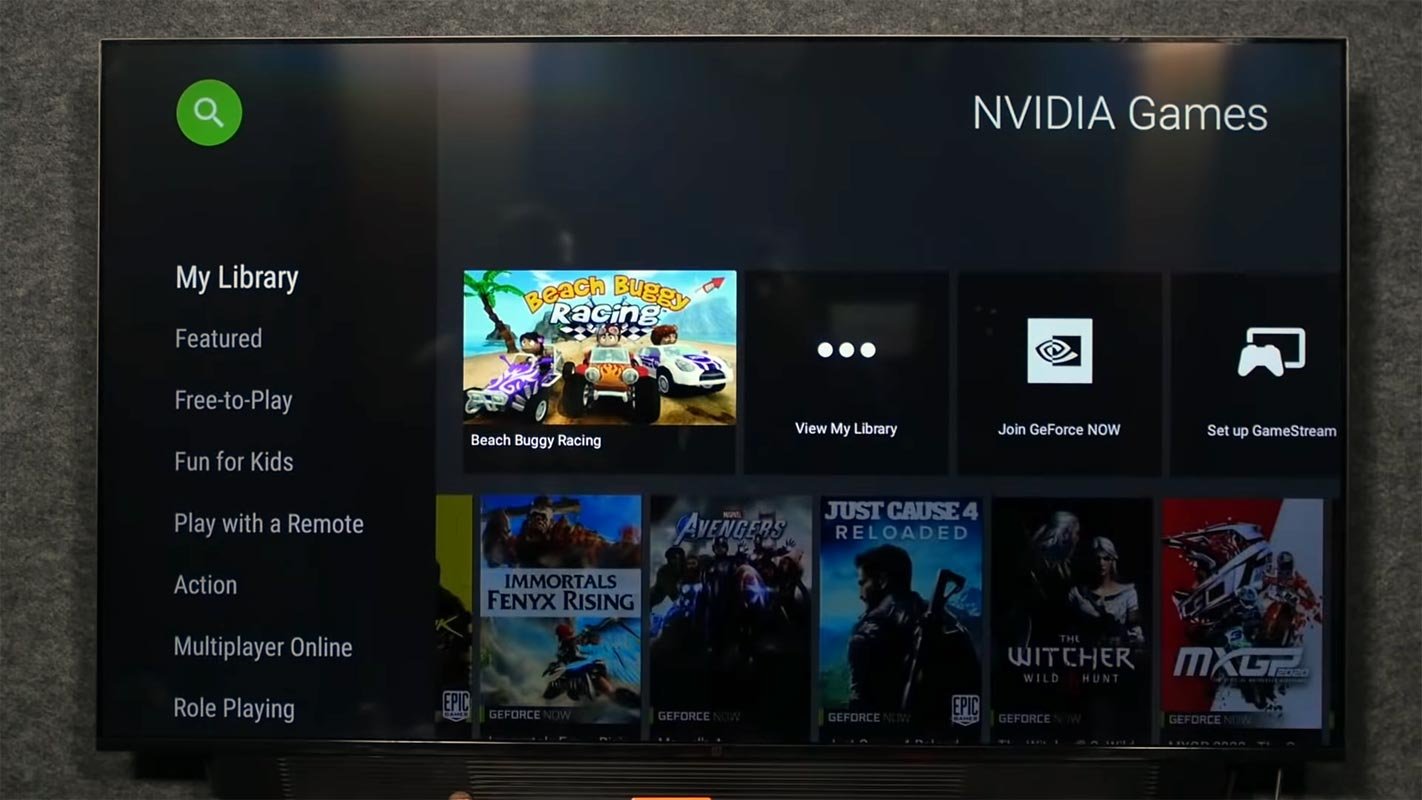
Nvidia Shield TV Android 11 Third Hot Fix Update
Version 33.1.0.264 was released to users on the 20th of January and brought various improvements for Shield TV models and -most importantly — fixing the previous Plex issues. This hotfix comes with an updated version of the Plex Media Server application designed to address external storage problems that first appeared due to Android 11. Google’s 2020 update uses the concept of scoped storage to improve privacy and security, limiting how many directories can be accessed by apps. Plex wasn’t even the first application affected by this change– Kodi and VLC were among the ones mentioned; however, it was the most prominent.
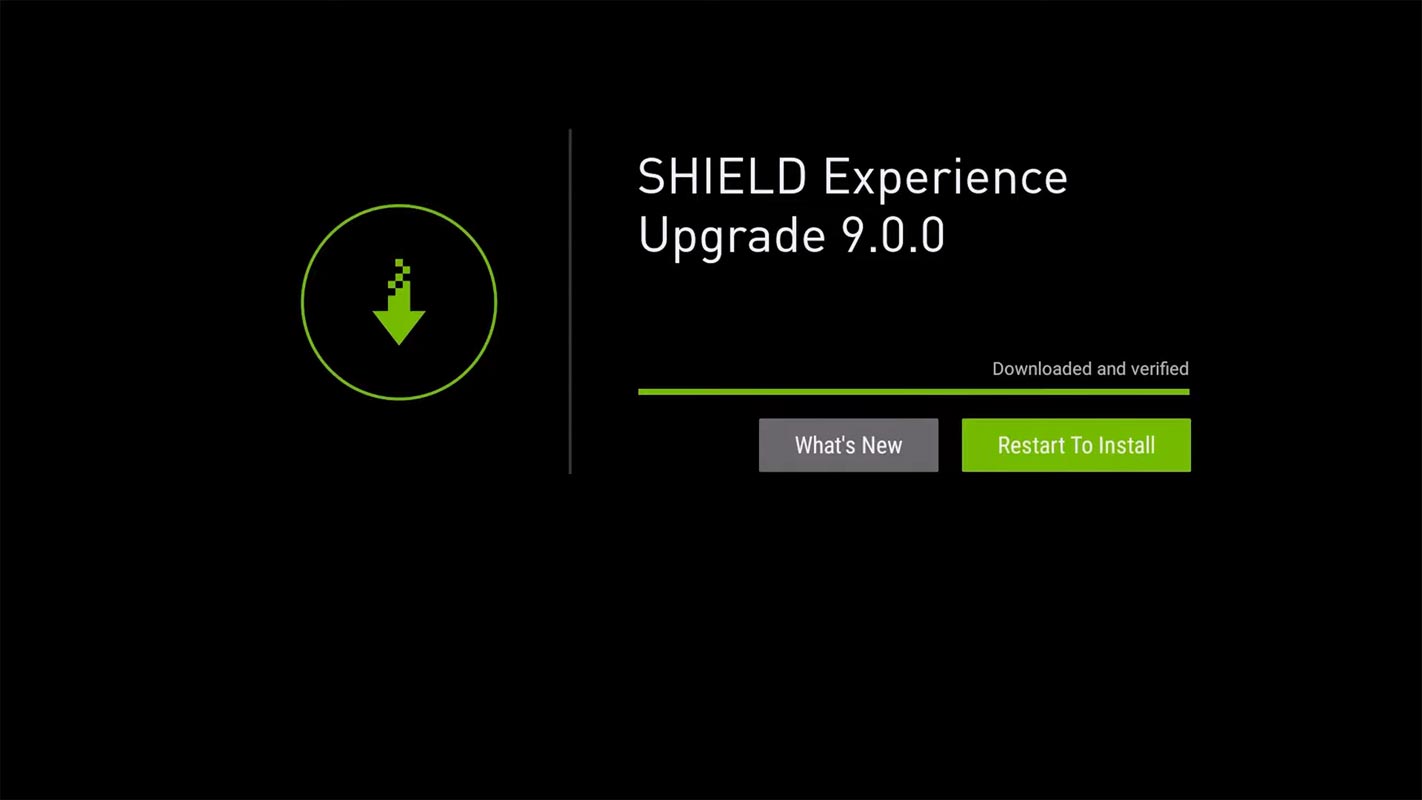
Nvidia Shield TV 33.1.0.271 Hotfix update details
- Resolves WiFi disconnects in a subset of mesh/band steering networks.
- The solution to Plex’s problems with file access is that users need to set up their Plex server once more after an OTA upgrade.
- The problem is resolved when using Bluetooth headphones. Audio is transferred via HDMI instead of headphones in the case of audio format settings set manual.
- Corrects the free space report that is incorrect using the SMB server feature of SHIELD.
- This resolves a problem when you switch the input away from SHIELD using CEC; the SHIELD system does not go to sleep.
- Problem solved with copying files across SMB to SHIELD if an application currently running in SHIELD could block the SMB transfers.
- Resolution of the long-press menu button and push the menu button to Kodi not working.
- Resolves SHIELD screen gets rotated 90 degrees.
- Resolves mouse clicks that do not work.
- Restores the capability of the SMB server to browse Kodi media content.
Of course, this isn’t the only fix to be found in this update. Interlaced content playback issues, CEC volume control increment issues, and unintentional creation in default Android folders intended for phones have been patched and fixed. If you’ve recently stumbled in internal folders that contain downloads and ringtones, they are now being deleted.
How do I sign up to receive Nvidia Hotfix updates?
You’ll need to signup to receive this update on the Nvidia website by hand, and after your device is updated and installed with the software, there’s no way to roll it back. If the next update is released, your device will be notified of the update as usual and download it. It’s worth reading the patch notes from Nvidia for the complete list of fixes and instructions for installation.
Restrictions on Hotfix updates
- It is impossible to go back to HotFix.
- The HotFix is for public release builds. If you join this HotFix, you’ll receive every update to it up until the next release, and then that’s it. If you’d like to participate in future HotFixes, you’ll be required to sign up for them when they are released.
- There’s no exit route to the HotFix procedure once you have joined it; however, you can defer any updates made to HotFix images if you do not wish to install them.
- If the next release comes out, It’ll notify you as usual.
- HotFix images aren’t Google certified by Google. The next version will include all certifications. The adverse effects we’ve seen thus far are listed below, and They could reveal more shortly.
- It will be impossible to download or upgrade Disney+ from the Playstore if you haven’t downloaded it yet or perform a Factory reset for this image.
- HD Homerun DRM channels will not function.
Wrap Up
It is normal to get the issues when you have a massive update. But when it affects other apps, It is not a comfortable solution. Most users advise others not to update to Android 11 until some stable releases happen. Nvidia tries to patch the issues with beta updates and hotfix updates. But the regular update may take some time which covers all of the existing problems. When you can’t wait and want to get the Nvidia 33.1.0.271 hotfix update, you can sign up to the Nvidia site and get the update. Did you face any other issues mentioned above? Share your experience below.

Selva Ganesh is a Computer Science Engineer, Android Developer, and Tech Enthusiast. As the Chief Editor of this blog, he brings over 10 years of experience in Android development and professional blogging. He has completed multiple courses under the Google News Initiative, enhancing his expertise in digital journalism and content accuracy. Selva also manages Android Infotech, a globally recognized platform known for its practical, solution-focused articles that help users resolve Android-related issues.




Leave a Reply