
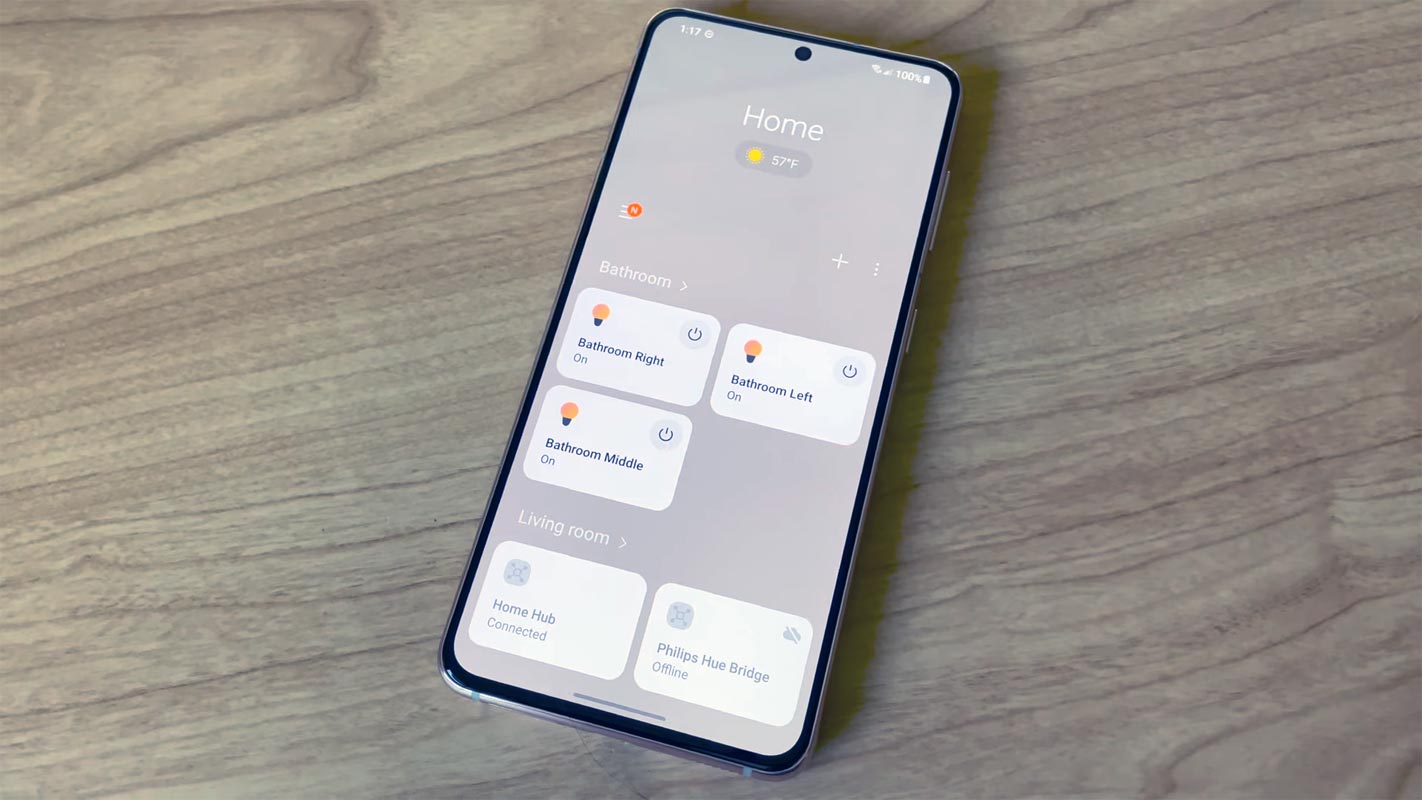
When dealing with Hardware products, Samsung always stays top among user trust. Because of Samsung’s quality and long-lasting effects always go with confidence when they find the name. Samsung also, Tries to enhance its territory with various products. Smart Home solutions are becoming everyday things. Since Samsung has a wide variety of Hoem appliances, They already bring the Smart controls over their Refrigerators, Air-Conditioners, Microwaves, and Even on small products like Plugs and other things. They have their central control app called SmartThings. Samsung keeps rolling out updates to this app. Now you can manually Re-Order your Scenes in Samsung SmartThings App Widget.
Samsung SmartThings App
The app allows you to manage every gadget in a single location or divide devices into “scenes,” designed to control how and when specific automation is activated quickly. If you’re using the widget in the app to toggle your SmartThings scenes, You’ll be pleased to know that a brand new version of the app is bringing the ability to arrange them according to your preference.
Re-Order Scenes Samsung SmartThings App
This South Korean firm has now added the ability to sort and rearrange the scene list within the SmartThings Widget. You can sort the scenes you’ve created by alphabetical sorting (A-Z or Z-A) manually or sort according to the creation day of each location. This will make it easier to identify home automation scenes, especially if you’ve created numerous scenes.
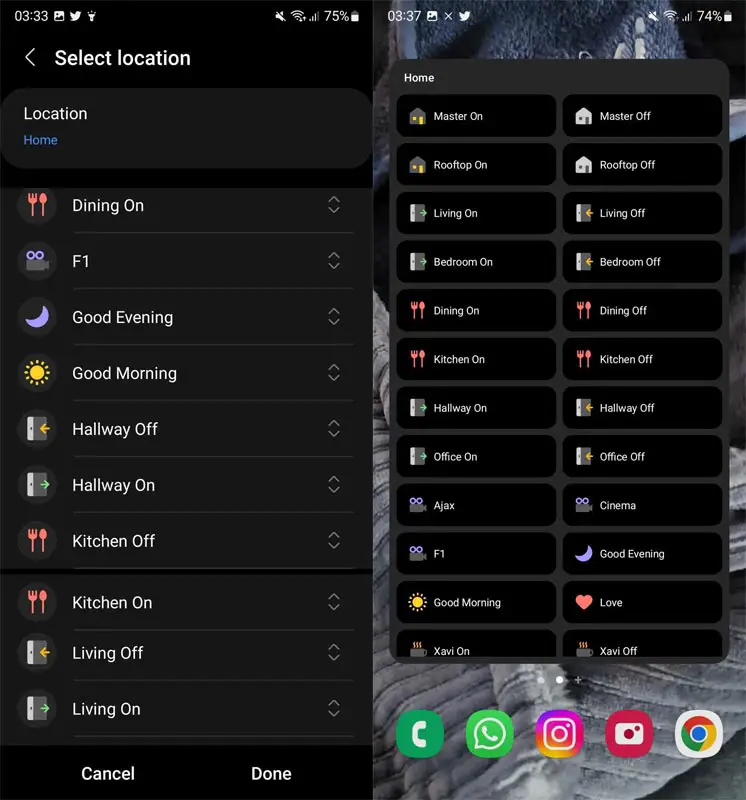
As is the norm, modifying the widget’s appearance and feel is also possible. You can change the widget’s dimensions and also select the transparency levels. The widget may either match the device’s theme or adopt a Light and Dark theme according to your preferences. You must ensure that you have the most current version of the SmartThings application installed to benefit from this feature.
It’s essentially a simple sorting feature. It’s part of the existing customization options. And it’s pretty; frankly, it looks like something that it ought to have already.
Availability
Download the most recent version of the SmartThings application on the Google Play Store. It could take a couple of days to have the sorting of scenes go out to everyone; you shouldn’t be too surprised when you don’t get it yet.
Wrap Up
Small things are always a reason for irritating or satisfying customers. The Re-Order facility in the Samsung SmartThings app may look basic. But, It will satisfy most users who struggle to align the scenes as per their needs. Since Samsung is moving towards daily life devices, they have to focus on software optimization. Did you get the Re-Order your Scenes in Samsung SmartThings App? If you didn’t get the option, Update your app and share your experience with the new opportunity.

Selva Ganesh is a Computer Science Engineer, Android Developer, and Tech Enthusiast. As the Chief Editor of this blog, he brings over 10 years of experience in Android development and professional blogging. He has completed multiple courses under the Google News Initiative, enhancing his expertise in digital journalism and content accuracy. Selva also manages Android Infotech, a globally recognized platform known for its practical, solution-focused articles that help users resolve Android-related issues.




Leave a Reply